
Account Contact
Je winkelwagen
Verzending via DPD & FedEx
Hulp nodig? Vraag het de AI

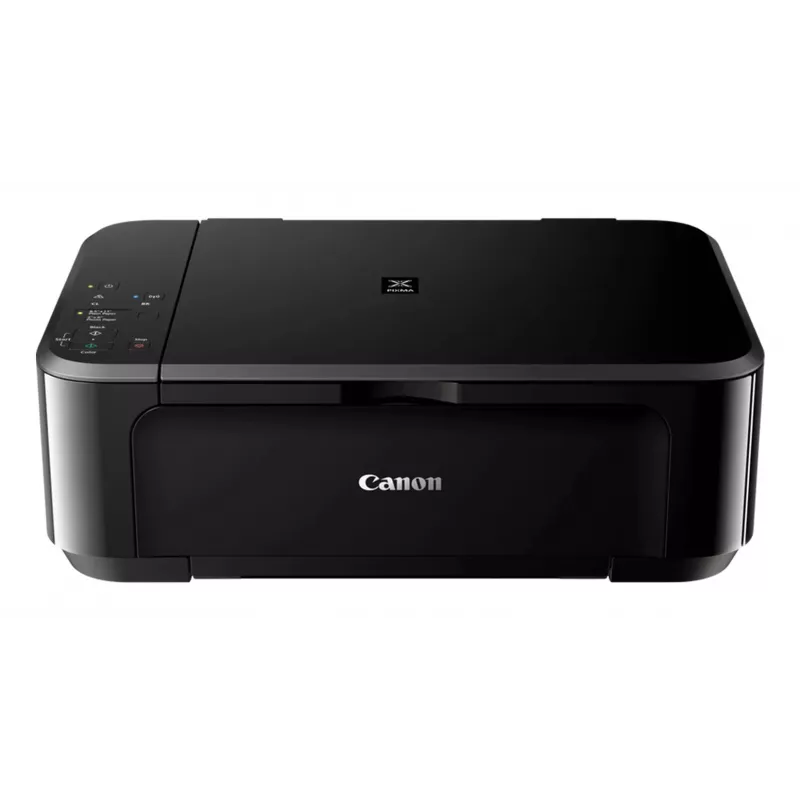
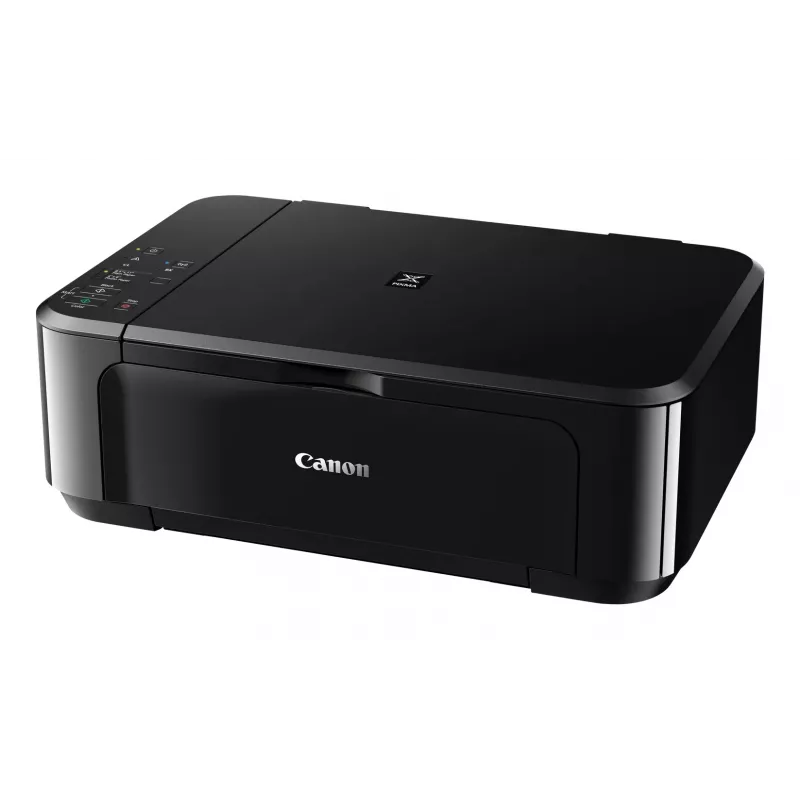
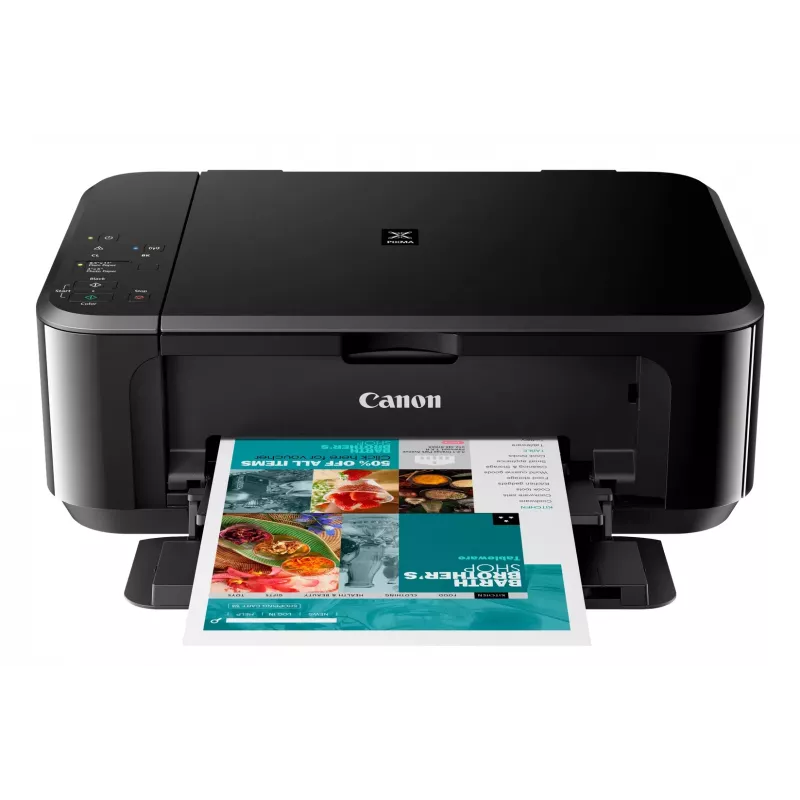
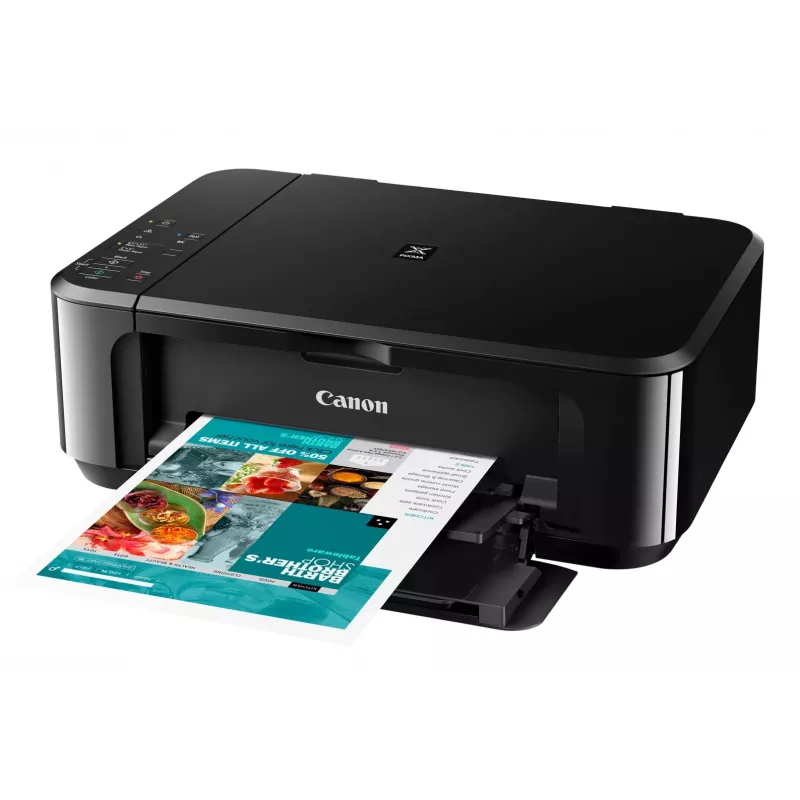
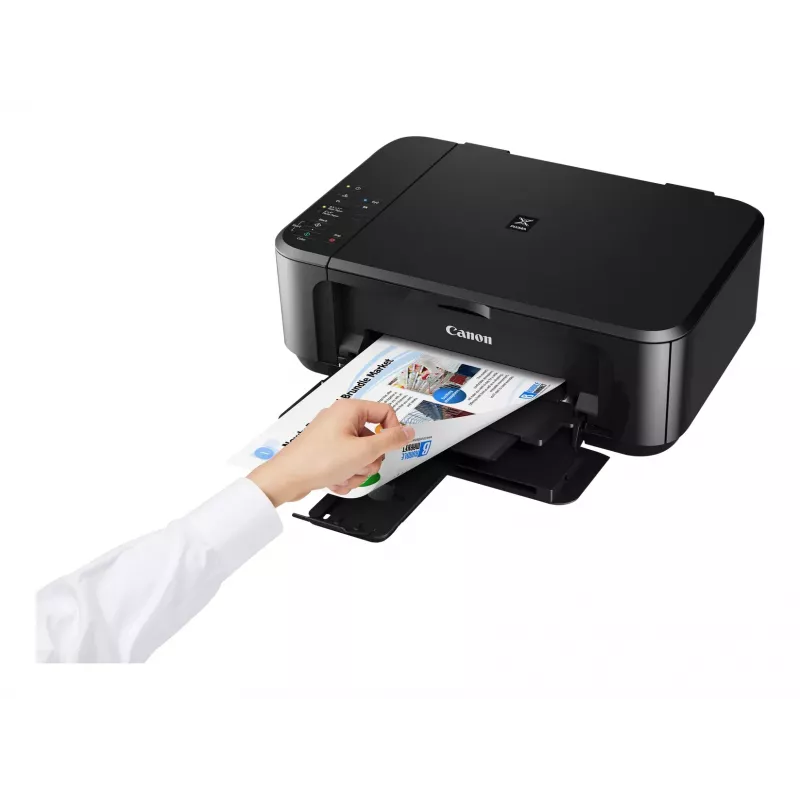
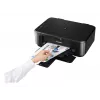
Canon PIXMA MG3650S inkjet A4 4800 x 1200 DPI Wi-Fi

Canon PIXMA MG3650S inkjet A4 4800 x 1200 DPI Wi-Fi
152,68 €
The Canon PIXMA MG3650S is a compact Wi‑Fi All‑In‑One printer designed for home and small office use. It offers printing, copying and scanning with optional XL ink cartridges and automatic double‑sided printing, enabling fast, high‑quality borderless photos up to A4 and sharp text documents. Connect... Lees meer
Voorraad Niet op voorraadGeen voorraad Code 25793 Merk Canon Model 0515C106 Garantie 2 jaar

Bezorging & retourneren

The Canon PIXMA MG3650S is a compact Wi‑Fi All‑In‑One printer designed for home and small office use. It offers printing, copying and scanning with optional XL ink cartridges and automatic double‑sided printing, enabling fast, high‑quality borderless photos up to A4 and sharp text documents. Connectivity options include wireless printing from smartphones and tablets via the Canon PRINT app and direct access to cloud services through PIXMA Cloud Link.

Advantages

This All‑In‑One provides borderless photo printing from 4x6 inch to A4, clear document text and straightforward mobile operation. Integrated cloud connectivity (Google Drive, OneDrive, Dropbox) and the ability to scan or send files by email without a PC increase workflow flexibility. Optional XL cartridges and automatic two‑sided printing reduce consumable costs and paper use.

Key specifications

  • Model: Canon PIXMA MG3650S
  • Functions: Print, copy, scan
  • Connectivity: Wi‑Fi, Canon PRINT app, PIXMA Cloud Link
  • Photo printing: Borderless up to A4; supports 4x6 inch
  • Ink options: Standard and optional XL cartridges (genuine Canon ink required for some cloud/scan functions)
  • Duplex: Automatic 2‑sided printing

How to use

Install the Canon PRINT app on your smartphone or tablet and follow the on‑screen instructions to connect the PIXMA MG3650S to your Wi‑Fi network. Load paper or photo media into the paper tray, select print, copy or scan from the device or app, and choose settings such as borderless printing or double‑sided output. To scan to cloud services or email directly from the printer, sign in to PIXMA Cloud Link within the app and use genuine Canon ink if required for scan‑to‑cloud/email features.

Recommendations

For lower running costs choose optional XL ink cartridges and enable automatic duplex printing where appropriate. Use genuine Canon ink to ensure full functionality of scan‑to‑cloud and scan‑to‑email services and to maintain print quality.
Belangrijkste kenmerken
  • Home & office Inkjet Colour printing
  • 4800 x 1200 DPI
  • A4
  • Colour copying Colour scanning
  • Apple AirPrint, Google Cloud Print, Mopria Print Service, PIXMA Cloud Link
  • Direct printing
  • USB port Wi-Fi
  • 5.4 kg
Specificaties
Aantal printcartridges
2
AC-ingangsfrequentie
50 - 60 Hz
AC-ingangsspanning
100 - 240 V
Bedrijfstemperatuur (T-T)
5 - 35 °C
Beveiligingsalgoritmen
WEP, WPA-PSK, WPA2-PSK
Breedte
449 mm
Diepte
304 mm
Direct printen
Yes
Dubbelzijdig printen
Yes
Enveloppenformaten
10, DL
Ethernet LAN
No
Faxen
No
Formaten ISO A-serie (A0...A9)
A4, A5
Fotopapierformaten (inch)
10x15,13x18,20x25
Geharmoniseerd Systeem (HS)-code
84433100
Geluidsvermogensniveau (stand-by)
43.5 dB
Gewicht
5.4 kg
Hoogte
152 mm
Ingebouwd display
No
ISO B-formaten (B0...B9)
B5
Kleurdiepte invoer
48 bit
Kleurdiepte uitvoer
24 bit
Kopiëren
Colour copying
Marktpositionering
Home & office
Maximaal aantal kopieën
21 copies
Maximaal papierformaat ISO A-serie
A4
Maximaal scanbereik
216 x 297 mm
Maximale invoercapaciteit
100 sheets
Maximale resolutie
4800 x 1200 DPI
Mediatypen papierlade
Envelopes, Glossy paper, High resolution paper, Matte paper, Photo paper, Plain paper, Semi-glossy paper, T-shirt Transfer
Meegeleverde software
MP Driver including Scanning Utility My Image Garden with Full HD Movie Print 9 Quick Menu Easy-WebPrint EX (download)
Modus dubbelzijdig printen
Auto
Niet-ISO-afdrukformaten
Legal, Letter
Ondersteunde Mac-besturingssystemen
Yes
Ondersteunde mobiele besturingssystemen
Android, iOS
Ondersteunde Windows-besturingssystemen
Yes
Optische scanresolutie
1200 x 2400 DPI
PictBridge
Yes
Printen
Colour printing
Printsnelheid (ISO/IEC 24734) kleur
5.7 ipm
Printsnelheid (ISO/IEC 24734) zwart-wit
9.9 ipm
Printtechnologie
Inkjet
Productkleur
Black
Relatieve luchtvochtigheid tijdens gebruik (H-H)
10 - 90%
Scannen
Colour scanning
Scannertype
Flatbed scanner
Scantechnologie
CIS
Standaardinterfaces
USB, Wireless LAN
Stroomverbruik (gemiddeld gebruik)
16 W
Stroomverbruik (kopiëren)
16 W
Stroomverbruik (stand-by)
1.4 W
Stroomverbruik (uit)
0.1 W
Technologieën voor mobiel printen
Apple AirPrint, Google Cloud Print, Mopria Print Service, PIXMA Cloud Link
Type papierinvoer
Paper tray
USB-poort
Yes
Wifi
Yes
Wifi-standaarden
802.11b, 802.11g, Wi-Fi 4 (802.11n)

Handleiding

Document openen
Prijsverloop is nog niet beschikbaar
We zijn nog bezig met het verzamelen van voldoende dagelijkse prijsgegevens voor dit product.

Review schrijven

Beoordeling *
Je naam wordt openbaar getoond – je mag ook een bijnaam gebruiken. We nodigen kopers uit om reviews te schrijven. We controleren reviews vóór plaatsing en plaatsen ook kritische reviews.

Reviews van experts

Onafhankelijke reviews van techmedia

goodhousekeeping.comThe
7.8/10

Eindoordeel: At just shy of £40, the Canon Pixma MG3650S is reasonably priced and delivers impressive print quality as well as fast scanning. So, if you're after a budget printer that develops sharp and vibrant photos, it's definitely worth your while. It worked quick...

Pluspunten
  • It's straightforward to set up and use
  • You can set the printer to automatically print on both sides of paper
  • It's really easy to print from your smartphone or tablet thanks to the Canon Print app, and you can print straight from a digital camera using P
Minpunten
  • There's no memory card slot or LCD screen to print photos from
  • The output tray doesn't always catch the pages after they've been printed
Lees de volledige review op goodhousekeeping.com →
techadvisor.co.ukCliff
6/10

Eindoordeel: The high cost of Canon's black ink cartridges means that the MG3650 isn't a good choice for people who mostly just need to print simple text documents. Fortunately colour printing is far more competitive, so it's worth considering if you need a versatile...

Lees de volledige review op techadvisor.co.uk →

Populaire producten in deze categorie

Verkoper: UAB KUR LT · Laisvės pr. 125A, LT-06118 Vilnius, Litouwen · Bedrijfsnummer 303192950 · Btw-nummer LT100008198612 · Verzending vanuit de EU (Litouwen)
Hoi, ik ben de AI-assistent van DistriNode. Ik help je graag met het vinden van producten, het vergelijken van opties, het maken van offerte-PDF's of het openen van supportaanvragen.
Alle categorieën