Account Contact
Je winkelwagen
Verzending via DPD & FedEx
Hulp nodig? Vraag het de AI

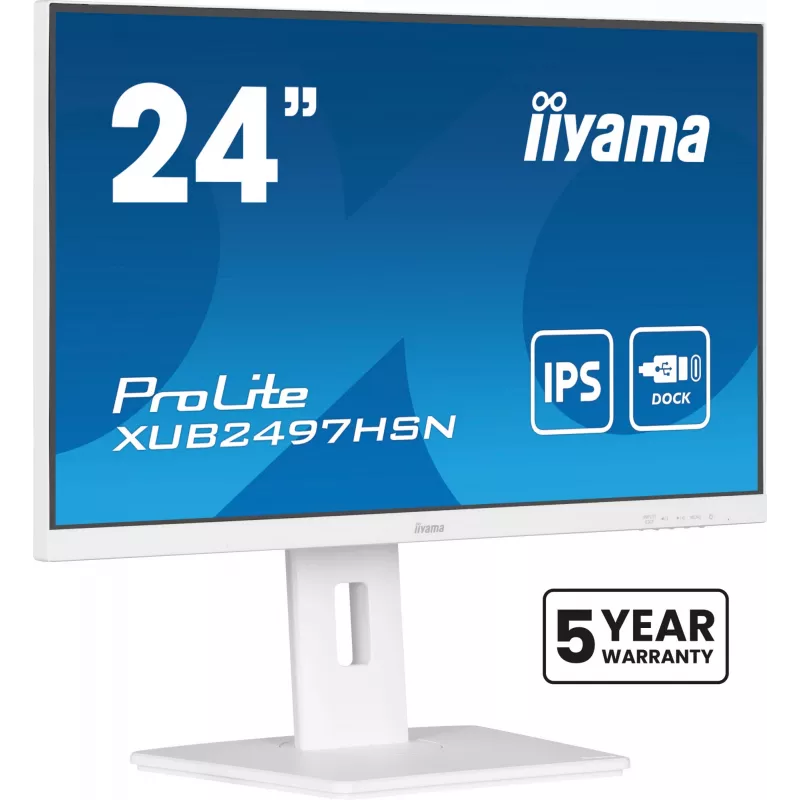
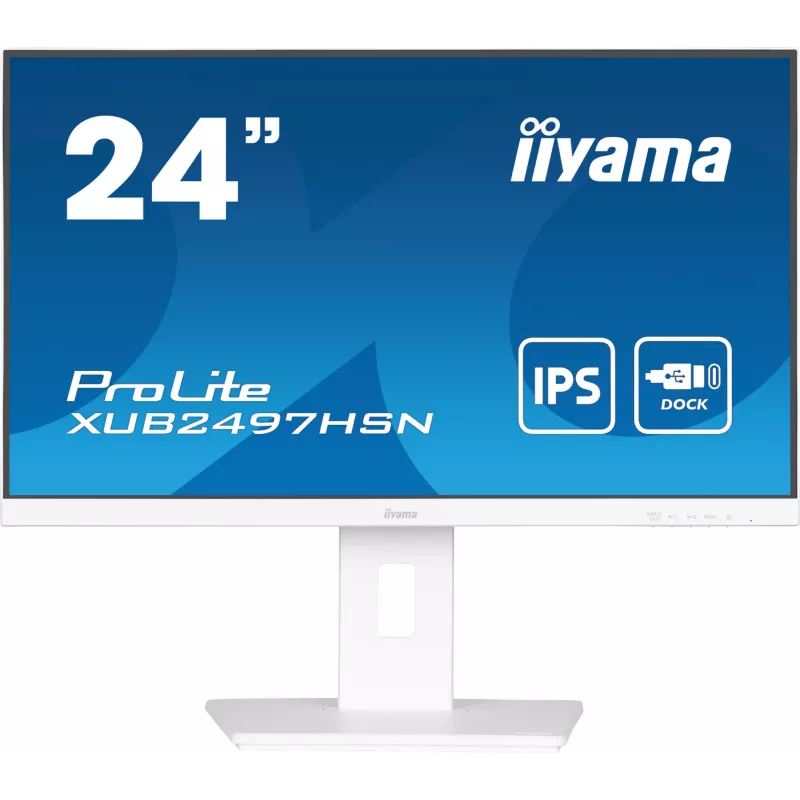
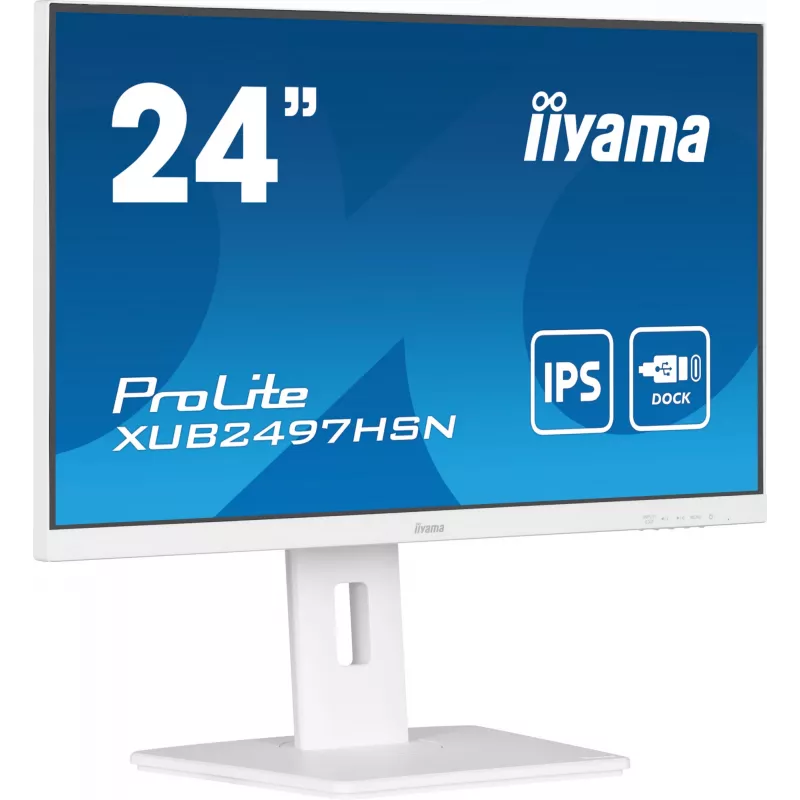
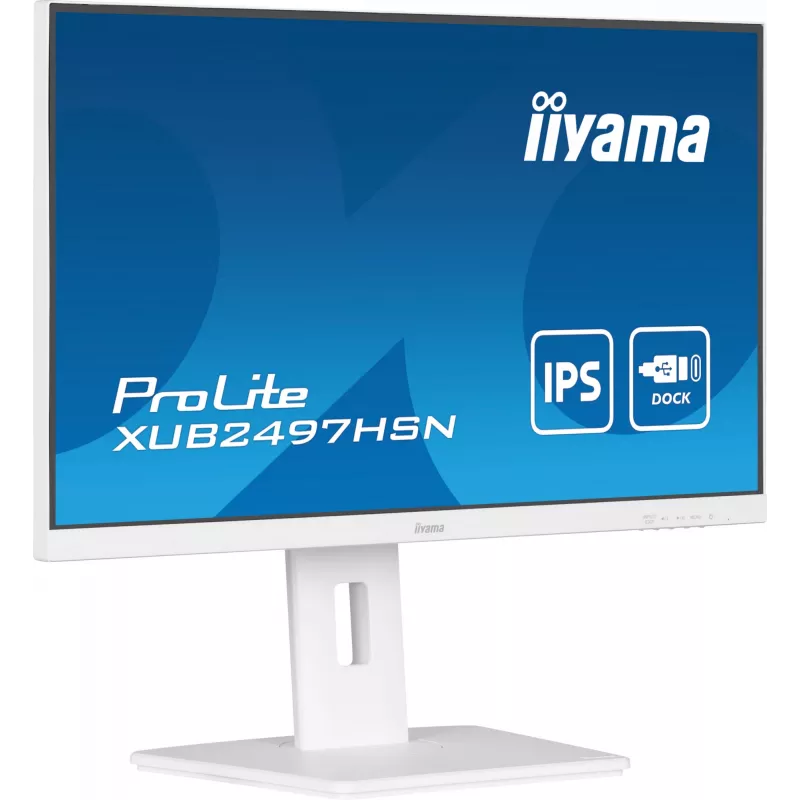
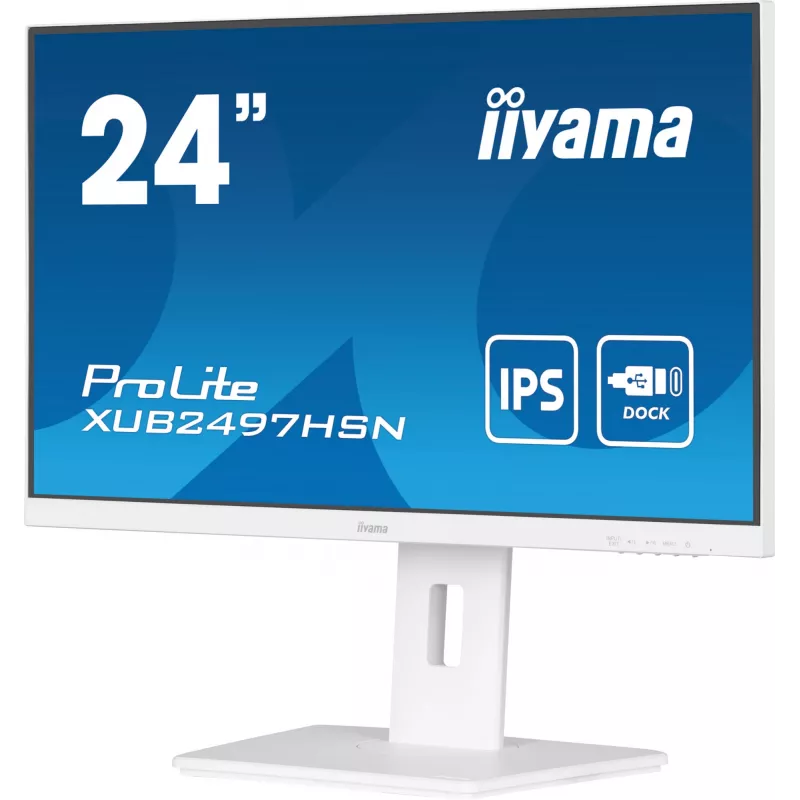
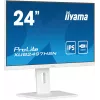
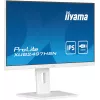
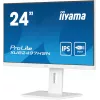
iiyama ProLite XUB2497HSN-W1 computermonitor 60,5 cm (23,8 inch) 1920 x 1080 pixel Full HD LED wit

iiyama ProLite XUB2497HSN-W1 computermonitor 60,5 cm (23,8 inch) 1920 x 1080 pixel Full HD LED wit
36 mnd.
iiyama ProLite XUB2497HSN-W1 computermonitor 60,5 cm (23,8 inch) 1920 x 1080 pixel Full HD LED wit
177,43 €
Equipped with a USB-C dock connector, the XUB2497HSN allows you to simplify your workspace by using a single cable to both send signal from your notebook to your monitor and power and charge the notebook from the monitor. Additionally, if your monitor is connected to the Internet with a LAN cable, y... Lees meer
Voorraad Niet op voorraadGeen voorraad Code 124109 Merk IIYAMA Model XUB2497HSN-W1 Garantie 3 jaar

Bezorging & retourneren

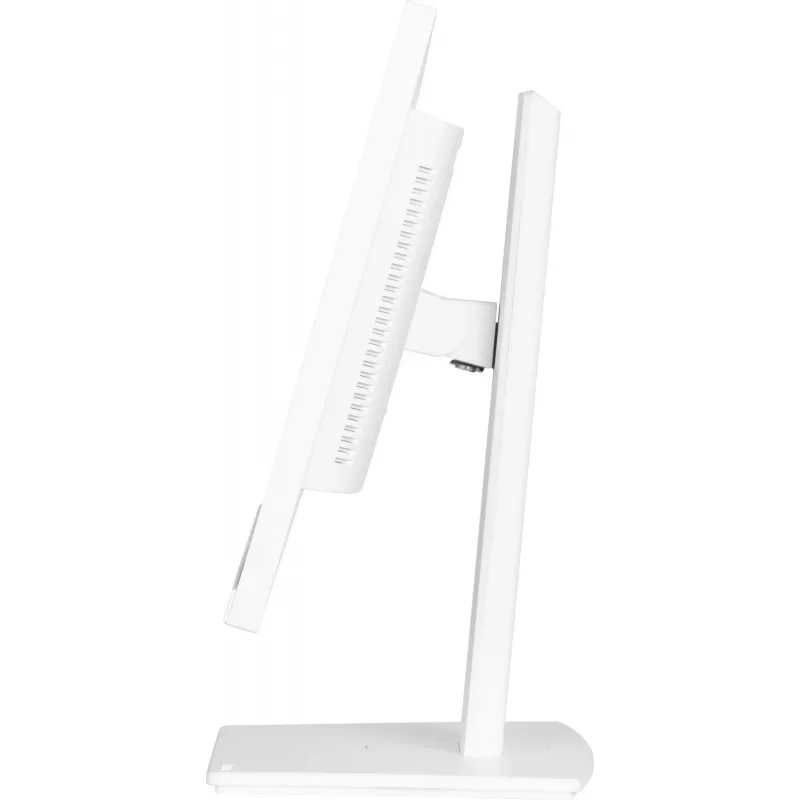
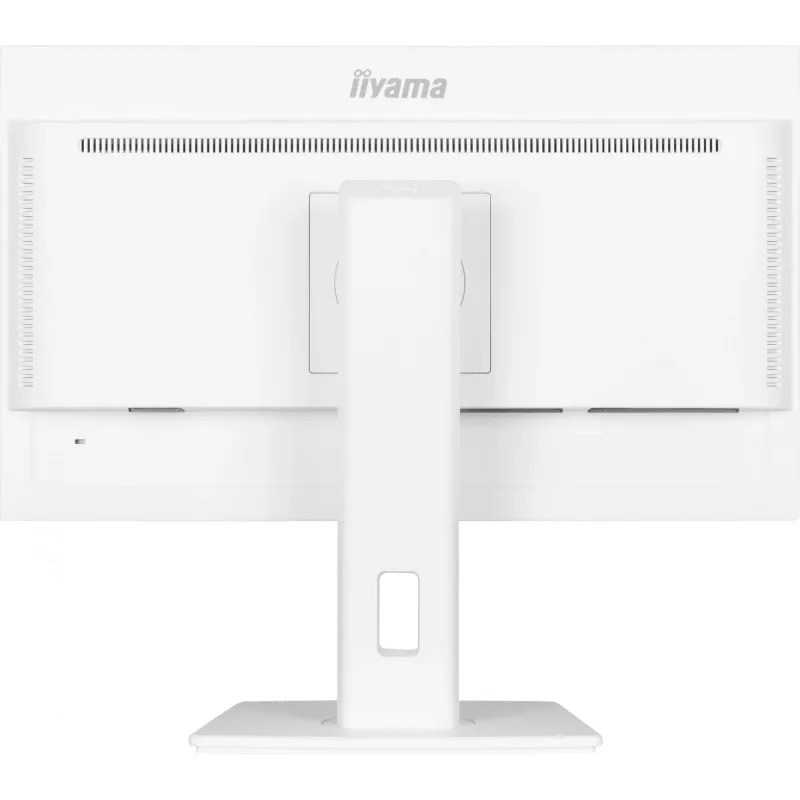
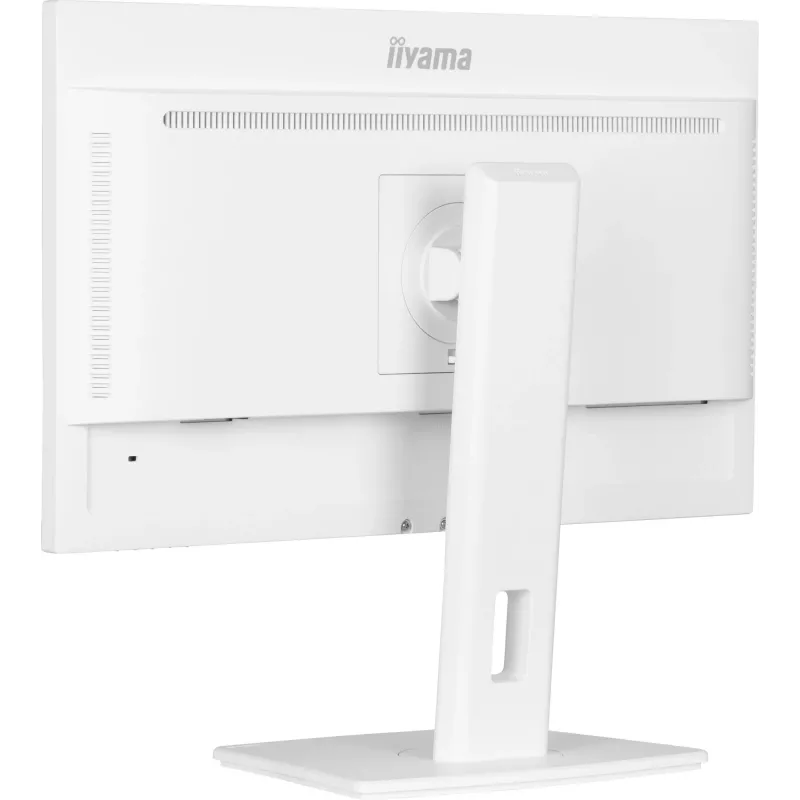
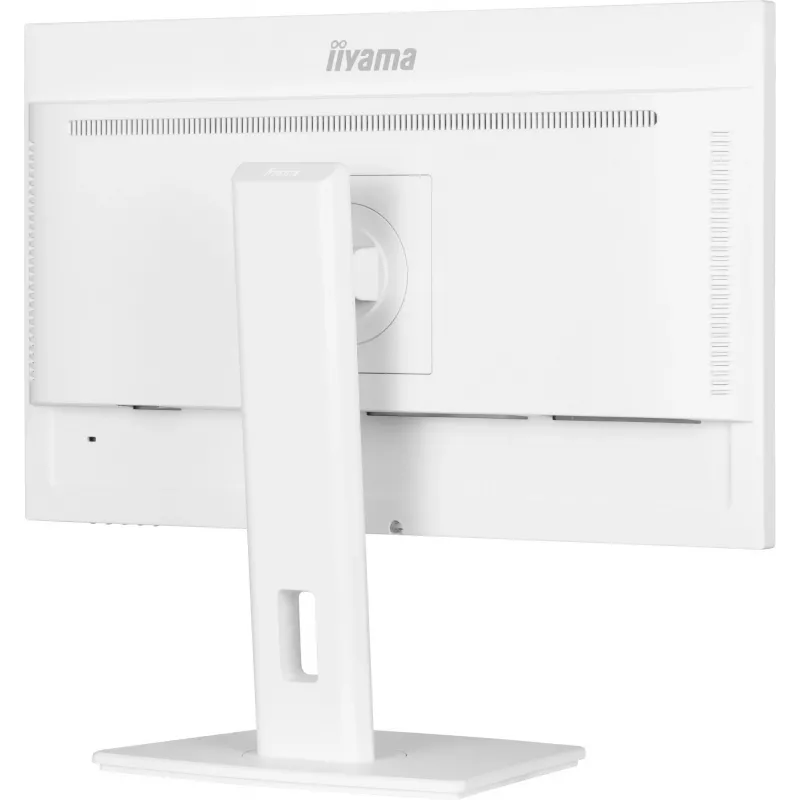
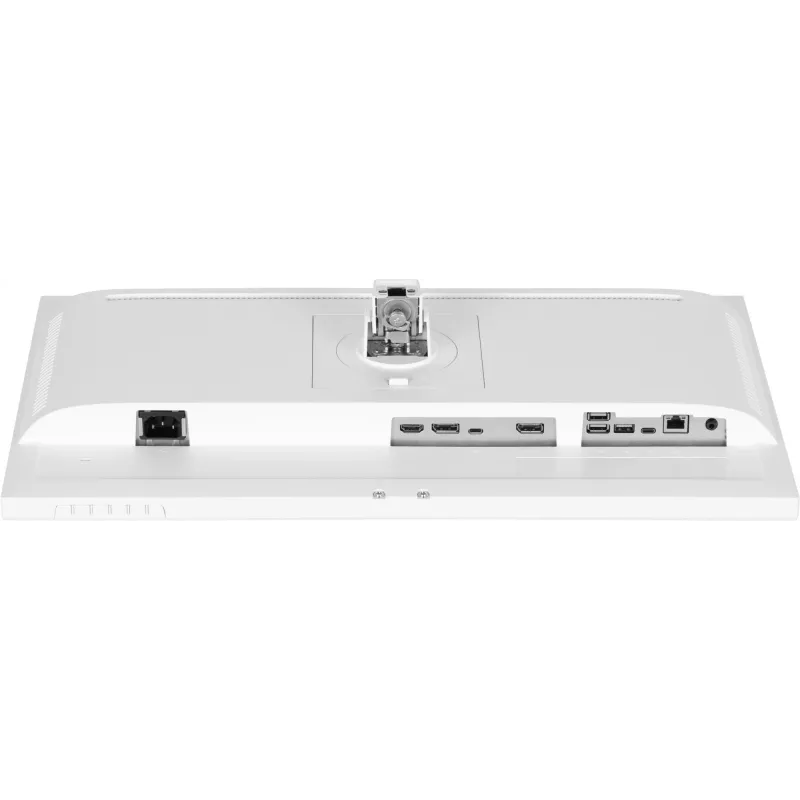
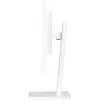
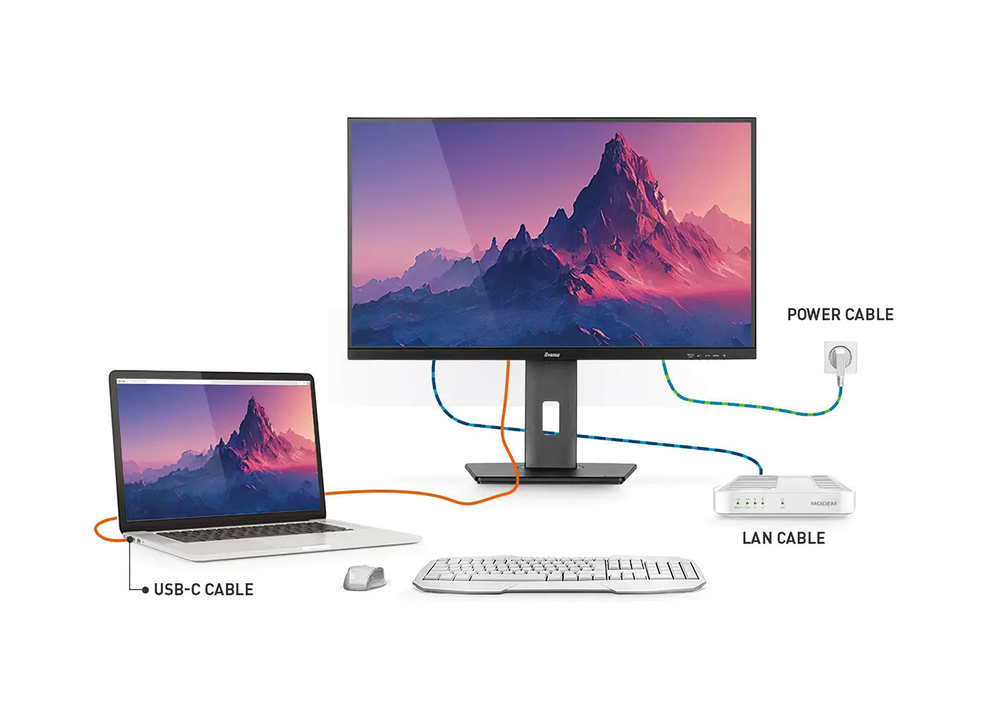
Equipped with a USB-C dock connector, the XUB2497HSN allows you to simplify your workspace by using a single cable to both send signal from your notebook to your monitor and power and charge the notebook from the monitor. Additionally, if your monitor is connected to the Internet with a LAN cable, your notebook will automatically be connected to the network as well. Thanks to a DisplayPort output you can easily extend your desktop by creating a double-monitor set-up. Supplied with a 150mm height-adjustable stand featuring pivot and swivel functions, the XUB2497HSN allows you to easily adjust the screen position to your preferences.
USB-C Dock

USB-C Dock

The dock allows you to connect your laptop with a single cable to the monitor to both make sure it is charged and connected to a wired network and signal from the laptop is sent to the monitor. A second monitor can be connected to the DisplayPort (MST) output to create a multi-monitor set-up. With additional USB-ports, your mouse, keyboard or webcam can also be connected to the monitor. All thanks to a single cable connecting your laptop* to the USB C dock in the monitor. *Functions vary depending on your laptop USB-C support.

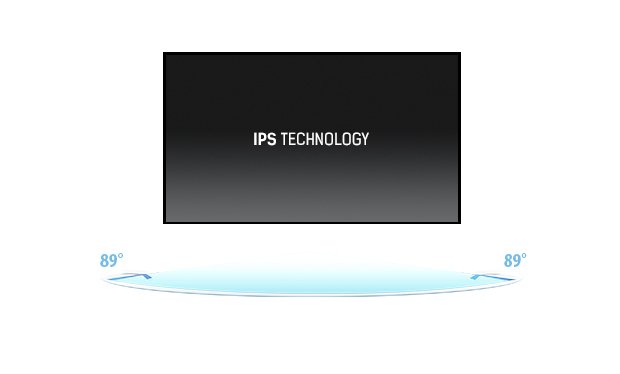
IPS Technology

IPS displays are best known for wide viewing angles and natural, highly accurate colours. They are especially suited for colour-critical applications.
IPS Technology
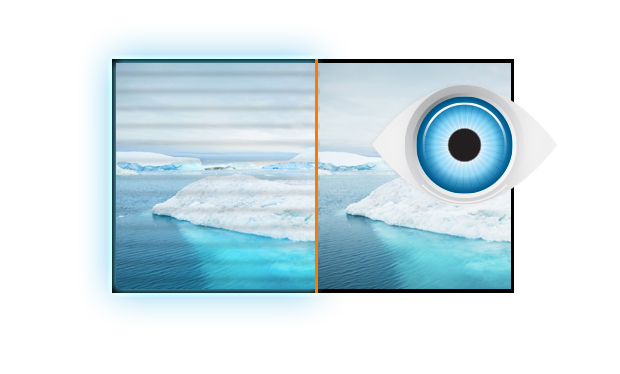
Flicker-free + Blue light

Flicker-free + Blue light

The ultimate solution for the comfort and health of your eyes. Flicker-free monitors with the blue light reducer function substantially reduce the strain and fatigue caused by flickering and blue light emittance of regular monitors.

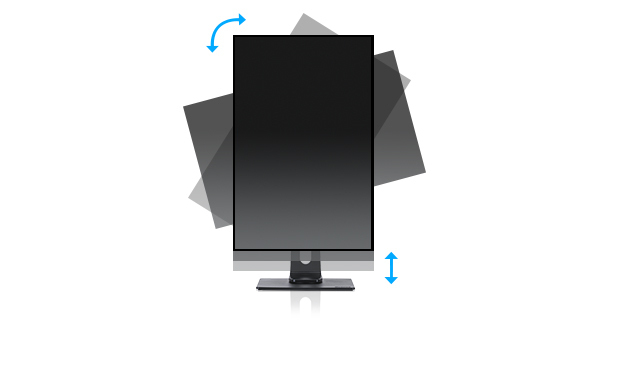
HAS (150mm) + Pivot (rotation both sides)

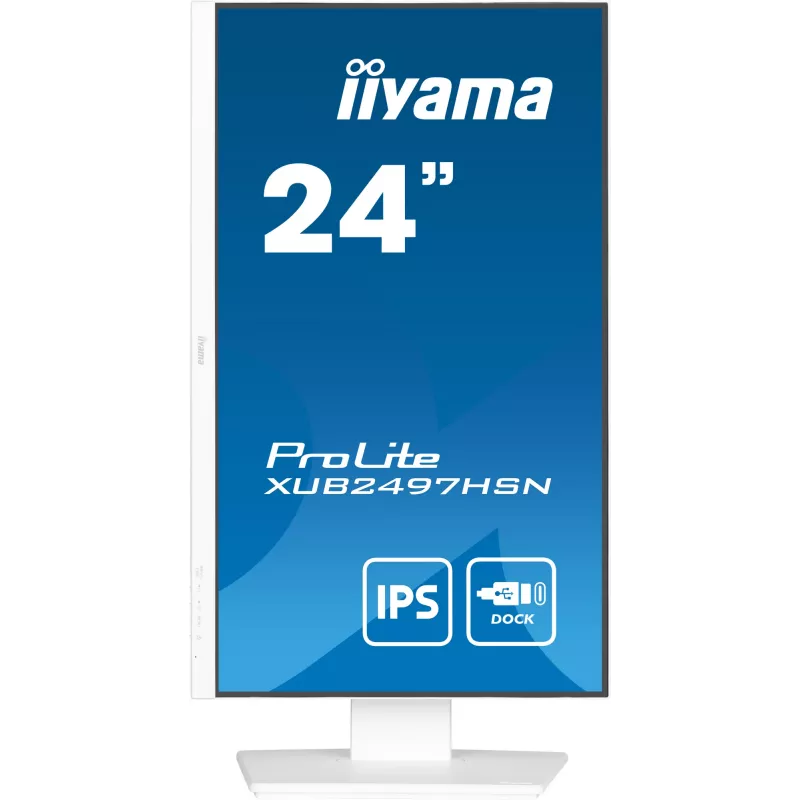
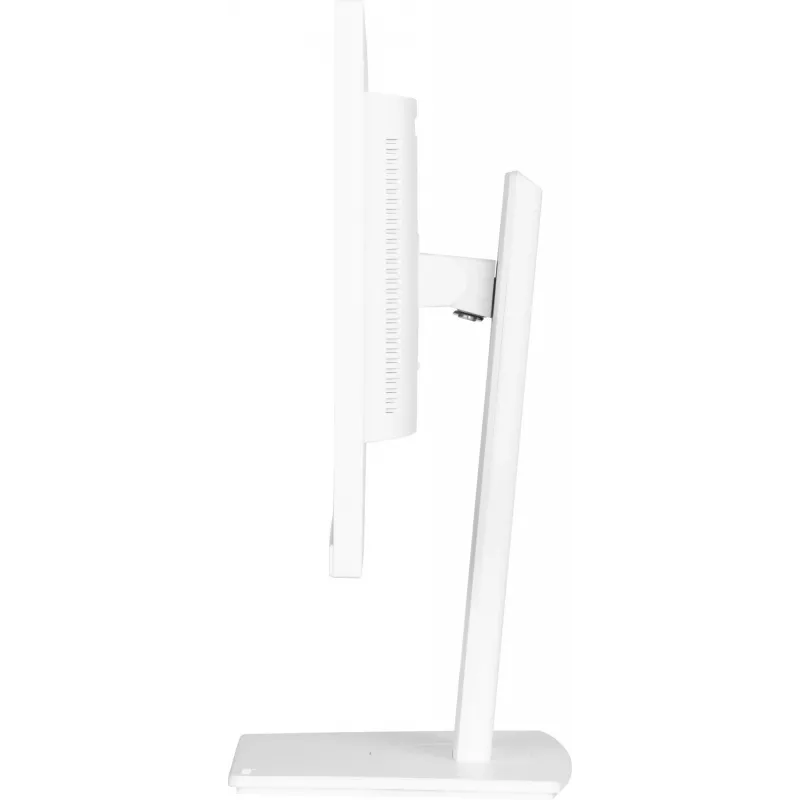
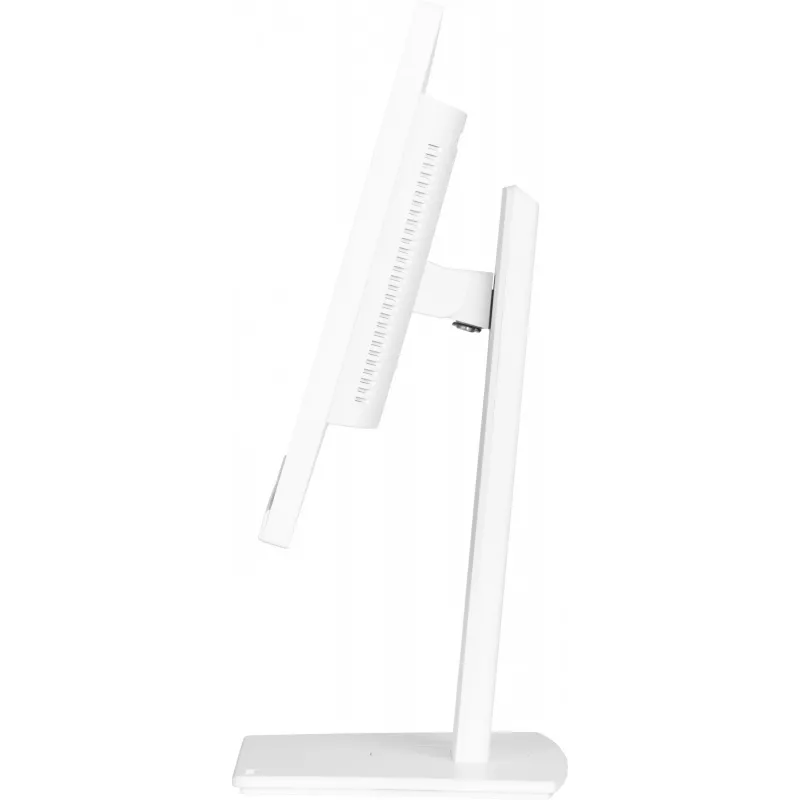
With a height adjustable stand you will create an ergonomic work posture and position that meets all health and safety requirements. This will not only prevent any health issues but will also increase your productivity. The pivot function allows the screen to rotate from landscape to portrait orientation. This functionality can be useful if the application requires more height than width.
HAS (150mm) + Pivot (rotation both sides)
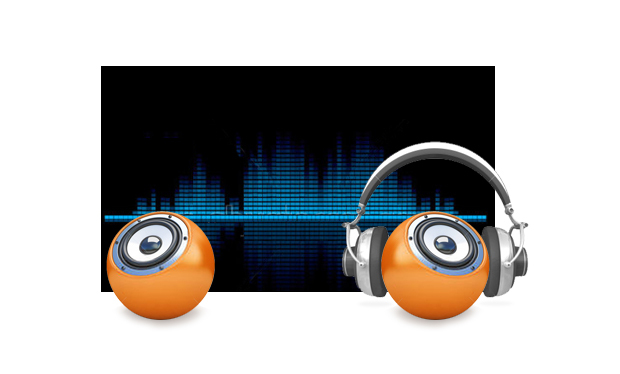
Speakers and headphones

Speakers and headphones

Playing with friends? Use the integrated high-quality speakers. Don’t want to disturb anybody? Plug your headset into the headphone socket and turn the volume up.

How to use

Connect a notebook to the monitor using a USB-C cable to transmit video, data and power through a single connection. If the monitor is connected to a LAN cable, the notebook will inherit network connectivity when linked via USB-C. Use the DisplayPort output to add a second monitor and extend the desktop. Adjust screen height, pivot and swivel to obtain a comfortable ergonomic position; alternatively, use VESA mount for an arm or wall bracket.

Recommendations

For best colour accuracy, allow the monitor to warm up for 20–30 minutes before colour-critical work and calibrate with a colourimeter if precise matching is required. Use a high-quality USB-C cable that supports power delivery and video to ensure full functionality.

Belangrijkste kenmerken
  • Office productivity and multitasking with a laptop via USB-C
  • Home and small business workstations requiring accurate colours
  • Dual-monitor setups using DisplayPort output
  • Environments needing integrated audio without external speakers
  • Display diagonal: 23.8"
  • Resolution: 1920 x 1080 (Full HD)
  • Panel type: IPS, LED backlight
  • Response time: 1 ms
  • Viewing angles: 178° / 178°
  • Brightness (typical): 250 cd/m²
  • Contrast ratio (typical): 1300:1
  • USB: USB-C downstream port + built-in USB 3.2 Gen 1 hub
  • Connectivity: DisplayPort output, LAN passthrough (via monitor), audio speakers
  • Stand: 150 mm height adjustment, pivot and swivel
  • VESA mounting: Yes
  • Colour: White
Specificaties
Aantal DisplayPort-uitgangen
1
Aantal DisplayPorts
1
Aantal downstreampoorten
4
Aantal HDMI-poorten
1
Aantal kleuren display
16.7 million colours
Aantal luidsprekers
2
Aantal upstreampoorten
1
Aantal USB Type-A-downstreampoorten
3
Aantal USB Type-C-downstreampoorten
1
Aantal USB Type-C-upstreampoorten
1
AC-ingangsfrequentie
50/60 Hz
AC-ingangsspanning
100 - 240 V
AMD FreeSync
Yes
Bedieningselementen
picture adjust (brightness, contrast, Eco, ACR, OD, MBR, Adaptive Sync), colour settings (i-Style colour, blue light reducer, colour temp., user preset), OSD (OSD H. position, OSD V. position, OSD rotate, OSD time), language, recall, miscellanous 1 (sharp and soft, video mode adjust, opening logo, RGB range), miscellaneous 2 (USB BC, MST, USB, LED, display information, MAC address), input select, audio settings (volume, mute)
Bedieningspaneel
Power, Menu, Up / Right / Volume, Down /Left / Shortcut, Input / Exit
Beelddiagonaal
60.5 cm (23.8")
Beelddiagonaal (metrisch)
60.5 cm
Beeldschermhelderheid (typisch)
250 cd/m²
Beeldschermoppervlak
Matt
Beeldschermresolutie
1920 x 1080 pixels
Beeldschermtechnologie
LED
Breedte
538.5 mm
Breedte (met standaard)
538.5 mm
Breedte (zonder standaard)
538.5 mm
Breedte verpakking
685 mm
Certificering
TCO Certified, CE, TÜV-Bauart, EAC, VCCI-B, PSE, RoHS support, ErP, WEEE, REACH, UKCA
Conformiteitscertificaten
CE, EAC, PSE, REACH, RoHS, TÜV mark, UKCA, VCCI, WEEE
Contrastverhouding (dynamisch)
80000000:1
Contrastverhouding (typisch)
1300:1
DDC/CI
Yes
Diepte
209.5 mm
Diepte (met standaard)
209.5 mm
Diepte (zonder standaard)
47.5 mm
Diepte verpakking
126 mm
Digitale horizontale frequentie
30 - 110 kHz
DisplayPort-versie
1.2
Draaibaar
Yes
Draaibaar
Yes
Duurzaamheidscertificaten
ErP, TCO
Energie-efficiëntieklasse (HDR)
Not available
Energie-efficiëntieklasse (SDR)
E
Energie-efficiëntieschaal
A to G
Energieverbruik (SDR) per 1000 uur
17.9 kWh
Ethernet LAN
Yes
Ethernet LAN (RJ-45)-poorten
1
Fabrieksgarantie
5 years (for details and eligible countries please check the Warranty section of our website)
Flikkervrije technologie
Yes
Gewicht
5.3 kg
Gewicht (met standaard)
5.3 kg
Gewicht verpakking
7.4 kg
HD-type
Full HD
HDCP
Yes
HDMI
Yes
HDMI-versie
1.4
Hoogte (met standaard)
500 mm
Hoogte (zonder standaard)
350 mm
Hoogte verpakking
405 mm
Hoogteverstelling
Yes
Horizontaal scanbereik
30 - 110 kHz
Ingebouwde camera
No
Ingebouwde luidspreker(s)
Yes
Ingebouwde USB-hub
Yes
Inhoud verpakking
quick start guide, safety guide
Kabelmanagement
Yes
Kabels inbegrepen
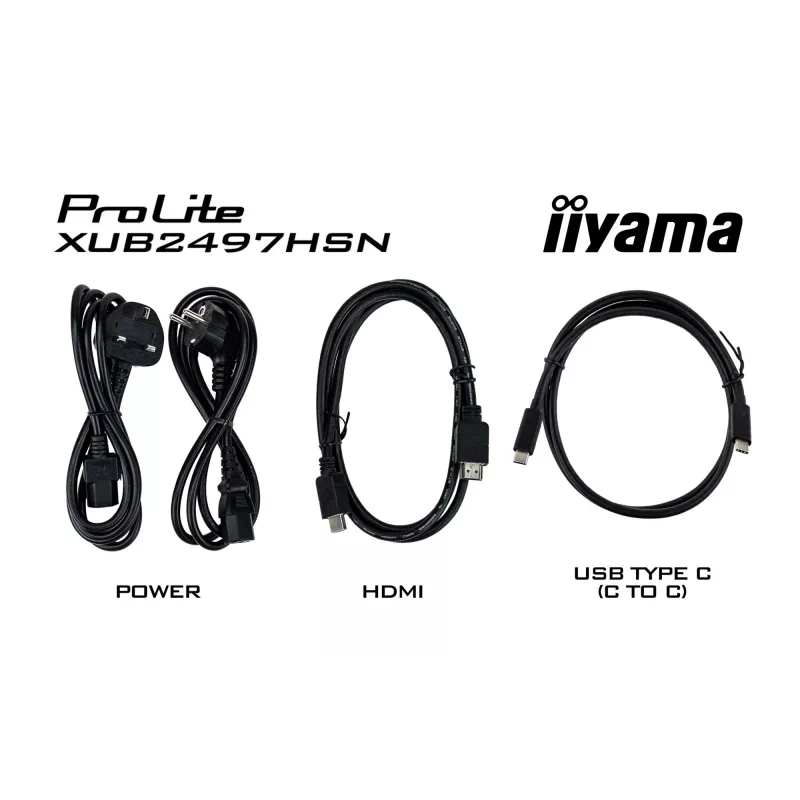
AC, HDMI, USB Type-C
Kantelhoekbereik
-5 - 23°
Kantelverstelling
Yes
Kijkhoek, horizontaal
178°
Kijkhoek, verticaal
178°
Koptelefoonuitgang
Yes
Low Blue Light-technologie
Yes
Marktpositionering
Business
Maximale verversingssnelheid
100 Hz
Montage-interface paneel
100 x 100 mm
Native beeldverhouding
16:9
NTSC-dekking (typisch)
72%
On Screen Display (OSD)
Yes
OSD-talen
Czech, German, English, Spanish, French, Italian, Japanese, Dutch, Polish, Russian
Paneeltype
IPS
Pivothoek
0 - 90°
Pixelafstand
0.275 x 0.275 mm
Productkleur
White
Responstijd
1 ms
Responstijd (MPRT)
1 ms
RMS-vermogen
4 W
Schermvorm
Flat
Sleuf voor kabelslot
Yes
Snelstartgids
Yes
sRGB-dekking (typisch)
99%
Stroomverbruik (stand-by)
0.5 W
Stroomverbruik (typisch)
18 W
Stroomverbruik (uit)
0.3 W
Touchscreen
No
Type sleuf voor kabelslot
Kensington
Type USB-upstreampoort
USB Type-C
Type voeding
Internal
USB Power Delivery (USB PD)
Yes
USB Power Delivery tot
65 W
USB Type-C DisplayPort Alternate Mode
Yes
USB-hubversie
3.2 Gen 1 (3.1 Gen 1)
Verstelbare hoogte (max.)
15 cm
VESA Adaptive Sync-ondersteuning
Yes
VESA-bevestiging
Yes
Zichtbaar formaat, horizontaal
52.7 cm
Zichtbaar formaat, verticaal
29.6 cm
Zwenkhoekbereik
-45 - 45°

Energielabel

Document openen

Document

Document openen

Handleiding

Document openen

Energielabel

Document openen

Document

Document openen
Prijsverloop is nog niet beschikbaar
We zijn nog bezig met het verzamelen van voldoende dagelijkse prijsgegevens voor dit product.

Populaire producten in deze categorie

Hoi, ik ben de AI-assistent van DistriNode. Ik help je graag met het vinden van producten, het vergelijken van opties, het maken van offerte-PDF's of het openen van supportaanvragen.