


Stel een vraag over dit product
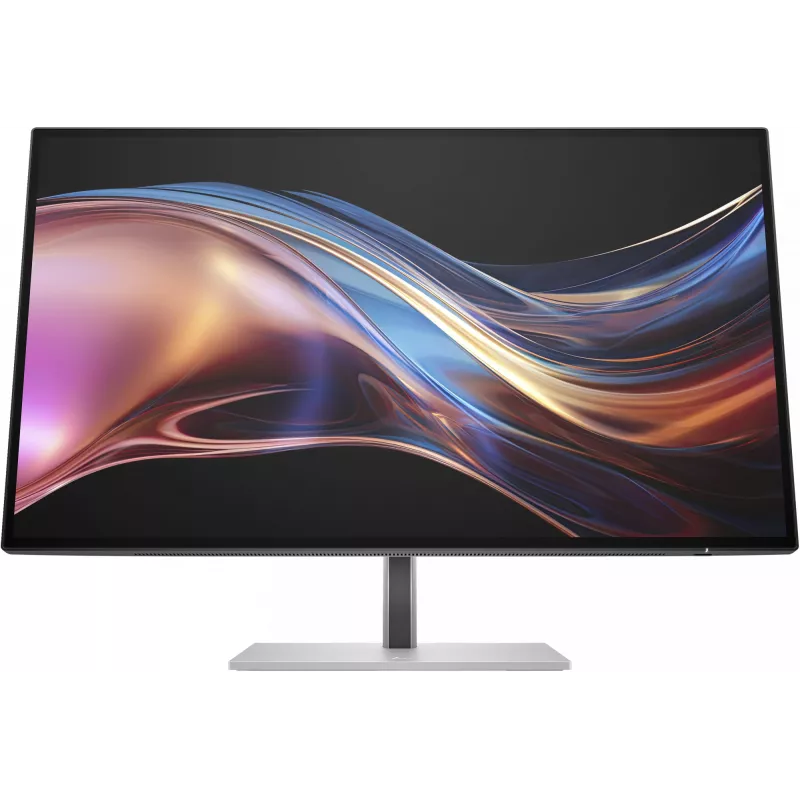
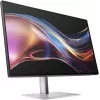
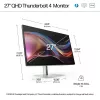
Monitor HP Series 7 Pro 27 inch QHD Thunderbolt 4 2560 x 1440
Bezorging & retourneren

663,31 €
Excl. btw:548,19 €

158,93 €
Excl. btw:131,35 €


161,97 €
Excl. btw:133,86 €

761,91 €
Excl. btw:629,68 €

652,14 €
Excl. btw:538,95 €

Viewsonic VG Series VG2748A-2 computermonitor 68,6 cm (27 inch) 1920 x 1080 pixels Full HD LED zwart
194,68 €
Excl. btw:160,89 €

1.950,58 €
Excl. btw:1.612,05 €

468,62 €
Excl. btw:387,29 €

189,72 €
Excl. btw:156,79 €


116,34 €
Excl. btw:96,15 €

396,92 €
Excl. btw:328,03 €

294,50 €
Excl. btw:243,39 €

580,09 €
Excl. btw:479,41 €

292,63 €
Excl. btw:241,84 €


257,54 €
Excl. btw:212,84 €

3.019,04 €
Excl. btw:2.495,08 €

-90x90h.webp "Gaming-pc zelf samenstellen — Ryzen 7 7700 + RTX 5070, 32GB DDR5 | DistriNode")
1.757,62 €
Excl. btw:1.452,58 €

1.242,99 €
Excl. btw:1.027,27 €
1.215,75 €
Excl. btw:1.004,76 €


1.982,70 €
Excl. btw:1.638,60 €
1.537,64 €
Excl. btw:1.270,77 €

17,27 €
Excl. btw:14,27 €


Lenovo V15 G4 AMN 82YU AMD Ryzen 5 7520U 8GB 256GB SSD 15,6 inch FHD FreeDOS zakelijke zwarte laptop
464,57 €
Excl. btw:383,94 €

26,71 €
Excl. btw:22,07 €


88,04 €
Excl. btw:72,76 €


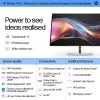
Power to see ideas realized
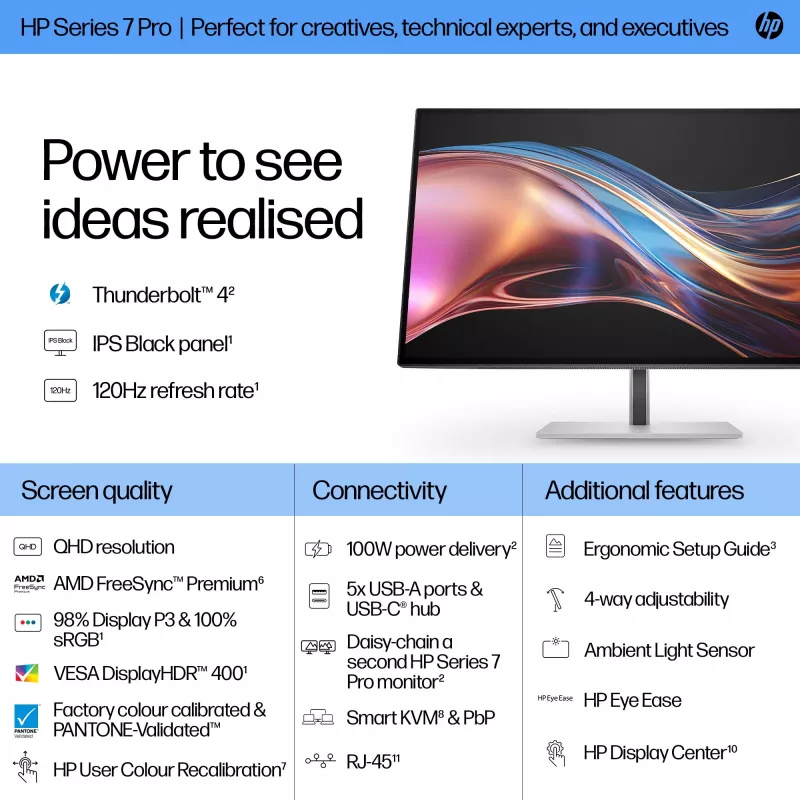
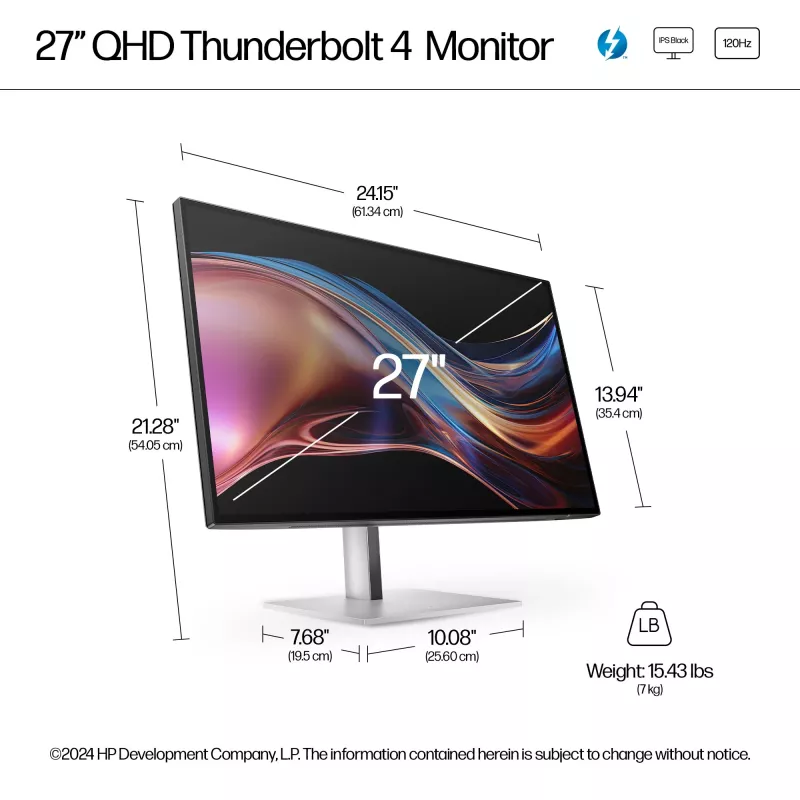
See your bright ideas become brilliant. The HP 27” QHD Thunderbolt 4 Monitor pairs striking colors with seamless connectivity to help reimagine your creative process. Keep your vision in focus with crisp front-of-screen visuals and powerful multitasking capabilities.
See your bright ideas become brilliant. The HP 27” QHD Thunderbolt 4 Monitor pairs striking colors with seamless connectivity to help reimagine your creative process. Keep your vision in focus with crisp front-of-screen visuals and powerful multitasking capabilities.
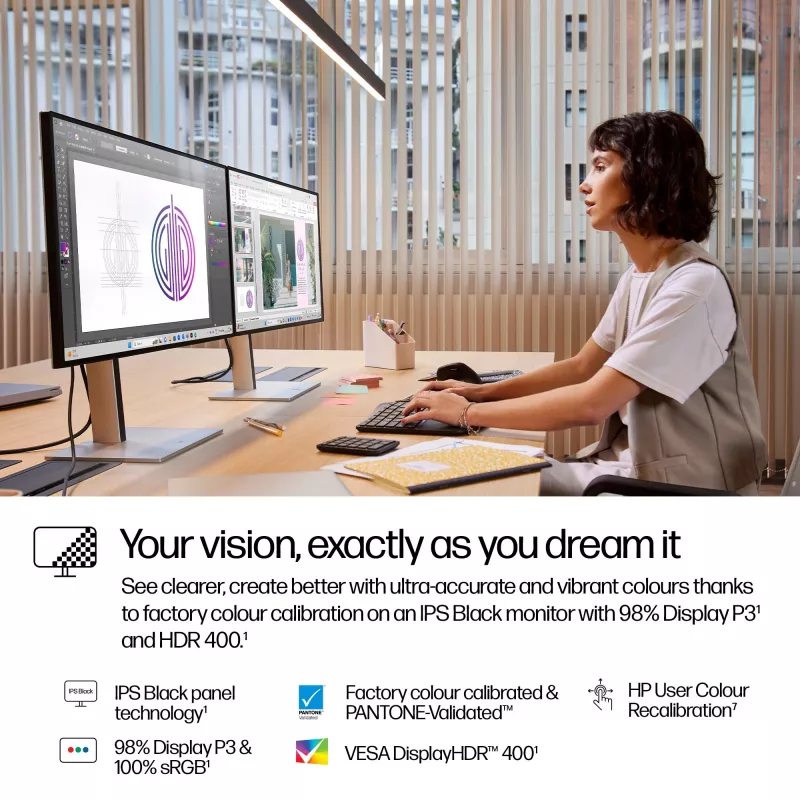
Your vision, exactly as you dream it
The clearer you see, the better you create. Trust what you see right out of the box with factory-calibrated color accuracy on a DreamColor-class display.[1] Jump into a wide array of vivid, lifelike hues and rich contrast thanks to IPS Black, HDR 400, 98% Display P3, and more.[2]
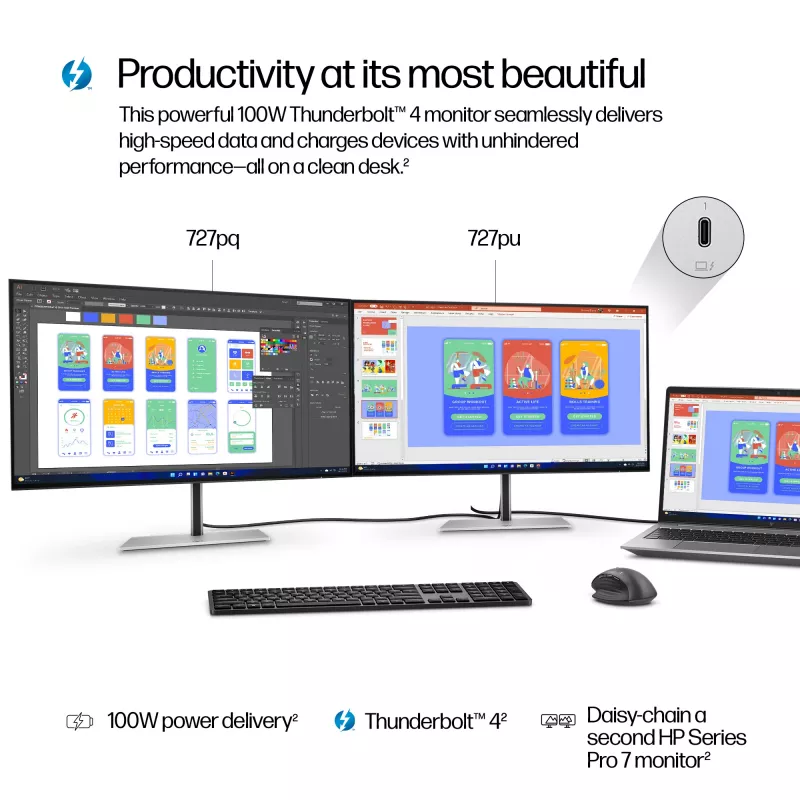
Productivity at its most beautiful
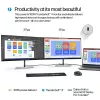
Get the power to take on any task, unhindered. This superfast Thunderbolt™ 4 display delivers high-resolution video, high-speed data, and up to 100W charging.[3] Ditch the extra cables, and enjoy the freedom and performance of this single-cable solution.
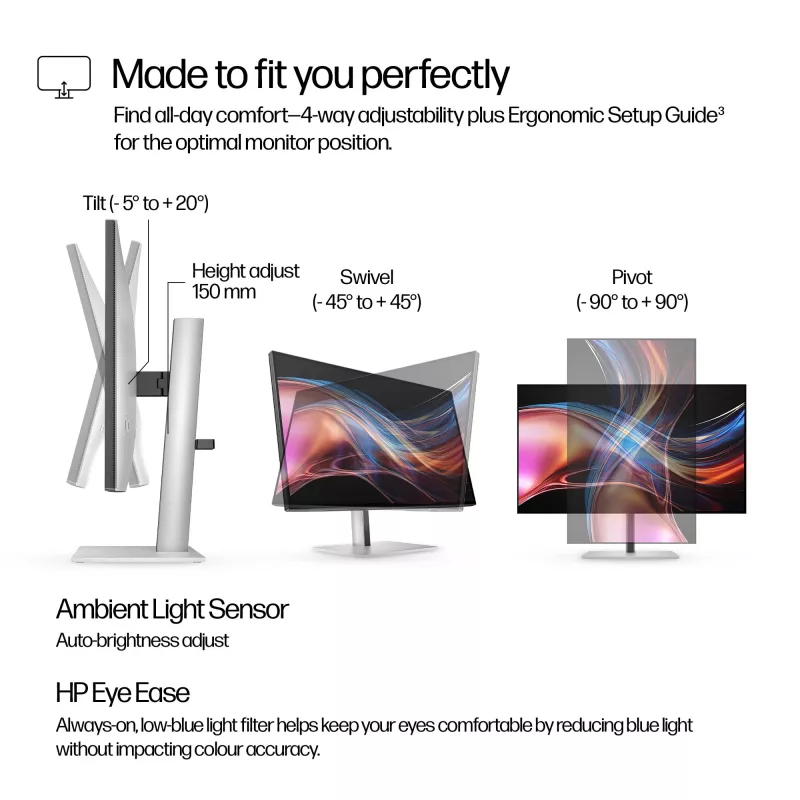
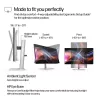
Made to fit you perfectly
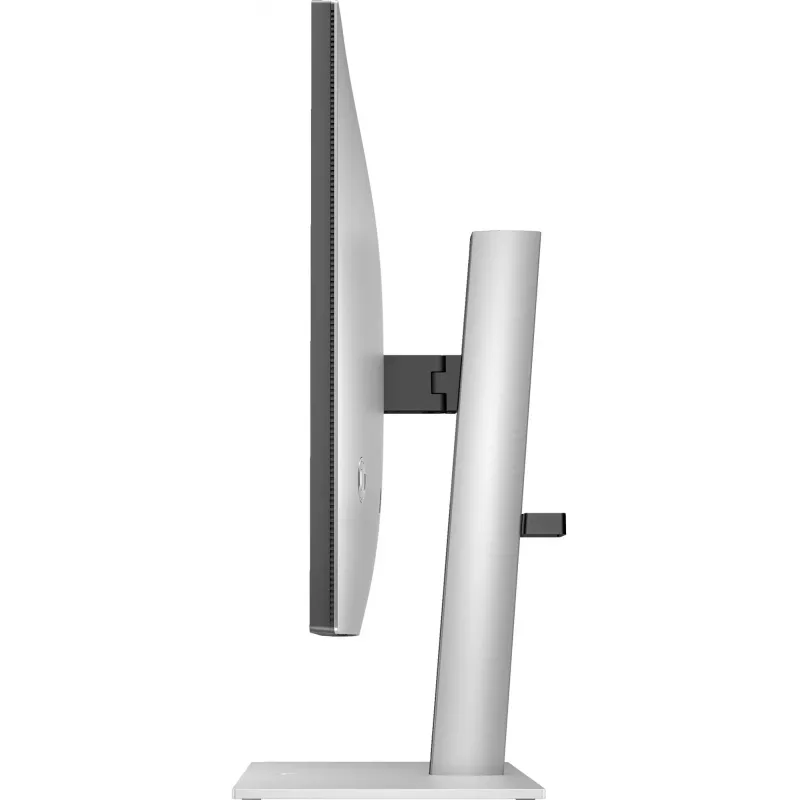
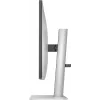
For all-day comfort, settle into your workflow by finding your screen’s perfect position with four-way adjustability and Ergonomic Setup Guide.[4] Help your eyes stay fresh, day or night, with the ambient light sensor that automatically adjusts the monitor’s brightness.
QHD Resolution
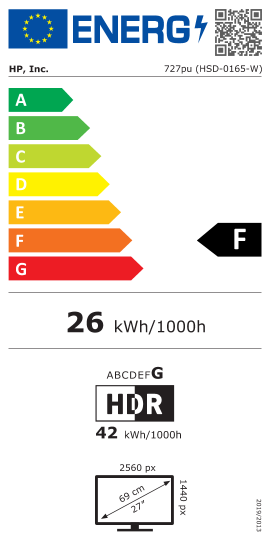
Dive into the captivating definition and sharp details of 3.7 million pixels. 2560 x 1440 Quad HD resolution transforms all your content for a stunning viewing experience on this 27" monitor.
IPS Black Technology
View brilliant visuals from any angle with deeper colors, darker shadows, and brighter highlights with IPS Black. Enjoy a stunning 2,000:1 contrast ratio—twice that of a traditional IPS—and ultra-wide viewing angles. [2]
HDR and Wide Color Gamut
Replicate reality on your screen with 98% Display P3, 100% sRGB and VESA DisplayHDR™ 400 for a wide range of vibrant colors and deeper hues that represent colors as they are in the real world. [2]
AMD FreeSync™ Premium & High Refresh Rate
Enjoy buttery-smooth scrolling and ultra-fluid, tear-free entertainment at peak performance with AMD FreeSync™ Premium* and a 120Hz refresh rate to keep you productive and engaged for work or play. [2,7]
HP User Color Recalibration
For professionals who demand exact, consistent, and top-quality color for their monitor, this feature allows users to recalibrate their displays to maintain professional-grade color accuracy throughout the life of the monitor. [8]
Thunderbolt™ 4 Technology
Multitask as a pro with a superfast Thunderbolt™ 4 monitor to deliver video and data at speeds up to 40Gpbs while charging devices up to 100W with a single cable for a seamless work setup. [3]
Smart KVM and PbP
Boost your productivity with Smart KVM switch that seamlessly detects and switches between two different computers, so you can multi-task with just one keyboard and mouse. Plus, see both devices side-by-side on screen with Picture-by-picture. [9]
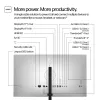
More Ports. More Flexibility
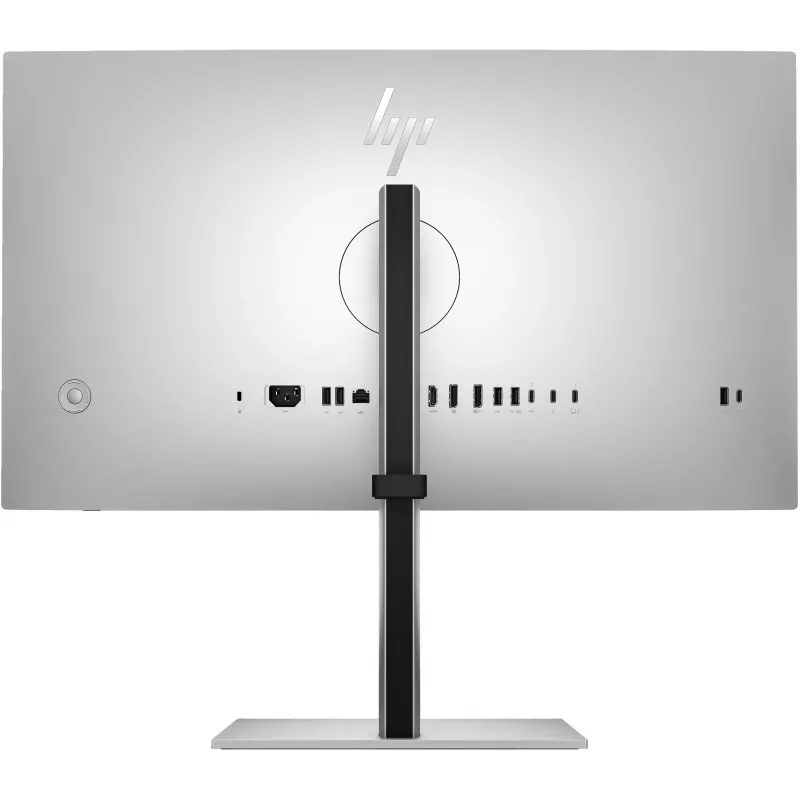
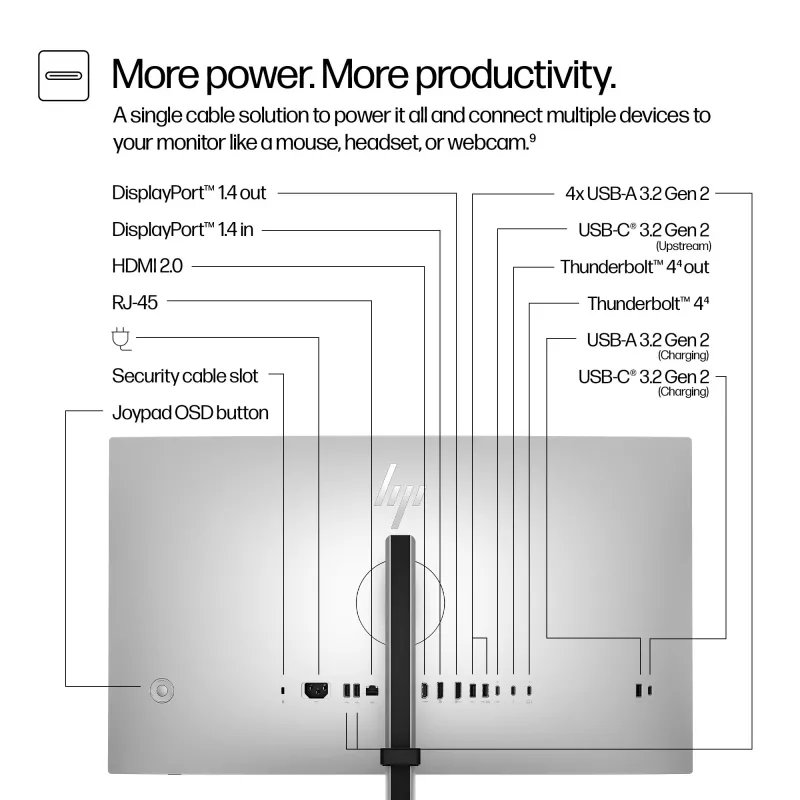
More ports mean more capabilities. With Thunderbolt™ 4, USB-C® upstream, HDMI 2.0, DisplayPort™ 1.4 In and Out, RJ-45, 1 USB-C® 3.2 Gen 2, and 5 USB-A 3.2 Gen 2 ports, you can daisy-chain multiple monitors and connect a mouse, keyboard, and more. [10]
Always-on, True Color, Low-Blue Light Filter
HP Eye Ease is an always-on, low-blue light filter that helps keep your eyes comfortable throughout the day by reducing blue light without impacting color accuracy or adding a yellow color shift.
Sleek and functional design
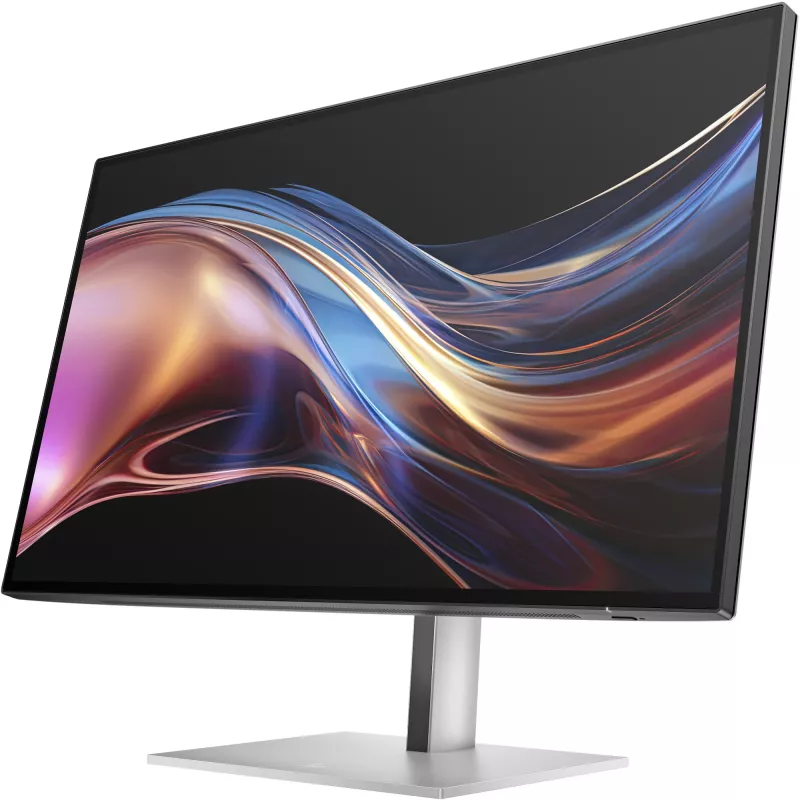
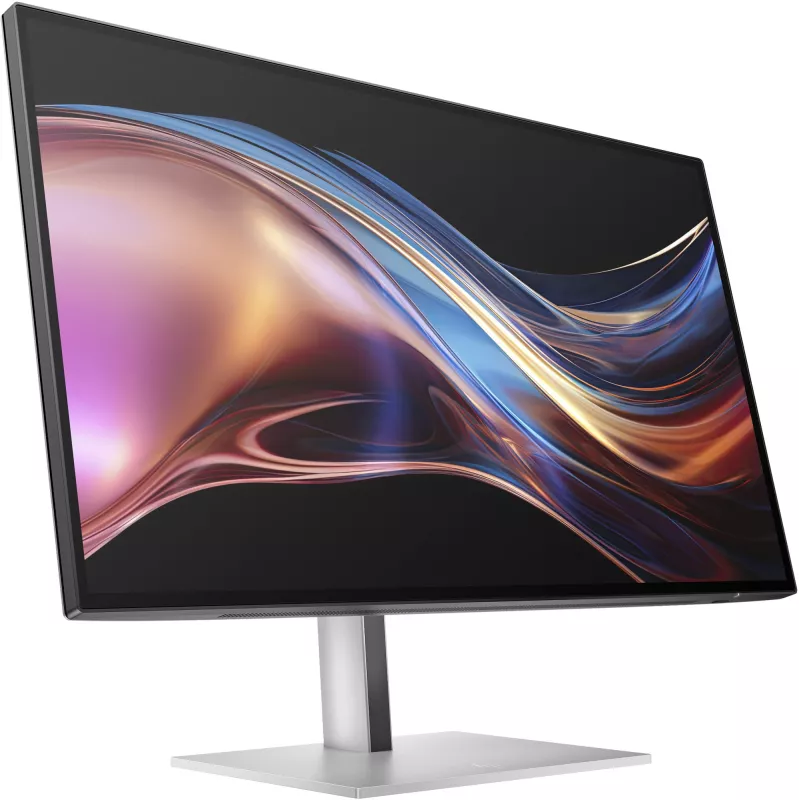
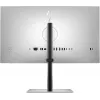
Sleek design, maximum view—4-sided micro-edge bezel, adjustable stand, and natural silver finish for aesthetic appeal.
HP Display Center
Customize your monitor with the intuitive HP Display Center that lets you tailor your settings, partition screens, and more—all through the host PC. Plus, learn how to find your perfect posture with help from the included HP Ergonomic Setup Guide. [11]
Remote Management Reimagined
HP Display Manager makes remote management of the monitor easy with a stable ethernet connection enabled by RJ-45. Simplify deployment, asset tracking, and remotely control monitor settings, like turning the power off. [12]
Peace of Mind
Enjoy peace of mind with a 3-year limited warranty and HP Zero Bright Dot Guarantee. For all HP Series 7 Pro monitors, even if one subpixel fails, HP will replace the entire monitor, no questions asked. [13]
Superb Color Accuracy
For color-critical projects, trust this Pantone-validated™ display with superb color accuracy, achieved by strict factory color calibration that ensures over 300 colors achieve a Delta E < 2, making any color difference virtually indistinguishable.
How to use
Connect the monitor to a computer using the Thunderbolt 4 port to enable high-bandwidth video, data transfer and power delivery. Use the built-in USB hub to attach peripherals such as keyboard, mouse or external storage. Adjust the screen height for comfortable viewing and mount the display on a VESA-compatible arm or bracket if preferred. Select the native 2560 x 1440 resolution in your operating system display settings for optimal sharpness.
Recommendations
For color-sensitive work, perform monitor calibration with a hardware colorimeter and set the operating system to use the monitor's native resolution and refresh settings. Keep firmware and graphics drivers up to date to ensure full Thunderbolt 4 functionality and stable performance.
Populaire producten in deze categorie
- DELL P Series P3223QE computermonitor 80 cm (31,5 inch) 3840 x 2160 pixel 4K Ultra HD LCD zwart
- LG 27G610A-B computermonitor 68,6 cm (27 inch) 2560 x 1440 pixel Quad HD LCD zwart
- MSI MAG 272QPDE QD-OLED X24 computermonitor 67,3 cm (26,5 inch) 2560 x 1440 pixel Wide Quad HD zwart
- MSI MAG 274QF E20 27 inch QHD 200Hz Rapid IPS gaming-monitor - zwart
- Computermonitor ASUS ROG Swift OLED PG27AQWP-W 26,5 inch (67,3 cm) 2560×1440 QHD 0,02 ms USB 3.2 Gen 1 VESA in hoogte verstelbaar
- Lenovo L27q-4A 67BFGAC6EU 27 inch QHD (2560 x 1440) IPS-monitor, 100 Hz, 1 ms, 350 cd/m², 1500:1, HDR10, 2x HDMI, DisplayPort, luidsprekers, in hoogte verstelbaar, pivot, VESA 100x100
- 27 inch Xiaomi 2K gaming-monitor G27Qi 2026 — IPS, 2560×1440, 200 Hz, 1 ms, 16:9, 2×HDMI, zwart
- Samsung 27 inch Odyssey OLED G61SH QHD 240Hz gaming-monitor, 68,6 cm (27 inch), 2560 x 1440 pixel, Quad HD, OLED, 0,03 ms, zwart