
Account Contact
Je winkelwagen
Verzending via DPD & FedEx
Hulp nodig? Vraag het de AI

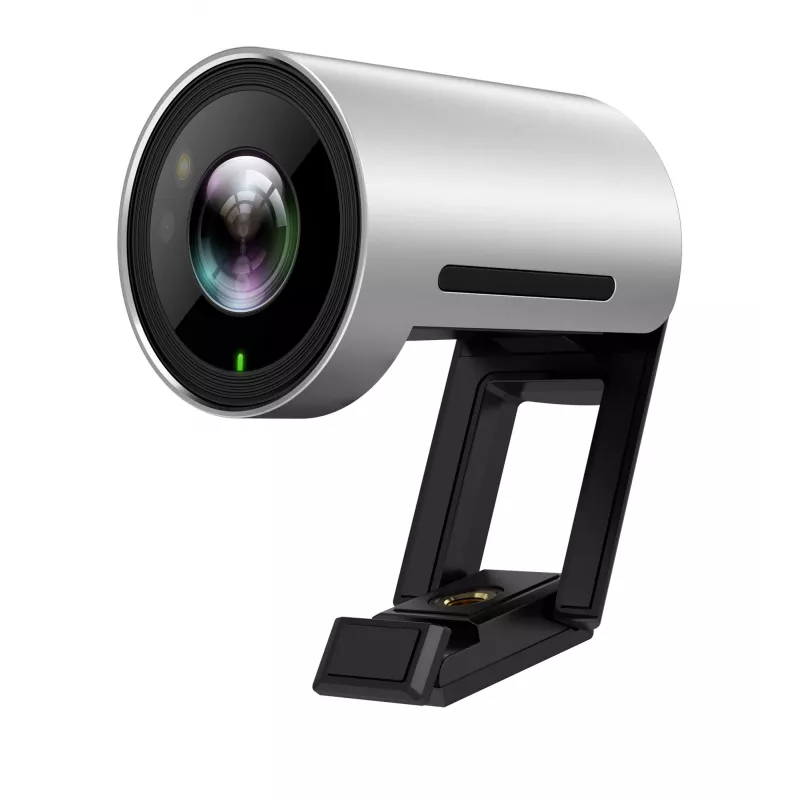
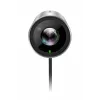
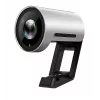
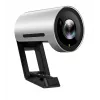
Yealink UVC30 Ultra HD 4K-webcam 8,51 MP USB 3.2

Yealink UVC30 Ultra HD 4K-webcam 8,51 MP USB 3.2
404,13 €
Yealink UVC30-Room 4K USB CameraSmart Framing 4K USB Camera for Meeting RoomsYealink UVC30 Room is a premium USB camera designed for small and huddle meeting room. Offering sharp image and accurate color reproduction, it provides a vivid face-to-face and remarkable video meeting experience in ultra ... Lees meer
Voorraad Niet op voorraadGeen voorraad Code 2196002 Merk Yealink Model 1306004 Garantie 2 jaar

Bezorging & retourneren

Yealink UVC30-Room 4K USB Camera
Smart Framing 4K USB Camera for Meeting Rooms


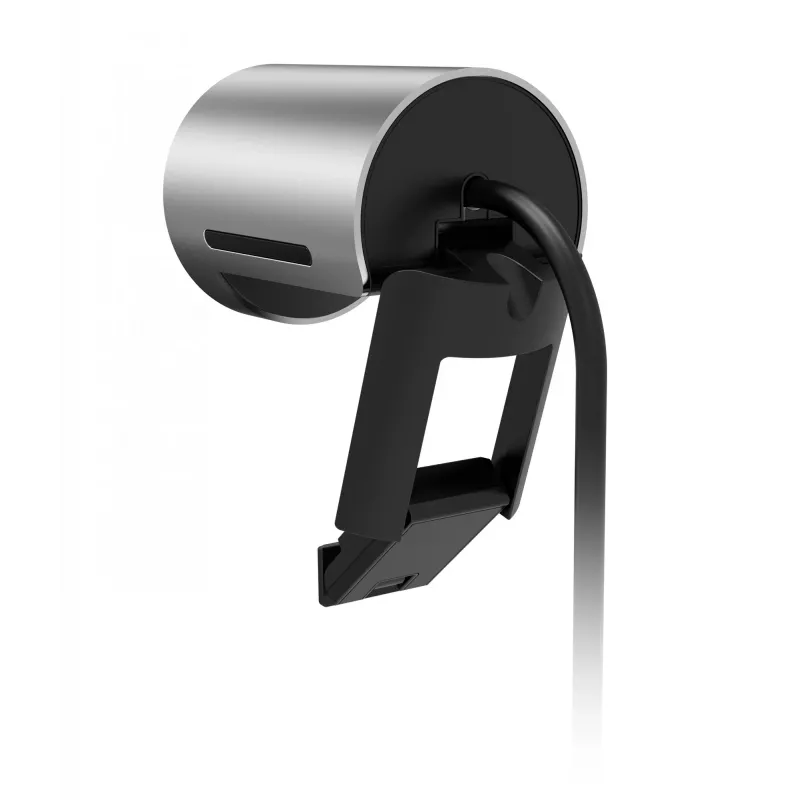
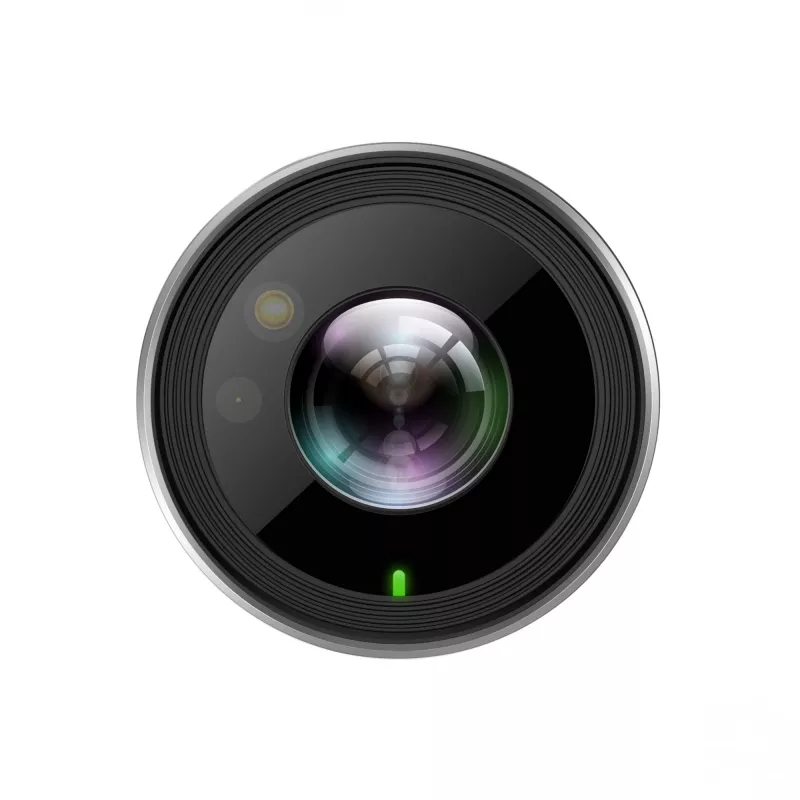
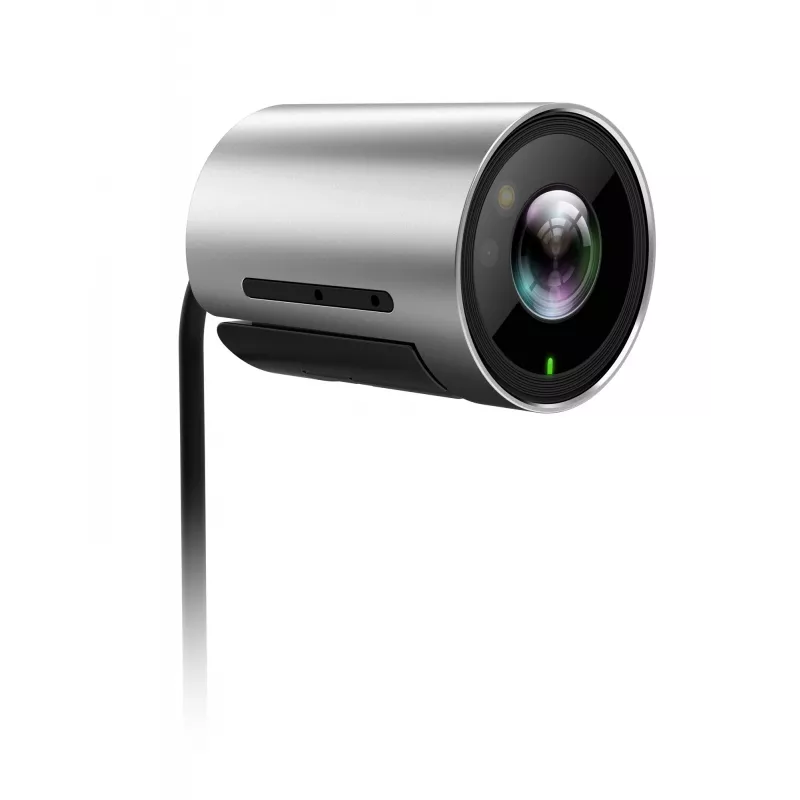
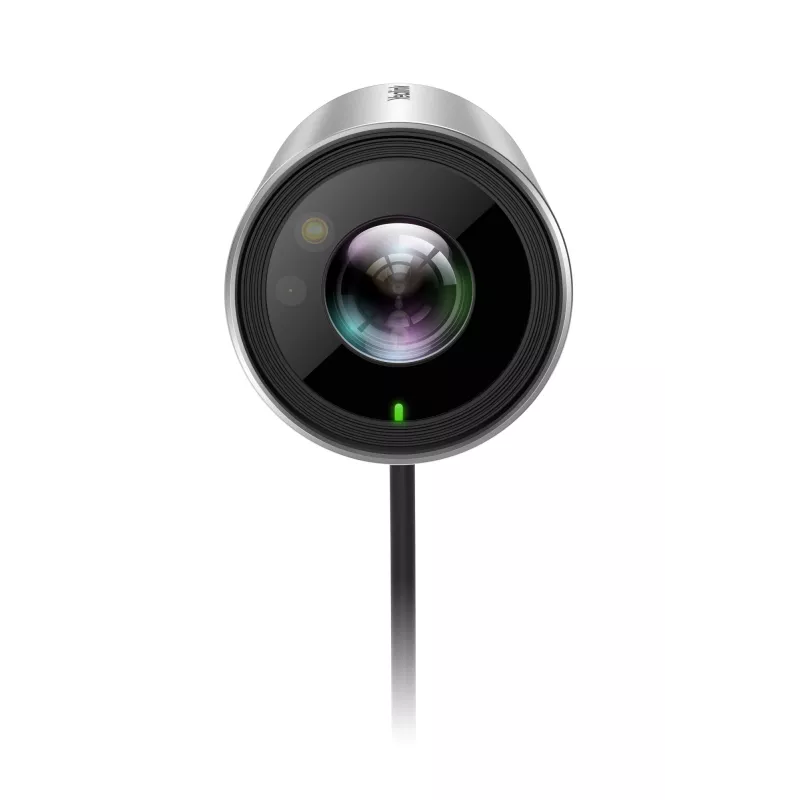
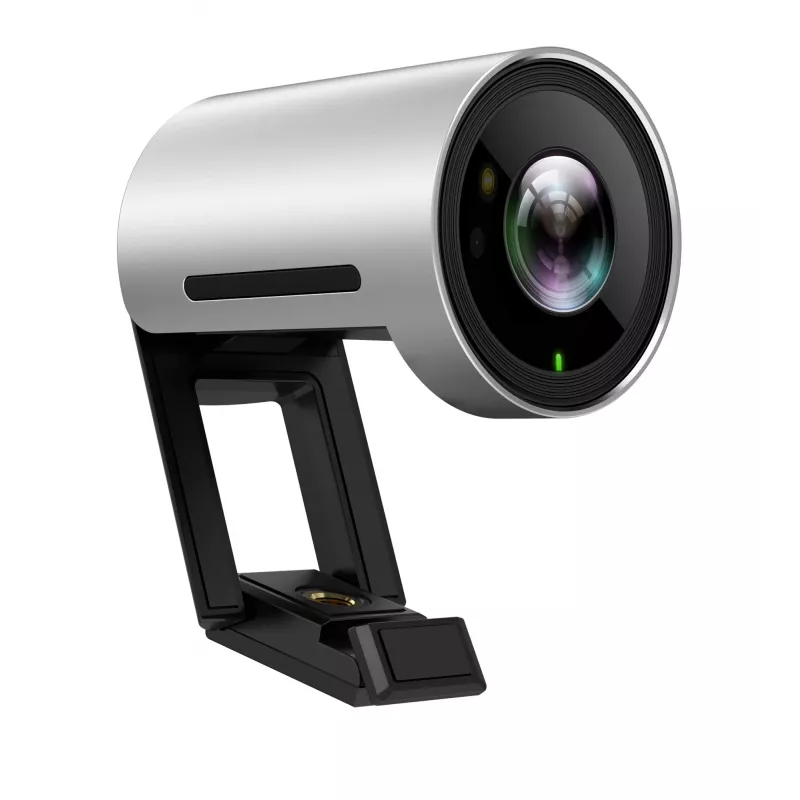
Yealink UVC30 Room is a premium USB camera designed for small and huddle meeting room. Offering sharp image and accurate color reproduction, it provides a vivid face-to-face and remarkable video meeting experience in ultra HD 4K resolution and high frame rates. A wide FOV ensures everyone sitting around the table visible during a meeting that prefectly suits small and huddle meeting room. Based on facial detection, it supports auto framing feature to accomplish a much more intelligent meeting experience. With a flexible clip, UVC30 Room support multiple mounting options.

Key features & benefits:

Superb image quality

UVC30 Room delivers a best-class image quality with natural color reproduction, smooth video and detail, endeavoring to optimize the meeting experience for users. UVC30 Room also supports multiple resolutions, including 4K/30FPS, 1080P/60FPS, 720P/60FPS adapt to different display and application.

Smooth and correct auto-framing, API for data analysis

Based on face detection, UVC30 Room is capable of auto-framing feature to frame people in the room smoothly and correctly, bringing a more intelligent meeting experience for users. With API developed, statistic data of people in meeting room is accessible for further analyzing.

Ultra expansive field of view

With 120° field of view, everyone sitting in the room can be seen without any positon adjustment, perfectly suit for focus and small meeting room.

Easier and smooth PTZ control

Certified by Microsoft & Zoom, UVC30 Room can achieve an easier and smooth PTZ control on touch console via Yealink RoomConnect and Zoom Rooms Camera Control. It can perfectly work with all Microsoft Teams Rooms systems and Zoom Rooms systems as a USB camera.

Multiple mounting options

With a retractable clip, you can mount UVC30 wherever it works best, whether on the top of monitor, under the monitor or on the wall.

Yealink UVC30 Ultra HD 4K Webcam for PC. Megapixel (approx.): 8.51 MP, Sensor type: CMOS. Maximum video resolution: 3840 x 2160 pixels, Supported video modes: 720p, 1080p, Maximum frame rate: 30 fps. Digital zoom: 3x. Mounting type: Clip, Product colour: Black, Silver

How to use

Attach the UVC30 Room to a monitor using the retractable clip, mount it under a screen, or fix it to a wall where the 120° field of view covers participants. Connect the camera to a computer using the USB 3.2 cable. Select the camera in your videoconferencing application and choose the desired resolution and frame rate supported by your system. Use the room console or supported apps to control auto-framing and PTZ functions when integrated with Microsoft Teams Rooms or Zoom Rooms.

Recommendations

Position the camera so the main participants are centered within the 120° field of view and ensure sufficient room lighting for optimal color reproduction. Use USB 3.2 connection for reliable 4K video; if using lower bandwidth, select 1080P/60FPS or 720P/60FPS to maintain smooth performance.

Belangrijkste kenmerken
  • Small meeting rooms and huddle spaces
  • Video conferencing with Microsoft Teams Rooms or Zoom Rooms
  • Desktop setups where a compact USB camera is required
  • Maximum video resolution: 3840 x 2160 (4K) at 30 FPS; 1080P/60FPS; 720P/60FPS
  • Sensor: 8.51 MP
  • Interface: USB 3.2 Gen 1 (compatible with USB 3.1 Gen 1)
  • Field of view: 120°
  • Mounting type: Retractable clip (top of monitor, under monitor, wall)
  • Product colours: Black, Silver
  • Compatibility: Windows and Mac; certified for Microsoft Teams Rooms and Zoom Rooms
Specificaties
Aantal
1
Automatische belichting
Yes
Breedte
45 mm
Breedte verpakking
151 mm
Diagonaal gezichtsveld
120 °
Diepte
59 mm
Diepte verpakking
85 mm
Digitale zoom
3 x
Formaat optische sensor
25.4 / 2.5
Geharmoniseerd Systeem (HS)-code
85258900
Hoogte
45 mm
Hoogte verpakking
95 mm
Ingebouwde microfoon
Yes
Interface
USB 3.2 Gen 1 (3.1 Gen 1)
Kabellengte
1.6 m
Led-indicatoren
Y
Maximale framerate
30 fps
Maximale videoresolutie
3840 x 2160
Megapixel (ca.)
8.51 MP
Minimale verlichtingssterkte
0.1 lx
Montagetype
Clip
Ondersteunde Mac-besturingssystemen
Mac OS X 10.12 Sierra, Mac OS X 10.10 Yosemite, Mac OS X 10.11 El Capitan, Mac OS X 10.13 High Sierra, Mac OS X 10.14 Mojave, Mac OS X 10.15 Catalina
Ondersteunde videomodi
720p, 1080p
Ondersteunde Windows-besturingssystemen
Windows 10, Windows 7
Productkleur
Black, Silver
PTZ-bediening
Yes
Sensortype
CMOS
Signaal-ruisverhouding (SNR)
63 dB
Sluitertijd camera
1/60 ~ 1/10000
Type HD-camera
Full HD
Type verpakking
Box
Witbalans
Auto, Manual, ATW
Zoomfunctie
Yes
Prijsverloop is nog niet beschikbaar
We zijn nog bezig met het verzamelen van voldoende dagelijkse prijsgegevens voor dit product.

Populaire producten in deze categorie

Hoi, ik ben de AI-assistent van DistriNode. Ik help je graag met het vinden van producten, het vergelijken van opties, het maken van offerte-PDF's of het openen van supportaanvragen.