
Account Contact
Je winkelwagen
Verzending via DPD & FedEx
Hulp nodig? Vraag het de AI

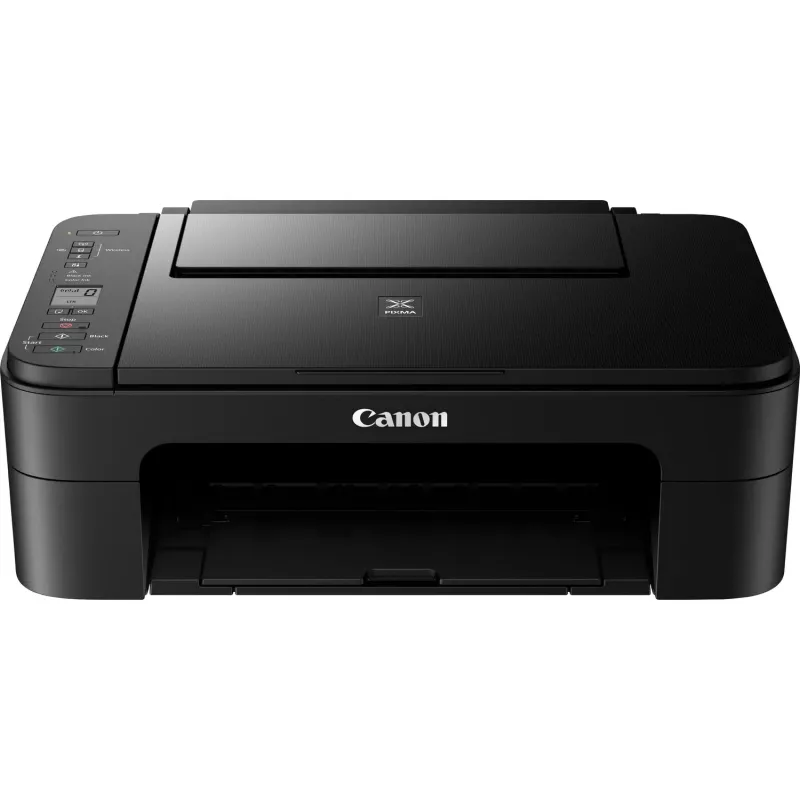
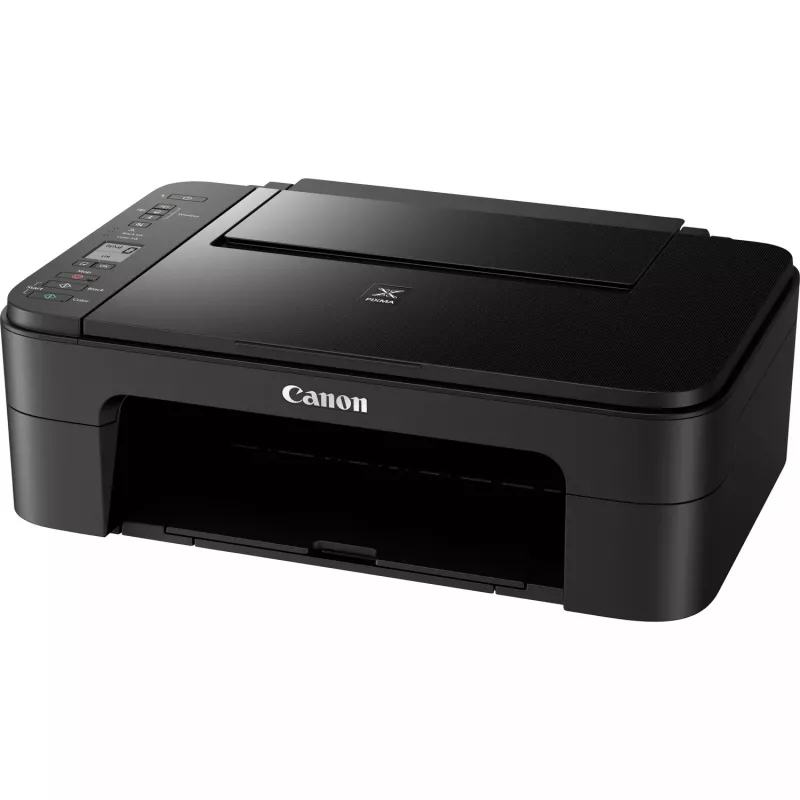
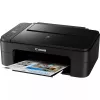
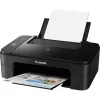
Canon PIXMA TS3350 inkjet A4 4800 x 1200 DPI Wi-Fi

Canon PIXMA TS3350 inkjet A4 4800 x 1200 DPI Wi-Fi
199,26 €
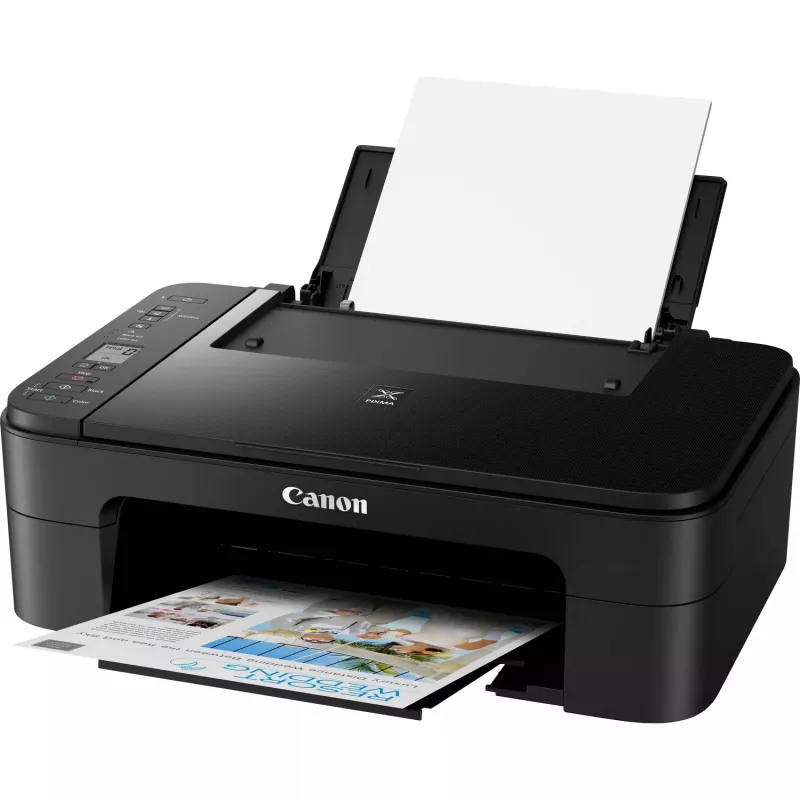
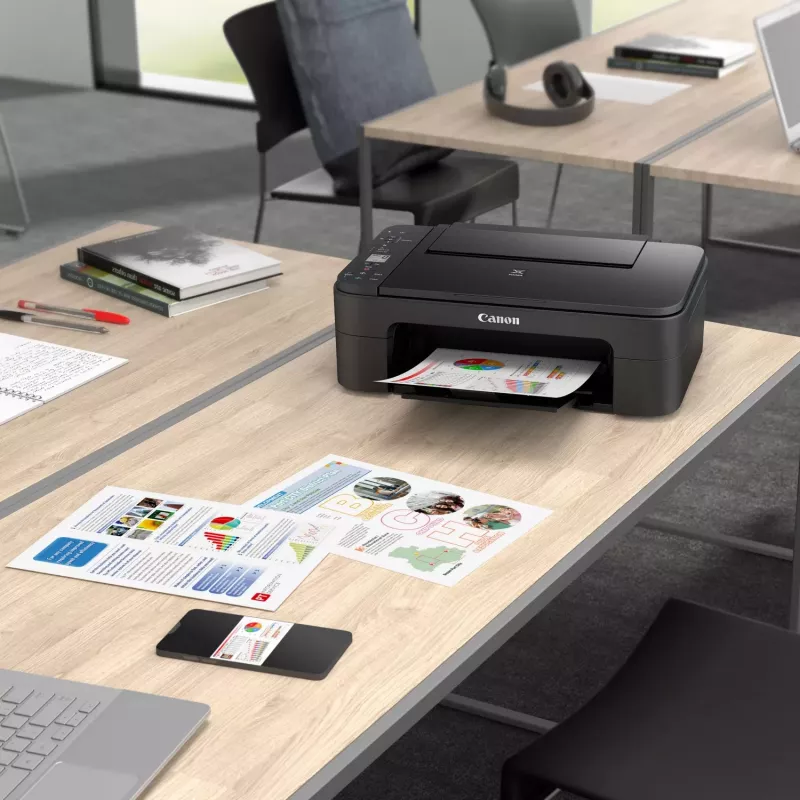
The Canon PIXMA TS3350 is an affordable, compact all-in-one inkjet printer designed for home and small office use. It produces sharp colour documents and borderless photos up to 5”x7" with a maximum print resolution of 4800 x 1200 DPI. The unit includes colour copying and scanning (optical scanning ... Lees meer
Voorraad Niet op voorraadGeen voorraad Code 26089 Merk Canon Model 3771C006 Garantie 2 jaar

Bezorging & retourneren

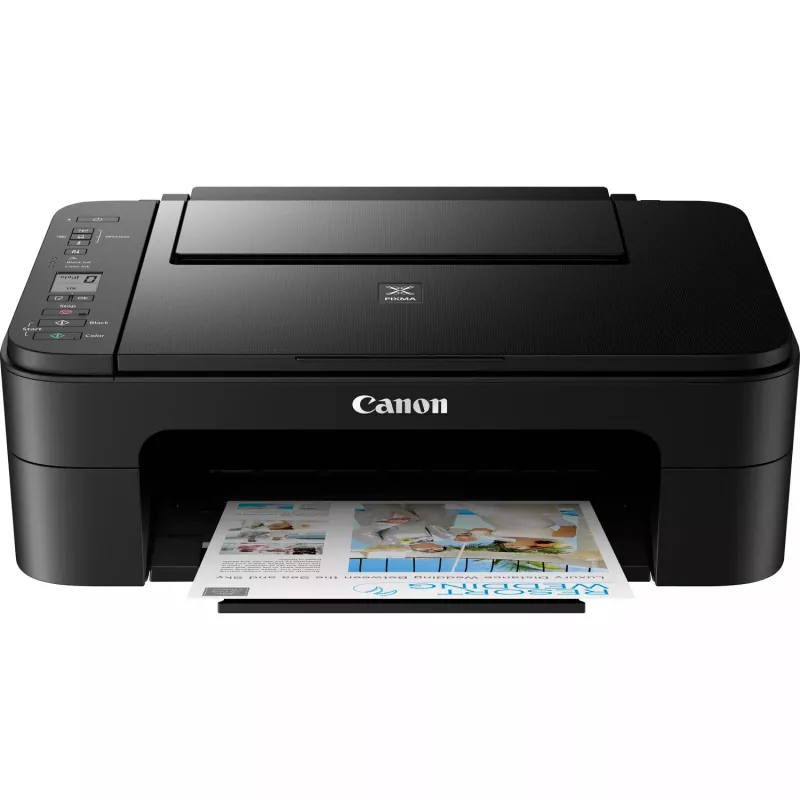
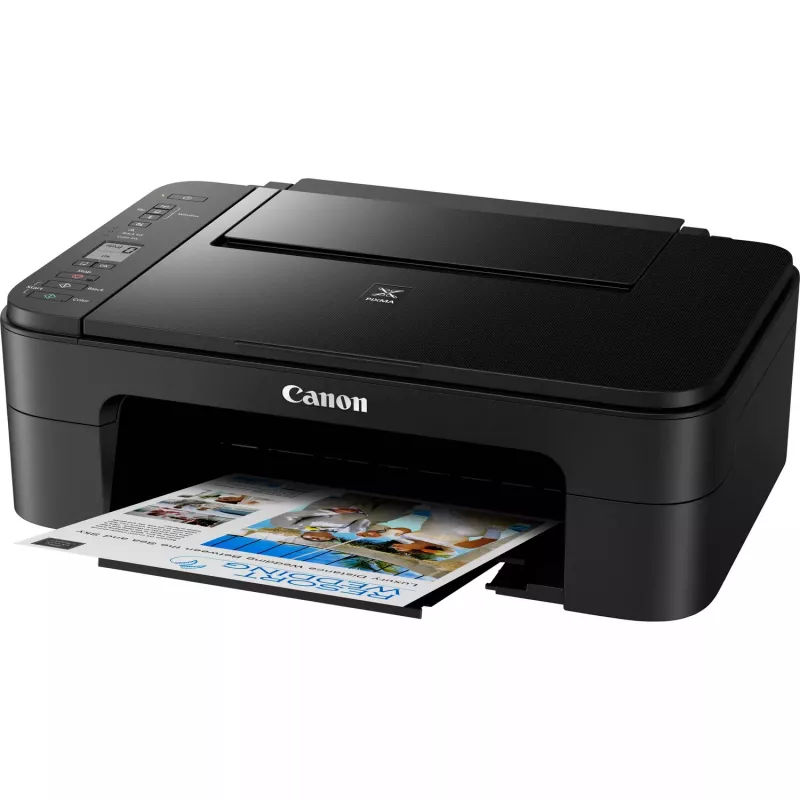
The Canon PIXMA TS3350 is an affordable, compact all-in-one inkjet printer designed for home and small office use. It produces sharp colour documents and borderless photos up to 5”x7" with a maximum print resolution of 4800 x 1200 DPI. The unit includes colour copying and scanning (optical scanning resolution 600 x 1200 DPI), built-in Wi‑Fi for wireless printing, a simple 1.5" mono LCD and supports Canon FINE cartridges with optional XL high-capacity replacements.

Advantages

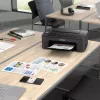
The PIXMA TS3350 combines printing, scanning and copying in a small footprint while offering wireless connectivity via Canon PRINT, AirPrint and Mopria. FINE ink cartridges deliver fine text and vivid photos, and XL cartridge options extend the interval between replacements for lower running costs. Its compact black design and easy one‑button Wi‑Fi setup make installation straightforward.

Suitable for

  • Home users needing colour document printing and occasional photos
  • Small offices with light multifunction needs (print, scan, copy)
  • Users who prefer wireless printing from smartphones and tablets
  • Creative print projects using 5"x5" square, restickable or magnetic media

Key specifications

  • Print technology: Inkjet
  • Printing: Colour printing
  • Maximum print resolution: 4800 x 1200 DPI
  • Scanning: Colour scanning, optical resolution 600 x 1200 DPI
  • Copying: Colour copying
  • Maximum paper size: A4
  • Connectivity: Wi‑Fi (Canon PRINT, AirPrint, Mopria); no Ethernet LAN
  • Display: 1.5" mono LCD
  • Product colour: Black; Weight: 3.9 kg

How to use

Unbox the printer, connect it to power and follow the on‑screen guidance on the 1.5" mono LCD to perform the initial setup. Use the WPS or the Canon PRINT app to establish a wireless connection, or set up AirPrint (iOS) and Mopria (Android) for mobile printing. Load A4 paper or supported photo media up to 5”x7" in the tray, select print settings on your device and start printing, scanning or copying as required.

Recommendations

For reliable scan-to-cloud functionality and optimal print quality, use genuine Canon FINE ink cartridges; choose XL cartridges to reduce cost per page when printing regularly.
Belangrijkste kenmerken
  • Benefit from easy-to-use multifunctionality from a compact and affordable inkjet printer
  • Link up smart devices at just the touch of a button thanks to Wireless Connect
  • Produce impressive imagery using the FINE cartridges and keep your photos looking fresh thanks to the ChromaLife100 ink system, which gives photos up to 100 years of album life
  • Transform your photos into calendars, collages or cards with Easy-PhotoPrint Editor, or find your next crafting activity with Creative Park
  • Rely on the auto on/off feature to save precious power
  • Easy Ink Delivery Reminders lets you know when your ink is running low and sends you a quick link to order more online
  • Stay mobile with smooth wireless connectivity – print, copy, scan and connect to the cloud¹ with the Canon PRINT app or print straightaway with AirPrint (iOS) and Mopria (Android)
  • Take control via the 3.8cm mono LCD and sail through set-up thanks to quicker processes
  • Cut your printing costs and make fewer ink replacements with optional XL ink cartridges
  • Flex your creative muscles with compatible media – experiment with restickable, magnetic and 5” x 5” square for wider creative opportunities
  • Print a borderless 4” x 6” photo in 65 seconds
  • Home & office Inkjet Colour printing
  • 4800 x 1200 DPI
  • A4
  • Colour copying Colour scanning
  • Apple AirPrint, Google Cloud Print, Mopria Print Service, PIXMA Cloud Link
  • USB port Wi-Fi
  • 3.9 kg
Specificaties
Aangepaste mediabreedte
101.6 - 215.9 mm
Aangepaste medialengte
127 - 676 mm
Aantal printcartridges
2
AC-ingangsfrequentie
50 - 60 Hz
AC-ingangsspanning
100 - 240 V
Bedrijfstemperatuur (T-T)
15 - 30 °C
Beelddiagonaal
3.81 cm (1.5")
Beveiligingsalgoritmen
WEP, WPA-PSK, WPA2-PSK
Breedte
435 mm
Cartridge(s) inbegrepen
Yes
Diepte
316 mm
Digitale verzender
No
Display
LCD
Downloadbare software
Easy-PhotoPrint Editor
Drivers inbegrepen
Yes
Dubbelzijdig printen
No
Ethernet LAN
No
Faxen
No
Formaten ISO A-serie (A0...A9)
A4, A5
Fotopapierformaten
10x15,13x18,13x13
Geharmoniseerd Systeem (HS)-code
84433100
Geluidsdrukniveau (printen)
53.5 dB
Gewicht
3.9 kg
Grijswaardendiepte invoer
16 bit
Grijswaardendiepte uitvoer
8 bit
Handleiding
Yes
Hoogte
145 mm
Ingebouwd display
Yes
Ingebouwde kaartlezer
No
ISO B-formaten (B0...B9)
B5
Kleurdiepte invoer
16 bit
Kleurdiepte uitvoer
8 bit
Kopiëren
Colour copying
Marktpositionering
Home & office
Maximaal aantal kopieën
20 copies
Maximaal papierformaat ISO A-serie
A4
Maximaal scanbereik
216 x 297 mm
Maximale invoercapaciteit
60 sheets
Maximale resolutie
4800 x 1200 DPI
Mediaformaten randloos printen
10x15, 13x18, 13x13
Mediatypen papierlade
Envelopes, Photo paper, Plain paper
Mediatypen voor multifunctionele lade
Legal, Letter
Meegeleverde cartridgecapaciteit (CMY)
180 pages
Meegeleverde cartridgecapaciteit (zwart)
180 pages
Modus dubbelzijdig printen
Manual
Netsnoer inbegrepen
Yes
Ondersteunde Mac-besturingssystemen
Mac OS X 10.11 El Capitan, Mac OS X 10.12 Sierra, Mac OS X 10.13 High Sierra, Mac OS X 10.14 Mojave
Ondersteunde mobiele besturingssystemen
Android, Windows 10 Mobile, iOS
Ondersteunde Windows-besturingssystemen
Windows 10, Windows 7, Windows 8.1
Optische scanresolutie
600 x 1200 DPI
Printen
Colour printing
Printsnelheid (ISO/IEC 24734) kleur
4 ipm
Printsnelheid (ISO/IEC 24734) zwart-wit
7.7 ipm
Printtechnologie
Inkjet
Productkleur
Black
Randloos printen
Yes
Relatieve luchtvochtigheid tijdens gebruik (H-H)
10 - 80%
Scannen
Colour scanning
Scannertype
Flatbed scanner
Scantechnologie
CIS
Software-cd
Yes
Stroomverbruik (kopiëren)
11 W
Stroomverbruik (stand-by)
1.7 W
Stroomverbruik (uit)
0.3 W
Technologieën voor mobiel printen
Apple AirPrint, Google Cloud Print, Mopria Print Service, PIXMA Cloud Link
Totale invoercapaciteit
60 sheets
Type papierinvoer
Paper tray
USB-poort
Yes
USB-poort
USB Type-B
Vervangende cartridges
PG-545, CL-546, PG-545XL, CL-546XL
Wifi
Yes
Wifi-standaarden
802.11b, 802.11g, Wi-Fi 4 (802.11n)

Handleiding

Document openen

Document

Document openen
Prijsverloop is nog niet beschikbaar
We zijn nog bezig met het verzamelen van voldoende dagelijkse prijsgegevens voor dit product.

Onafhankelijke reviews van techmedia

techadvisor.co.ukCliff
8/10

Eindoordeel: The speed and running costs of the TS3350 MkII mean that it won't be a good option for home workers or other people who need a workhorse printer that they can use every day. But, if you just need to print the occasional selfie, letter or boarding pass, the...

Lees de volledige review op techadvisor.co.uk →

Populaire producten in deze categorie

Verkoper: UAB KUR LT · Laisvės pr. 125A, LT-06118 Vilnius, Litouwen · Bedrijfsnummer 303192950 · Btw-nummer LT100008198612 · Verzending vanuit de EU (Litouwen)
Hoi, ik ben de AI-assistent van DistriNode. Ik help je graag met het vinden van producten, het vergelijken van opties, het maken van offerte-PDF's of het openen van supportaanvragen.
Alle categorieën