


Account Contact
Je winkelwagen
Verzending via DPD & FedEx
Hulp nodig? Vraag het de AI

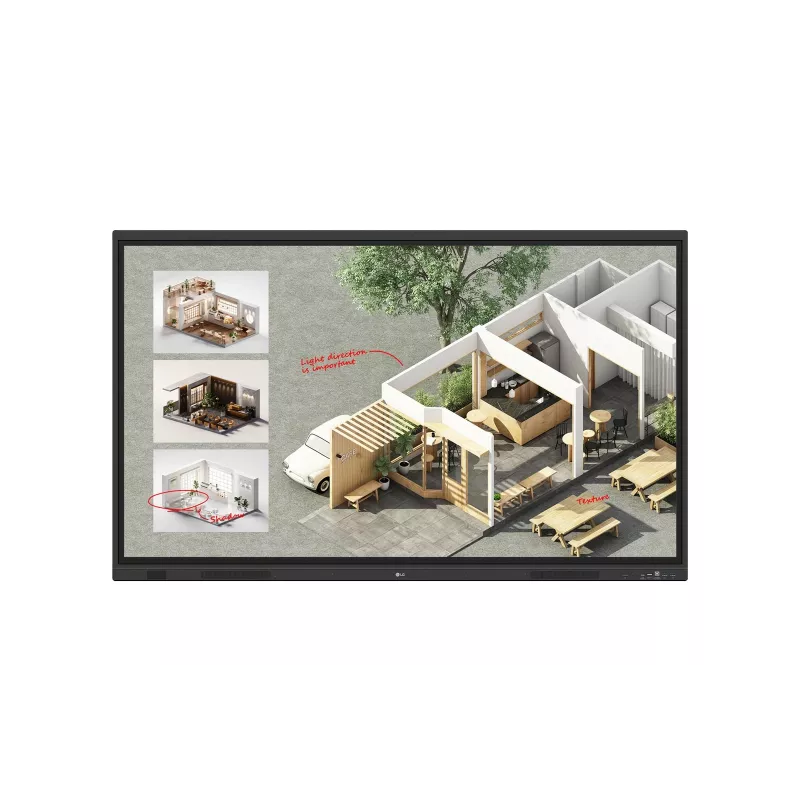
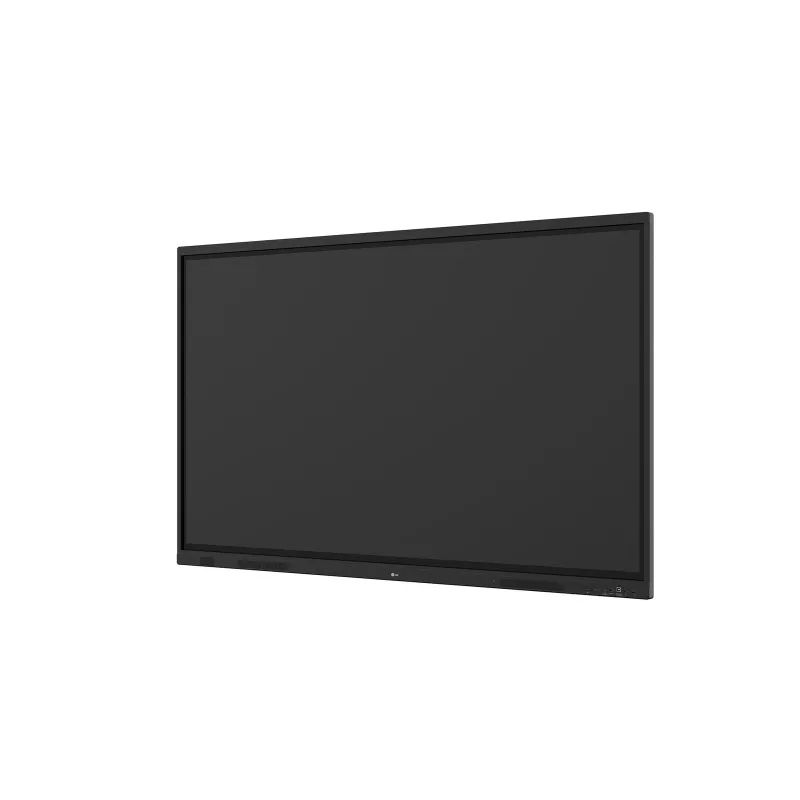
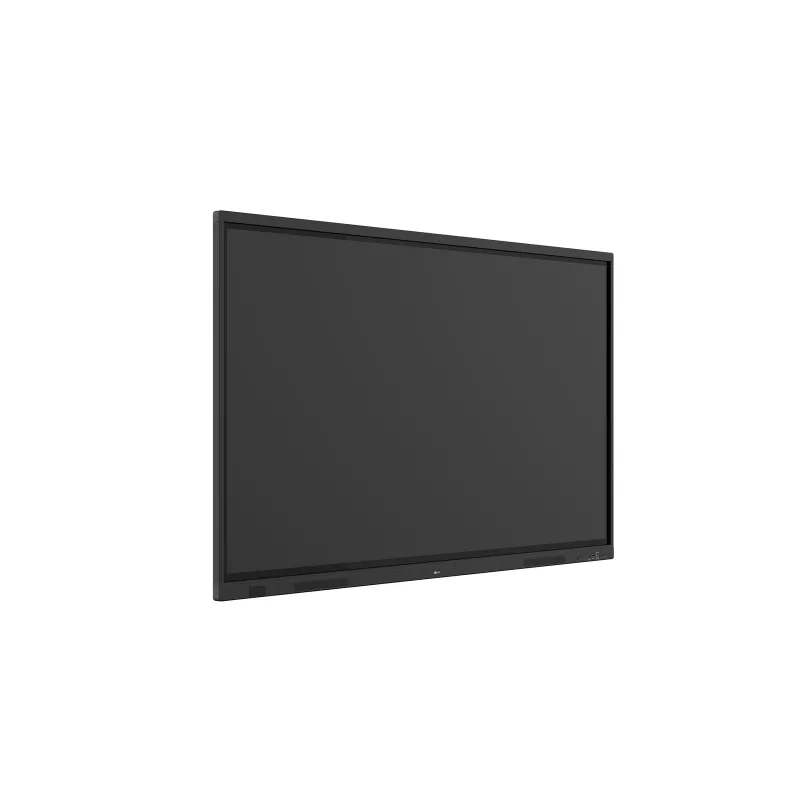
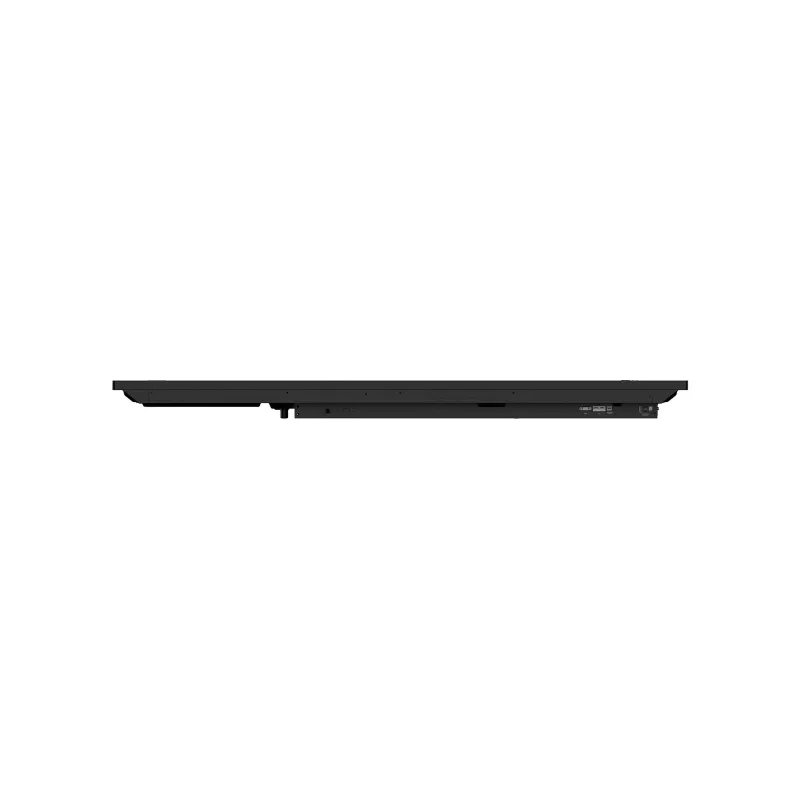
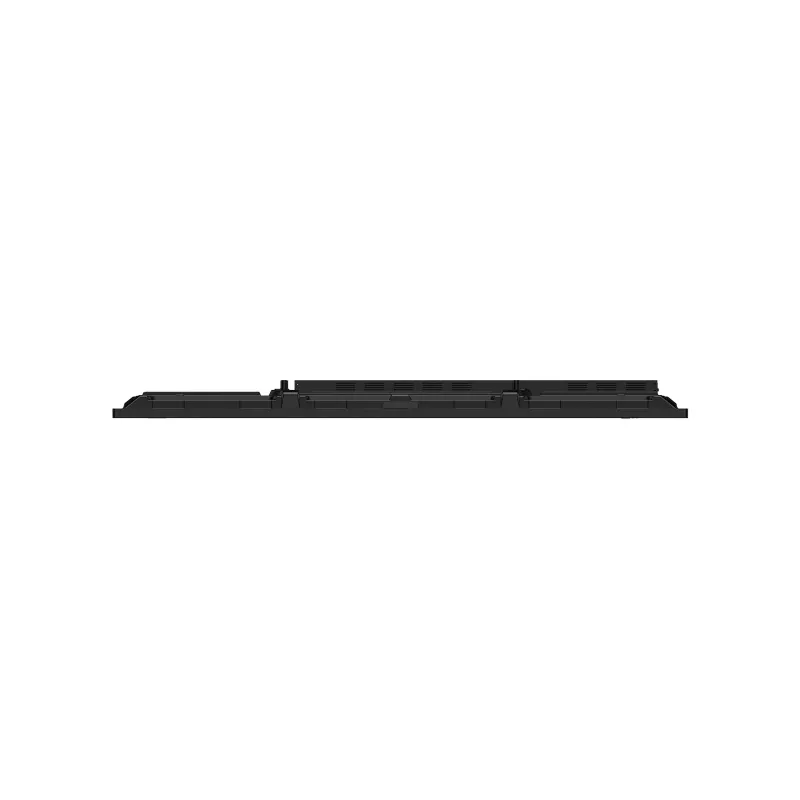
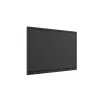
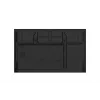
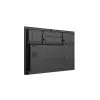
Interactief whiteboard LG CreateBoard Standard 65 inch (165,1 cm) 4K UHD 3840×2160 touchscreen VA-paneel Wi‑Fi 6E 40W+20W

Interactief whiteboard LG CreateBoard Standard 65 inch (165,1 cm) 4K UHD 3840×2160 touchscreen VA-paneel Wi‑Fi 6E 40W+20W
36 mnd.gratis
Interactief whiteboard LG CreateBoard Standard 65 inch (165,1 cm) 4K UHD 3840×2160 touchscreen VA-paneel Wi‑Fi 6E 40W+20W
1.735,36 €
PDF
PDF
Voorraad 3 Code 2262568 Model 65TR3DQ-B Garantie 3 jaar

Bezorging & retourneren

Verwachte bezorgdatum vrijdag 13 november
Je blijft op de hoogte via ons uitgebreide trackingsysteem
Betaalopties
BetaalkaartVisaMastercardPayPalApple PayGoogle PayBankoverschrijving

Stel een vraag – de AI-assistent antwoordt direct.

Omschrijving

Innovate, Collaborate, and Create with Seamless Technology, LG CreateBoard

Creative Whiteboard Solution
LG CreateBoard offers a lifelike touch experience, allowing users to interact with content directly on the board. You can write, draw, zoom, and rotate using just your fingers, making it an effective tool for creative projects or presentations. Additionally, LG CreateBoard enables screen and content sharing, making it an excellent tool for seamless collaboration even with remote team members.

Various Teaching Templates
LG CreateBoard offers a variety of educational templates and tools such as a ruler, table, and sticky note, fostering active student participation and facilitating intuitive lessons.

Easy to Save / Import / Export
LG CreateBoard incorporates straightforward import and export features. Resources can be saved and directly imported to and from Google Drive or OneDrive. After meetings, you can directly send emails to share materials, or scan a QR code to transfer them to your personal device.

LG CreateBoard Lab
LG’s proprietary whiteboarding software

Tools for Fluid Discussion
A variety of tools such as a calculator, clock, and sticky note are available to facilitate smooth discussions and ensure seamless idea sharing and communication. Also, users can personalize the menu bar with their most frequently used tools, thereby improving their work efficiency.

Web Browser
When you need a reference during a discussion, you can access various online information in real time with the simple click of a web browser. The necessary information found on the internet can be easily dragged and dropped into the material you’re creating, enhancing the productivity of your meetings.

Multi-OS Support
LG CreateBoard Lab offers multi-OS support, allowing users to utilize it not only with LG CreateBoard but also with other devices. This enables users to maintain a seamless experience on tablets, laptops, and various other devices, even outside the classroom.

LG CreateBoard Share
LG CreateBoard Share offers a wireless screen sharing feature, providing users with a flexible discussion environment. Users can share their screen from their own PC, tablet, or smartphone, simplifying the process of sharing and collaborating on team projects or presentation materials.

Wireless ScreenShare Feature for Seamless Meeting Environment
LG CreateBoard Share establishes a seamless and stable meeting room without the need for extra cables or connections. Presenters can now share their screens without the need to inconveniently move around and unplug and plug cables each time the presenter changes. With the capability to share up to 9 screens in real-time, it’s possible to display multiple people’s materials simultaneously when needed, thereby enhancing the efficiency of collaboration.

Simple Connection to LG CreateBoard Share
Users can easily utilize the wireless screen sharing feature via LG CreateBoard Share app, and even without the app, they can still conveniently access this feature through the website. A quick connection to LG CreateBoard Share can be established by entering a 6-digit code.

Presentation Convenience and Flexibility in Meeting Room
Wireless screen sharing empowers presenters to navigate freely within a meeting room, unencumbered by cables. This feature enables them to seamlessly control their presentations directly from their own devices. In addition, they can conveniently send photos and videos stored on their personal devices, enhancing the fluidity and richness of their presentations.

Presentation Convenience and Flexibility in Classroom
In the classroom, the lecturer or presenter doesn’t need to conduct the lesson near the LG CreateBoard, but can flexibly conduct the lesson from anywhere in the classroom. This promotes a more flexible classroom environment and can help keep students more focused.

Secure Mode
LG CreateBoard Share supports Secure Mode, which allows users to grant permissions for sharing. Secure Mode prevents unauthorized users from sharing their screen.

LG ConnectedCare
LG ConnectedCare is a cloud solution for remotely monitoring, controlling, and managing the status of LG CreateBoard and LG signage displays. This feature enables IT managers to operate and manage important resources on operating devices without physically visiting sites.

Dashboard
The LG ConnectedCare dashboard allows you to view and monitor multiple devices at the same time, thereby saving time and boosting efficiency.

Remote-control
The LG ConnectedCare enables centralized and simple control of digital signage connected to the system. Frequently used functions such as power on/off, scheduling and screen brightness adjustment can be applied remotely

Broadcasting
Messages and a range of other content can be sent from the main system to individual devices connected to LG ConnectedCare. Company events or announcements can be broadcasted remotely from the cental system at once.

Alert Message
In case of urgent occasions such as a fire or a natural disaster, alert messages can be distributed manually across the system, which help teachers and students to swiftly perceive the situation and promptly take safety action.

Google Certification
LG CreateBoard has received Google certification, enabling users to seamlessly integrate with the Google ecosystem by connecting their Google accounts.

Google Play Store
Users have access to the Google Play Store, where they can download a wide range of applications, including educationrelated games, tools, and more for an expanded experience.

Screen Lock
Users can lock the screen using the Screen Lock function, and unlock it by entering a password. This protective measure can be set up in the Settings menu, safeguarding the device from unauthorized access.

USB Lock Mode
USB Lock Mode is a security measure that helps prevent data from being copied to unauthorized devices, which is essential when being used in spaces where security is critical.

Auto-remove Files
Users can set LG CreateBoard to delete files regularly for enhanced security.

Multi-touch
LG CreateBoard boasts a multi-touch functionality that can concurrently detect up to 50 touch points. This feature facilitates simultaneous touch and gesture inputs from multiple users, fostering easy collaboration and idea sharing among team members. This enables efficient interaction in group activities or meetings.

C-type Connection
USB-C connectivity simplifies connections which enables charging and sending data simultaneously over just one single cable.

Bluetooth Connectivity
LG CreateBoard supports wireless Bluetooth connections to various devices such as a speaker, mouse, keyboard, etc. This is optimal for building a hybrid environment so that online and offline classes can proceed smoothly.

Front Connectivity Design
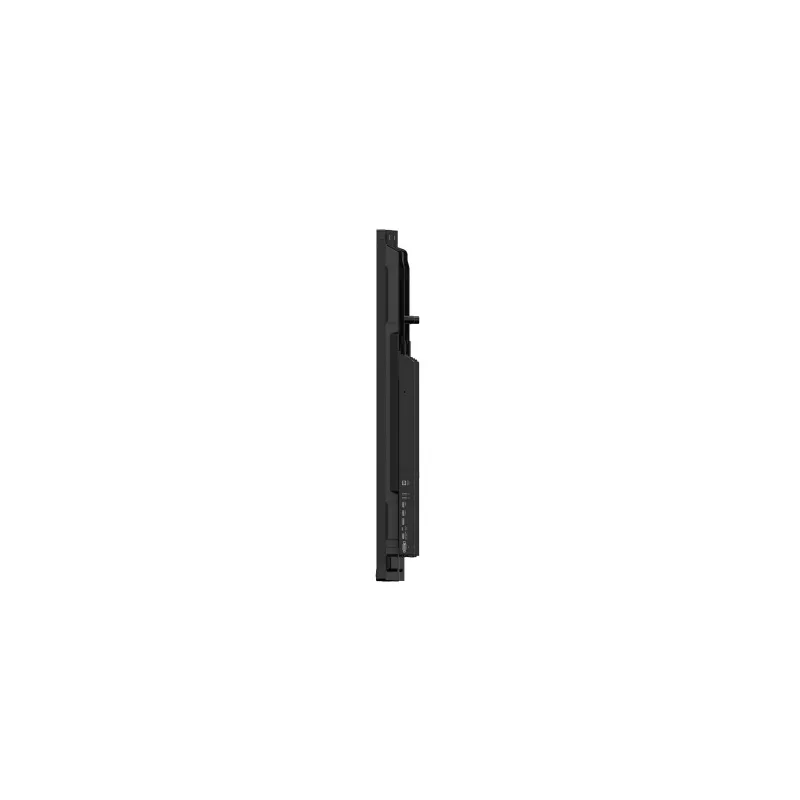
LG CreateBoard is designed with front display ports, making it easy for users to connect or disconnect cables.

Front Speaker and Subwoofer
LG CreateBoard delivers audio clarity with powerful front-facing speakers and a dedicated subwoofer. LG CreateBoard provides reliable sound quality that supports effective communication and collaboration without the need for additional audio equipment.

Advanced Eye-care
LG CreateBoard has introduced a flicker-free function. With the reduced flickering of the monitor’s backlight, users can use the device with more comfort even when using it for a long time.

Built-in OPS Slot
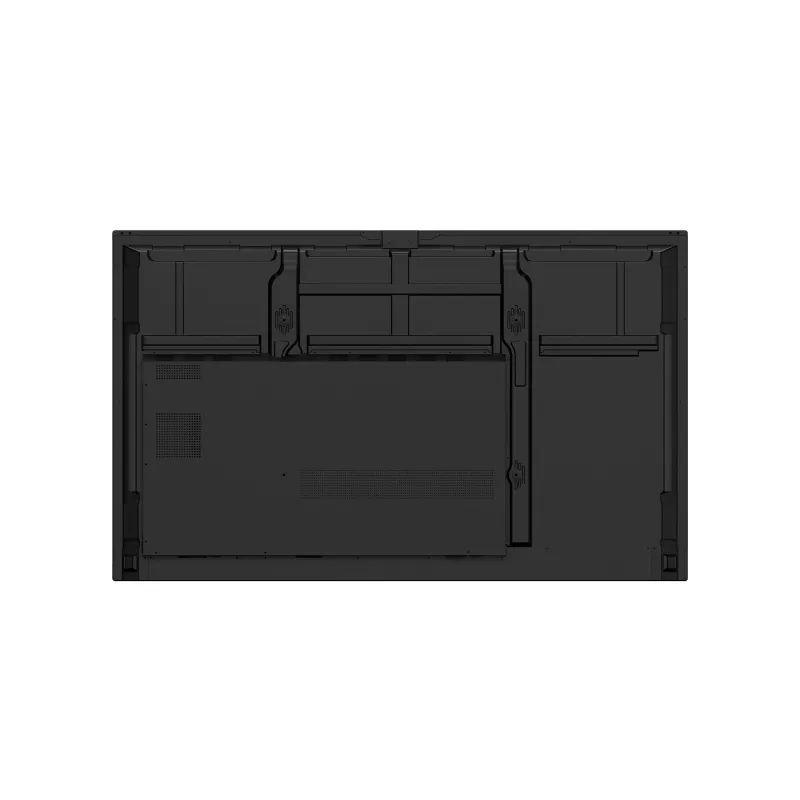
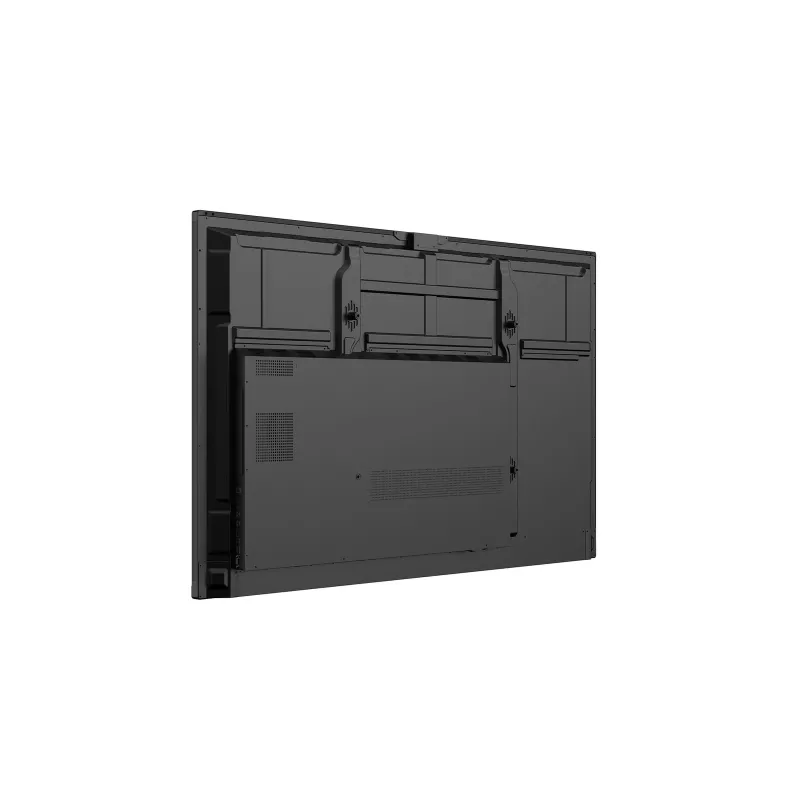
LG CreateBoard supports OPS slots, allowing users to conveniently mount OPS Module at the back of the screen without the hassle of connecting to an external desktop. This enables various PC functions and Windows software.

Multi-screen Mode
LG CreateBoard supports a multi-screen mode, allowing users to utilize multiple screens simultaneously. Users can take notes, play videos, and browse the web at the same time, thereby enhancing work efficiency.

LG CreateBoard Standard. Display diagonal: 165.1 cm (65"), Display brightness: 400 cd/m², Display number of colours: 1.07 billion colours. Operating system installed: Android, Processor architecture: ARM Cortex A73 + ARM Cortex A53, Maximum internal memory: 64 GB. Speaker power: 40 W, Subwoofer RMS power: 20 W. Top Wi-Fi standard: Wi-Fi 6E (802.11ax). USB connector type: Micro-USB A, USB Type-C

How to use

Turn on the display and sign in with a Google account if required. Use finger or stylus input to write, draw, zoom and rotate content directly on the screen. Open LG CreateBoard Lab for whiteboarding tools and teaching templates such as rulers, tables and sticky notes. For wireless presentations, launch the LG CreateBoard Share app or visit its web page and enter the 6‑digit code to connect; screens from PCs, tablets or smartphones can be shared and up to nine sources displayed simultaneously. Save or export materials via Google Drive or OneDrive, send by email, or transfer via QR code. Connect peripherals through front ports or pair devices over Bluetooth; insert an OPS module into the OPS slot for full PC functionality.

Recommendations

For best results in classrooms and meeting rooms, place the CreateBoard at a comfortable viewing height and ensure stable network access (Wi‑Fi 6E recommended). Regularly use Screen Lock and USB Lock Mode in public spaces, enable Auto-remove Files for sensitive environments, and register the device with LG ConnectedCare for remote monitoring and timely maintenance.

Belangrijkste kenmerken
  • Classroom teaching and interactive lessons
  • Corporate meeting rooms and presentations
  • Workshops, brainstorming and team collaboration
  • Hybrid sessions with remote participants
  • Display diagonal: 165.1 cm (65")
  • Resolution: 3,840 × 2,160 (4K UHD)
  • Panel type: VA
  • Brightness: 400 cd/m² (Typ.)
  • Contrast ratio: 5000:1
  • Response time: 6.5 ms
  • Multi-touch: up to 50 points
  • Operating system: Android 14 (EDLA)
  • Audio: Built-in speakers 40 W + 20 W subwoofer
  • Wireless: Wi‑Fi 6E (802.11ax), Bluetooth 5.3
  • Interfaces (input): HDMI x3, DP, RGB (VGA), Audio, RS‑232C, RJ45 (LAN), USB Type‑C x2, USB 3.0 Type‑A x5, USB 2.0 Type‑A
  • Interfaces (output): HDMI Out, Audio Out, Touch USB x3, RJ45 (LAN)
  • VESA mounting: 600 × 400 mm
  • Power consumption: 295 W
  • Product colour/weight: Black / 34.75 kg

Specificaties

Specificaties
Aanraakobjectgrootte (min.)
2 mm
Aanraaktechnologie
Multi-touch
Aantal DisplayPorts
1
Aantal gelijktijdige aanraakpunten
50
Aantal handgrepen
1
Aantal HDMI-poorten
3
Aantal HDMI-uitgangen
1
Aantal kleuren display
1.07 billion colours
Aantal RGB-poorten
1
Aantal USB 2.0-poorten
1
Aantal USB 3.2 Gen 1 (3.1 Gen 1) Type-A-poorten
5
Aantal USB Type-C-poorten
2
AC-ingangsfrequentie
50/60 Hz
AC-ingangsspanning
100 - 240 V
Afstandsbediening inbegrepen
Yes
Antireflectiescherm
Yes
Bedrijfstemperatuur (T-T)
0 - 40 °C
Beelddiagonaal
165.1 cm (65")
Beeldschermhelderheid
400 cd/m²
Beeldschermresolutie
3840 x 2160 pixels
Bluetooth
Yes
Bluetooth-versie
5.3
Breedte
1488.4 mm
Breedte verpakking
1628 mm
Certificering
IEC 62368-1:2018; UL 62368-1:2019
Conformiteitscertificaten
Federal Communications Commission (FCC)
Contrastverhouding (dynamisch)
5000:1
Contrastverhouding (typisch)
5000:1
Diepte
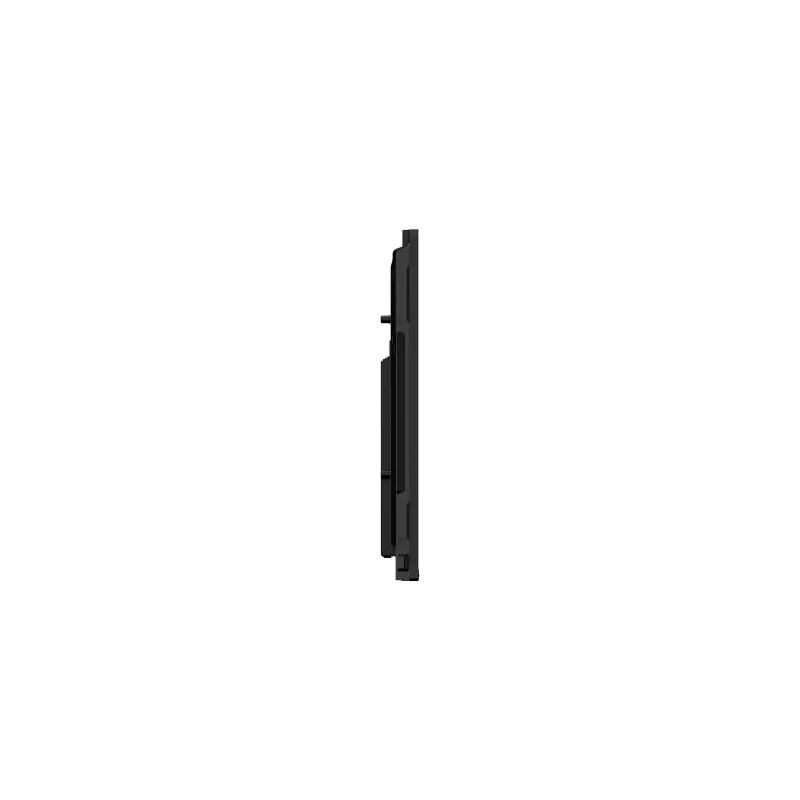
99.7 mm
Diepte verpakking
185 mm
Dikte schermglas
3.2 mm
Duurzaamheidscertificaten
ENERGY STAR, EPEAT, ErP
Ethernet LAN (RJ-45)-poorten
1
Geïnstalleerd besturingssysteem
Android
Gemiddelde tijd tussen storingen (MTBF)
50000 h
Gewicht
34.8 kg
Gewicht verpakking
41.5 kg
Handleiding
Yes
HD-type
4K Ultra HD
Hoogste wifi-standaard
Wi-Fi 6E (802.11ax)
Hoogte
907.5 mm
Hoogte verpakking
1014 mm
Ingebouwde luidspreker(s)
Yes
Ingebouwde processor
Yes
Ingebouwde projector
No
Ingebouwde subwoofer
Yes
Kabels inbegrepen
HDMI, Power, USB
Kijkhoek, horizontaal
178°
Kijkhoek, verticaal
178°
Kleurbereik
72%
Led-achtergrondverlichting
Yes
Lijningang
Yes
Luidsprekervermogen
40 W
Maximaal intern geheugen
64 GB
Maximale verversingssnelheid
60 Hz
Montage-interface paneel
600 x 400 mm
Native beeldverhouding
16:9
Omgevingslichtsensor
Yes
Ondersteunde Linux-besturingssystemen
Yes
Ondersteunde Mac-besturingssystemen
Yes
Ondersteunde mobiele besturingssystemen
Android
Ondersteunde Windows-besturingssystemen
Yes
Ophangbaar aan de muur
Yes
OPS-slot
1
Paneeltype
VA
Processorarchitectuur
ARM Cortex A73 + ARM Cortex A53
Productkleur
Black
RAM-capaciteit
8 GB
Randbreedte (L/B, R/O)
15/25.6/15/43.5
Relatieve luchtvochtigheid tijdens gebruik (H-H)
10 - 90%
Responstijd
6.5 ms
Responstijd touchsysteem
5 ms
RMS-vermogen subwoofer
20 W
RS-232-poorten
1
S/PDIF-uitgang
Yes
Snelstartgids
Yes
Stroomverbruik (max.)
295 W
Stroomverbruik (stand-by)
0.5 W
Stroomverbruik (typisch)
140 W
Stylus inbegrepen
Yes
Touchscreen
Yes
Type led-achtergrondverlichting
Direct-LED
Type USB-aansluiting
Micro-USB A, USB Type-C
Versie besturingssysteem
14
VESA-bevestiging
Yes
Videokaart
Mali-G52 MP8
Videokaartfamilie
ARM
Wake-on-LAN-gereed
Yes
Wifi
Yes

Handleiding

Document openen

Document

Document openen

Document

Document openen
Prijsverloop van de afgelopen 6 maanden
Interactief whiteboard LG CreateBoard Standard 65 inch (165,1 cm) 4K UHD 3840×2160 touchscreen VA-paneel Wi‑Fi 6E 40W+20W
Actueel
1.735,36 €
Laagste
1.580,46 €
Hoogste
1.746,42 €
Wijziging 24 uur
0,00 €   0%
Week
0,00 €   0%
Maand
+141,35 €   +9%

Review schrijven

Beoordeling *
Je naam wordt openbaar getoond – je mag ook een bijnaam gebruiken. We nodigen kopers uit om reviews te schrijven. We controleren reviews vóór plaatsing en plaatsen ook kritische reviews.

Meer LG producten in deze categorie

5
Verkoper: UAB KUR LT · Laisvės pr. 125A, LT-06118 Vilnius, Litouwen · Bedrijfsnummer 303192950 · Btw-nummer LT100008198612 · Verzending vanuit de EU (Litouwen)
WhatsApp
Messenger
Hoi, ik ben de AI-assistent van DistriNode. Ik help je graag met het vinden van producten, het vergelijken van opties, het maken van offerte-PDF's of het openen van supportaanvragen.
Alle categorieën