
Account Contact
Je winkelwagen
Verzending via DPD & FedEx
Hulp nodig? Vraag het de AI

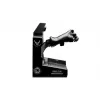
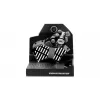
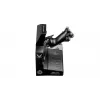
Joystick Thrustmaster VIPER TQS zwart USB PC bedraad

Joystick Thrustmaster VIPER TQS zwart USB PC bedraad
333,96 €
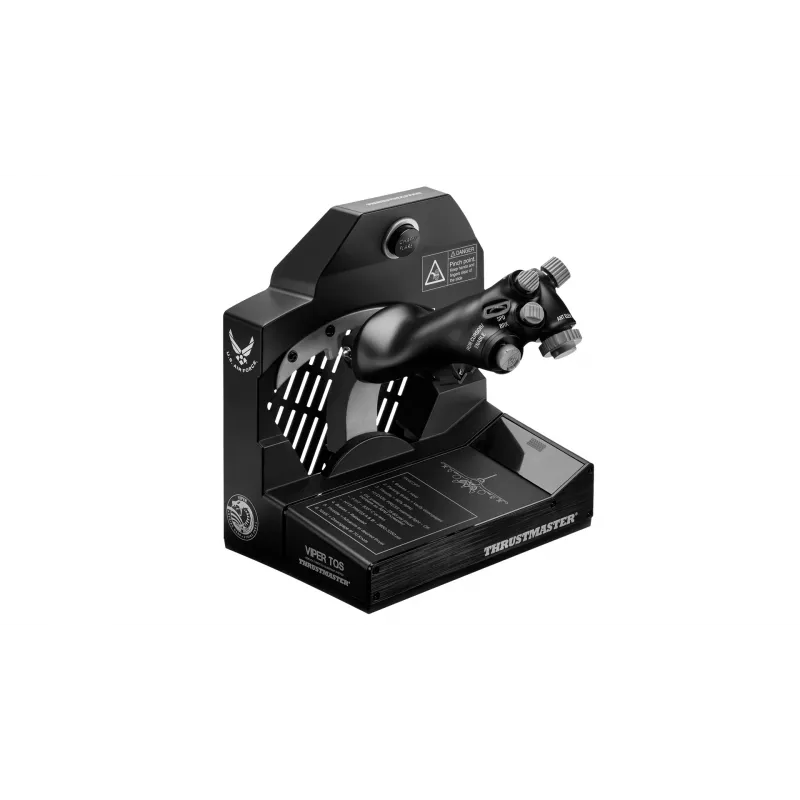
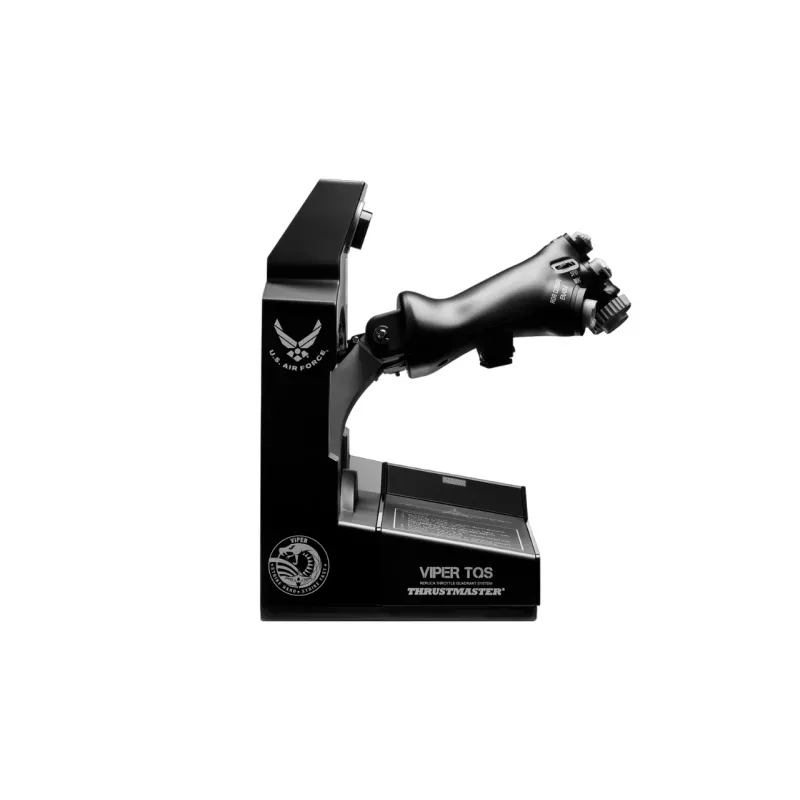
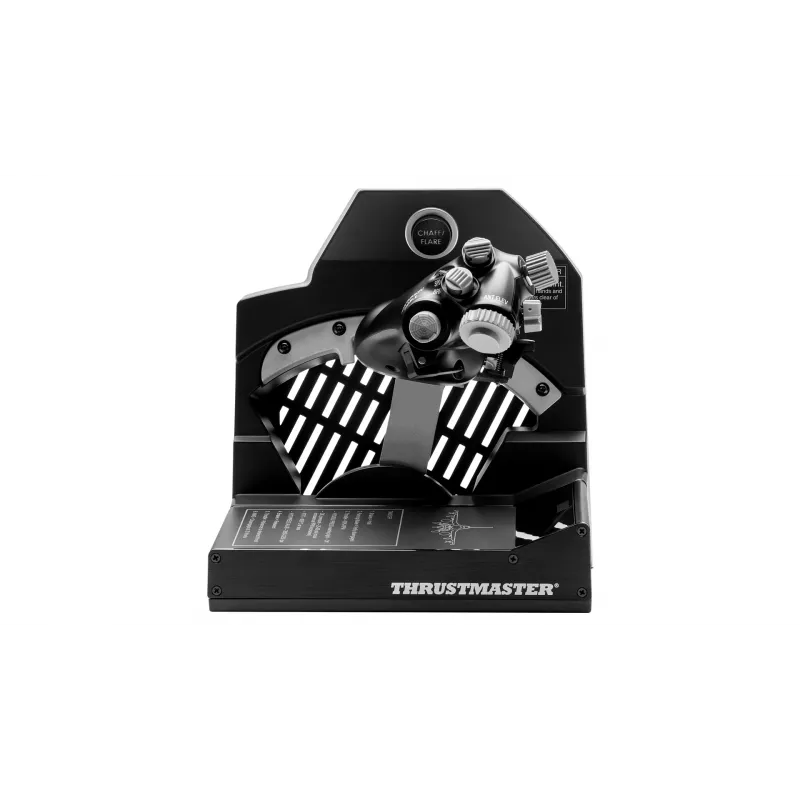
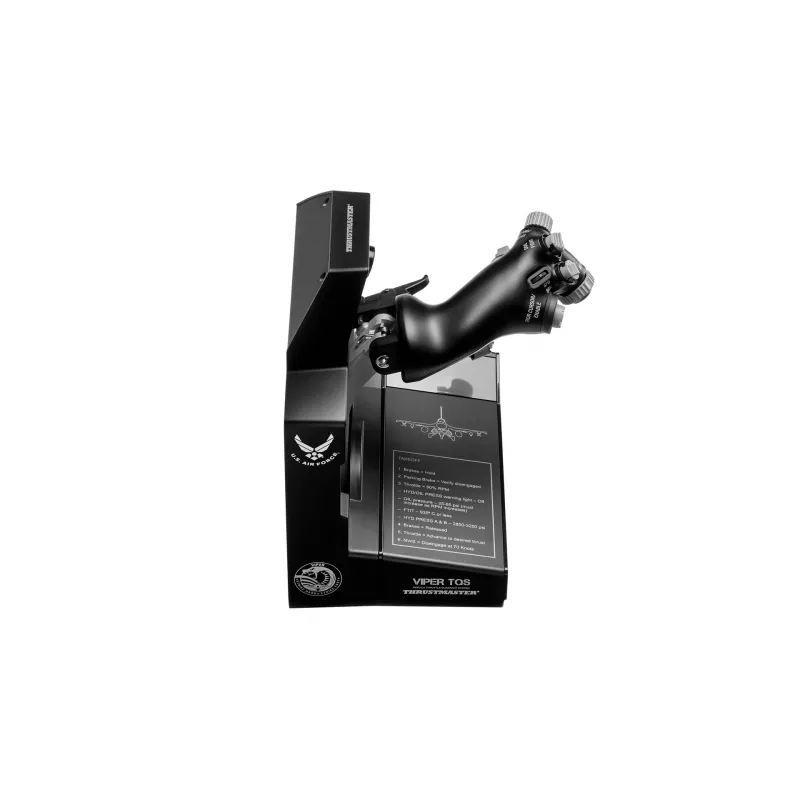
The Thrustmaster VIPER TQS Black is an officially licensed 1:1 scale replica of the U.S. Air Force Viper throttle quadrant system for PC. This wired USB joystick assembly reproduces the original throttle’s metal handle casing, buttons and iconic control switches, offering realistic mechanical moveme... Lees meer
Voorraad 1 Code 116520 Merk Thrustmaster Model 4060252 Garantie 2 jaar

Bezorging & retourneren

Verwachte bezorgdatum donderdag, oktober 15
Je blijft op de hoogte via ons uitgebreide trackingsysteem
Betaalopties
BetaalkaartVisaMastercardPayPalApple PayGoogle PayBankoverschrijving

The Thrustmaster VIPER TQS Black is an officially licensed 1:1 scale replica of the U.S. Air Force Viper throttle quadrant system for PC. This wired USB joystick assembly reproduces the original throttle’s metal handle casing, buttons and iconic control switches, offering realistic mechanical movement, access to Idle/Cutoff and Afterburner detents, and an option for a fully linear axis. The unit is built with die-cast metal components and a H.E.A.R.T (HallEffect AccuRate Technology) magnetic sensor to provide precise 16-bit input and durable adjustable friction.

Advantages

The Viper TQS delivers authentic flight kinematics through metal bearings and legacy axis rail mechanics, recreating the real feel of the Viper throttle. Adjustable friction and die-cast construction keep travel firm and consistent over time, while the H.E.A.R.T sensor ensures accurate, low-drift readings. Twenty-one action buttons and dedicated dogfight switches — including a Chaff/Flare slap switch and blackout switches — give direct access to commonly used controls and are positioned for easy use in VR. The device is USB-wired for reliable PC connectivity and comes in a compact footprint suitable for desktop setups.

Suitable for

  • PC flight simulation (civilian and military aircraft)
  • Combat flight simulators and air-to-air dogfighting
  • VR flight experiences requiring accessible cockpit controls
  • Flight training setups and home cockpits

Key specifications

  • Device type: Joystick / throttle quadrant (wired)
  • Interface: USB
  • Connectivity: Wired
  • Sensor: H.E.A.R.T (HallEffect AccuRate Technology), 16-bit
  • Construction: Die-cast metal parts, metal bearings
  • Buttons: 21 action buttons plus dedicated switches (Chaff/Flare, blackout, VR switch)
  • Special features: Idle/Cutoff and Afterburner detents; option for 100% linear axis; adjustable friction
  • Colour: Black
  • Supported platform: PC
  • Dimensions (approx.): 93 mm (W) x 296 mm (D) x 82 mm (H)
  • Weight (approx.): 3.759 kg

How to use

Connect the VIPER TQS to a PC via USB and install any recommended drivers or firmware updates from the manufacturer. Mount the throttle on a stable surface or cockpit frame, then calibrate the axis in your flight simulator or Windows game controller settings. Use the mechanical levers and handle rotation to access Idle/Cutoff and Afterburner detents, or switch to the linear axis mode if preferred. Assign the 21 action buttons and dedicated switches through your simulator’s control mapping menu for direct access during flight.

Recommendations

For best long-term performance, secure the throttle to a stable desk or cockpit base, avoid exposing die-cast components to corrosive environments, and periodically check for firmware updates. When using VR, enable the VR switch to improve point-of-view zoom and ensure buttons are mapped to critical functions for quick access.
Belangrijkste kenmerken
  • PC flight simulation (civilian and military aircraft)
  • Combat flight simulators and air-to-air dogfighting
  • VR flight experiences requiring accessible cockpit controls
  • Flight training setups and home cockpits
  • Device type: Joystick / throttle quadrant (wired)
  • Interface: USB
  • Connectivity: Wired
  • Sensor: H.E.A.R.T (HallEffect AccuRate Technology), 16-bit
  • Construction: Die-cast metal parts, metal bearings
  • Buttons: 21 action buttons plus dedicated switches (Chaff/Flare, blackout, VR switch)
  • Special features: Idle/Cutoff and Afterburner detents; option for 100% linear axis; adjustable friction
  • Colour: Black
  • Supported platform: PC
  • Dimensions (approx.): 93 mm (W) x 296 mm (D) x 82 mm (H)
  • Weight (approx.): 3.759 kg
Specificaties
Aantal knoppen
21
Apparaatinterface
USB
Breedte
230 mm
Breedte verpakking
305 mm
Diepte
230 mm
Diepte verpakking
335 mm
Garantiekaart
Yes
Geharmoniseerd Systeem (HS)-code
8471607000
Gewicht
3.34 kg
Gewicht verpakking
4.28 kg
Handleiding
Yes
Hoogte
260 mm
Hoogte verpakking
320 mm
Kabels inbegrepen
USB Type-C
Land van herkomst
China
Ondersteunde gameplatforms
PC
Ondersteunde Windows-besturingssystemen
Yes
Productkleur
Black
Stroombron
Cable
Type apparaat
Joystick
Verbindingstechnologie
Wired
Prijsverloop van de afgelopen 6 maanden
Joystick Thrustmaster VIPER TQS zwart USB PC bedraad
Actueel
333,96 €
Laagste
214,47 €
Hoogste
414,95 €
Wijziging 24 uur
-2,83 €   -1%
Week
-13,82 €   -4%
Maand
-12,07 €   -3%

Onafhankelijke reviews van techmedia

gamesradar.com
8/10

“If you're here at all, it's safe to assume you're a veteran combat flight sim pilot. $349.99 / £299.99 is a lot of money to drop on specialist gear, and it doesn't get much more specialized than a US Air Force-licensed replica of an F-16 Viper's…”

Lees de volledige review op gamesradar.com →

Populaire producten in deze categorie

Hoi, ik ben de AI-assistent van DistriNode. Ik help je graag met het vinden van producten, het vergelijken van opties, het maken van offerte-PDF's of het openen van supportaanvragen.