
Account Contact
Je winkelwagen
Verzending via DPD & FedEx
Hulp nodig? Vraag het de AI

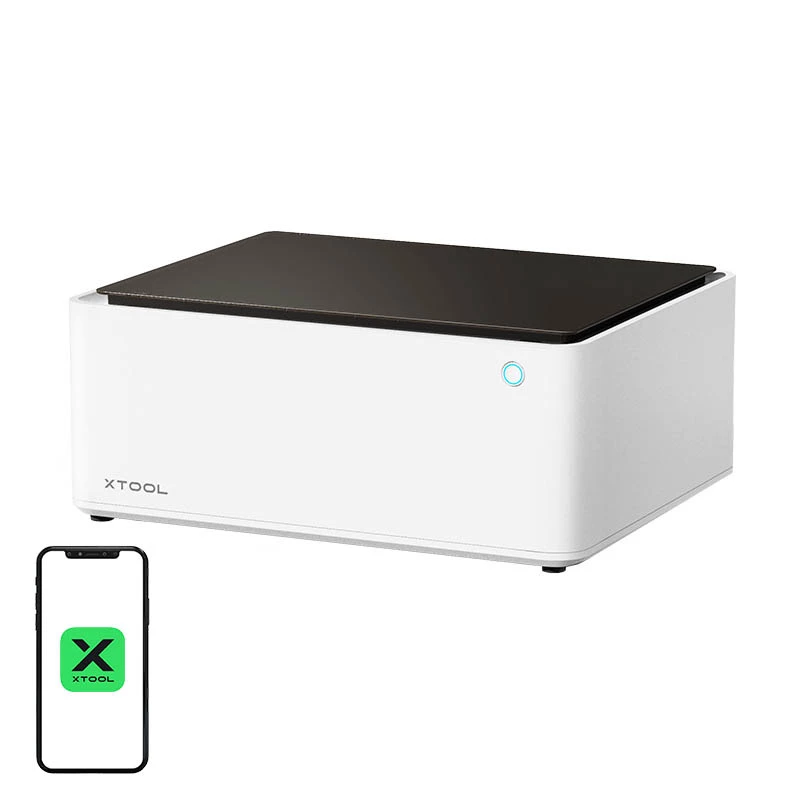
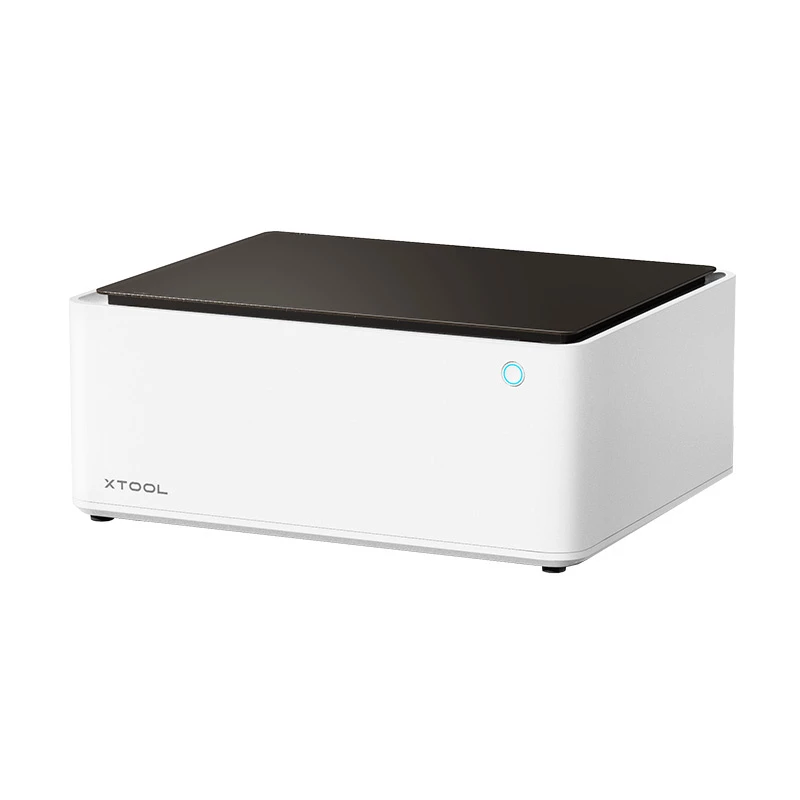
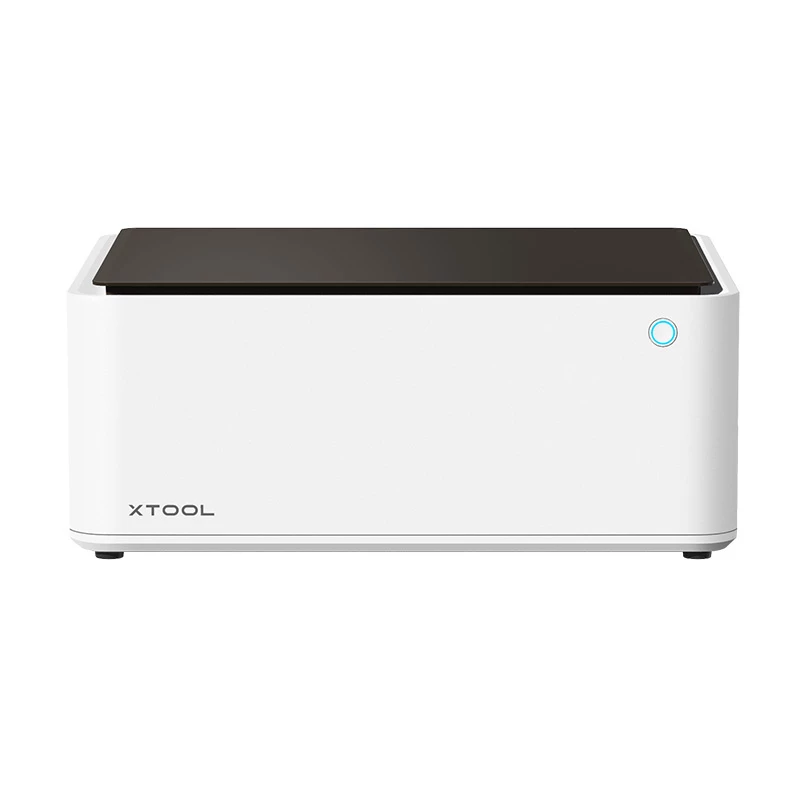
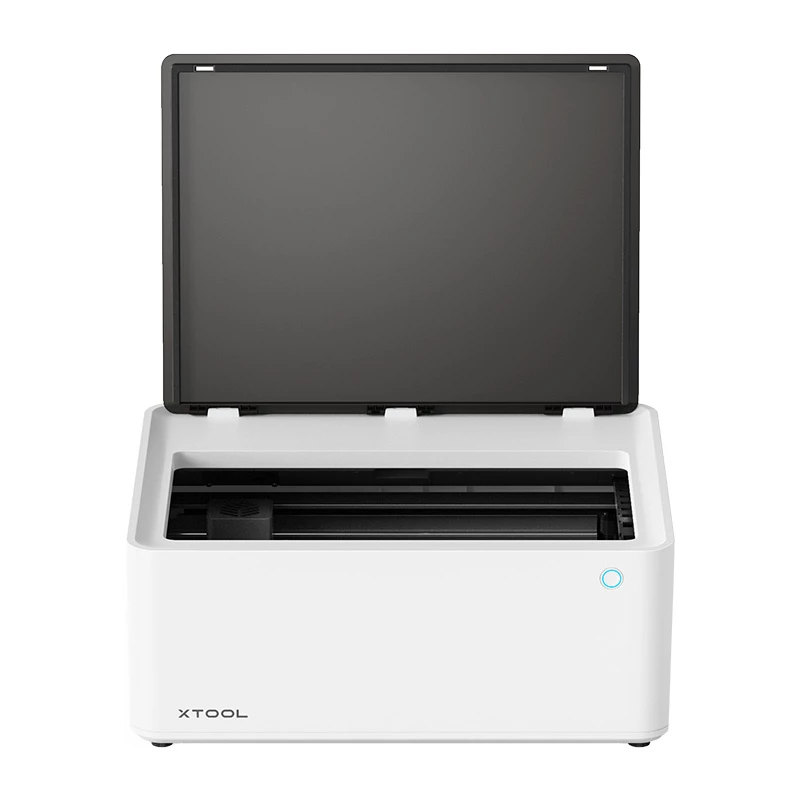
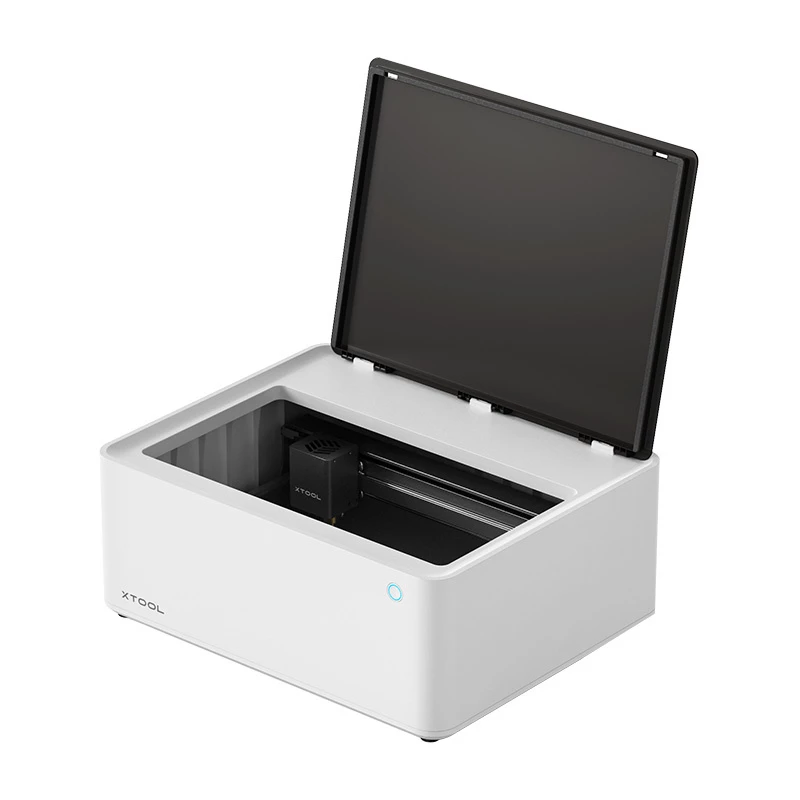
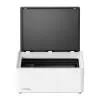
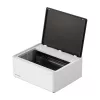
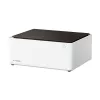
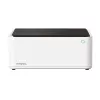
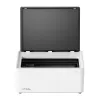
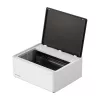
Lasergraveermachine xTool M1 10W — 3-in-1 multifunctionele desktop-graveermachine en -snijder

Lasergraveermachine xTool M1 10W — 3-in-1 multifunctionele desktop-graveermachine en -snijder
788,51 €
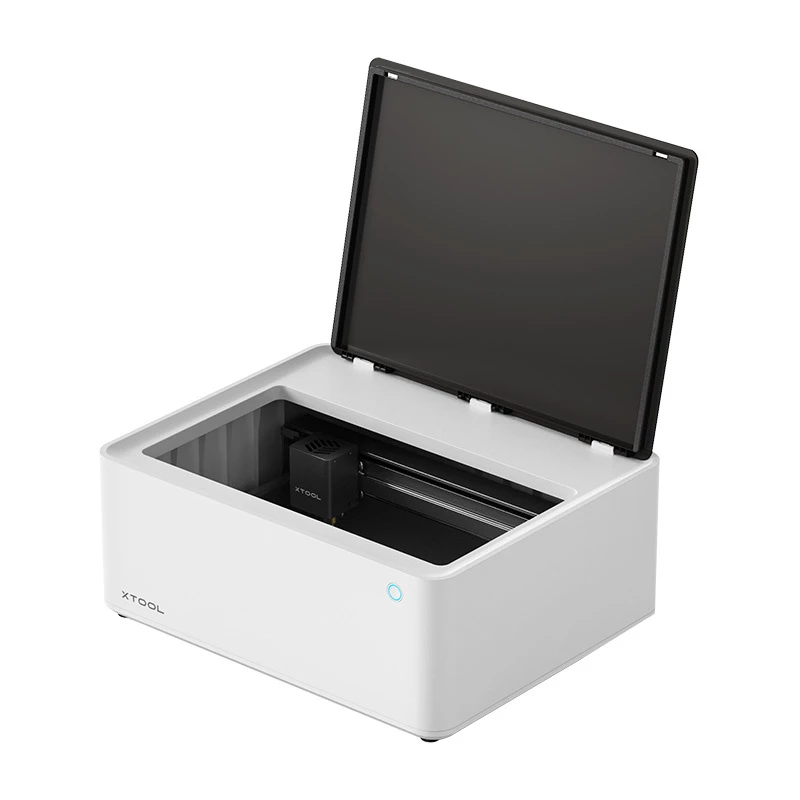
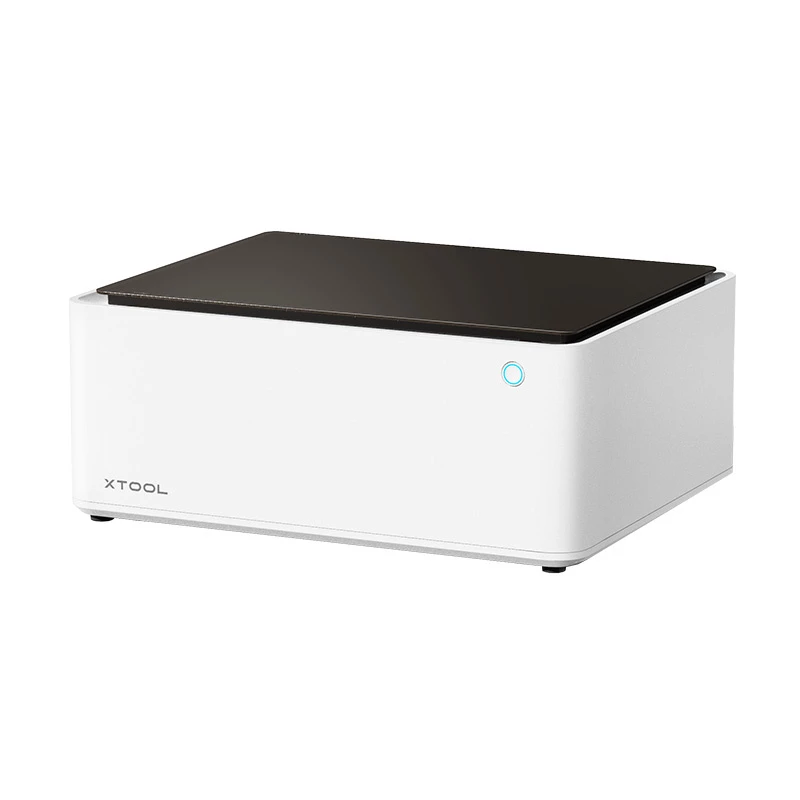
The xTool M1 10W is a 3-in-1 desktop engraver and cutter that combines a 10W diode laser, a blade cutter and advanced marking capabilities in a compact unit. Designed for hobbyists, makers, designers and small businesses, the machine delivers precise engraving and cutting for a variety of materials,... Lees meer
Voorraad 24 Code 775219 Merk XTOOL Model P1030264 Garantie 2 jaar

Bezorging & retourneren

Verwachte bezorgdatum donderdag, oktober 15
Je blijft op de hoogte via ons uitgebreide trackingsysteem
Betaalopties
BetaalkaartVisaMastercardPayPalApple PayGoogle PayBankoverschrijving

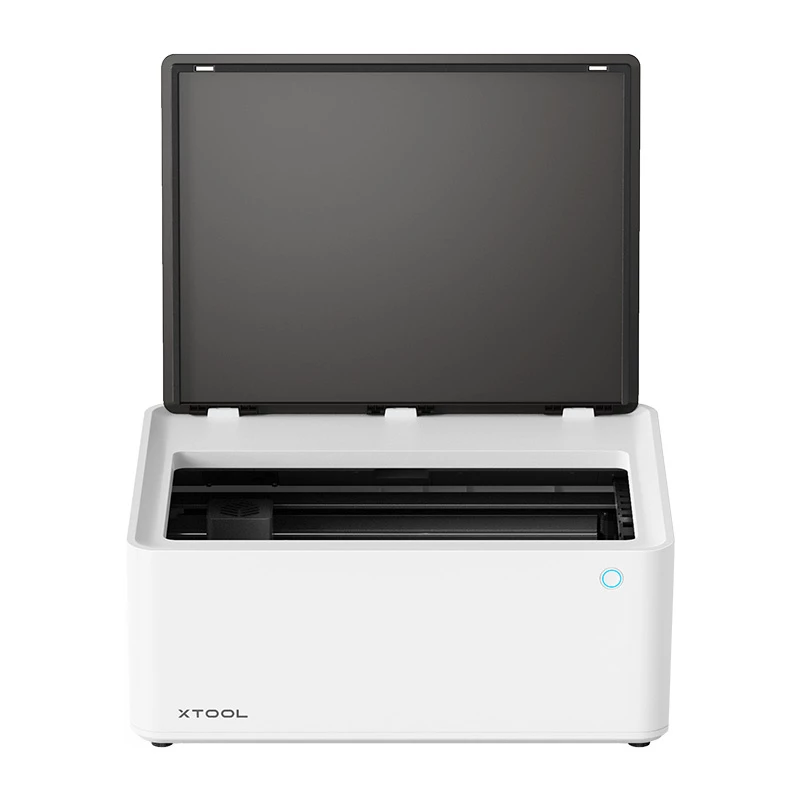
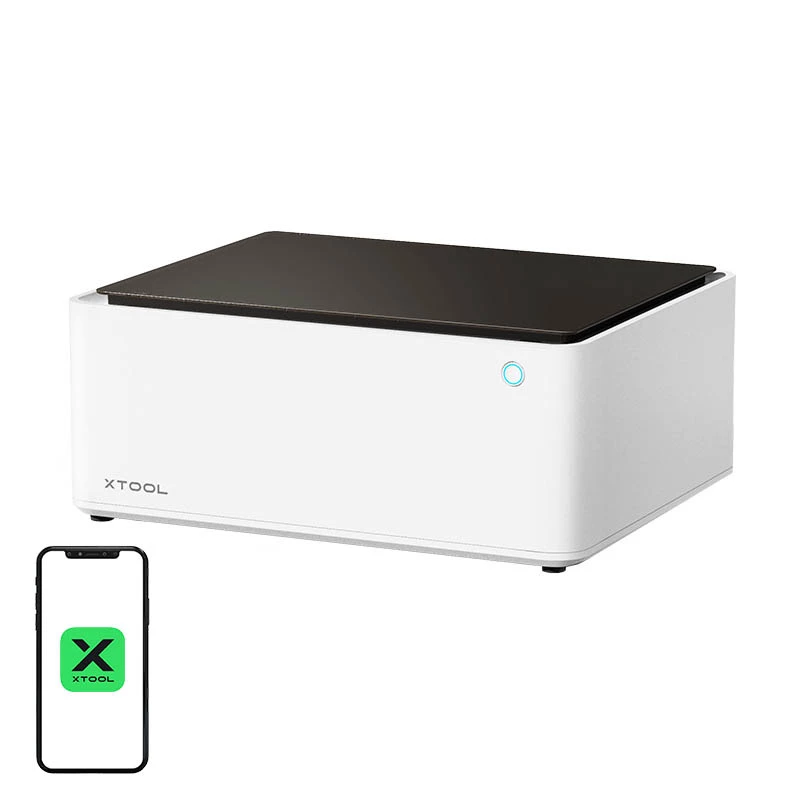
The xTool M1 10W is a 3-in-1 desktop engraver and cutter that combines a 10W diode laser, a blade cutter and advanced marking capabilities in a compact unit. Designed for hobbyists, makers, designers and small businesses, the machine delivers precise engraving and cutting for a variety of materials, with a working laser area of 385 × 300 mm and a blade working area of 365 × 300 mm. The device features a 16MP ultra-wide-angle AI camera for material recognition and alignment, and supports Windows, macOS, Android and iOS via the Laserbox software and app.

Advantages

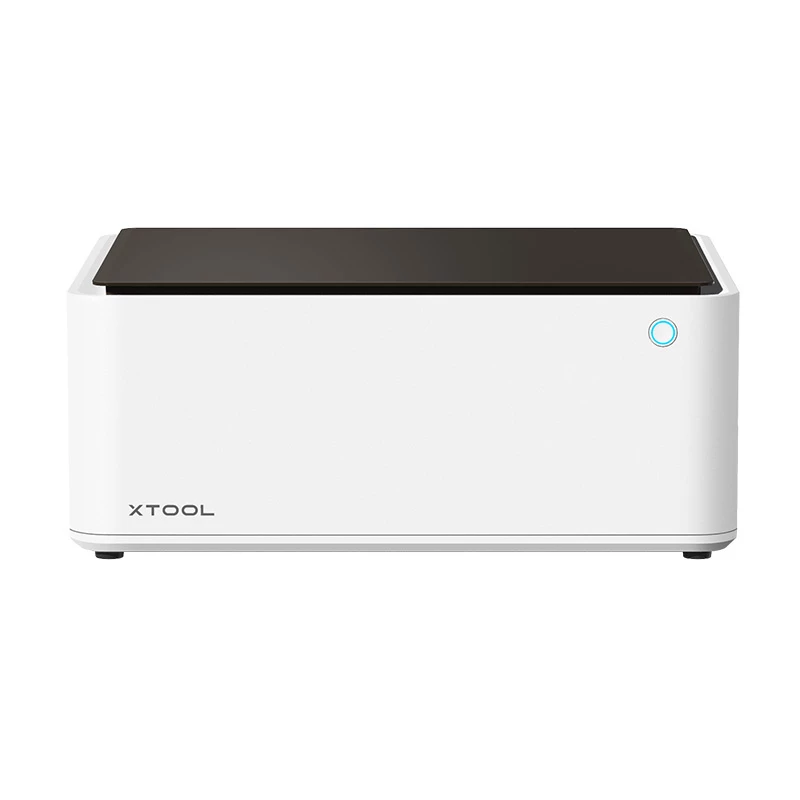
The xTool M1 offers a high-output 10W diode laser (455 nm) capable of cutting basswood up to 8 mm in a single pass and engraving with up to 0.01 mm precision. Quiet operation below 60 dB and a long laser lifetime (approximately 8,000–10,000 hours) make it suitable for regular use. Integrated AI-assisted 16MP camera simplifies focus, material recognition and automatic alignment, while cross-platform Laserbox software supports common file formats (SVG, DXF, JPG, PNG, BMP, TIF, CR2, etc.). The unit is lightweight and compact (557 × 453 × 230 mm, 9.8 kg) for desktop use.

Suitable for

  • Hobby projects and personalized gifts
  • Prototype parts and small-batch production
  • Educational workshops and maker spaces
  • Custom signage, decorations and small woodwork

Key specifications

  • Manufacturer: xTool; Model: M1 10W; MPN: P1030264; EAN: 6928819514034
  • Laser output power: 10W (diode, 455 nm); electrical input: 38W; lifetime: 8,000–10,000 h
  • Maximum cutting depth (basswood): 8 mm (single pass); maximum engraving speed: 250 mm/s; engraving precision: 0.01 mm
  • Working area (laser): 385 × 300 mm; working area (blade): 365 × 300 mm; max material height: 16 mm (without lifting)
  • Camera: 16 MP ultra-wide-angle AI camera; image resolution up to 500 DPI; focus: AI visual AF and material recognition
  • Noise level: <60 dB; connectivity: Wi‑Fi, USB
  • Supported OS and software: Windows / macOS / Android / iOS; Laserbox Software and Laserbox App; supported file types: SVG, DXF, JPG, JPEG, PNG, BMP, TIF, CR2, etc.
  • Dimensions (L × W × H): 557 × 453 × 230 mm; weight: 9.8 kg

How to use

Place the xTool M1 on a stable, level desktop and connect it to power. Install the Laserbox software or Laserbox App on a compatible device and connect via Wi‑Fi or USB. Select or import your design in a supported file format, position the material within the working area and use the AI camera functions to auto-focus and align the design. Choose appropriate laser or blade settings for the material, then start the job. Monitor the process and pause or stop if adjustments are required. Follow the included user manual for detailed setup, ventilation and safety procedures.

Recommendations

Use the included basic materials pack and cutting mats to test settings before processing final workpieces. For best results when cutting or engraving wood and other common materials, perform incremental test passes to identify the optimal power and speed. Ensure adequate ventilation and avoid leaving the machine unattended during laser operation.

How to use

Place the xTool M1 on a stable, level desktop and connect it to power. Install the Laserbox software or Laserbox App on a compatible device and connect via Wi‑Fi or USB. Select or import your design in a supported file format, position the material within the working area and use the AI camera functions to auto-focus and align the design. Choose appropriate laser or blade settings for the material, then start the job. Monitor the process and pause or stop if adjustments are required. Follow the included user manual for detailed setup, ventilation and safety procedures.

Recommendations

Use the included basic materials pack and cutting mats to test settings before processing final workpieces. For best results when cutting or engraving wood and other common materials, perform incremental test passes to identify the optimal power and speed. Ensure adequate ventilation and avoid leaving the machine unattended during laser operation.

Belangrijkste kenmerken
  • Hobby projects and personalized gifts
  • Prototype parts and small-batch production
  • Educational workshops and maker spaces
  • Custom signage, decorations and small woodwork
  • Manufacturer: xTool; Model: M1 10W; MPN: P1030264; EAN: 6928819514034
  • Laser output power: 10W (diode, 455 nm); electrical input: 38W; lifetime: 8,000–10,000 h
  • Maximum cutting depth (basswood): 8 mm (single pass); maximum engraving speed: 250 mm/s; engraving precision: 0.01 mm
  • Working area (laser): 385 × 300 mm; working area (blade): 365 × 300 mm; max material height: 16 mm (without lifting)
  • Camera: 16 MP ultra-wide-angle AI camera; image resolution up to 500 DPI; focus: AI visual AF and material recognition
  • Noise level:
  • Supported OS and software: Windows / macOS / Android / iOS; Laserbox Software and Laserbox App; supported file types: SVG, DXF, JPG, JPEG, PNG, BMP, TIF, CR2, etc.
  • Dimensions (L × W × H): 557 × 453 × 230 mm; weight: 9.8 kg
Prijsverloop van de afgelopen 6 maanden
Lasergraveermachine xTool M1 10W — 3-in-1 multifunctionele desktop-graveermachine en -snijder
Actueel
788,51 €
Laagste
785,51 €
Hoogste
1.251,15 €
Wijziging 24 uur
+3,00 €   +0%
Week
-110,90 €   -12%
Maand
-109,61 €   -12%

Populaire producten in deze categorie

Hoi, ik ben de AI-assistent van DistriNode. Ik help je graag met het vinden van producten, het vergelijken van opties, het maken van offerte-PDF's of het openen van supportaanvragen.