

Stel een vraag over dit product
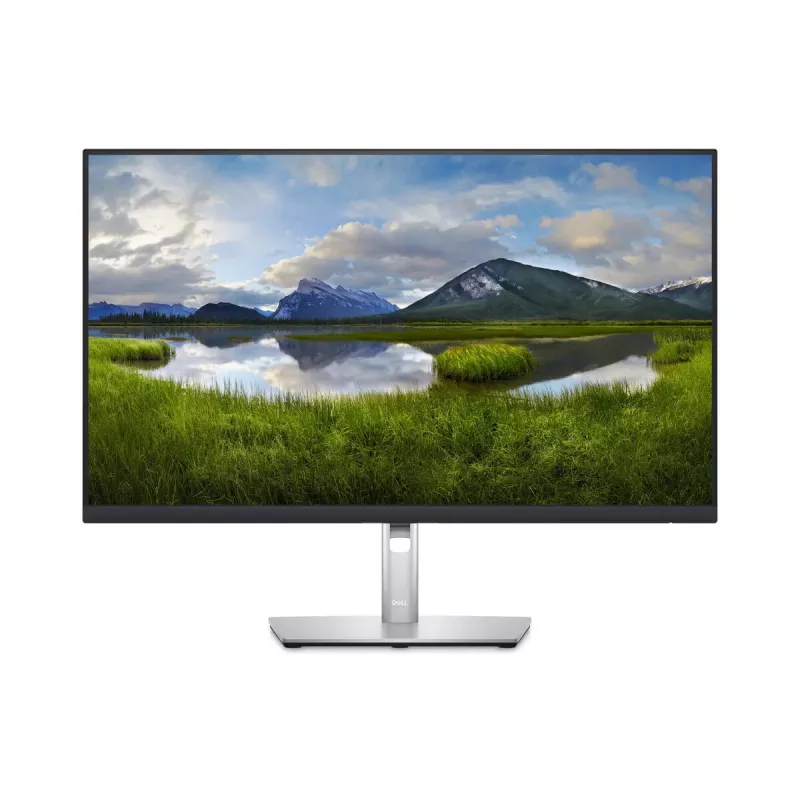
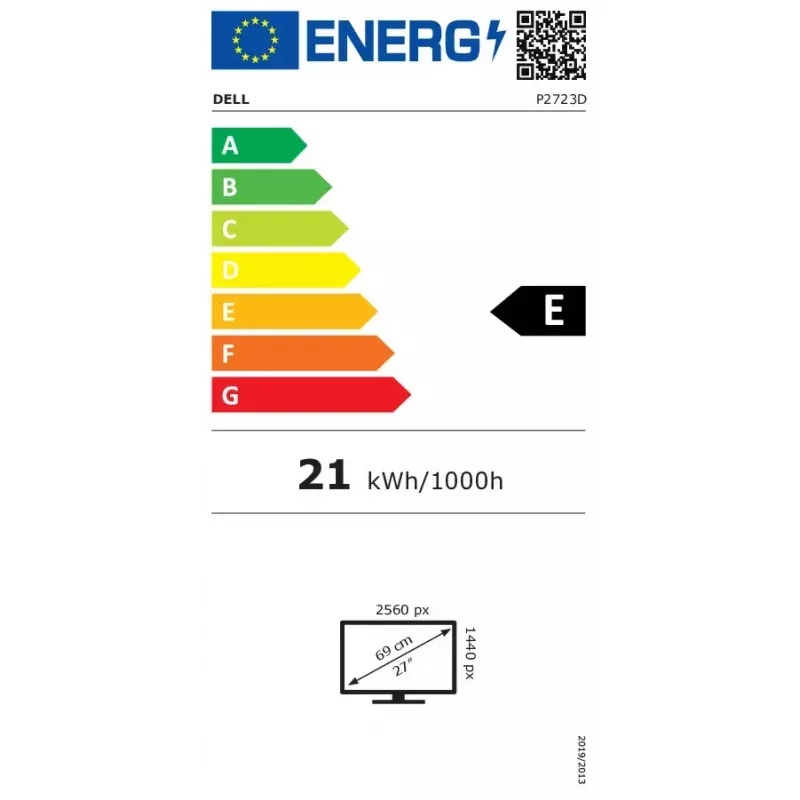
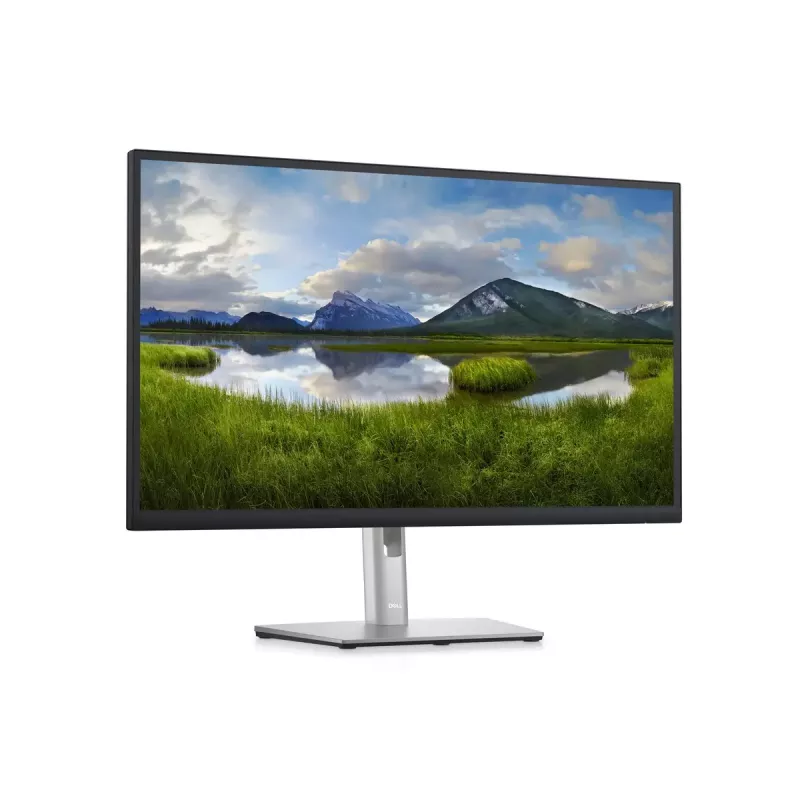
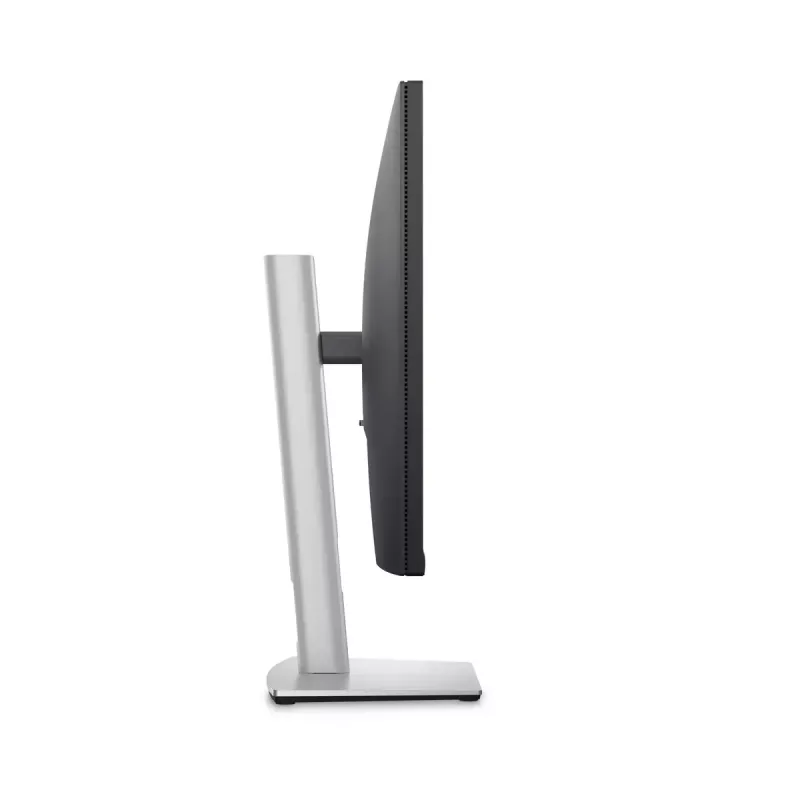
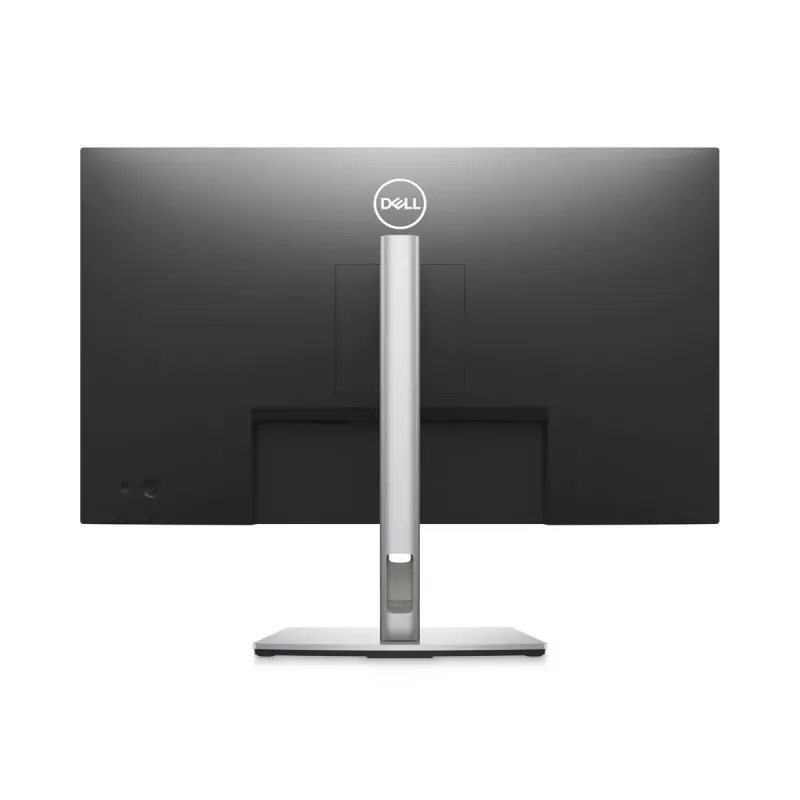
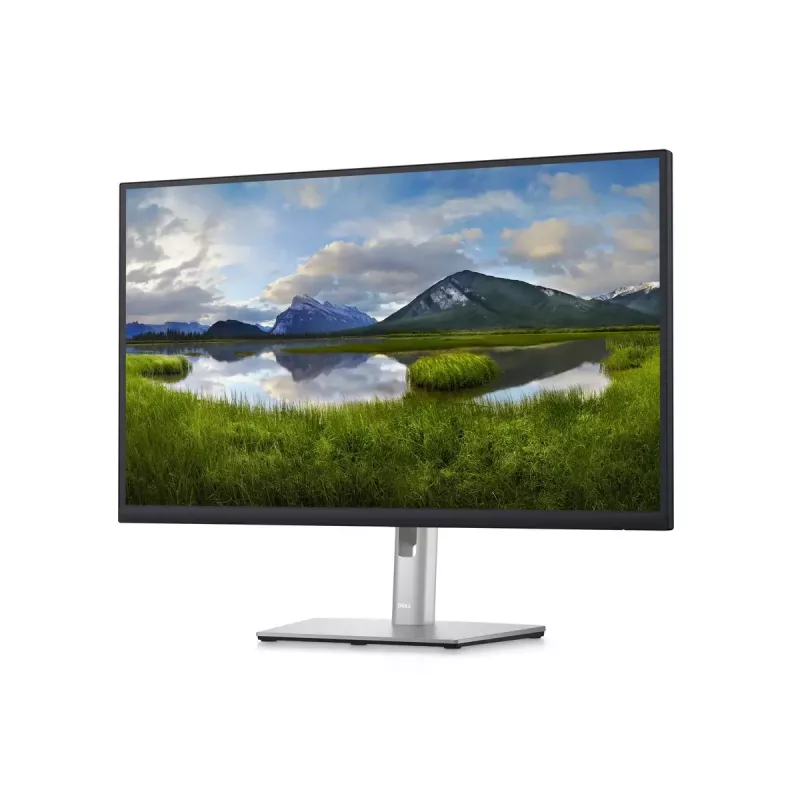
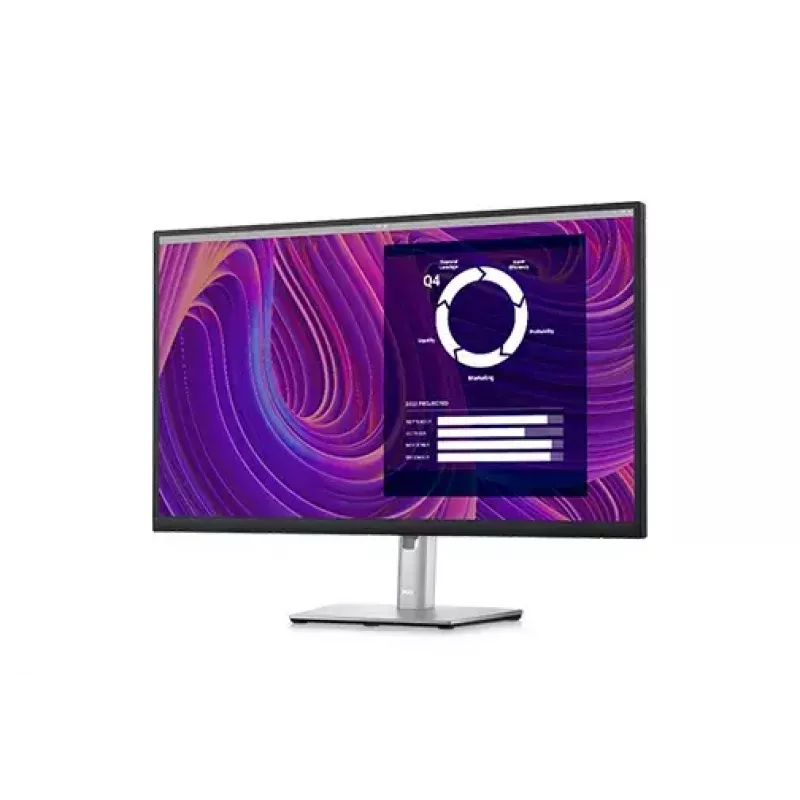
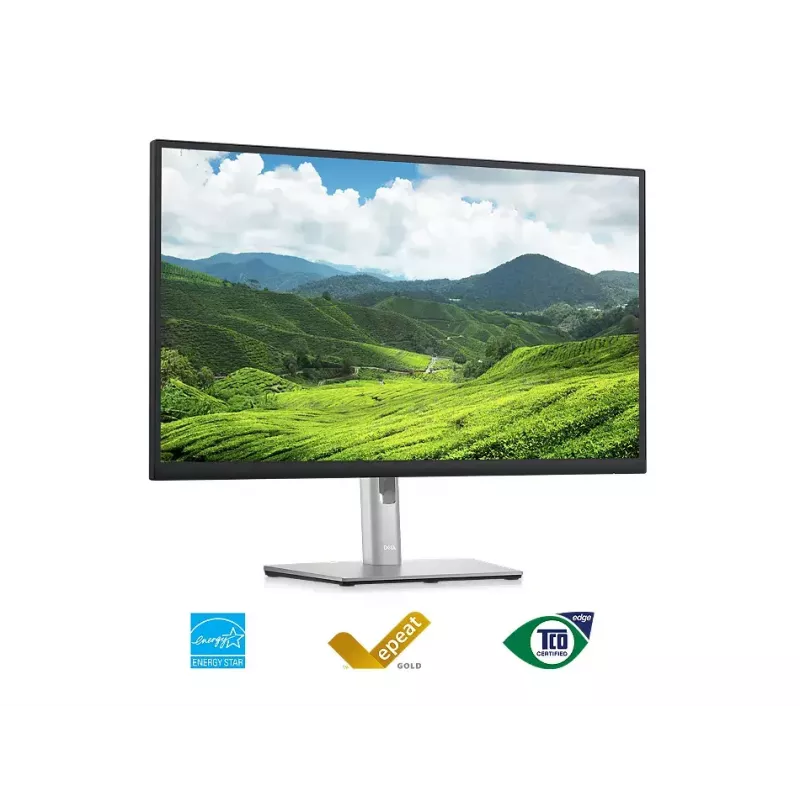
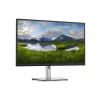
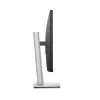
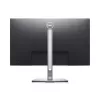
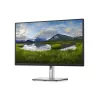
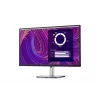
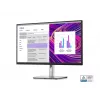
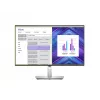
Monitor DELL P2723D 27 inch Quad HD LCD 2560 x 1440
Bezorging & retourneren

224,40 €
Excl. btw:185,45 €

395,67 €
Excl. btw:327,00 €

120,42 €
Excl. btw:99,52 €

461,09 €
Excl. btw:381,07 €

530,22 €
Excl. btw:438,20 €

320,75 €
Excl. btw:265,08 €

261,81 €
Excl. btw:216,37 €

100,28 €
Excl. btw:82,87 €

238,21 €
Excl. btw:196,87 €

116,00 €
Excl. btw:95,87 €


13,25 €
Excl. btw:10,95 €

20,43 €
Excl. btw:16,88 €


3.019,04 €
Excl. btw:2.495,08 €

-90x90h.webp "Gaming-pc zelf samenstellen — Ryzen 7 7700 + RTX 5070, 32GB DDR5 | DistriNode")
1.757,62 €
Excl. btw:1.452,58 €

1.242,99 €
Excl. btw:1.027,27 €
1.215,75 €
Excl. btw:1.004,76 €


1.982,70 €
Excl. btw:1.638,60 €
1.537,64 €
Excl. btw:1.270,77 €


26,18 €
Excl. btw:21,64 €


7.708,28 €
Excl. btw:6.370,48 €


Lenovo V15 G4 AMN 82YU AMD Ryzen 5 7520U 8GB 256GB SSD 15,6 inch FHD FreeDOS zakelijke zwarte laptop
464,57 €
Excl. btw:383,94 €

26,71 €
Excl. btw:22,07 €

88,04 €
Excl. btw:72,76 €


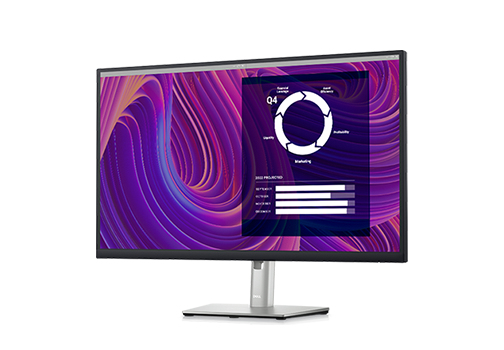
Stay focused on a 27-inch QHD monitor optimized to deliver high performance details and clarity.
Maximum productivity. Maximum comfort.
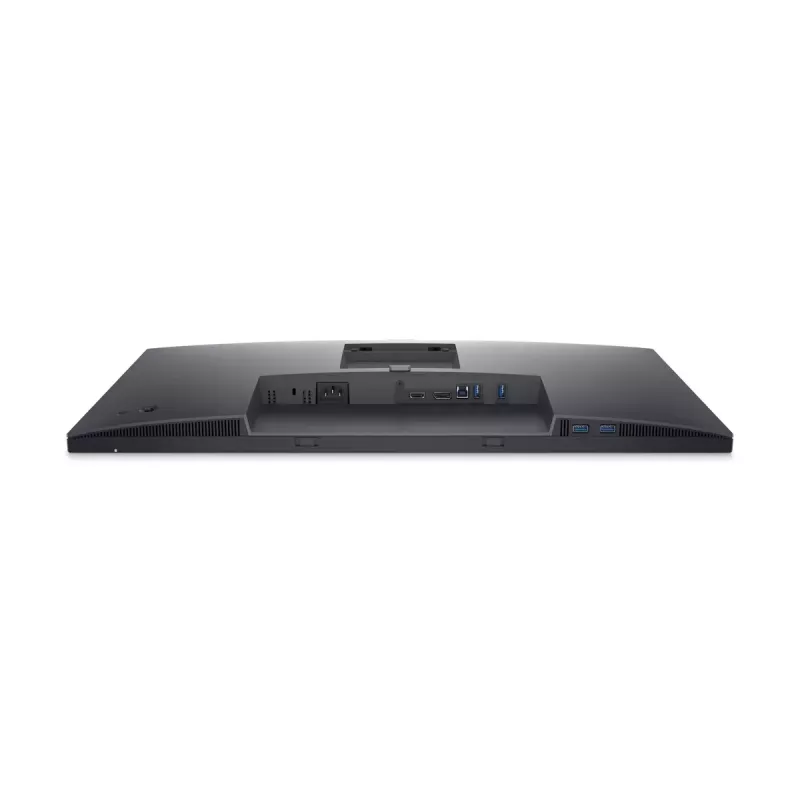
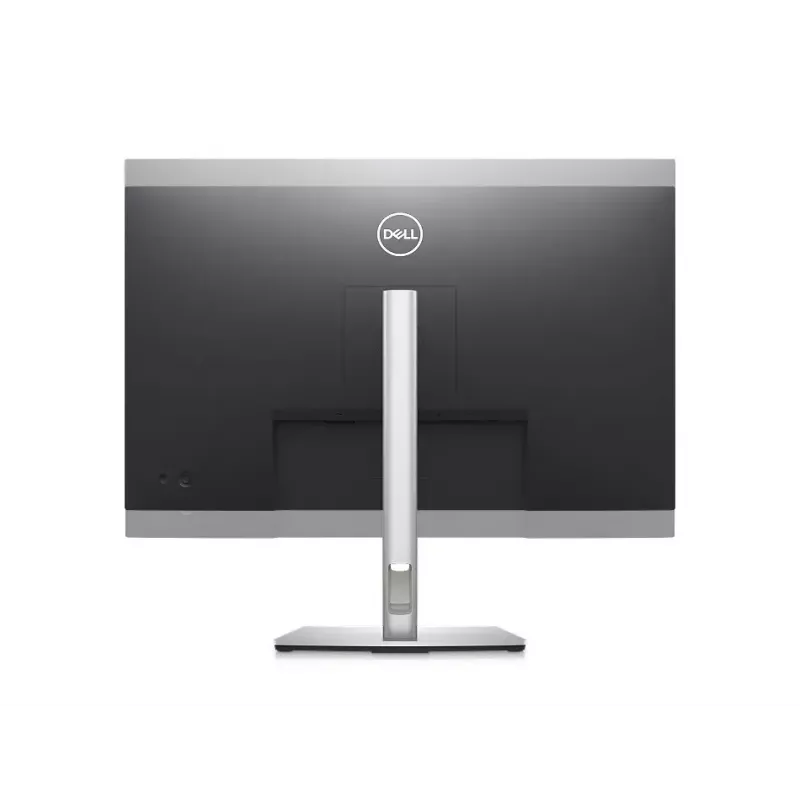
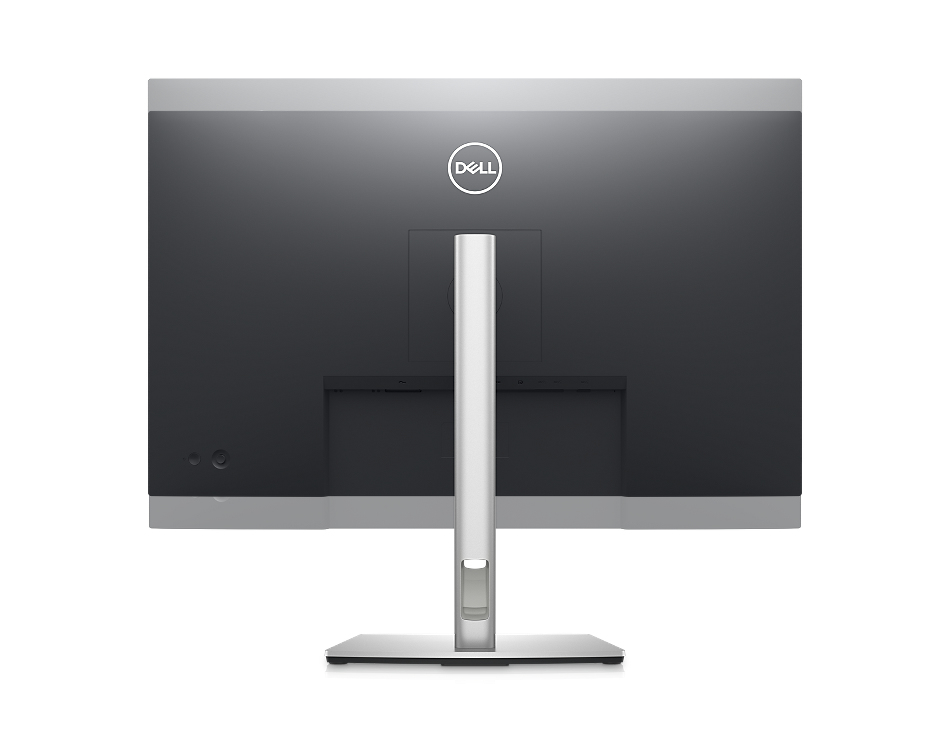
See more, do more:Get more done with more screen real estate on a 27-inch, QHD monitor.Extensive connectivity:Easily connect to your devices with DisplayPort, HDMI, 4x SuperSpeed USB 5Gbps and more.
Custom set up for maximum efficiency
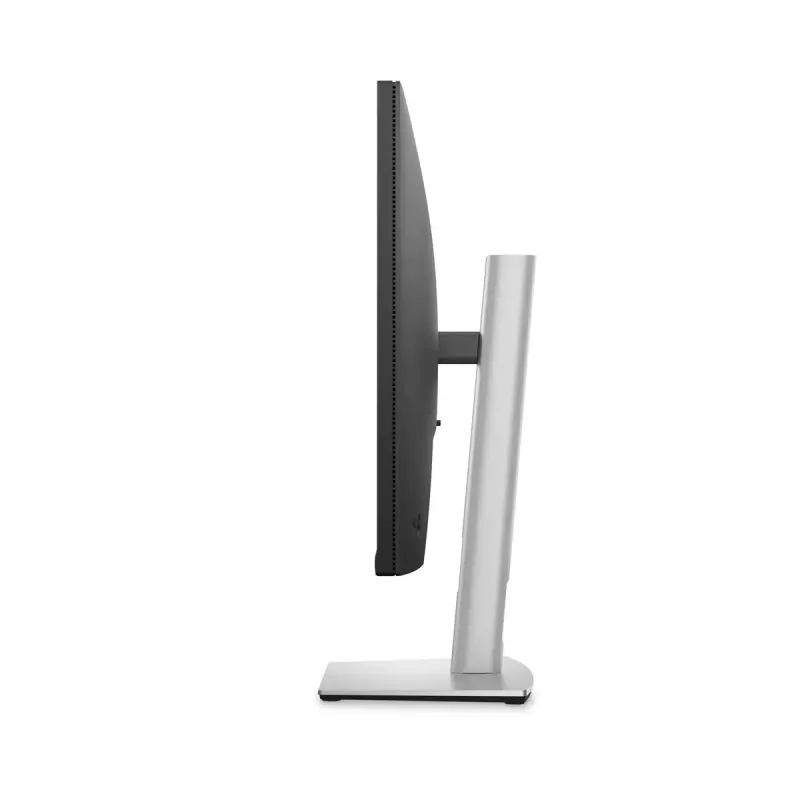
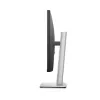
Designed with wellness in mind:ComfortView Plus—an always-on, built-in low blue light screen—reduces potentially harmful blue light emissions without compromising color.Simple customization:Navigate and adjust your monitor screen settings with the easy-to-use joystick control.Moves with you:Optimize your monitor’s orientation by tilting, swiveling and adjusting the height to a maximum of 150mm.
Turn your workspace into an organized productivity hub
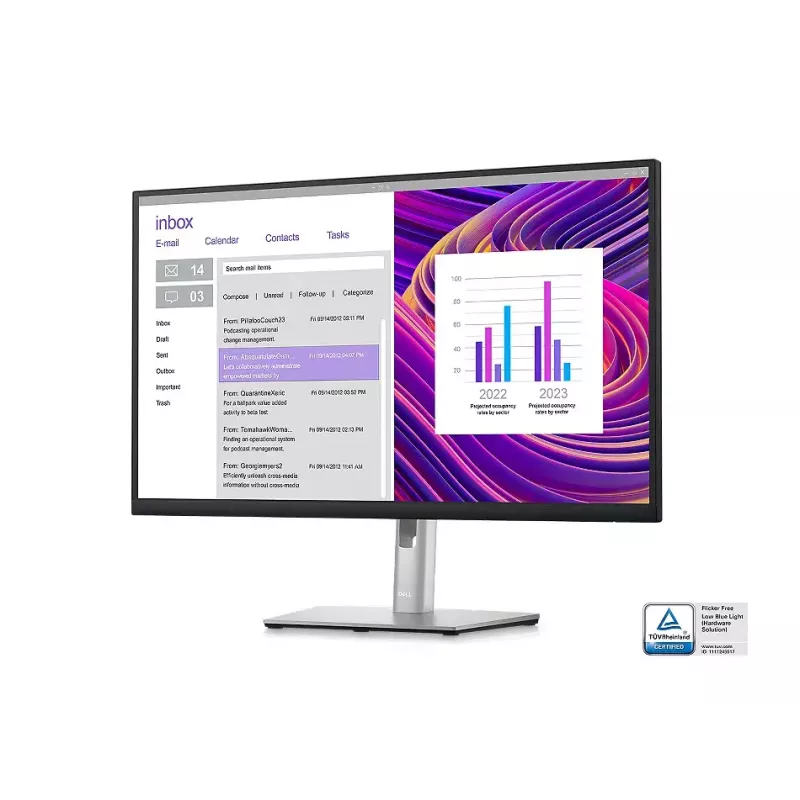
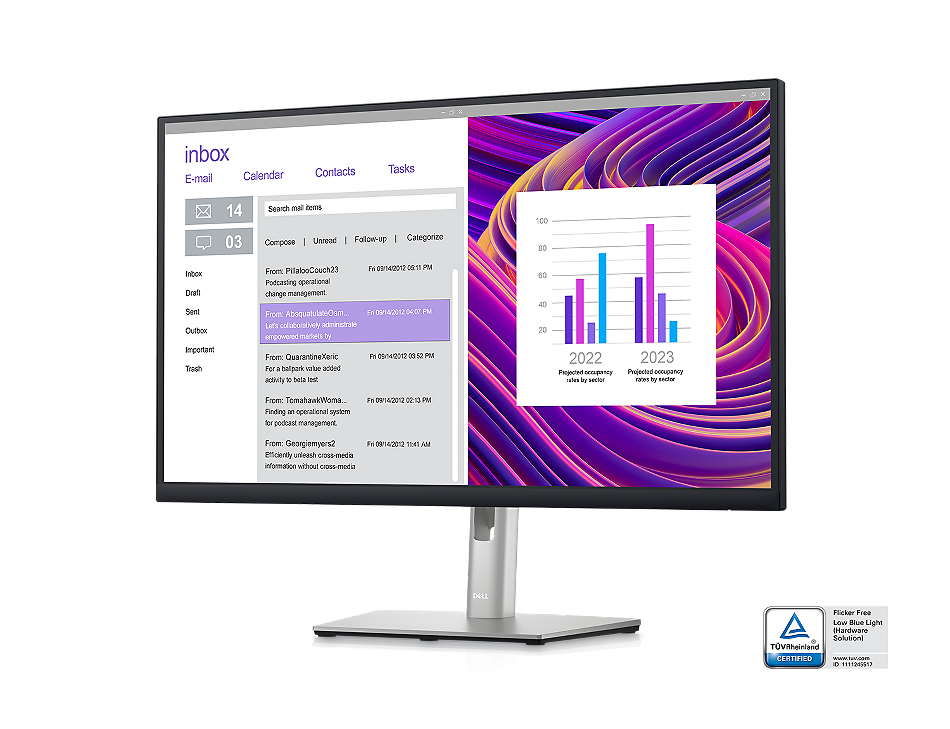
Expanded efficiency:The three-sided ultrathin bezel design lets you enjoy an uninterrupted view of your content across multiple monitors, and you can increase your productivity by up to 21% with dual monitors.Color consistency comes standard:See consistent, vibrant colors across a wide viewing angle enabled by In-Plane Switching (IPS) technology. With 99% sRGB coverage, you get precise hues right out of the box.
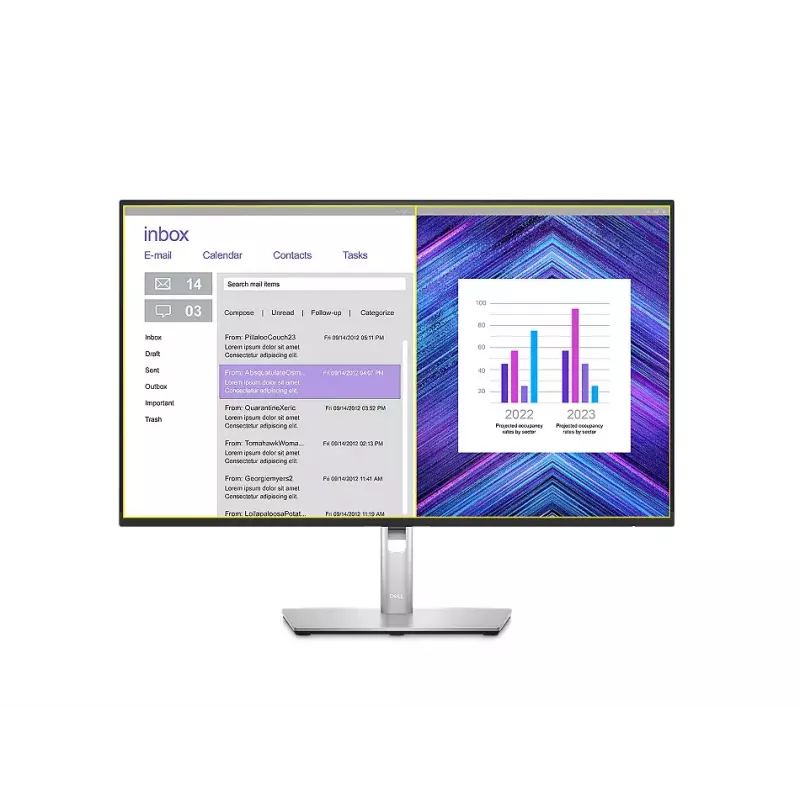
Advanced multitasking with Dell Display Manager
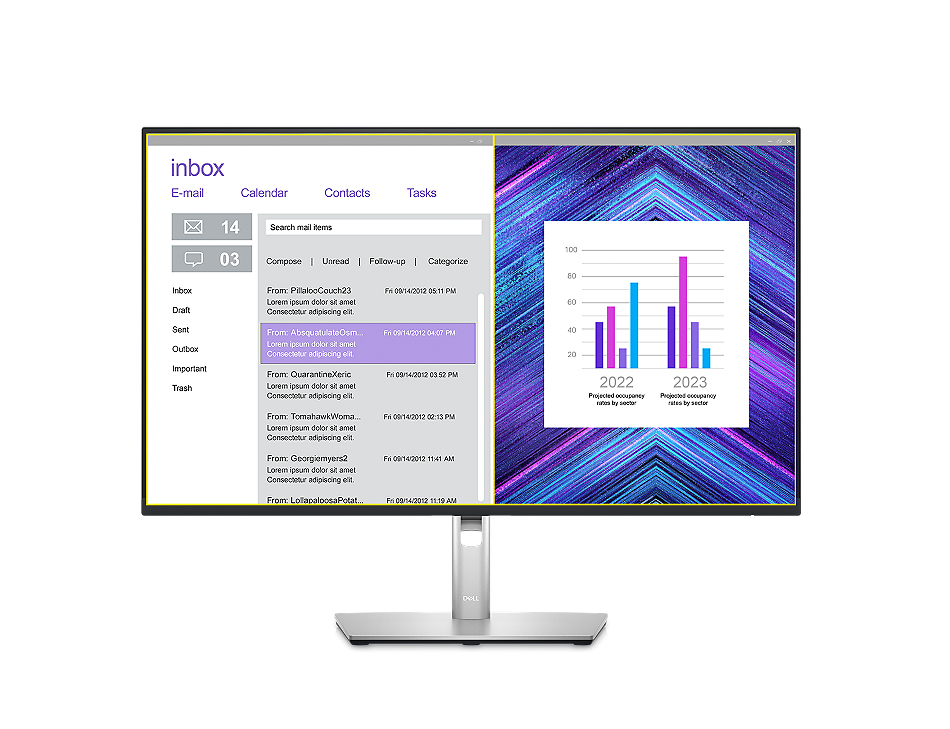
Productive at every level:Easy Arrange allows you to easily tile multiple applications across one or more screens with 38 pre-set window partitions and the ability to personalize up to five windows, giving you improved multitasking abilities.Seamless transitions:The auto-restore feature remembers where you left off, so applications will go back to where you left them, even after you’ve unplugged.The key to convenience:Shortcut keys can save you even more time, letting you easily configure your display management settings so you can get to work faster.More ways to manage:Asset management reports allow IT managers to quickly capture and track monitor information as well as configure multiple monitors at once through a single setup.
Green thinking: for today and tomorrow
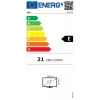
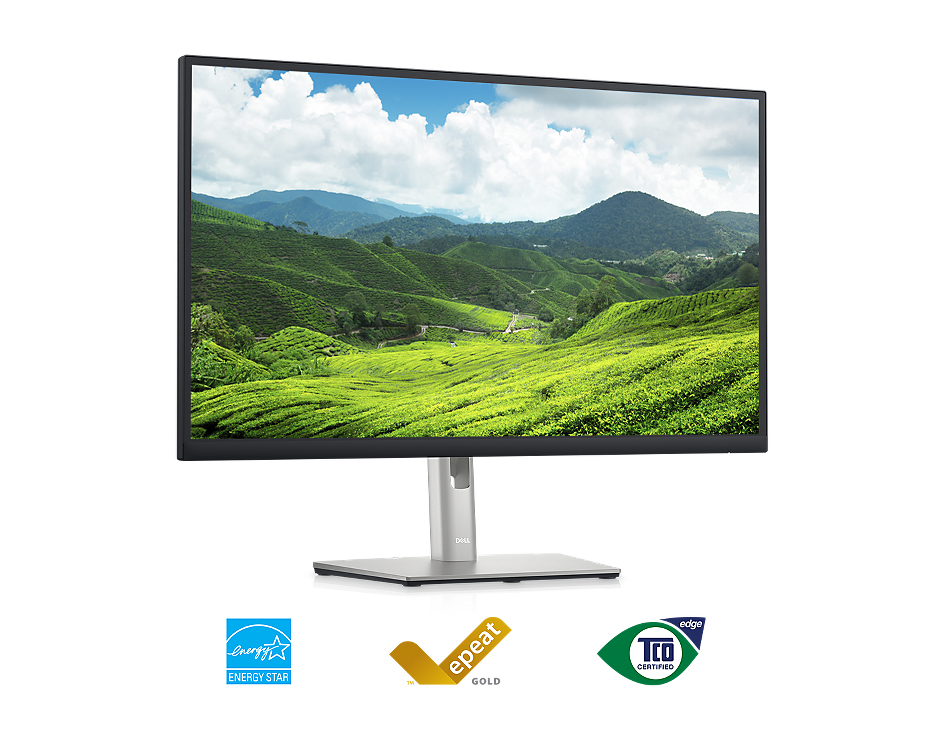
Environmental standards:This monitor uses 85% PCR (Post-consumer Recyclable) plastic in the design and meets the latest environmental standards such as EnergyStar®, and TCO Certified Edge, and is EPEAT® Gold registered.Eco-conscious packaging:Designed with the environment in mind, Dell commercial monitors come in 100% recyclable cardboard packaging.Energy conservation:Save energy with PowerNap, a feature that dims or puts your monitor to sleep when it’s not in use.
How to use
Connect the monitor to your computer using the appropriate video cable supported by your PC or docking solution. Attach peripherals to the built‑in USB 3.2 Gen 1 hub for convenient access. Adjust the screen height and position to achieve a neutral neck posture and reduce glare. If needed, mount the monitor using a VESA‑compatible arm or bracket following the manufacturer’s mounting instructions.
Recommendations
Position the top of the screen at or slightly below eye level and maintain an arm’s length distance (about 50–70 cm) for comfortable viewing. Use the built‑in brightness and contrast settings to match ambient lighting and reduce eye strain during extended use.
Populaire producten in deze categorie
- DELL P Series P3223QE computermonitor 80 cm (31,5 inch) 3840 x 2160 pixel 4K Ultra HD LCD zwart
- LG 27G610A-B computermonitor 68,6 cm (27 inch) 2560 x 1440 pixel Quad HD LCD zwart
- MSI MAG 272QPDE QD-OLED X24 computermonitor 67,3 cm (26,5 inch) 2560 x 1440 pixel Wide Quad HD zwart
- MSI MAG 274QF E20 27 inch QHD 200Hz Rapid IPS gaming-monitor - zwart
- Computermonitor ASUS ROG Swift OLED PG27AQWP-W 26,5 inch (67,3 cm) 2560×1440 QHD 0,02 ms USB 3.2 Gen 1 VESA in hoogte verstelbaar
- Lenovo L27q-4A 67BFGAC6EU 27 inch QHD (2560 x 1440) IPS-monitor, 100 Hz, 1 ms, 350 cd/m², 1500:1, HDR10, 2x HDMI, DisplayPort, luidsprekers, in hoogte verstelbaar, pivot, VESA 100x100
- 27 inch Xiaomi 2K gaming-monitor G27Qi 2026 — IPS, 2560×1440, 200 Hz, 1 ms, 16:9, 2×HDMI, zwart
- Samsung 27 inch Odyssey OLED G61SH QHD 240Hz gaming-monitor, 68,6 cm (27 inch), 2560 x 1440 pixel, Quad HD, OLED, 0,03 ms, zwart