Account Contact
Je winkelwagen
Verzending via DPD & FedEx
Hulp nodig? Vraag het de AI

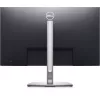
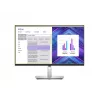
Monitor DELL P2723DE 27 inch LCD Quad HD 2560 x 1440

Monitor DELL P2723DE 27 inch LCD Quad HD 2560 x 1440
729,44 €
Experience pure productivity on a 27-inch QHD monitor featuring extensive connectivity and ComfortView Plus. A QHD hub monitor optimised for productivity QHD Screen:Optimised to deliver high performance details and clarity.Extensive connectivity:Easily connect to your devices ... Lees meer
Voorraad Niet op voorraadGeen voorraad Code 130284 Merk DELL Model DELL-P2723DE Garantie 2 jaar

Bezorging & retourneren

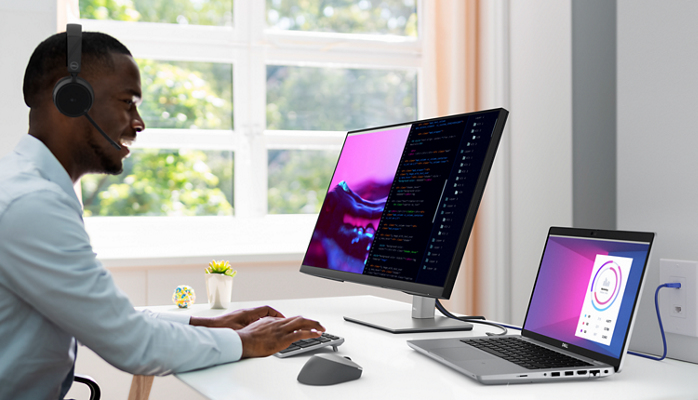
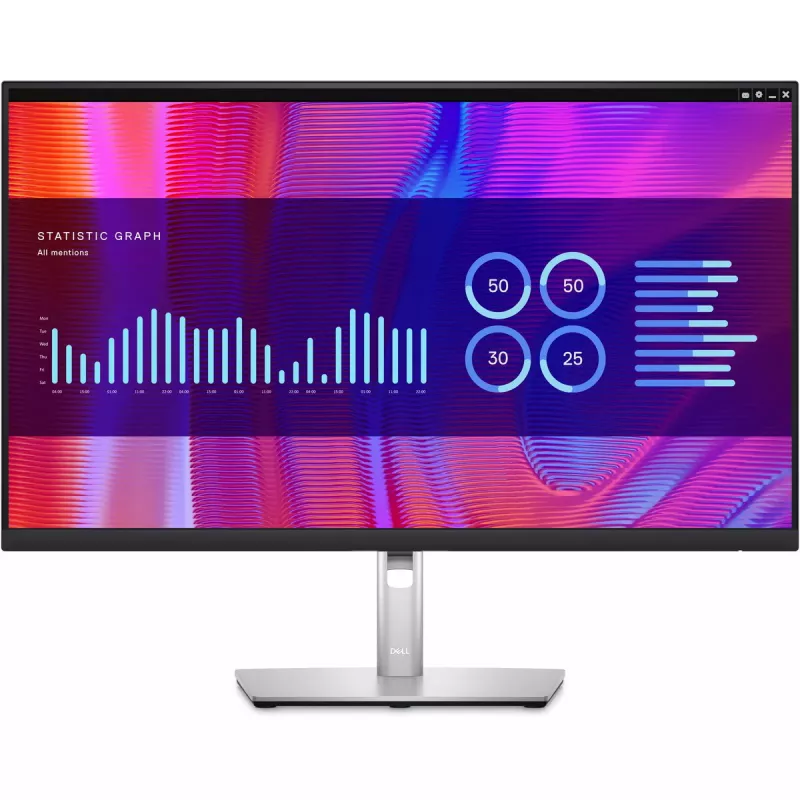
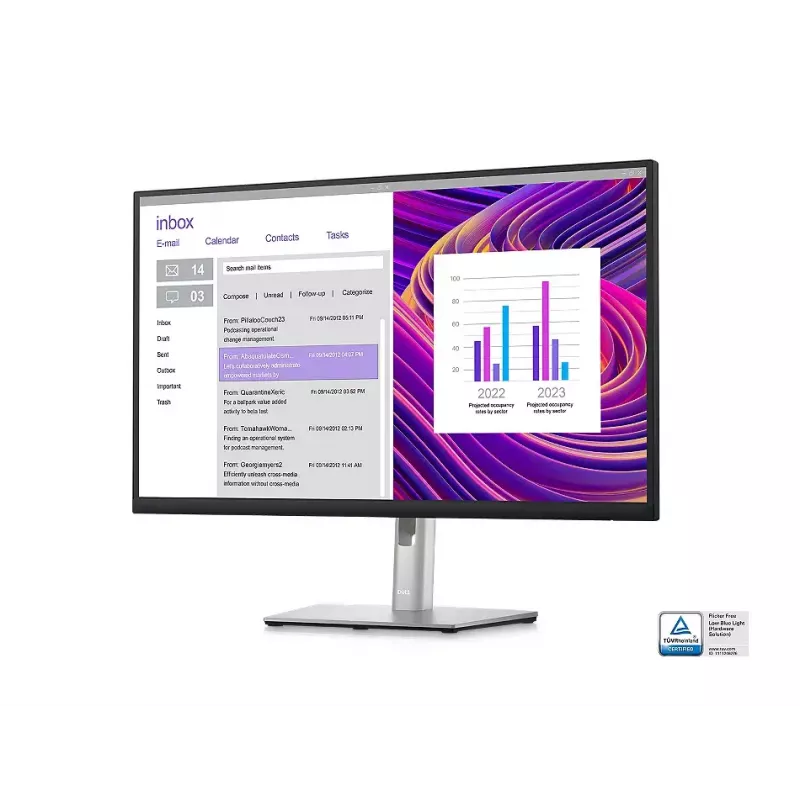
Experience pure productivity on a 27-inch QHD monitor featuring extensive connectivity and ComfortView Plus.
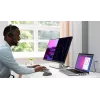
A QHD hub monitor optimised for productivity

A QHD hub monitor optimised for productivity

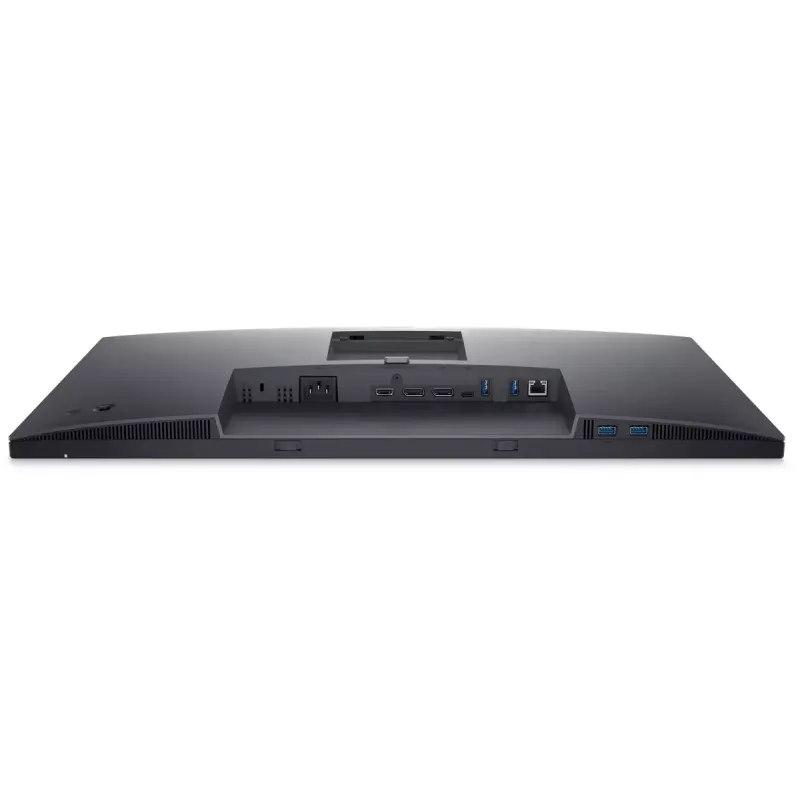
QHD Screen:Optimised to deliver high performance details and clarity.Extensive connectivity:Easily connect to your devices with DisplayPort (in), DisplayPort (out), USB-C, RJ45, HDMI, 4x SuperSpeed USB 5Gbps and more.

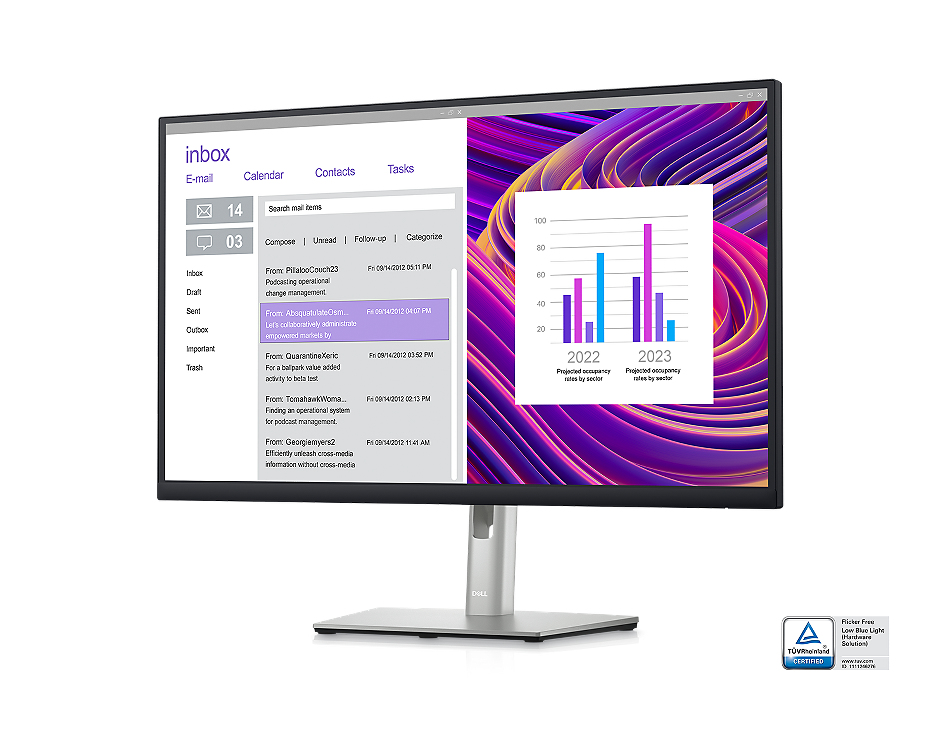
Comfortable and efficient productivity

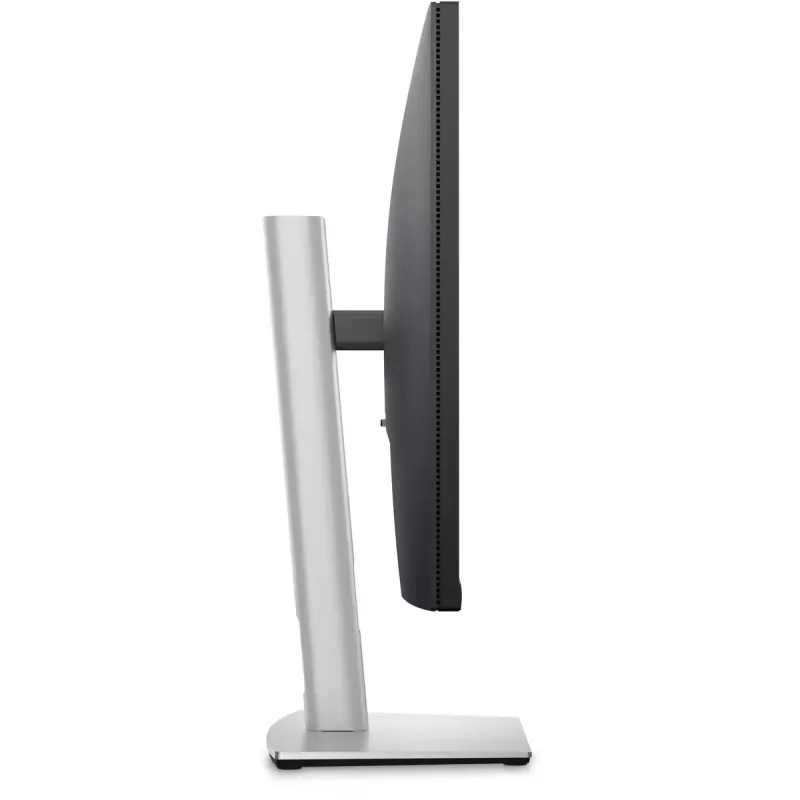
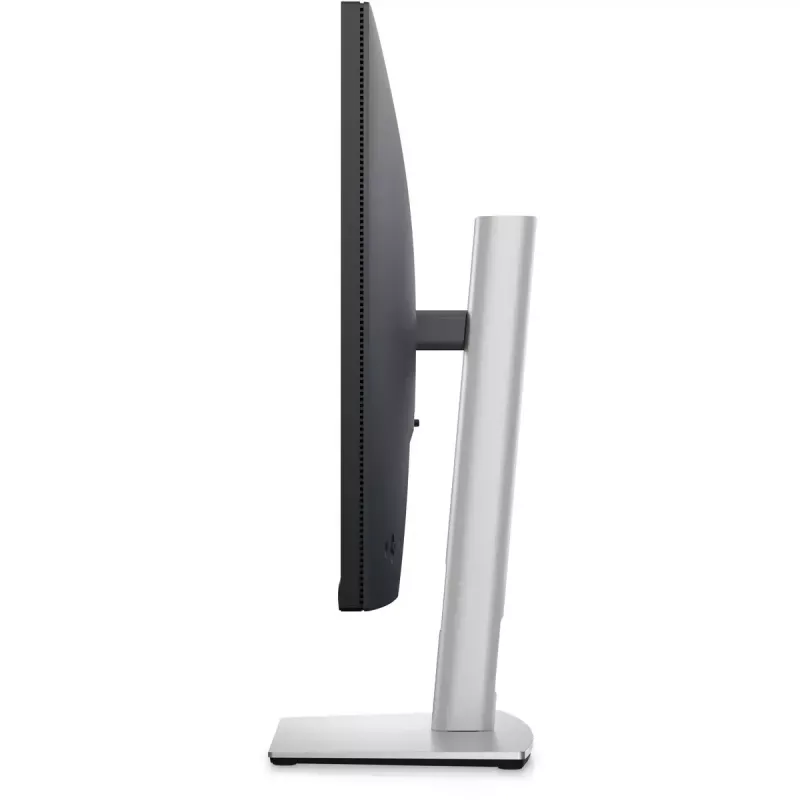
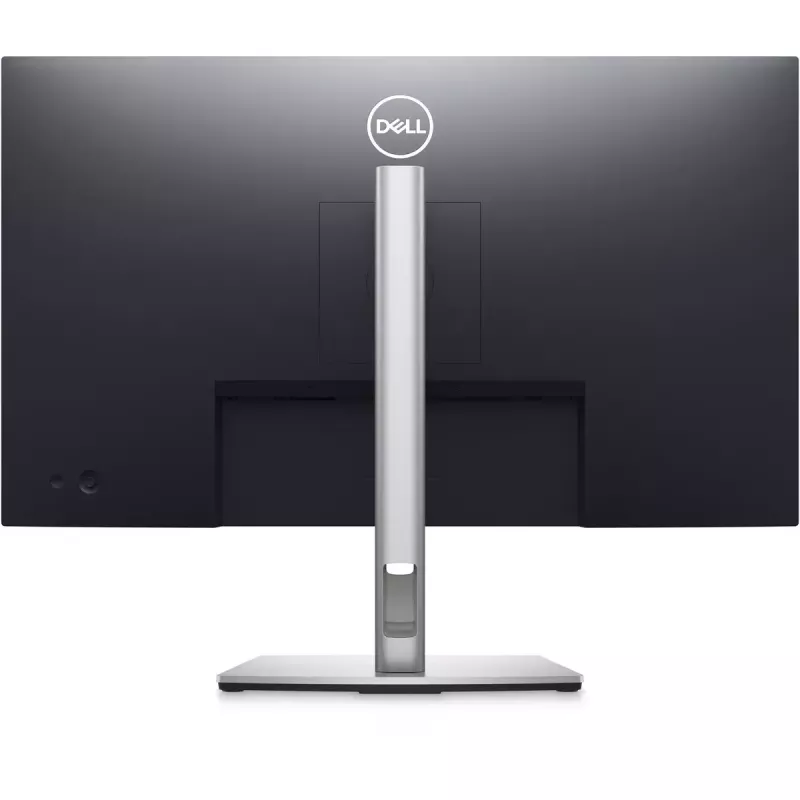
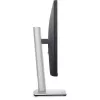
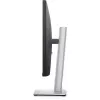
Designed with wellness in mind: ComfortView Plus—an always-on, built-in low blue light screen—reduces potentially harmful blue light emissions without compromising colour.Colour consistency comes standard:See consistent, vibrant colours across a wide viewing angle enabled by In-Plane Switching (IPS) technology. With 99% sRGB coverage, you get precise colours right out of the box.Beautifully functional:The stunning black finish and small base complement an improved cable management system that hides cords in the monitor riser.Moves with you:Optimise your monitor’s orientation by tilting, swiveling and adjusting the height to a maximum of 5.9Inch.
Comfortable and efficient productivity
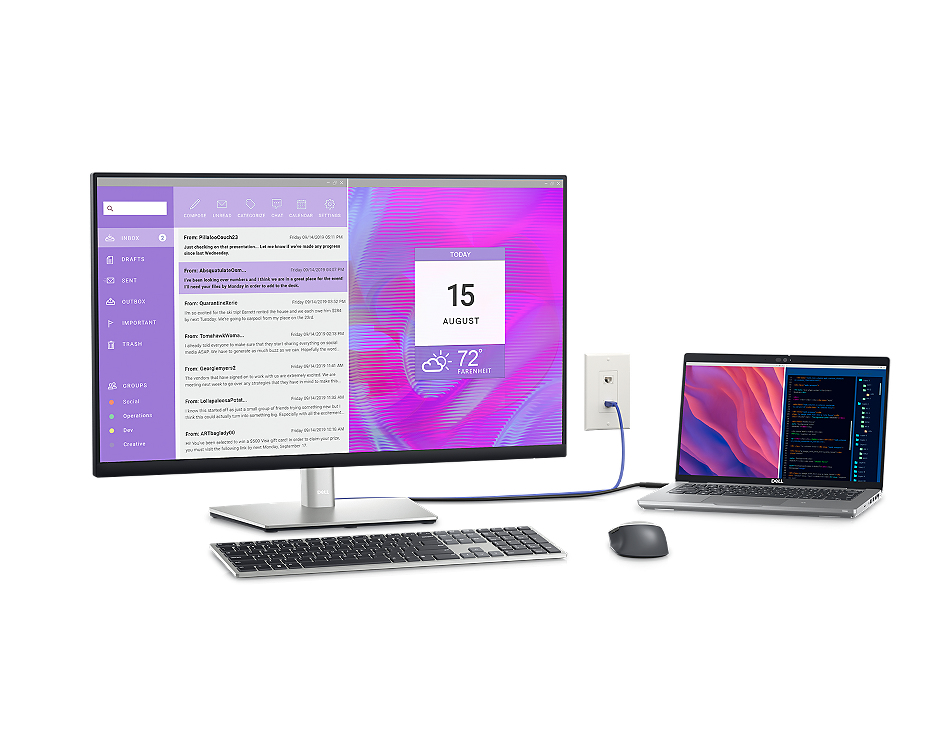
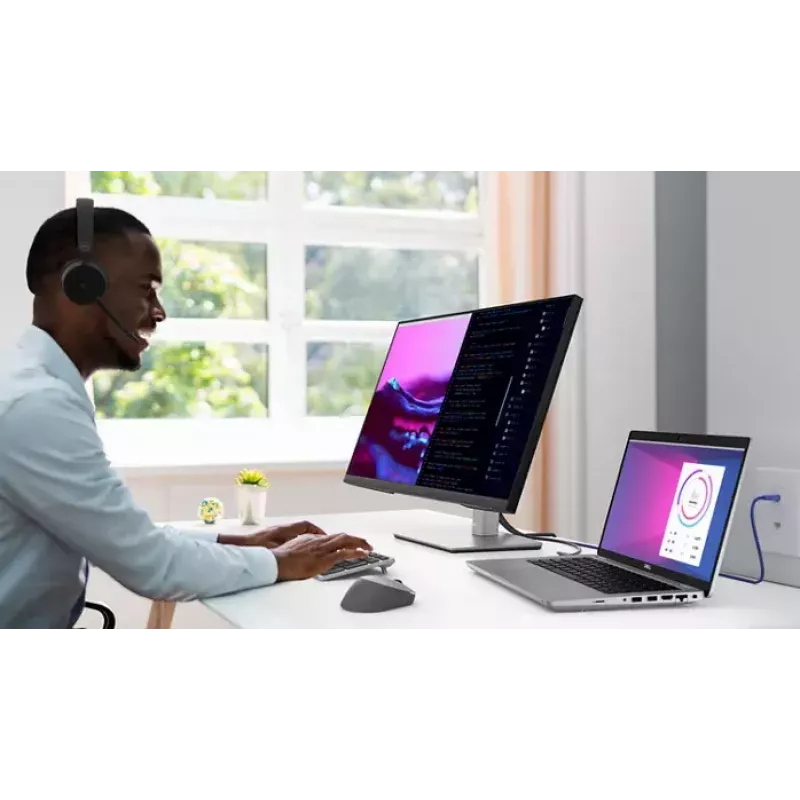
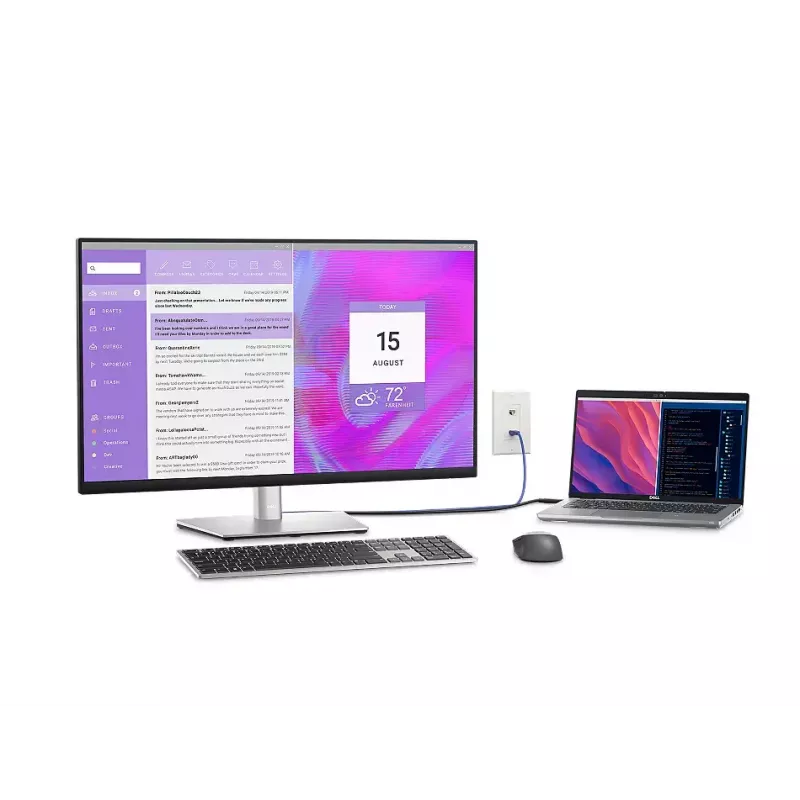
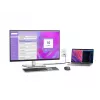
Turn your workspace into an organised productivity hub

Turn your workspace into an organised productivity hub

Extensive connectivity:Easily connect to your devices with DisplayPort (in), DisplayPort (out), USB-C, HDMI, 4x SuperSpeed USB 5Gbps and more.Clutter-free setup:Your monitor serves as your own productivity hub with RJ45 for wired Ethernet connectivity and USB-C providing up to 90W power delivery, all in a clutter-free setup.Jumpstart productivity:Simply press the monitor power button and the power sync feature seamlessly starts your monitor and connected Dell PC, even when the laptop lid is closed. Compatible with select Dell PCs.

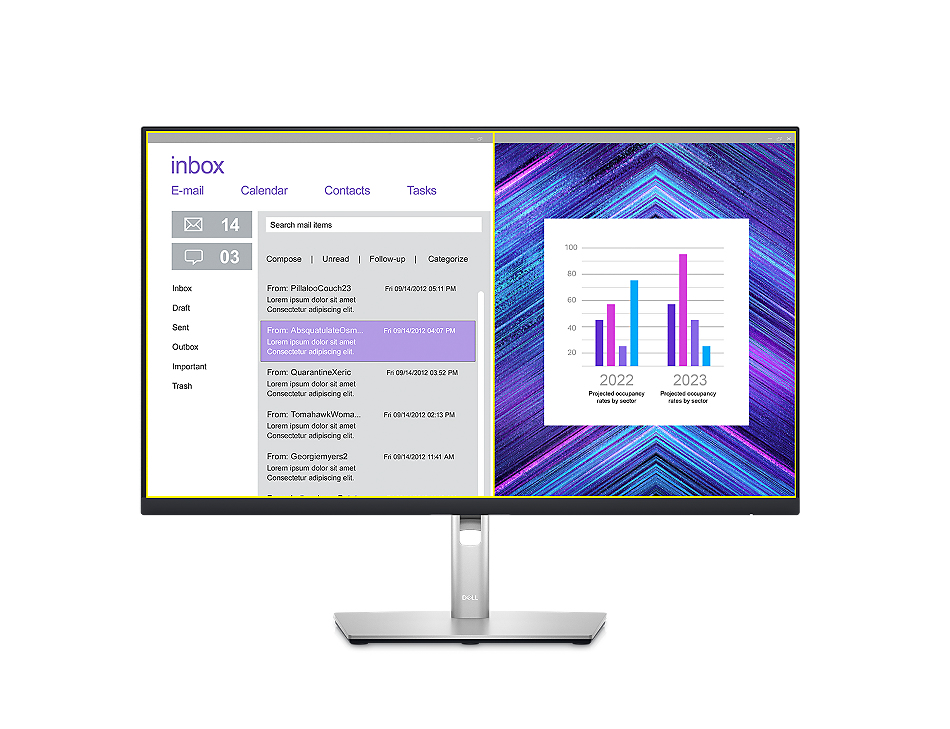
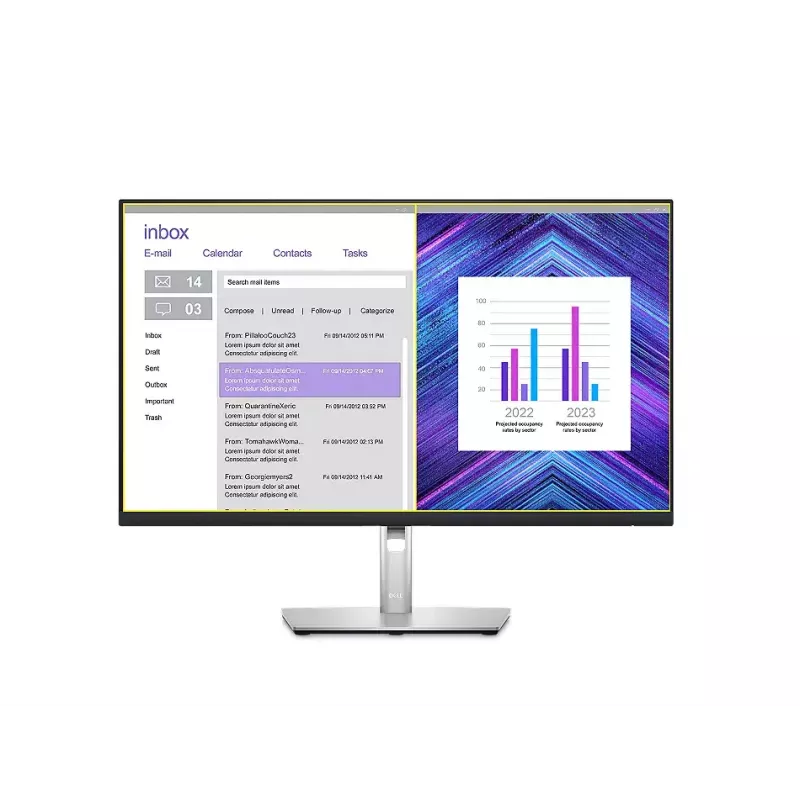
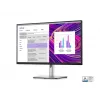
Advanced multitasking with Dell Display Manager

Productivity at every level:Easy Arrange allows you to easily tile multiple applications across one or more screens with 38 pre-set window partitions and the ability to personalise up to five windows, giving you improved multitasking abilities.Seamless transitions:The auto-restore feature remembers where you left off, so applications will go back to where you left them, even after you’ve unplugged.The key to convenience:Shortcut keys can save you even more time, letting you easily configure your display management settings so you can get to work faster.More ways to manage:Asset management reports allow IT managers to quickly capture and track monitor information as well as configure multiple monitors at once through a single setup.
Advanced multitasking with Dell Display Manager
Green thinking: for today and tomorrow

Green thinking: for today and tomorrow

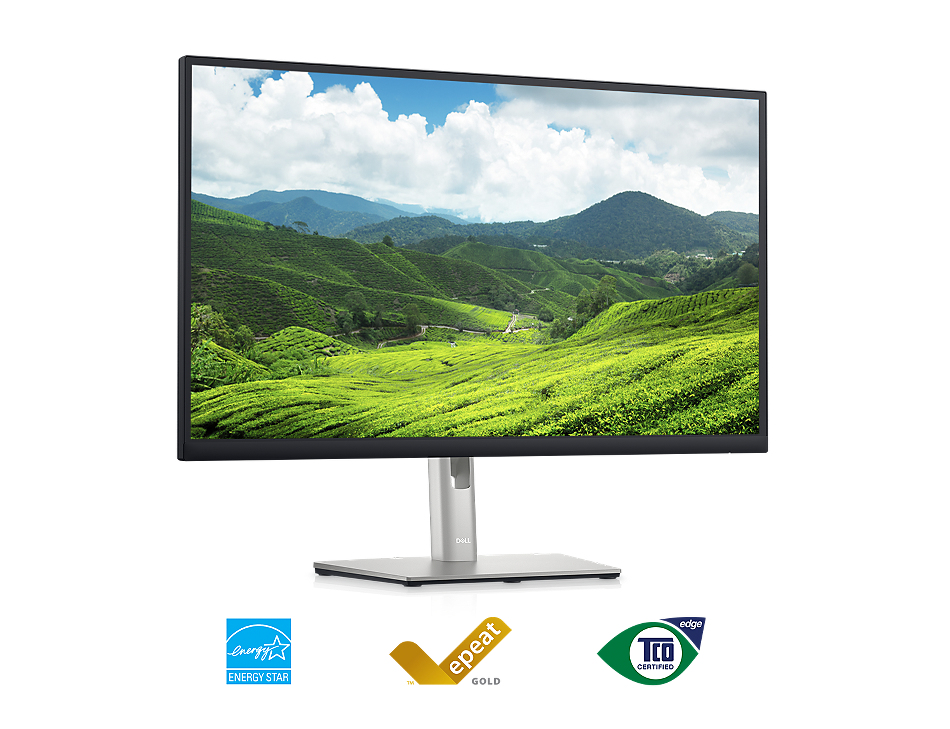
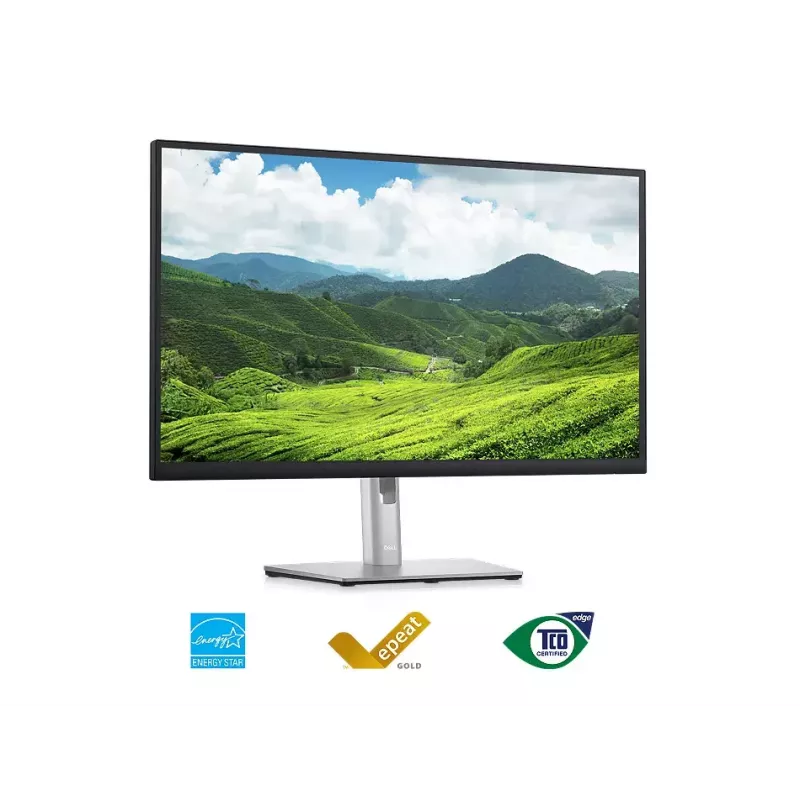
Environmental standards:This monitor uses 85% PCR (Post-consumer Recyclable) plastic in the design and meets the latest environmental standards such as EnergyStar®, and TCO Certified Edge, and is EPEAT® Gold registered.Eco-conscious packaging:Designed with the environment in mind, Dell commercial monitors come in 100% recyclable cardboard packaging.Energy conservation:Save energy with PowerNap, a feature that dims or puts your monitor to sleep when your monitor is not in use.

How to use

Place the monitor on a stable surface and connect it to your computer using the appropriate input cable. Adjust display settings in your operating system or on-screen menu to set resolution to QHD for best image quality. Enable ComfortView Plus via the monitor menu to reduce blue light during extended use. Position the monitor at eye level and adjust tilt for comfortable viewing.

Recommendations

For optimal results, use the monitor with a compatible graphics card that supports QHD resolution and periodically adjust brightness and ComfortView Plus settings to suit ambient lighting conditions.

Belangrijkste kenmerken
  • 68.6cm (27") Quad HD 2560 x 1440 LED IPS
  • 5ms, 16:9, 350cd/m², 1000:1
  • USB, HDMI, DisplayPort
  • 68.6 cm (27") LCD IPS
  • Quad HD 2560 x 1440 pixels 16:9
  • 60 Hz 5 ms 350 cd/m² 1000:1
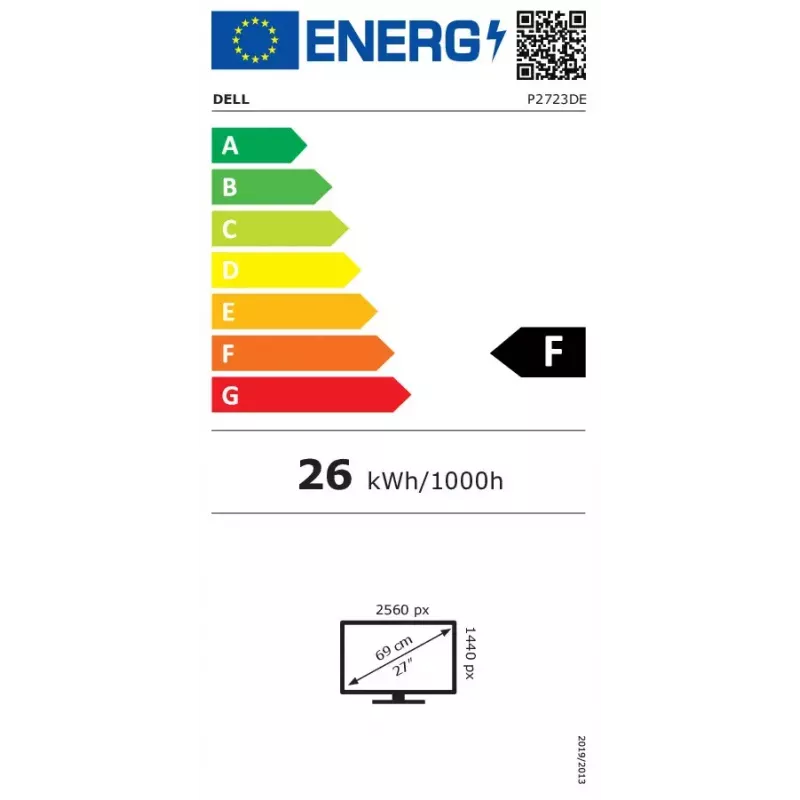
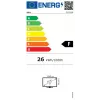
  • F 26 kWh 26 W
Specificaties
Aantal DisplayPorts
2
Aantal HDMI-poorten
1
Aantal kleuren display
16.7 million colours
Aantal USB Type-A-downstreampoorten
5
Aantal USB Type-C-downstreampoorten
0
Aantal USB Type-C-upstreampoorten
1
Aantal VGA (D-Sub)-poorten
0
AC-ingangsfrequentie
50 - 60
AC-ingangsspanning
100 - 240
Afneembare standaard
Yes
AMD FreeSync
No
Antireflectiescherm
Yes
Bedrijfshoogte
0 - 5000
Bedrijfstemperatuur (T-T)
0 - 40
Beelddiagonaal
27 "
Beelddiagonaal (metrisch)
68.47 cm
Beeldschermhelderheid (typisch)
350 cd/m²
Beeldschermresolutie
2560 x 1440
Beeldschermtechnologie
LCD
Breedte (met standaard)
611.6 mm
Breedte (zonder standaard)
611.6 mm
CO2-uitstoot, einde levensduur (kg CO2e)
5
CO2-uitstoot, energieverbruik (kg CO2e)
217
CO2-uitstoot, logistiek (kg CO2e)
86
CO2-uitstoot, productie (kg CO2e)
333
Contrastverhouding (typisch)
1000:1
Diepte (met standaard)
190.1 mm
Diepte (zonder standaard)
52.18 mm
DisplayPort-versie
1.4
Draaibaar
Yes
Draaibaar
Yes
Energie-efficiëntieklasse (HDR)
Not available
Energie-efficiëntieklasse (SDR)
F
Energie-efficiëntieschaal
A to G
Energieverbruik (SDR) per 1000 uur
26 kWh
EPREL-code (European Product Registry for Energy Labelling)
1057602
Ethernet LAN (RJ-45)-poorten
1
Geharmoniseerd Systeem (HS)-code
85285210
Gewicht (met standaard)
6550 g
Gewicht (zonder standaard)
5070 g
Gewicht verpakking
9780 g
HD-type
Quad HD
HDMI
Yes
HDMI-versie
1.4
High Dynamic Range (HDR) ondersteund
No
Hoogte (met standaard)
535.2 mm
Hoogte (zonder standaard)
360.8 mm
Hoogte buiten bedrijf
5000 - 12192
Hoogteverstelling
Yes
Horizontaal scanbereik
29 - 113
Ingangsstroom
2
Ingebouwde camera
No
Ingebouwde luidspreker(s)
No
Ingebouwde USB-hub
Yes
Kabels inbegrepen
AC, DisplayPort, USB Type-C to USB Type-A
Kantelhoekbereik
-5 - 21
Kantelverstelling
Yes
Kijkhoek, horizontaal
178 °
Kijkhoek, verticaal
178 °
Kleur voet
Silver
Kleur voorframe
Black
Kleurbereik
99 %
Kleurbereikstandaard
sRGB
Koptelefoonuitgang
No
Low Blue Light-technologie
Yes
Marktpositionering
Business
Maximale verversingssnelheid
60 Hz
Montage-interface paneel
100 x 100
Native beeldverhouding
16:9
NVIDIA G-SYNC
No
On Screen Display (OSD)
Yes
Ondersteunde videomodi
480p, 576p, 720p, 1080i, 1080p, 1440p
Opslagtemperatuur (T-T)
-20 - 20
PAIA-versie
1.3.0
Paneeltype
IPS
Pivothoek
90 - 90
Pixelafstand
0.233 x 0.233
Pixeldichtheid
109 ppi
Plug and Play
Yes
Productkleur
Black
Randbreedte (boven)
7.37 mm
Randbreedte (onder)
17.77 mm
Randbreedte (zijkant)
7.43 mm
Relatieve luchtvochtigheid bij opslag (H-H)
5 - 90
Relatieve luchtvochtigheid tijdens gebruik (H-H)
10 - 80
Responstijd
5 ms
Responstijd (snel)
8 ms
Schermvorm
Flat
Sleuf voor kabelslot
Yes
Snelstartgids
Yes
Standaard inbegrepen
Yes
Stroomverbruik (max.)
175 W
Stroomverbruik (stand-by)
0.3 W
Stroomverbruik (typisch)
26 W
Stroomverbruik (uit)
0.3 W
Totale CO2-uitstoot, exclusief gebruiksfase (kg CO2e)
425
Totale CO2-uitstoot, standaardafwijking (kg CO2e)
151
Totale CO2-voetafdruk (kg CO2e)
642
Touchscreen
No
Type achtergrondverlichting
LED
Type oplaadpoort
USB Type-C
Type USB-upstreampoort
USB Type-C
Type voeding
Internal
USB Power Delivery tot
90 W
Verstelbare hoogte (max.)
150 mm
Verticaal scanbereik
49 - 75
VESA-bevestiging
Yes
Vrij van zware metalen
Hg (mercury)
Wifi
No
Zichtbaar formaat, horizontaal
596.74 mm
Zichtbaar formaat, verticaal
335.66 mm
Zichtbare diagonaal
684.7 mm
Zwenkhoekbereik
-45 - 45

Document

Document openen

Energielabel

Document openen

Handleiding

Document openen

Document

Document openen

Document

Document openen

Document

Document openen

Document

Document openen

Document

Document openen

Document

Document openen

Document

Document openen
Prijsverloop is nog niet beschikbaar
We zijn nog bezig met het verzamelen van voldoende dagelijkse prijsgegevens voor dit product.

Onafhankelijke reviews van techmedia

creativebloq.comJeremy
7/10

Eindoordeel: The Dell P2723DE packs an impressive 27-inch productivity feature set. The main attraction is the USB-C hub with power delivery, ethernet passthrough, a USB 3.2 hub and DisplayPort daisy chaining. For connectivity, this thing has all your bases covered. T...

Pluspunten
  • Excellent connectivity
  • Decent IPS image quality
  • DisplayPort daisy chaining
Minpunten
  • No HDR support
  • Pricey for a 1440p panel
Lees de volledige review op creativebloq.com →

Populaire producten in deze categorie

Hoi, ik ben de AI-assistent van DistriNode. Ik help je graag met het vinden van producten, het vergelijken van opties, het maken van offerte-PDF's of het openen van supportaanvragen.