
Account Contact
Je winkelwagen
Verzending via DPD & FedEx
Hulp nodig? Vraag het de AI

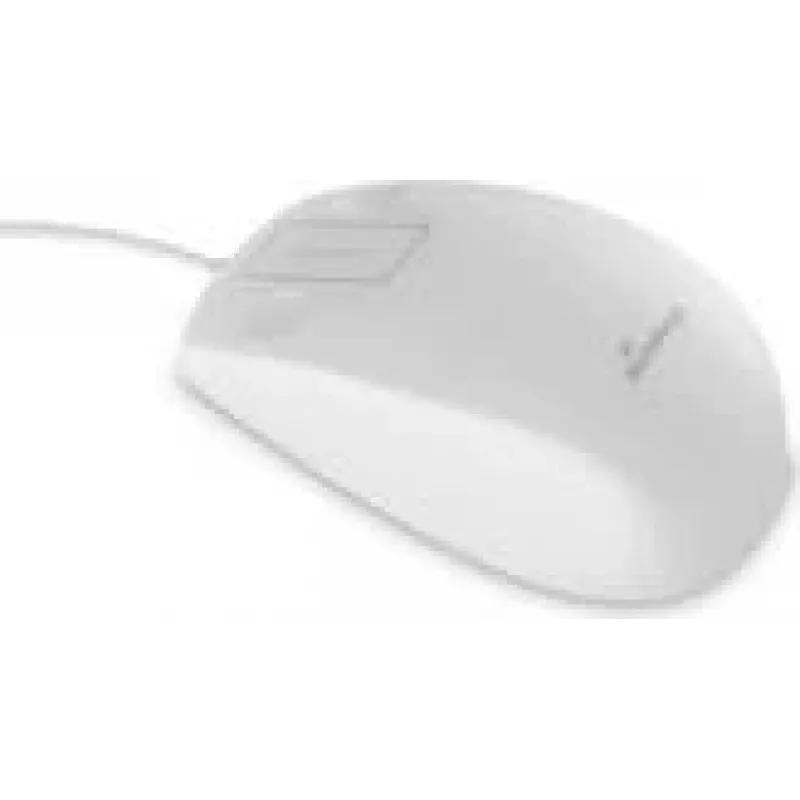
Muis MediaRange MROS265 optisch bedraad interface

Muis MediaRange MROS265 optisch bedraad interface
36,74 €
The MediaRange MROS265 Optical Wired Interface is an ergonomic optical mouse designed for everyday computer use. Its wired connection provides consistent signal and power without the need for batteries, while the sculpted white housing supports natural hand posture for prolonged comfortable use. The... Lees meer
Voorraad 9 Code 2222681 Merk MEDIARANGE Model MROS265 Garantie 2 jaar

Bezorging & retourneren

Verwachte bezorgdatum donderdag, oktober 22
Je blijft op de hoogte via ons uitgebreide trackingsysteem
Betaalopties
BetaalkaartVisaMastercardPayPalApple PayGoogle PayBankoverschrijving

The MediaRange MROS265 Optical Wired Interface is an ergonomic optical mouse designed for everyday computer use. Its wired connection provides consistent signal and power without the need for batteries, while the sculpted white housing supports natural hand posture for prolonged comfortable use. The mouse combines a simple two-button layout with a scroll wheel and optical tracking suitable for standard office and home surfaces.

Advantages

The wired design ensures low-latency, stable operation for document work, browsing and simple graphic tasks. The ergonomic shape reduces strain during extended sessions and the optical sensor delivers reliable cursor control on most surfaces. The clean white finish resists visible dirt and fits easily into minimalist or professional setups.

Key specifications

  • Connection type: Wired USB interface for direct PC connection
  • Tracking technology: Optical sensor for precise cursor movement
  • Buttons: Standard left and right buttons plus scroll wheel
  • Design: Ergonomic form factor aimed at comfort during extended use
  • Finish and color: Clean white surface suitable for professional environments
  • Compatibility: Works with common desktop and laptop operating systems that support USB mice

How to use

Plug the mouse into a free USB port on your computer. The operating system should detect the device automatically and install necessary drivers if required. Place the mouse on a flat surface or a mouse pad and adjust hand position so your wrist remains relaxed. Use the left and right buttons for selection and the scroll wheel for navigating long documents or web pages.

Recommendations

For optimal performance, use the mouse on a smooth, non-reflective surface and keep the sensor area free from dust. If you experience any irregular cursor movement, clean the optical sensor gently with a dry, lint-free cloth. For prolonged comfort, take short breaks during extended use and ensure your workstation ergonomics support a neutral wrist position.

Belangrijkste kenmerken
  • Ежедневная работа с офисными приложениями и веб-сёрфинг
  • Обучение и дистанционные занятия
  • Домашнее пользование и малые рабочие станции
  • Задачи, не требующие специализированного игрового или профессионального контроля
  • Connection type: Wired USB interface for direct PC connection
  • Tracking technology: Optical sensor for precise cursor movement
  • Buttons: Standard left and right buttons plus scroll wheel
  • Design: Ergonomic form factor aimed at comfort during extended use
  • Finish and color: Clean white surface suitable for professional environments
  • Compatibility: Works with common desktop and laptop operating systems that support USB mice
Prijsverloop van de afgelopen 6 maanden
Muis MediaRange MROS265 optisch bedraad interface
Actueel
36,74 €
Laagste
33,91 €
Hoogste
36,74 €
Wijziging 24 uur
+1,48 €   +4%
Week
+1,73 €   +5%
Maand
+2,82 €   +8%

Populaire producten in deze categorie

Hoi, ik ben de AI-assistent van DistriNode. Ik help je graag met het vinden van producten, het vergelijken van opties, het maken van offerte-PDF's of het openen van supportaanvragen.