
Account Contact
Je winkelwagen
Verzending via DPD & FedEx
Hulp nodig? Vraag het de AI

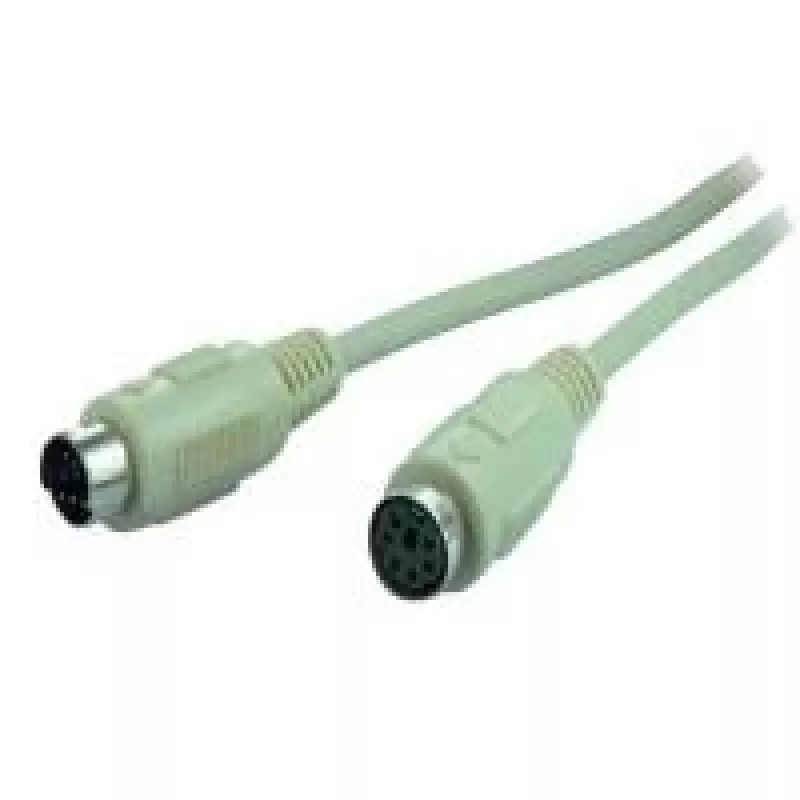
PS/2-kabel ShiverPeaks PS/2 1,8 m

PS/2-kabel ShiverPeaks PS/2 1,8 m
17,36 €
The ShiverPeaks PS/2 1.8m cable is a 6-pin Mini-DIN to 6-pin Mini-DIN lead designed for reliable connections between PS/2 devices. At 1.8 metres length it provides flexible routing options for desktops, keyboards, mice and legacy peripherals while maintaining stable data transfer. The cable construc... Lees meer
Voorraad 4 Code 2176999 Merk SHIVERPEAKS Model BS78106-2 Garantie 2 jaar

Bezorging & retourneren

Verwachte bezorgdatum vrijdag, oktober 23
Je blijft op de hoogte via ons uitgebreide trackingsysteem
Betaalopties
BetaalkaartVisaMastercardPayPalApple PayGoogle PayBankoverschrijving

The ShiverPeaks PS/2 1.8m cable is a 6-pin Mini-DIN to 6-pin Mini-DIN lead designed for reliable connections between PS/2 devices. At 1.8 metres length it provides flexible routing options for desktops, keyboards, mice and legacy peripherals while maintaining stable data transfer. The cable construction balances durability and flexibility for everyday home and office use without signal degradation over typical short-range connections.

Advantages

The cable offers a standard PS/2 connector pair with a robust jacket that resists kinking and general wear. Its length of 1.8 m gives enough reach for typical workstation layouts and allows neat cable management. The matching 6-pin Mini-DIN connectors ensure correct mating with PS/2 ports and a consistent electrical connection for keyboard and mouse signals.

Suitable for

  • Connecting PS/2 keyboards to compatible computer ports
  • Connecting PS/2 mice and pointing devices
  • Linking legacy systems and peripherals in home or office setups
  • Replacing worn or damaged PS/2 cables for maintenance and repairs

Key specifications

  • Connector type: 6-pin Mini-DIN (PS/2) on both ends
  • Length: 1.8 metres
  • Cable jacket: flexible, abrasion-resistant outer sheath
  • Signal type: bi-directional PS/2 data and clock lines for keyboards and mice
  • Compatibility: standard PS/2 ports on PCs and compatible devices

How to use

Plug one 6-pin Mini-DIN connector into the PS/2 port of the computer and the other into the PS/2 connector of the keyboard or mouse. Ensure connectors are aligned correctly before applying light pressure to avoid bending pins. After connection, power on the system if required; most PS/2 devices initialize automatically at boot. For hot-plugging, be aware that some legacy systems may not recognize devices connected after power-up.

Recommendations

Route the cable away from high-interference sources such as unshielded power cords and large transformers to maintain signal integrity. Avoid sharp bends and repeated tight folding; store coiled loosely when not in use. Replace the cable if connector pins become loose, bent, or corroded to prevent intermittent connections.

Belangrijkste kenmerken
  • Connecting PS/2 keyboards to compatible computer ports
  • Connecting PS/2 mice and pointing devices
  • Linking legacy systems and peripherals in home or office setups
  • Replacing worn or damaged PS/2 cables for maintenance and repairs
  • Connector type: 6-pin Mini-DIN (PS/2) on both ends
  • Length: 1.8 metres
  • Cable jacket: flexible, abrasion-resistant outer sheath
  • Signal type: bi-directional PS/2 data and clock lines for keyboards and mice
  • Compatibility: standard PS/2 ports on PCs and compatible devices
Specificaties
Aansluiting 1
6-p Mini-DIN
Aansluiting 2
6-p Mini-DIN
Aantal per verpakking
1 pc(s)
Geslacht aansluiting 1
Male
Geslacht aansluiting 2
Female
Kabellengte
1.8 m
Productkleur
Grey
Prijsverloop van de afgelopen 6 maanden
PS/2-kabel ShiverPeaks PS/2 1,8 m
Actueel
17,36 €
Laagste
15,66 €
Hoogste
30,39 €
Wijziging 24 uur
+0,57 €   +3%
Week
+0,60 €   +4%
Maand
-11,55 €   -40%

Populaire producten in deze categorie

Hoi, ik ben de AI-assistent van DistriNode. Ik help je graag met het vinden van producten, het vergelijken van opties, het maken van offerte-PDF's of het openen van supportaanvragen.