
Account Contact
Je winkelwagen
Verzending via DPD & FedEx
Hulp nodig? Vraag het de AI

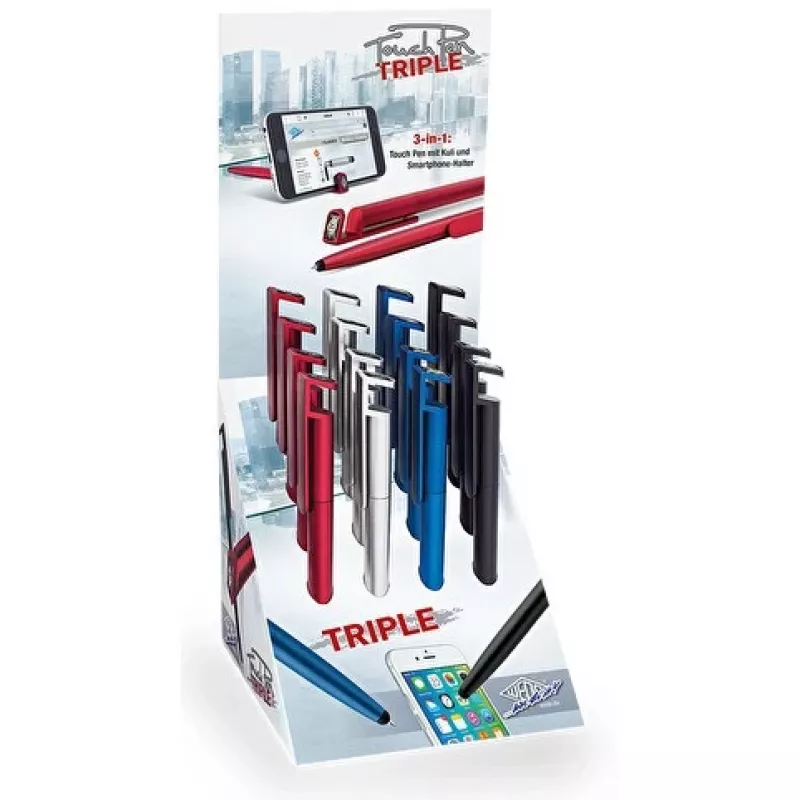
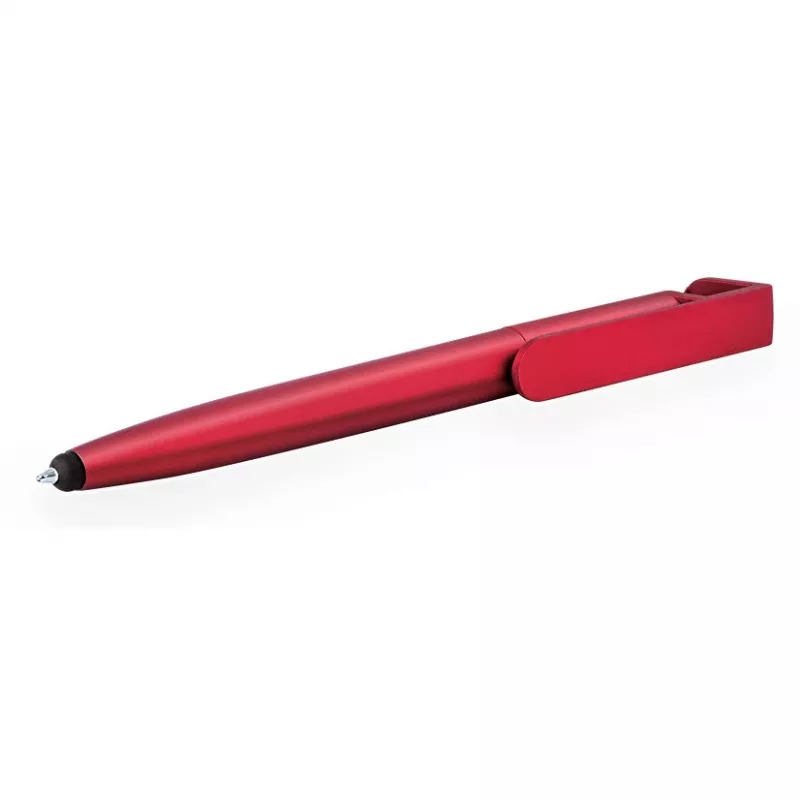
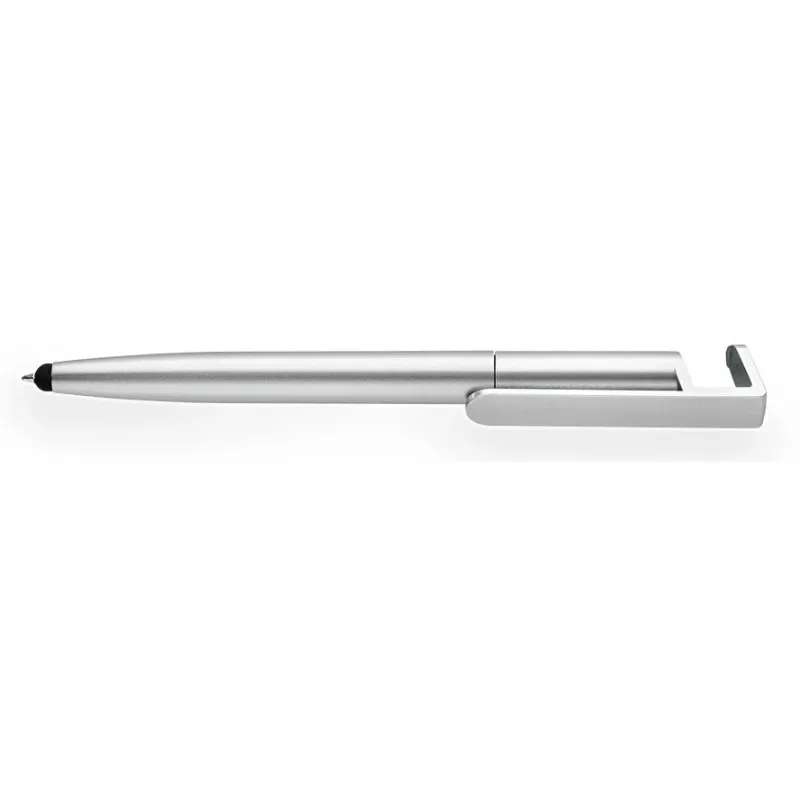
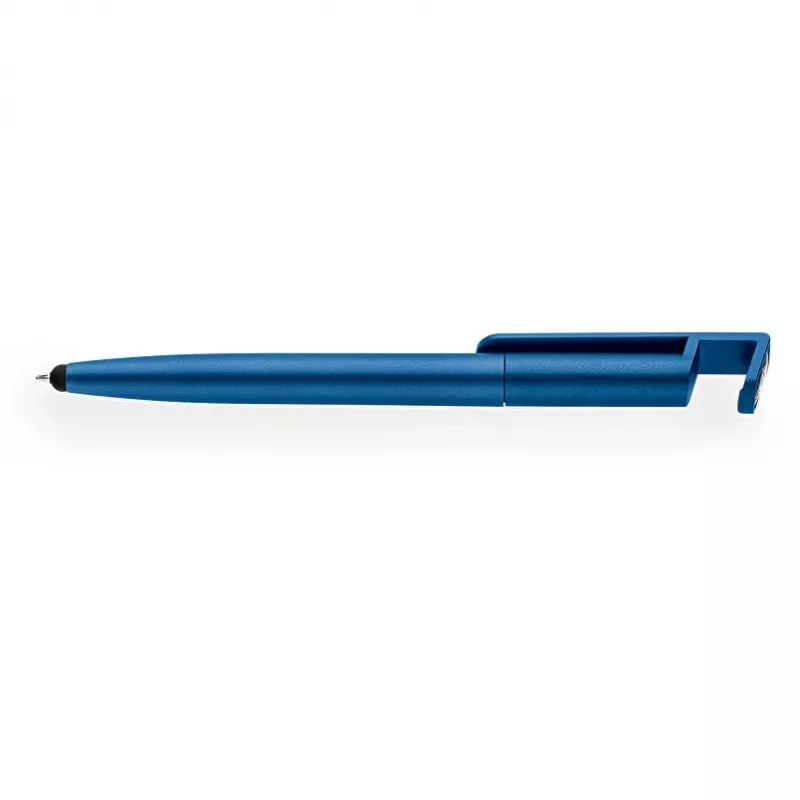
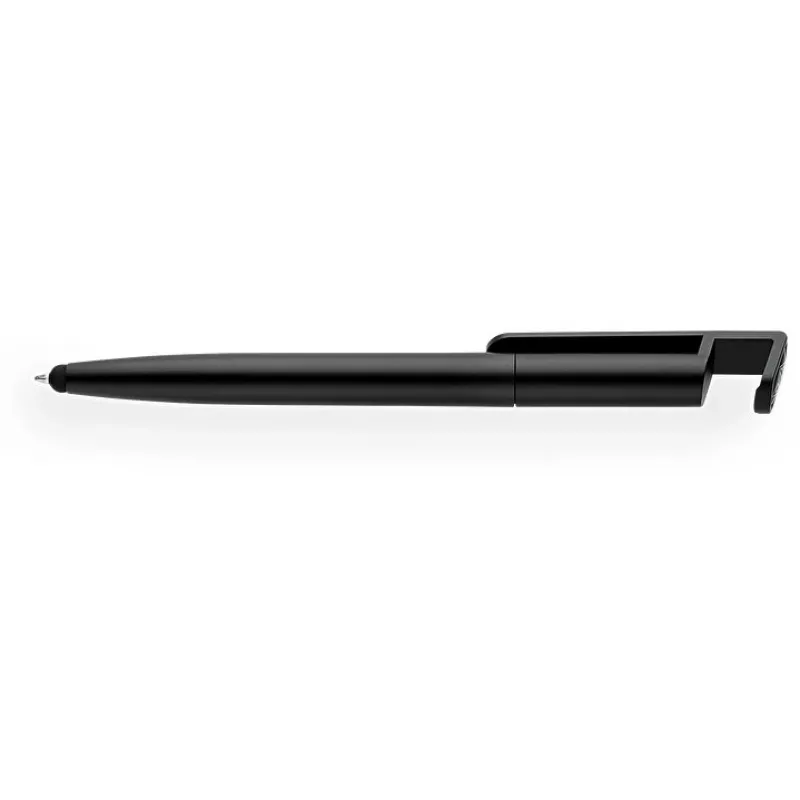
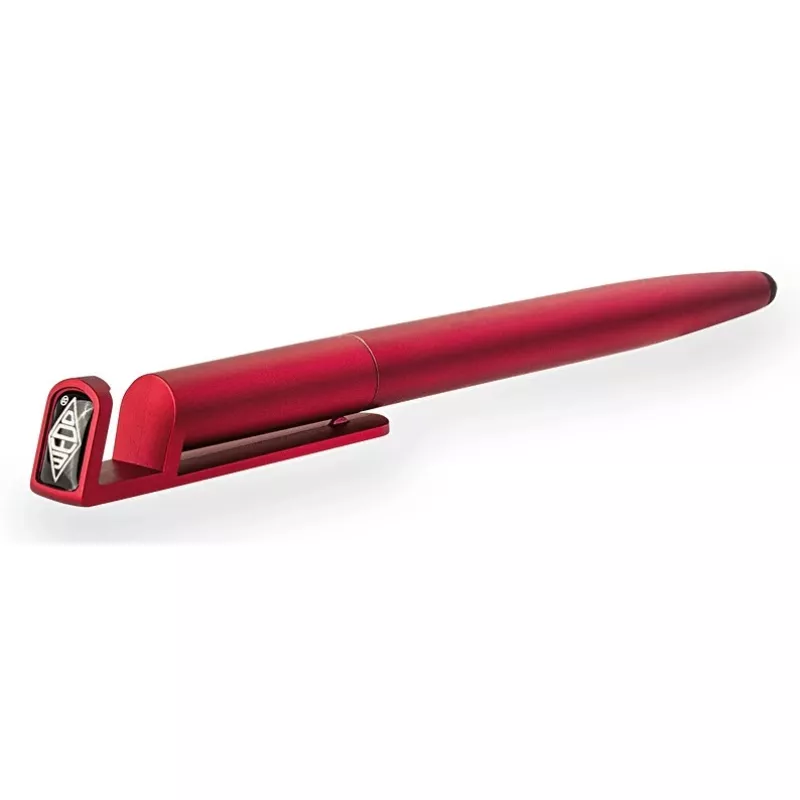
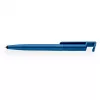
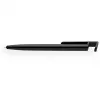
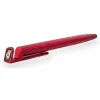
WEDO touchpen Triple kleurgesorteerd KS — 3-in-1 styluspen voor capacitieve touchscreens

WEDO touchpen Triple kleurgesorteerd KS — 3-in-1 styluspen voor capacitieve touchscreens
64,86 €
WEDO Touchpen Triple f.sortiert KS — 3-in-1 stylus pen for capacitive touchscreens is a compact multi-function tool designed for smartphones, tablets and other capacitive touch devices. It combines three modes of interaction in a single pen-shaped accessory to improve precision when drawing, handwri... Lees meer
Voorraad 80 Code 2227325 Merk WEDO Model 26151299 Garantie 2 jaar
CategorieDigitale pennen en stylussen

Bezorging & retourneren

Verwachte bezorgdatum vrijdag 6 november
Je blijft op de hoogte via ons uitgebreide trackingsysteem
Betaalopties
BetaalkaartVisaMastercardPayPalApple PayGoogle PayBankoverschrijving

WEDO Touchpen Triple f.sortiert KS — 3-in-1 stylus pen for capacitive touchscreens is a compact multi-function tool designed for smartphones, tablets and other capacitive touch devices. It combines three modes of interaction in a single pen-shaped accessory to improve precision when drawing, handwriting or navigating menus. The stylus is lightweight and portable, offering a simple way to switch between a soft conductive tip for general navigation, a finer tip for precise input, and an integrated clip or secondary control for additional handling convenience.

Advantages

The 3-in-1 design reduces the need to change tools during use, providing consistent touch response across capacitive screens and improving accuracy compared with finger input. Its ergonomic pen form factor enhances control for longer writing or drawing sessions while remaining small enough to carry in a pocket or pencil case. Materials are selected for reliable contact with touch sensors, and the construction aims for balanced weight and durability for everyday use.

Suitable for

  • Sketching and digital drawing on tablets and touchscreen laptops
  • Handwritten note-taking on smartphones and tablets
  • Precise tapping and menu navigation in apps, forms and games
  • Classroom, office and mobile use where compact tools are preferred

Key specifications

  • Compatibility: capacitive touchscreens on smartphones, tablets and touch-enabled laptops
  • Functionality: three interaction modes in one pen — general soft conductive tip, fine precision tip, and secondary handling/clip function
  • Form factor: lightweight, pen-shaped design for handheld use
  • Materials: conductive tip materials suitable for capacitive sensing and durable housing for everyday carry
  • Portability: compact size suitable for pockets, bags or pencil cases

How to use

Hold the stylus like a regular pen and touch the screen with the appropriate tip for your task: use the soft conductive tip for swiping, scrolling and general navigation; switch to the finer tip for detailed drawing or precise selection; use the integrated clip or secondary control as a handling aid when needed. There is no pairing or power requirement — the stylus works by conducting the user’s touch to the device. Clean the tips with a soft, dry cloth to maintain responsiveness and avoid abrasive cleaners that could damage the surface.

Recommendations

For best results, use the stylus on clean touchscreens and store it in a protective sleeve or pocket to prevent tip deformation. Replace the stylus if tips become worn or damaged to preserve accuracy. Avoid excessive force on the screen and do not use on resistive touch panels where performance may be reduced.

Belangrijkste kenmerken
  • Sketching and digital drawing on tablets and touchscreen laptops
  • Handwritten note-taking on smartphones and tablets
  • Precise tapping and menu navigation in apps, forms and games
  • Classroom, office and mobile use where compact tools are preferred
  • Compatibility: capacitive touchscreens on smartphones, tablets and touch-enabled laptops
  • Functionality: three interaction modes in one pen — general soft conductive tip, fine precision tip, and secondary handling/clip function
  • Form factor: lightweight, pen-shaped design for handheld use
  • Materials: conductive tip materials suitable for capacitive sensing and durable housing for everyday carry
  • Portability: compact size suitable for pockets, bags or pencil cases
Prijsverloop van de afgelopen 6 maanden
WEDO touchpen Triple kleurgesorteerd KS — 3-in-1 styluspen voor capacitieve touchscreens
Actueel
64,86 €
Laagste
64,00 €
Hoogste
65,20 €
Wijziging 24 uur
+0,83 €   +1%
Week
+0,80 €   +1%
Maand
+0,13 €   +0%

Review schrijven

Beoordeling *
Je naam wordt openbaar getoond – je mag ook een bijnaam gebruiken. We nodigen kopers uit om reviews te schrijven. We controleren reviews vóór plaatsing en plaatsen ook kritische reviews.

Meer WEDO producten in deze categorie

Populaire producten in deze categorie

Verkoper: UAB KUR LT · Laisvės pr. 125A, LT-06118 Vilnius, Litouwen · Bedrijfsnummer 303192950 · Btw-nummer LT100008198612 · Verzending vanuit de EU (Litouwen)
Hoi, ik ben de AI-assistent van DistriNode. Ik help je graag met het vinden van producten, het vergelijken van opties, het maken van offerte-PDF's of het openen van supportaanvragen.
Alle categorieën