
Account Contact
Je winkelwagen
Verzending via DPD & FedEx
Hulp nodig? Vraag het de AI

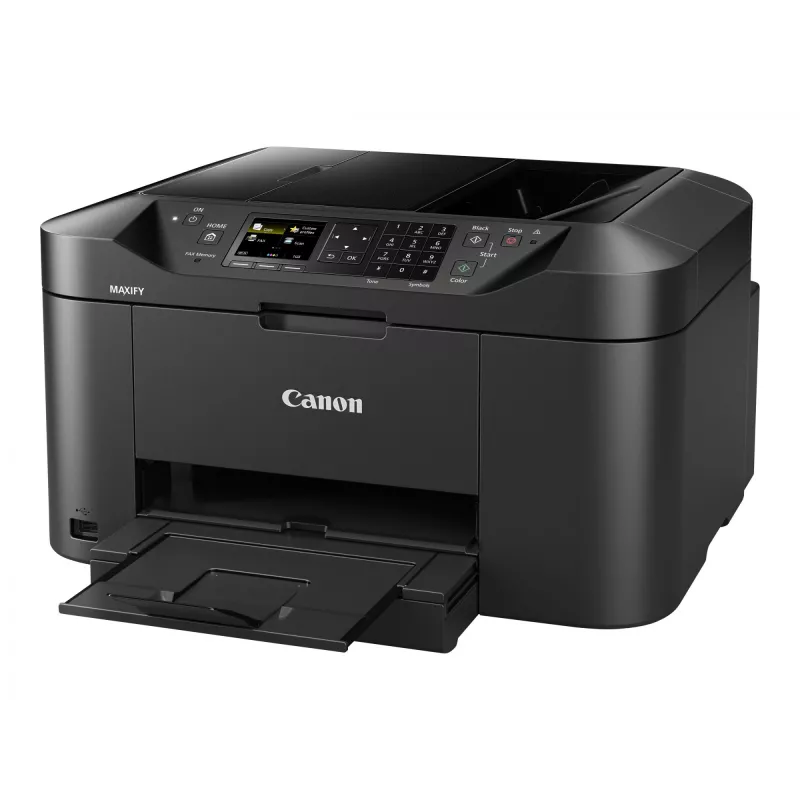
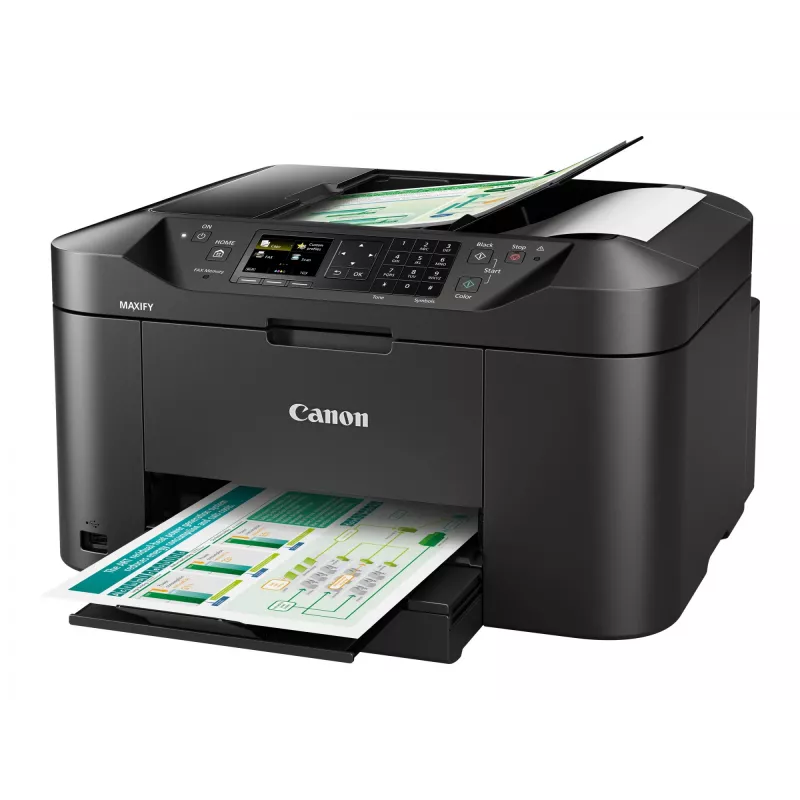
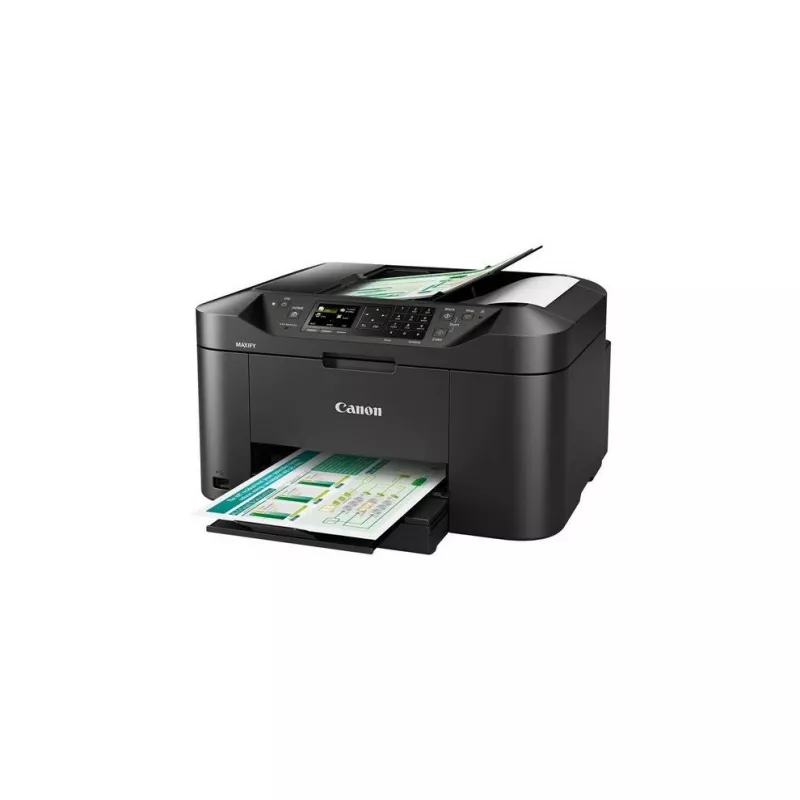
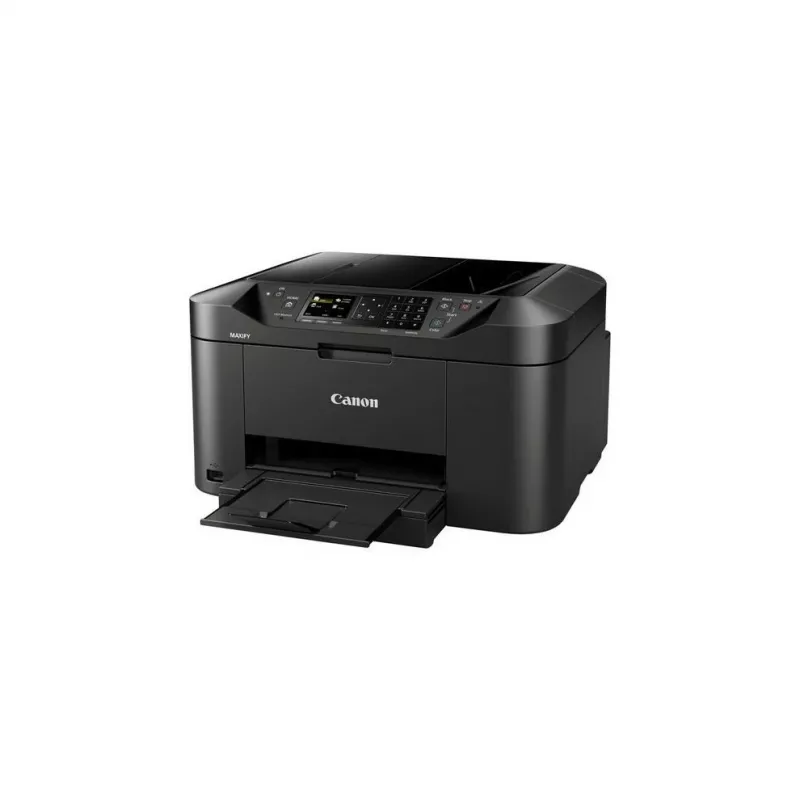
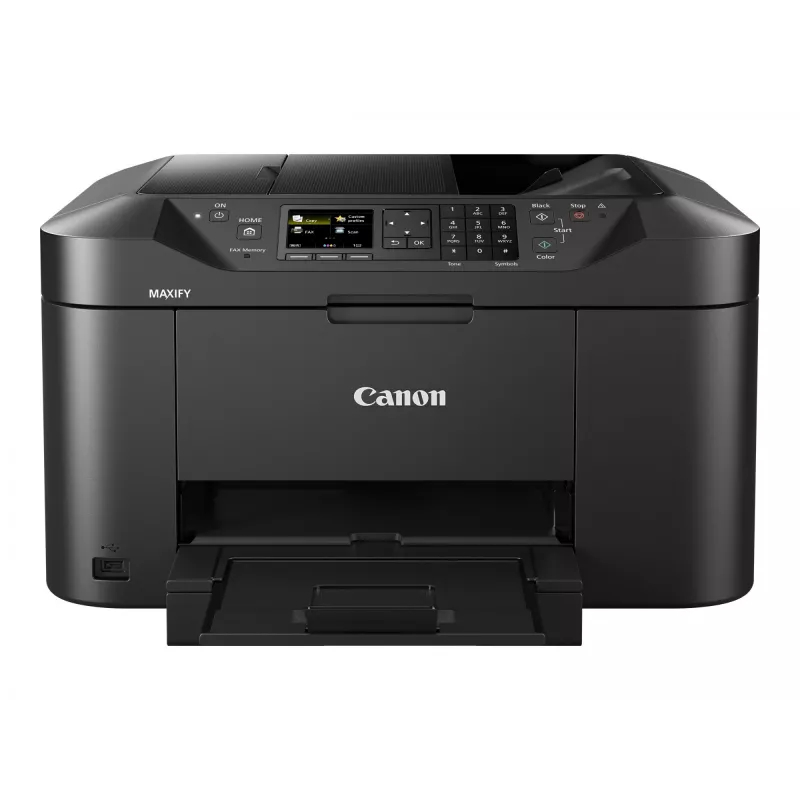
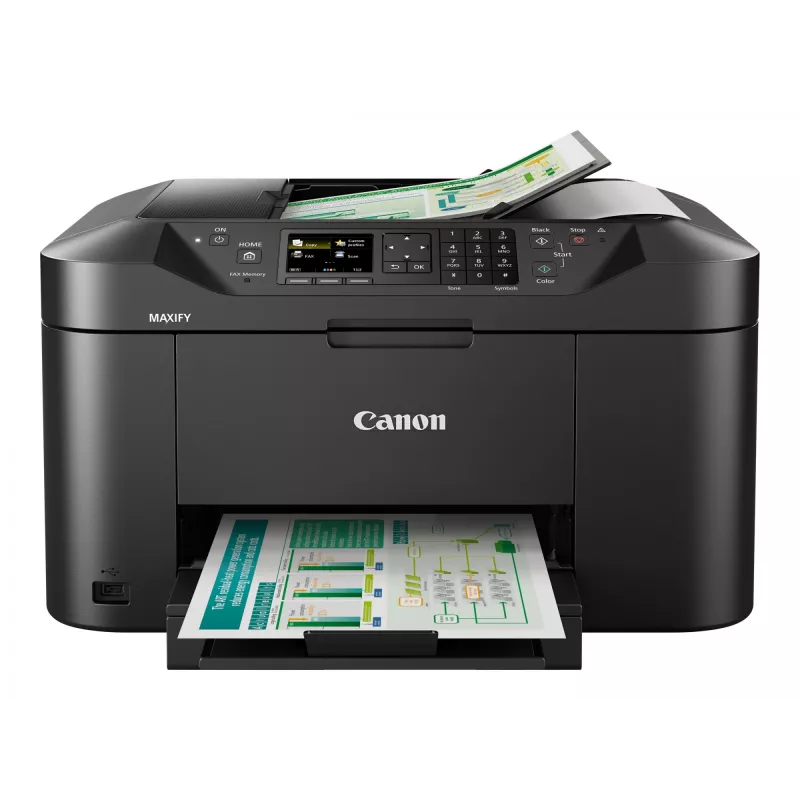
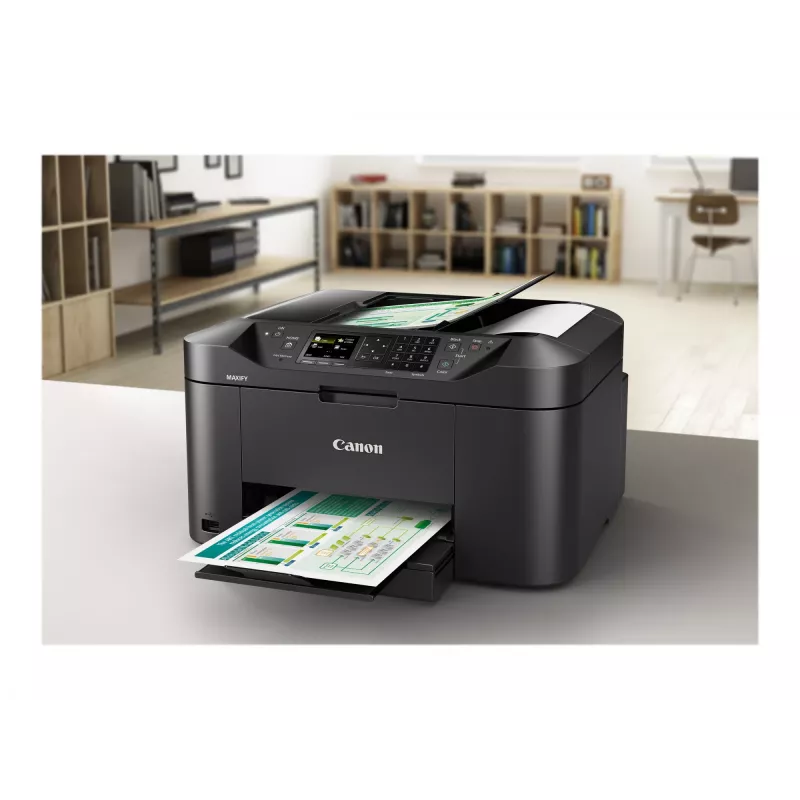
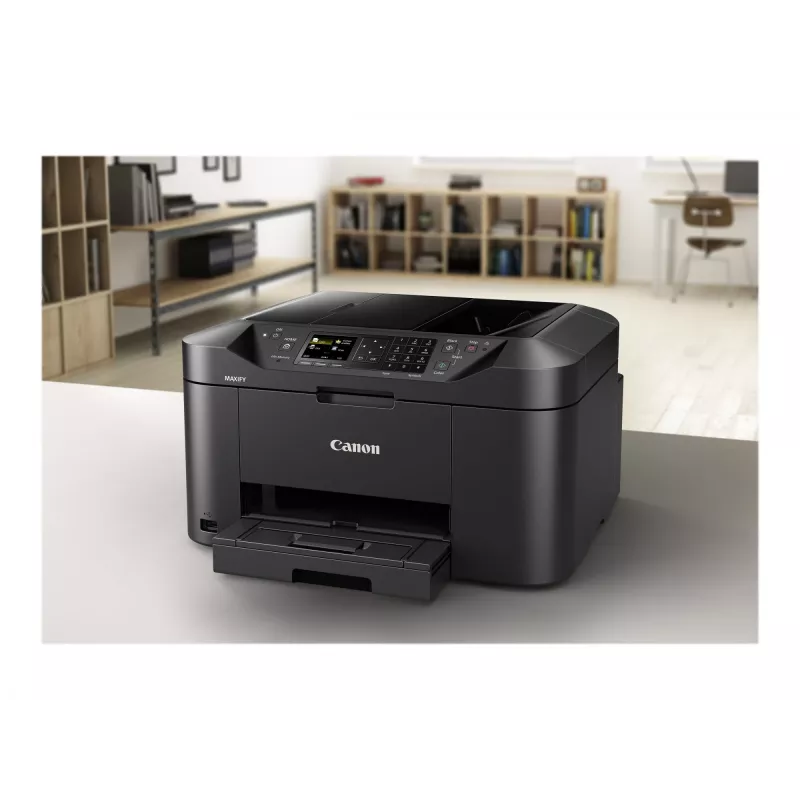
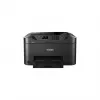
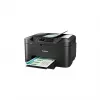
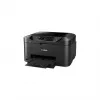
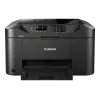
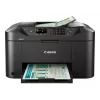
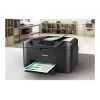
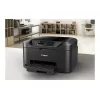
Canon MAXIFY MB2150 inkjet A4 600 x 1200 DPI 19 ppm Wi-Fi

Canon MAXIFY MB2150 inkjet A4 600 x 1200 DPI 19 ppm Wi-Fi
141,56 €
Outstanding multifunction colour inkjet printer, scanner, copier and fax, with print and scan support for mobile devices and cloud services, 19 ipm mono print speed and a range of network features.Benefits- Fast printing: 19 ipm mono, 13 ipm colour- Wi-Fi networking for direct printing from mobile d... Lees meer
Voorraad 2 Code 93486 Merk Canon Model 0959C009 Garantie 2 jaar

Bezorging & retourneren

Verwachte bezorgdatum donderdag, oktober 15
Je blijft op de hoogte via ons uitgebreide trackingsysteem
Betaalopties
BetaalkaartVisaMastercardPayPalApple PayGoogle PayBankoverschrijving
Outstanding multifunction colour inkjet printer, scanner, copier and fax, with print and scan support for mobile devices and cloud services, 19 ipm mono print speed and a range of network features.

Benefits

- Fast printing: 19 ipm mono, 13 ipm colour
- Wi-Fi networking for direct printing from mobile devices
- Print from and scan to cloud services
- 1,200-page mono and 900-page colour ink yields
- Stay productive: 250-sheet capacity and 50-sheet ADF

High capacity, high quality

Versatile printer, scanner, copier and fax designed for home offices that need great mono and colour print quality with a low cost per page. With a large 250-sheet feeder and 50-sheet automatic document feeder, the Canon MAXIFY MB2150 Series produces outstanding prints with vivid colours and crisp text using its marker- and friction-resistant DRHD inks. The Canon MAXIFY MB2150 Series prints A4 at a fast 19 ipm mono and 13 ipm colour, while its first page out time (FPOT) is just 6 seconds.

Economical to run

From its low energy consumption of just 0.2 kWh (TEC) to the high yield, individually replaceable colour cartridges, economy is a priority. Black cartridges provide an ISO yield of 1,200 pages and colour cartridges 900 pages, letting you work with fewer interruptions. The optional 4-colour multipack offers even more cost-effective printing.

Productive and easy to use

Double-sided printing and support for a variety of paper sizes and types – from A4 plain paper to labels, envelopes, photo paper and even two-sided ID card copying – makes light work of common office print jobs. Built for productivity, the printer is quick and simple to use: whether printing, copying, scanning or faxing, they’re all within easy each with the Canon MAXIFY MB2150 Series’ 6.2 cm (2.5”) TFT colour screen.

Print from smartphones, tablets and the cloud

Google Cloud Print, Apple AirPrint (iOS), Mopria and the Canon PRINT app are all supported, as is printing from the cloud and even scanning and saving documents to popular cloud services, including Google Drive, Dropbox, Evernote, OneNote, OneDrive and Concur. Access Point mode means that smart device users can connect to the printer even without a Wi-Fi network.

Monitoring and maintenance capabilities

IP address filtering provides access rights to only a select number of users, while SMTP support allows secure scan-to-email within an office network. System administrators can quickly and easily configure the printer and restrict certain operations, such as scan-to-USB.

Simple network integration

System administrators will appreciate the Canon MAXIFY MB2150 Series’ Simple Network Management Protocol (SNMP) compatibility, a device management standard that makes it easy to integrate the printer into existing office networks. SNMP enables a range of maintenance monitoring functions, including ink levels, error status, and page counts.

Canon MAXIFY MB2150. Print technology: Inkjet, Printing: Colour printing, Maximum resolution: 600 x 1200 DPI, Print speed (colour, normal quality, A4/US Letter): 13 ppm. Copying: Colour copying. Scanning: Colour scanning, Optical scanning resolution: 1200 x 1200 DPI. Faxing: Colour faxing. Maximum ISO A-series paper size: A4. Wi-Fi. Product colour: Black

Belangrijkste kenmerken
  • Home & office Inkjet Colour printing
  • 600 x 1200 DPI
  • Printing colours: Black, Cyan, Magenta, Yellow
  • A4 19 ppm
  • Colour copying Colour scanning Colour faxing
  • Apple AirPrint, Google Cloud Print, Mopria Print Service
  • USB port Wi-Fi
  • 10.6 kg
Specificaties
Aanbevolen werkcyclus
200 - 1000 pages per month
Aangepaste mediabreedte
89 - 215.9 mm
Aangepaste medialengte
127 - 355.6 mm
Aantal printcartridges
4
Aantal USB 2.0-poorten
1
AC-ingangsfrequentie
50 - 60 Hz
AC-ingangsspanning
100 - 240 V
Afdrukkleuren
Black, Cyan, Magenta, Yellow
Automatische documentinvoer (ADF)
Yes
Bedrijfstemperatuur (T-T)
15 - 30 °C
Beelddiagonaal
6.35 cm (2.5")
Beveiligingsalgoritmen
SNMP
Breedte
463 mm
Diepte
389 mm
Display
TFT
Drivers inbegrepen
Yes
Dubbelzijdig printen
Yes
Energy Star typisch elektriciteitsverbruik (TEC)
0.2 kWh/week
Enveloppenformaten
10, C5, DL, Monarch
Ethernet LAN
No
Faxen
Colour faxing
Faxgeheugen
250 pages
Faxresolutie (zwart)
300 x 300 DPI
Faxverzendsnelheid
3 sec/page
Formaten ISO A-serie (A0...A9)
A4, A5
Fotopapierformaten
10x15,13x18,20x25
Geluidsniveau
56 dB
Gewicht
10.6 kg
Hoogte
260 mm
Ingebouwd display
Yes
Invoercapaciteit automatische documentinvoer (ADF)
50 sheets
ISO B-formaten (B0...B9)
B5
Kleurdiepte invoer
48 bit
Kleurdiepte uitvoer
24 bit
Kleurendisplay
Yes
Kopieerformaat aanpassen
25 - 400%
Kopieersnelheid (kleur, normale kwaliteit, A4)
10 cpm
Kopieersnelheid (zwart, normale kwaliteit, A4)
18 cpm
Kopiëren
Colour copying
Marktpositionering
Home & office
Maximaal aantal kopieën
99 copies
Maximaal papierformaat ISO A-serie
A4
Maximaal scanbereik
216 x 297 mm
Maximale resolutie
600 x 1200 DPI
Maximale werkcyclus
20000 pages per month
Mediagewicht papierlade
64 - 105 g/m²
Mediatypen papierlade
Envelopes, Glossy paper, High resolution paper, Matte paper, Plain paper, Semi-glossy paper
Meegeleverde software
Quick Utility Toolbox, IJ Network Device Setup Utility, Easy-WebPrint EX
Modemsnelheid
33.6 Kbit/s
Modus dubbelzijdig printen
Auto
N-in-1-kopieerfunctie (N=)
2, 4
Ondersteunde mobiele besturingssystemen
Android, Windows 10 Mobile, Windows RT, iOS
Ondersteunde serverbesturingssystemen
Windows Server 2008, Windows Server 2008 R2, Windows Server 2012, Windows Server 2012 R2
Ondersteunde Windows-besturingssystemen
Windows 10 Education, Windows 10 Education x64, Windows 10 Enterprise, Windows 10 Enterprise x64, Windows 10 Home, Windows 10 Home x64, Windows 10 Pro, Windows 10 Pro x64, Windows 7 Enterprise, Windows 7 Enterprise x64, Windows 7 Home Basic, Windows 7 Home Basic x64, Windows 7 Home Premium, Windows 7 Home Premium x64, Windows 7 Professional, Windows 7 Professional x64, Windows 7 Starter, Windows 7 Starter x64, Windows 7 Ultimate, Windows 7 Ultimate x64, Windows 8, Windows 8 Enterprise, Windows 8 Enterprise x64, Windows 8 Pro, Windows 8 Pro x64, Windows 8 x64, Windows 8.1, Windows 8.1 Enterprise, Windows 8.1 Enterprise x64, Windows 8.1 Pro, Windows 8.1 Pro x64, Windows 8.1 x64, Windows Vista Business, Windows Vista Business x64, Windows Vista Enterprise, Windows Vista Enterprise x64, Windows Vista Home Basic, Windows Vista Home Basic x64, Windows Vista Home Premium, Windows Vista Home Premium x64, Windows Vista Ultimate, Windows Vista Ultimate x64
Optische scanresolutie
1200 x 1200 DPI
Printen
Colour printing
Printsnelheid (kleur, normale kwaliteit, A4/US Letter)
13 ppm
Printsnelheid (zwart, normale kwaliteit, A4/US Letter)
19 ppm
Printtechnologie
Inkjet
Productkleur
Black
Relatieve luchtvochtigheid tijdens gebruik (H-H)
10 - 80%
Scannen
Colour scanning
Scannen naar
Cloud, E-mail, HTTP, USB
Scannertype
Flatbed & ADF scanner
Scantechnologie
CIS
Snelkiesnummers fax (max. aantal)
100
Standaardinterfaces
USB 2.0, Wireless LAN
Stroomverbruik (kopiëren)
27 W
Stroomverbruik (uit)
0.2 W
Technologieën voor mobiel printen
Apple AirPrint, Google Cloud Print, Mopria Print Service
Tijd tot eerste pagina (kleur, normaal)
7 s
Tijd tot eerste pagina (zwart, normaal)
6 s
Totaal aantal invoerladen
1
Totale invoercapaciteit
250 sheets
Type cartridge
PGI-1500XL BK, PGI-1500XL C, PGI-1500XL M, PGI-1500XL Y
Type papierinvoer
Cassette
USB-poort
Yes
Wifi
Yes
Wifi-standaarden
802.11b, 802.11g, Wi-Fi 4 (802.11n)
Prijsverloop van de afgelopen 6 maanden
Canon MAXIFY MB2150 inkjet A4 600 x 1200 DPI 19 ppm Wi-Fi
Actueel
141,56 €
Laagste
134,26 €
Hoogste
150,92 €
Wijziging 24 uur
-9,13 €   -6%
Week
+6,07 €   +4%
Maand
+5,38 €   +4%

Onafhankelijke reviews van techmedia

trustedreviews.comSimon
8/10

Eindoordeel: The Canon MAXIFY MB2150 is a good, no-nonsense small business inkjet all-in-one. It gets on with the job, is quick to print, produces high quality text and graphics and is not expensive to run. It would benefit from a secondary paper path for special medi...

Pluspunten
  • Easy to use
  • Good quality prints and copies
  • Relatively fast print speeds
Minpunten
  • No borderless photo prints
  • No duplex scan
Lees de volledige review op trustedreviews.com →

Populaire producten in deze categorie

Hoi, ik ben de AI-assistent van DistriNode. Ik help je graag met het vinden van producten, het vergelijken van opties, het maken van offerte-PDF's of het openen van supportaanvragen.