
Account Contact
Je winkelwagen
Verzending via DPD & FedEx
Hulp nodig? Vraag het de AI

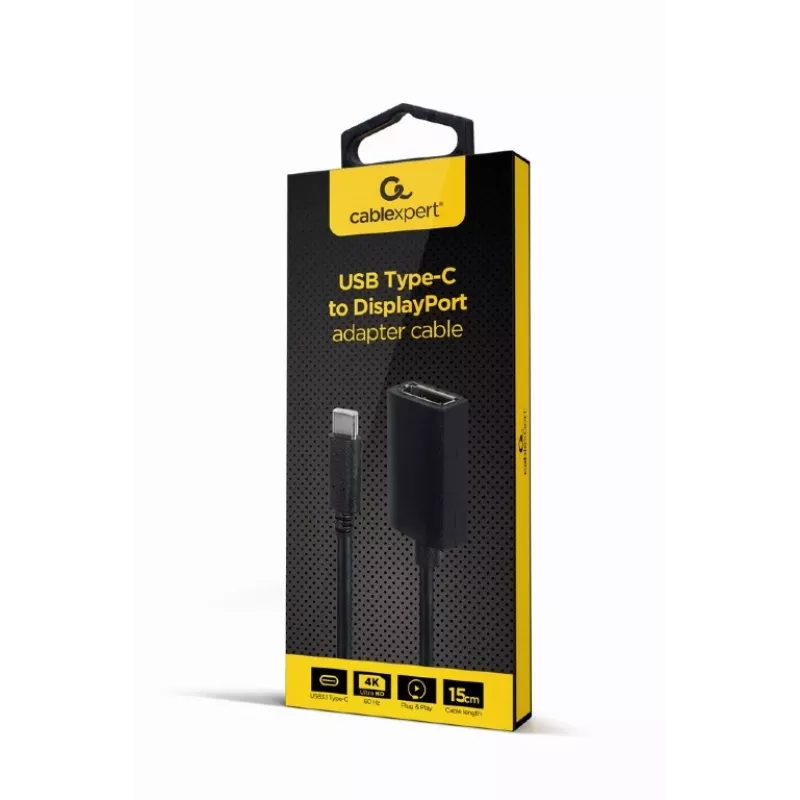
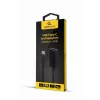
GEMBIRD USB Type-C-naar-DisplayPort-adapterkabel, 4K, 15 cm, zwart

GEMBIRD USB Type-C-naar-DisplayPort-adapterkabel, 4K, 15 cm, zwart
8,69 €
The Gembird A-CM-DPF-02 is a 0.15 m video cable adapter that connects USB Type-C devices to DisplayPort displays. Its compact black housing and lightweight construction (22 g) make it convenient to carry with a laptop or tablet and use with external monitors for work or presentations.AdvantagesThe a... Lees meer
Voorraad 15 Code 99434 Merk GEMBIRD Model A-CM-DPF-02 Garantie 2 jaar

Bezorging & retourneren

Verwachte bezorgdatum woensdag, oktober 14
Je blijft op de hoogte via ons uitgebreide trackingsysteem
Betaalopties
BetaalkaartVisaMastercardPayPalApple PayGoogle PayBankoverschrijving

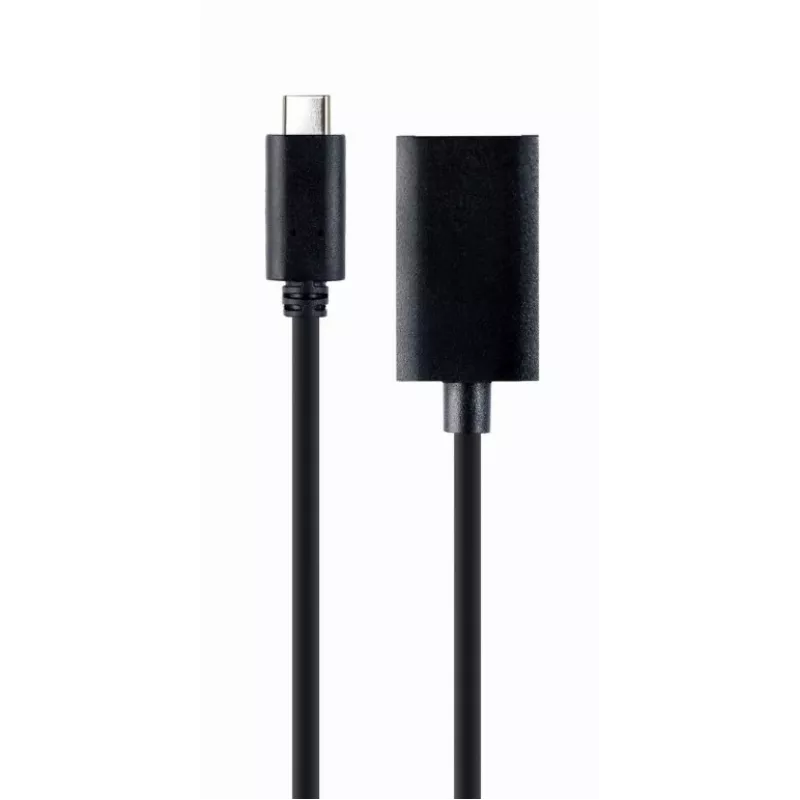
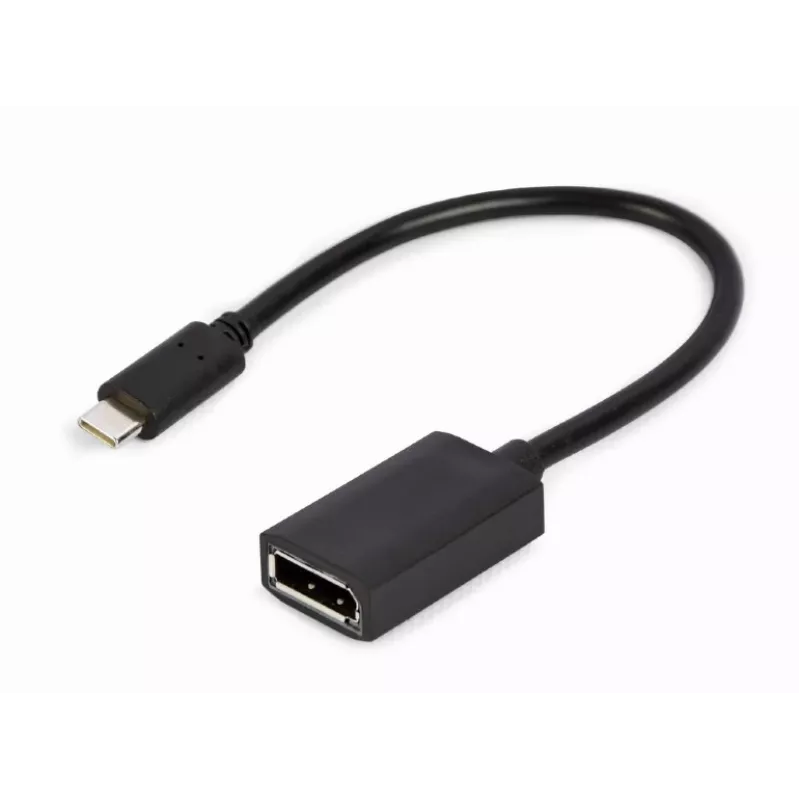
The Gembird A-CM-DPF-02 is a 0.15 m video cable adapter that connects USB Type-C devices to DisplayPort displays. Its compact black housing and lightweight construction (22 g) make it convenient to carry with a laptop or tablet and use with external monitors for work or presentations.

Advantages

The adapter provides a direct physical connection from a USB Type-C port to a DisplayPort input, enabling video output without requiring additional drivers. Its short 0.15 m length reduces cable clutter near the device and the low weight simplifies transport in a laptop bag.

Suitable for

  • Connecting laptops with USB Type-C to DisplayPort monitors
  • Attaching tablets or compact PCs to external displays for presentations
  • Temporary workstation setups where a short adapter cable is preferred

Key specifications

  • Connector 1: USB Type-C (video output)
  • Connector 2: DisplayPort (video input)
  • Cable length: 0.15 m
  • Weight: 0.022 kg
  • Colour: Black

How to use

Plug the USB Type-C end into a compatible device that supports DisplayPort Alternate Mode and connect the DisplayPort end to the external monitor. Set the monitor input to the DisplayPort source and configure display settings on the host device as needed (resolution, display mode). No additional software is typically required; ensure the host device supports video output over USB Type-C.

Recommendations

Use this short adapter for close-proximity connections between a computer and monitor. Avoid excessive bending at connector junctions and disconnect by pulling the connector body, not the cable, to prolong lifespan.
Belangrijkste kenmerken
  • Connecting laptops with USB Type-C to DisplayPort monitors
  • Attaching tablets or compact PCs to external displays for presentations
  • Temporary workstation setups where a short adapter cable is preferred
  • Connector 1: USB Type-C (video output)
  • Connector 2: DisplayPort (video input)
  • Cable length: 0.15 m
  • Weight: 0.022 kg
  • Colour: Black
Specificaties
Aansluiting 1
USB Type-C
Aansluiting 2
DisplayPort
Aantal per verpakking
1 pc(s)
Breedte
150 mm
Breedte verpakking
80 mm
Diepte
25 mm
Diepte verpakking
20 mm
Geslacht aansluiting 1
Male
Geslacht aansluiting 2
Female
Gewicht
22 g
Gewicht verpakking
48 g
Hoogte
150 mm
Hoogte verpakking
200 mm
Kabellengte
0.15 m
Kabeltype
Round cable
Maximale resolutie
3840 x 2160 pixels
Ondersteunde videomodi
3840p
Productkleur
Black
Type verpakking
Box
USB Type-C DisplayPort Alternate Mode
Yes
Verversingssnelheid bij maximale resolutie
60 Hz
Vormfactor aansluiting 1
Straight
Vormfactor aansluiting 2
Straight
Prijsverloop van de afgelopen 6 maanden
GEMBIRD USB Type-C-naar-DisplayPort-adapterkabel, 4K, 15 cm, zwart
Actueel
8,69 €
Laagste
7,86 €
Hoogste
9,50 €
Wijziging 24 uur
+0,50 €   +6%
Week
+0,45 €   +6%
Maand
+0,80 €   +10%

Populaire producten in deze categorie

Hoi, ik ben de AI-assistent van DistriNode. Ik help je graag met het vinden van producten, het vergelijken van opties, het maken van offerte-PDF's of het openen van supportaanvragen.