
Account Contact
Je winkelwagen
Verzending via DPD & FedEx
Hulp nodig? Vraag het de AI

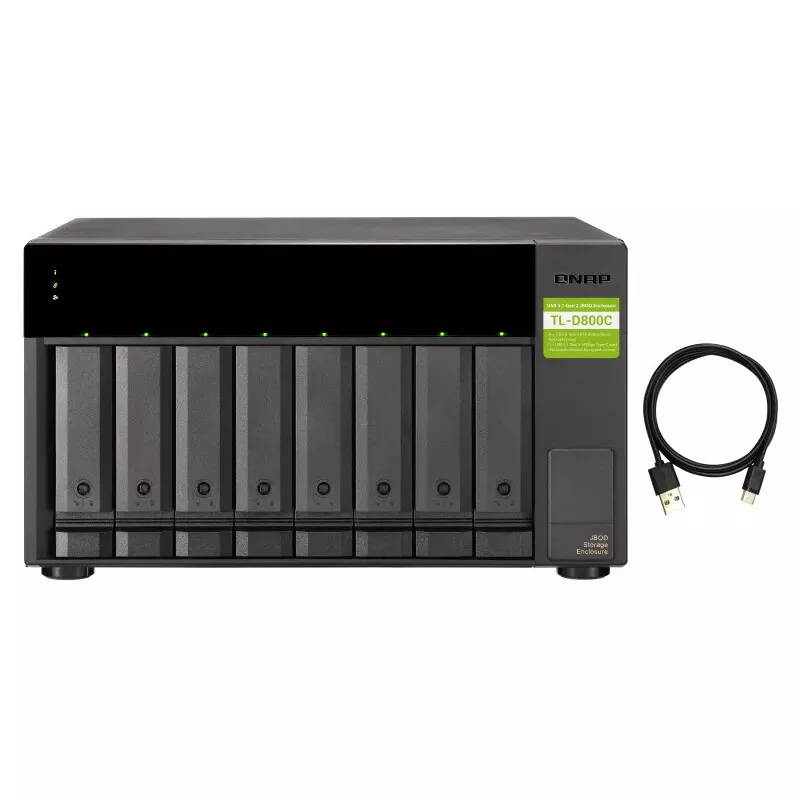
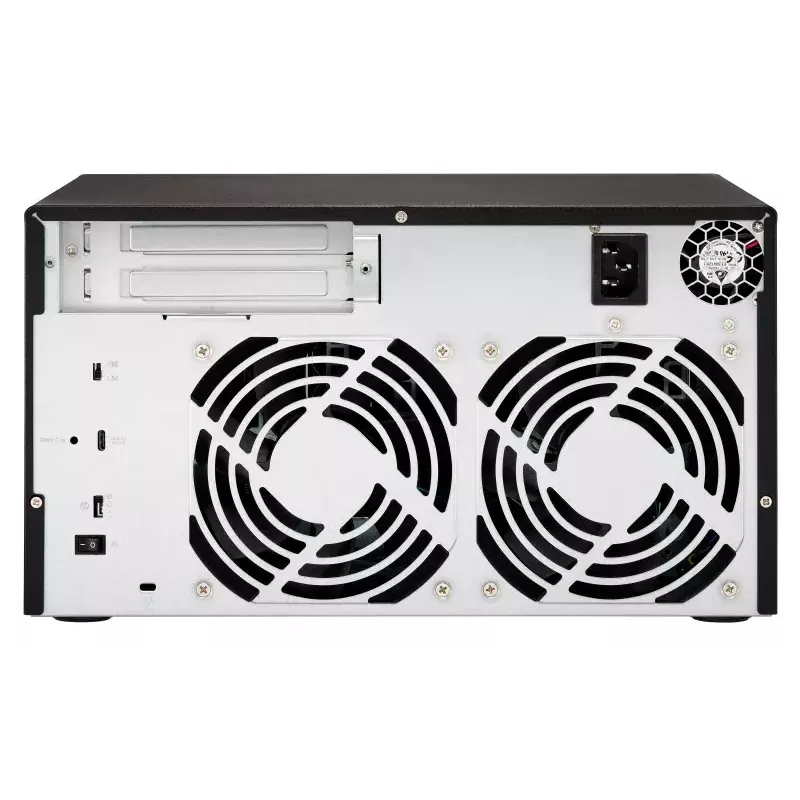
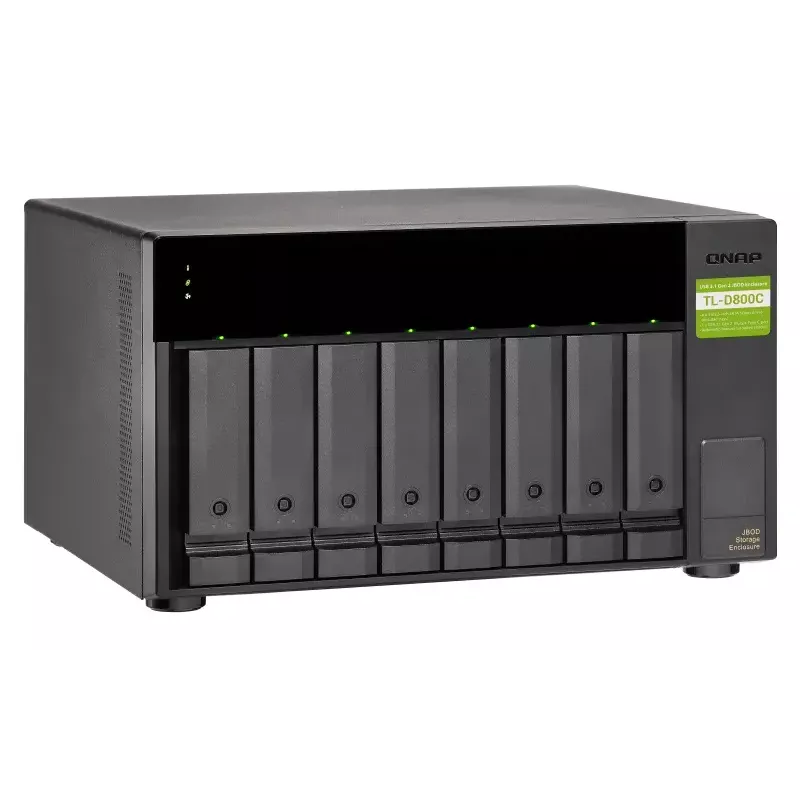
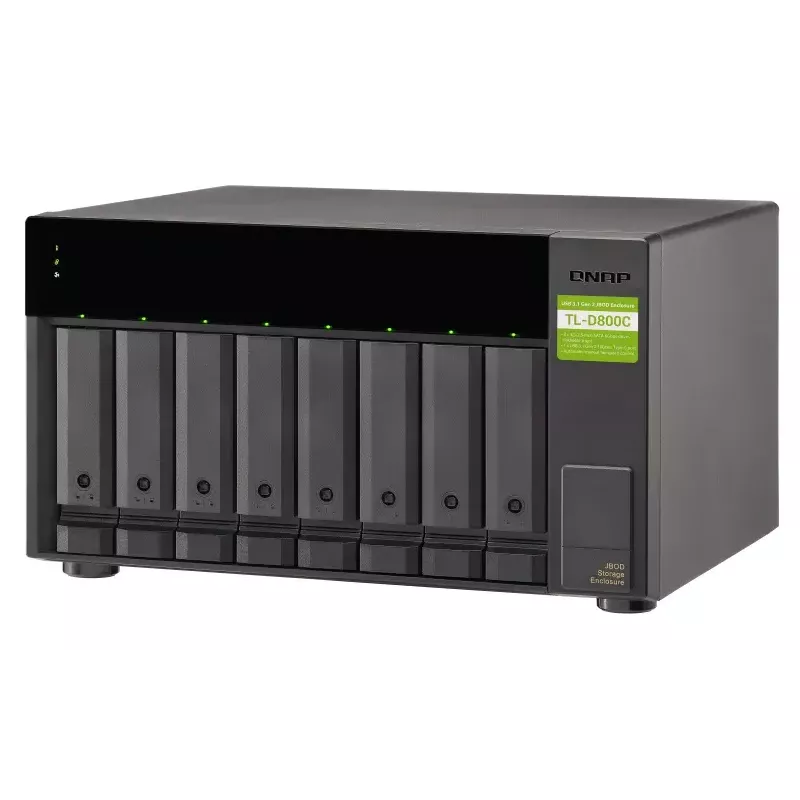
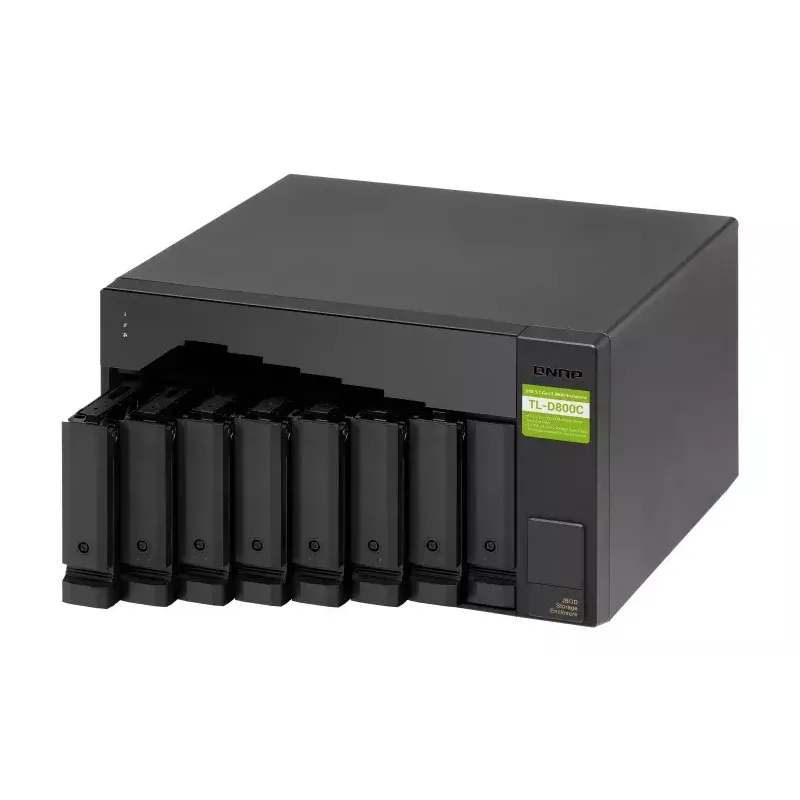
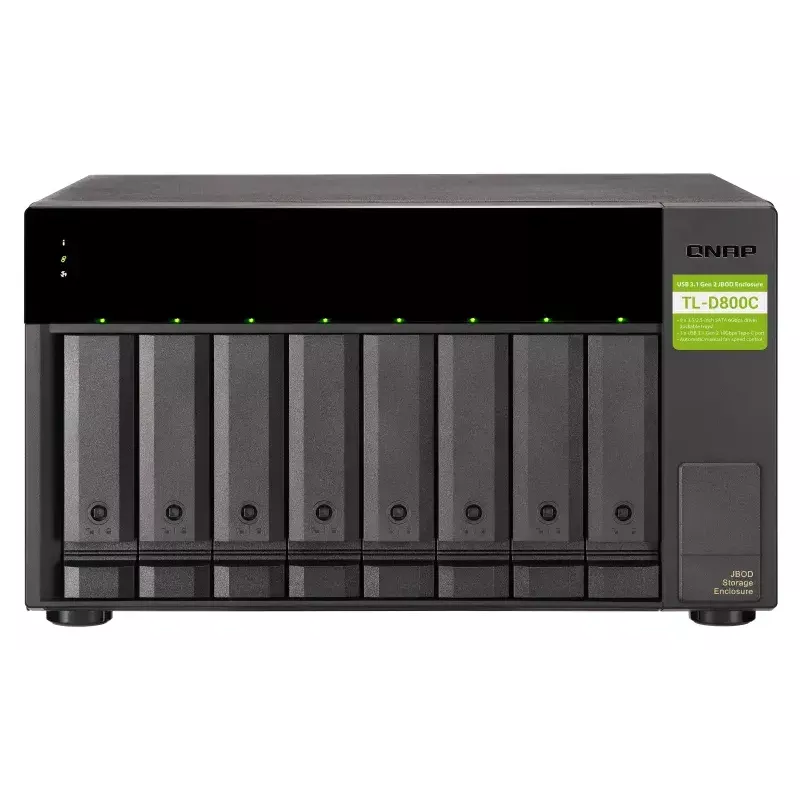
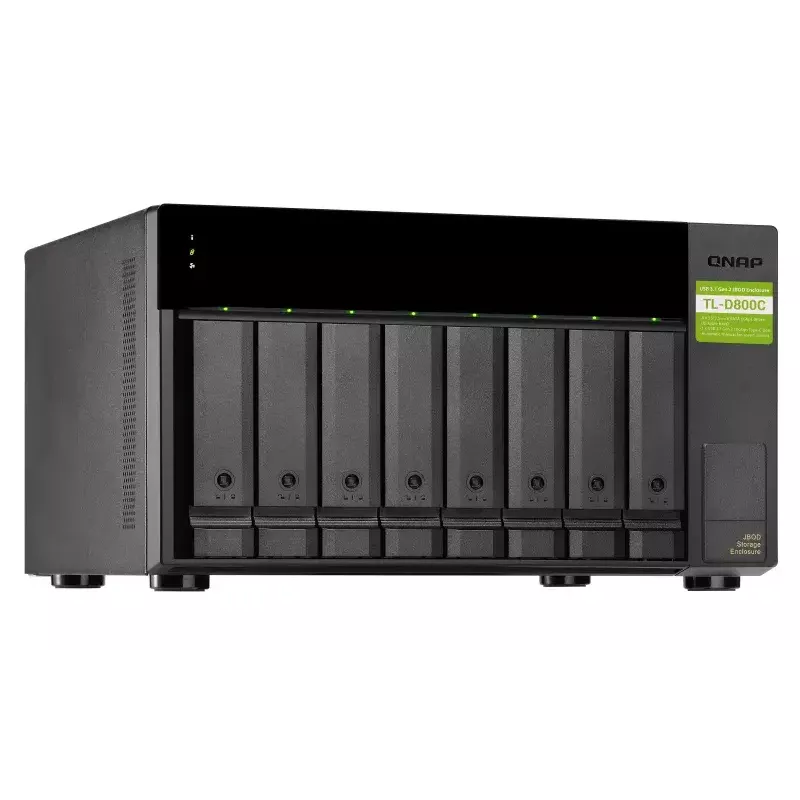
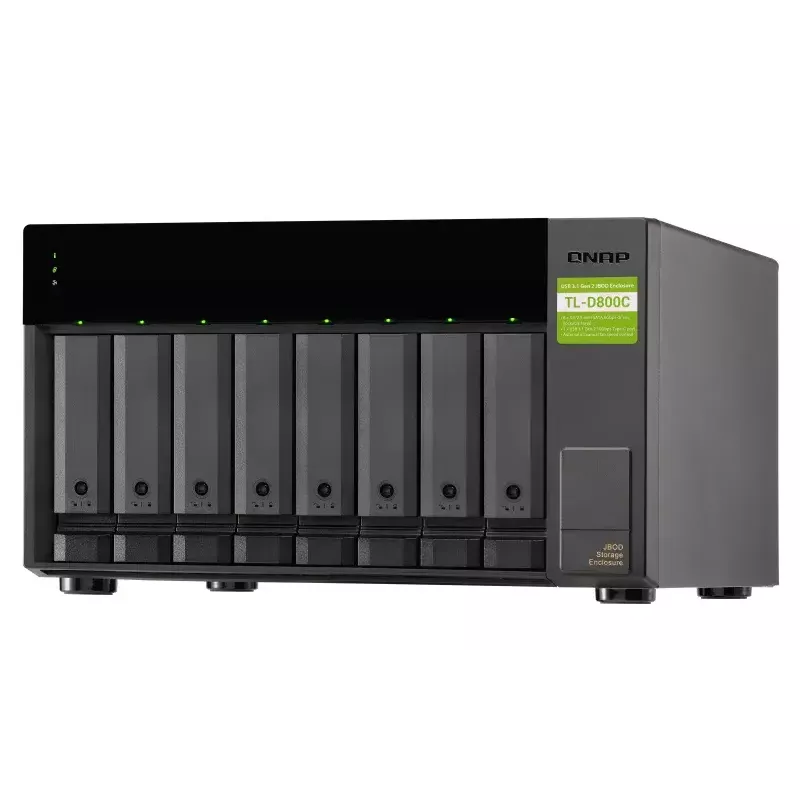
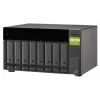
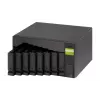
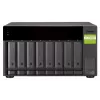
QNAP TL-D800C - schijven-array - JBOD - 8 bays (SATA-600) - USB 3.2 Gen 2 (extern)

QNAP TL-D800C - schijven-array - JBOD - 8 bays (SATA-600) - USB 3.2 Gen 2 (extern)
705,56 €
High-speed USB transferThe TL-D800C features high-speed USB 3.2 Gen2 Type-C connectivity and built-in USB Attached SCSI Protocol (UASP) to provide convenient fast file sharing and intensive data transfer. The TL-D800C not only provides you higher file transfer performance than USB 3.2 Gen1 (USB 3.2 ... Lees meer
Voorraad 1 Code 127737 Merk QNAP Model TL-D800C Garantie 2 jaar

Bezorging & retourneren

Verwachte bezorgdatum vrijdag, oktober 16
Je blijft op de hoogte via ons uitgebreide trackingsysteem
Betaalopties
BetaalkaartVisaMastercardPayPalApple PayGoogle PayBankoverschrijving
High-speed USB transfer

The TL-D800C features high-speed USB 3.2 Gen2 Type-C connectivity and built-in USB Attached SCSI Protocol (UASP) to provide convenient fast file sharing and intensive data transfer. The TL-D800C not only provides you higher file transfer performance than USB 3.2 Gen1 (USB 3.2 Gen 1) but offers a more cost-effective option than other storage enclosures on the market.

Flexible storage configuration and management

The TL-D800C provides software-controlled configurations for greater management flexibility. Users can use the QTS / QuTS hero Storage & Snapshots Manager to configure the TL-D800C as a storage enclosure for your QNAP NAS. The NAS expansion storage mode supports various NAS functions, including storage pools and snapshots. With TL-D800C, you can easily expand storage capacity.

JBOD migration speeds up remote file transfers

Migrating a large number of small files or a single large data file by network environment can be time-consuming and consume significant network bandwidth that causes decreased work efficiency. The TL-D800C supports remote file transfer. All you have to do is set up the RAID configuration and store a large number of files. Then you can move the TL-D800C to another place and connect it with the NAS to experience the device’s simple plug and play feature and fast data migration.

Use TL-D800C as a high-capacity disk drive reader by setting up single disk mode

You can treat each disk in your TL-D800C as an individual storage space, and also use it as a removable drive. It can function like a high-capacity disk drive reader. When one of disk reaches data storage limitation, you can remove it and put it into a dry box. Then swap a different disk into theTL-D800C empty drive slot. After that, you can install the disk that reached full data capacity into the TL-D800C and connect it with a NAS for direct file access.

Versatile usage scenarios to meet storage expansion needs

The TL-D800C meets many storage expansion requirements for the home and office.

Scenario 1: Expand your NAS capacity

The TL-D800C provides an alternative method for users to expand their NAS storage capacity. By connecting the TL-D800C to their NAS and using the Storage & Snapshots Manager in QTS or QTS hero, users can easily configure and manage their storage expansion. The TL-D800C supports a variety of QNAP NAS storage and file management functions, allowing users to build storage pools, finding files with Qsirch, and organizing files with Qfiling.

Scenario 2: External storage for your NAS

You can use the TL-D800C to expand your NAS storage. You can select disks to create storage pools for expanding your NAS capacity, or you can treat each disk as an individual external storage space and use it as a removable drive for greater flexibility. Regardless of the mode you use, you can always use Storage & Snapshots Manager in QTS or QTS hero to set up and manage your TL-D800C and use hard drive S.M.A.R.T. and Notification Center to check disk status anytime and anywhere.

How to use

Install up to eight 2.5" or 3.5" SATA drives into the enclosure and connect the TL-D800C to a host using the USB Type-C cable. For integration with a QNAP NAS, attach the TL-D800C to the NAS and use QTS or QuTS hero Storage & Snapshots Manager to configure storage pools, snapshots or expansion settings. To perform remote file transfer or quick data migration, set the desired RAID or single-disk configuration, copy files to the drives, then move the enclosure and connect it to the destination NAS or computer for plug-and-play access.

Recommendations

Use Storage & Snapshots Manager on QTS / QuTS hero to configure and monitor the TL-D800C, enable S.M.A.R.T. checks and notifications for drive health, and use single-disk mode for removable-drive workflows. Ensure proper ventilation and follow manufacturer guidelines when hot-swapping drives to avoid data loss.

Belangrijkste kenmerken
  • USB 3.2 Gen2 Type-C connectivity* provides up to 10 Gb/s data transfer speeds. The port can support USB Type-A to Type-C connection or Thunderbolt 3 Type-C connection using different cables
  • Lockable hard drive trays prevent accidental drive removal
  • Supports SATA 6Gb/s drives for reliable read/write performance
  • HDD/SSD enclosure Serial ATA II, Serial ATA III 2.5/3.5"
  • Number of storage drives supported: 8
  • Hot-swap
  • USB connectivity
  • Key lock
  • 6 Gbit/s
  • Power source type: AC
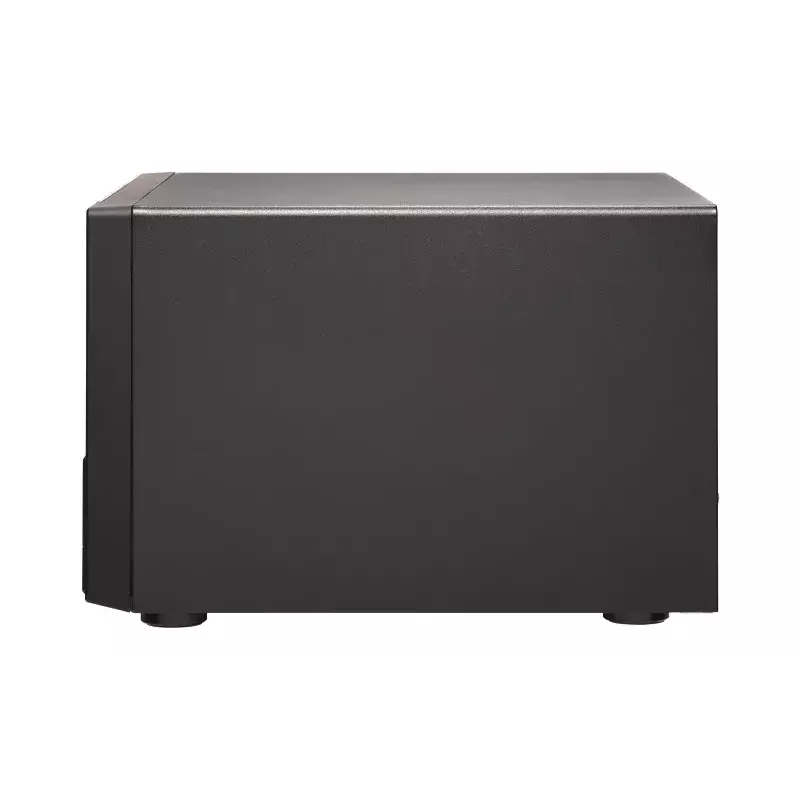
  • Black, Grey
Specificaties
Aan-/uitschakelaar
Yes
Aantal meegeleverde sleutels
2 pc(s)
Aantal ondersteunde opslagstations
8
Aantal USB-poorten
1
Aantal ventilatoren
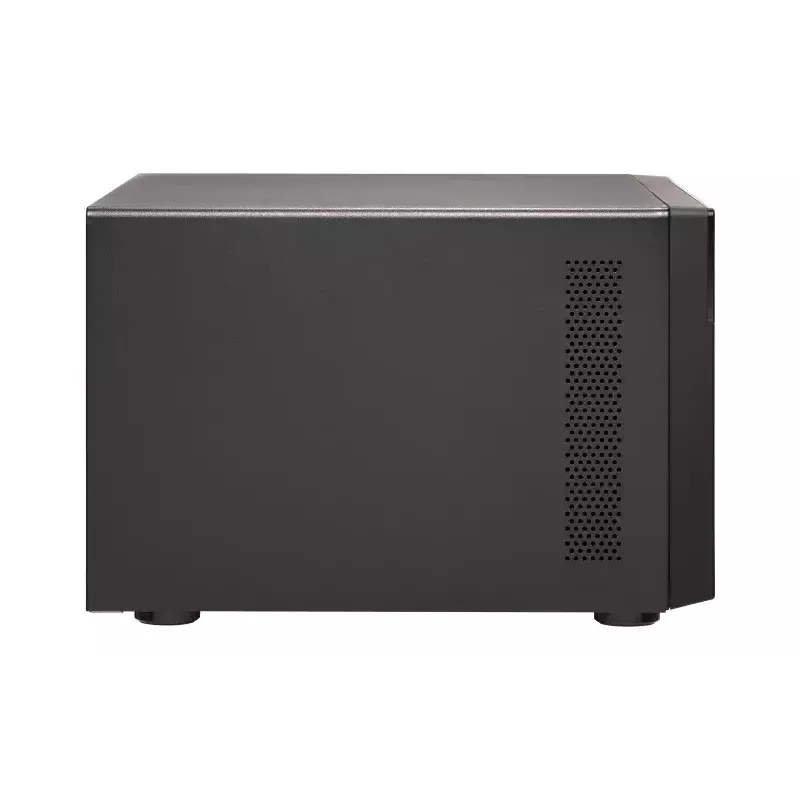
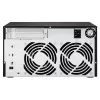
2 fan(s)
Bedrijfstemperatuur (T-T)
0 - 40 °C
Breedte
329.3 mm
Breedte verpakking
295 mm
Diepte
279.6 mm
Diepte verpakking
390 mm
Formaat opslagstation
2.5/3.5"
Frequentie netadapter
50/60 Hz
Garantieperiode
2 year(s)
Geharmoniseerd Systeem (HS)-code
84733080
Geluidsniveau
26.2 dB
Geslacht USB-connector
Female
Gewicht
8.13 kg
Gewicht verpakking
7.54 kg
Handleiding
Yes
Hoogte
188.2 mm
Hoogte verpakking
417 mm
Hot-swap
Yes
Ingangsspanning netadapter
100 - 240 V
Kabels inbegrepen
USB Type-C to USB Type-A
Led-indicatoren
Fan fail, HDD, Link
Ondersteunde interfaces opslagstations
Serial ATA II, Serial ATA III
Opslagtemperatuur (T-T)
-20 - 70 °C
Overdrachtssnelheid
6 Gbit/s
Productkleur
Black, Grey
Producttype
HDD/SSD enclosure
Relatieve luchtvochtigheid tijdens gebruik (H-H)
5 - 95%
Schroeven inbegrepen
Yes
Sleutelslot
Yes
Type stroombron
AC
Type USB-aansluiting
USB Type-C
Type verpakking
Box
USB-verbinding
Yes
USB-versie
3.2 Gen 2 (3.1 Gen 2)
Ventilatordiameter
12 cm

Handleiding

Document openen

Handleiding

Document openen

Handleiding

Document openen
Prijsverloop van de afgelopen 6 maanden
QNAP TL-D800C - schijven-array - JBOD - 8 bays (SATA-600) - USB 3.2 Gen 2 (extern)
Actueel
705,56 €
Laagste
658,38 €
Hoogste
839,99 €
Wijziging 24 uur
-1,65 €   0%
Week
-2,84 €   0%
Maand
+45,85 €   +7%

Populaire producten in deze categorie

Hoi, ik ben de AI-assistent van DistriNode. Ik help je graag met het vinden van producten, het vergelijken van opties, het maken van offerte-PDF's of het openen van supportaanvragen.