
Account Contact
Je winkelwagen
Verzending via DPD & FedEx
Hulp nodig? Vraag het de AI

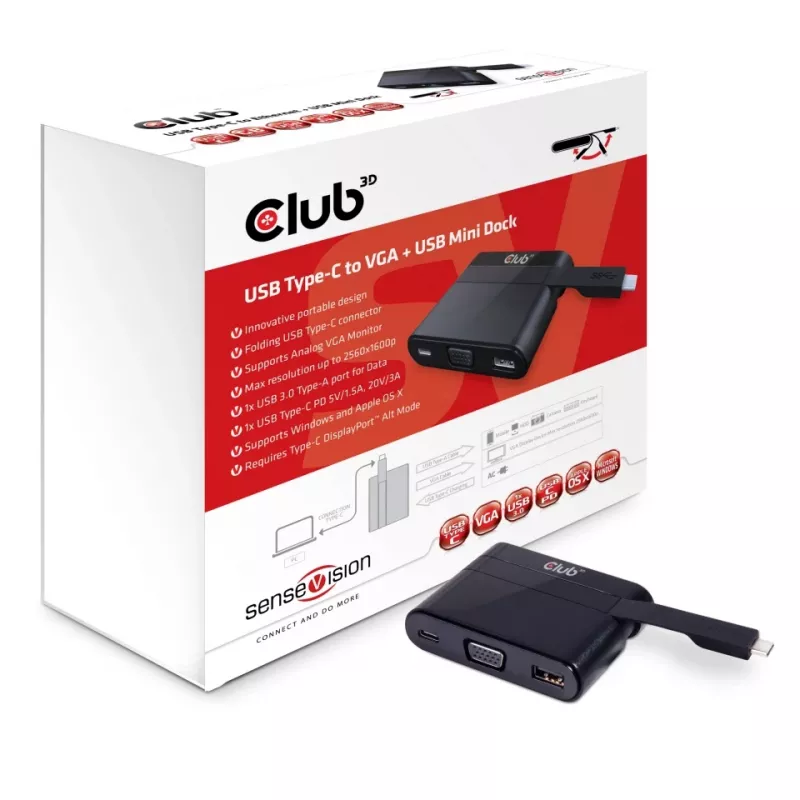
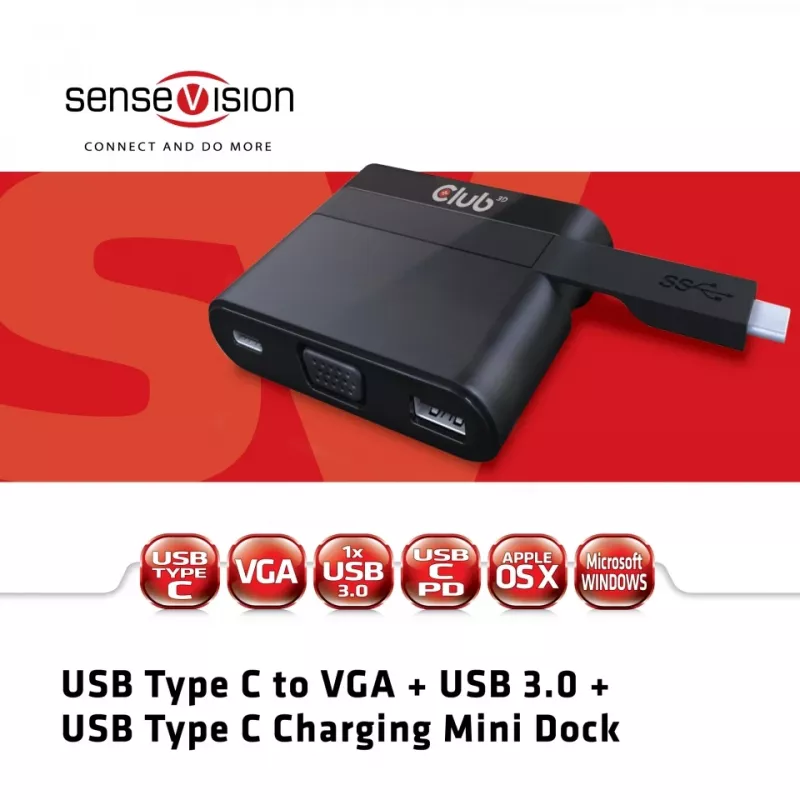
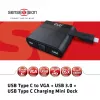
CLUB3D USB Type-C naar VGA + USB 3.0 + USB Type-C opladen mini dock

CLUB3D USB Type-C naar VGA + USB 3.0 + USB Type-C opladen mini dock
87,43 €
The CLUB3D Mini Dock USB Type C to VGA USB 3.0 (model CSV-1532) is a compact wired adapter for laptops and ultrabooks with a USB Type-C port that supports DisplayPort™ Alternate Mode. It provides a D-Sub VGA output supporting up to WQXGA 2560x1600 resolution for connecting an analog monitor, a USB 3... Lees meer
Voorraad 10 Code 25222 Merk CLUB 3D Model CSV-1532 Garantie 2 jaar

Bezorging & retourneren

Verwachte bezorgdatum dinsdag, oktober 27
Je blijft op de hoogte via ons uitgebreide trackingsysteem
Betaalopties
BetaalkaartVisaMastercardPayPalApple PayGoogle PayBankoverschrijving

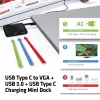
The CLUB3D Mini Dock USB Type C to VGA USB 3.0 (model CSV-1532) is a compact wired adapter for laptops and ultrabooks with a USB Type-C port that supports DisplayPort™ Alternate Mode. It provides a D-Sub VGA output supporting up to WQXGA 2560x1600 resolution for connecting an analog monitor, a USB 3.2 Gen 1 Type-A port for USB sticks, peripherals and external HDDs, and a USB Type-C PD input that can charge the host device with up to 60 W while the dock is in use. The mini dock is lightweight, portable and compatible with Microsoft Windows and Apple macOS when the host supports DisplayPort Alt Mode.

Advantages

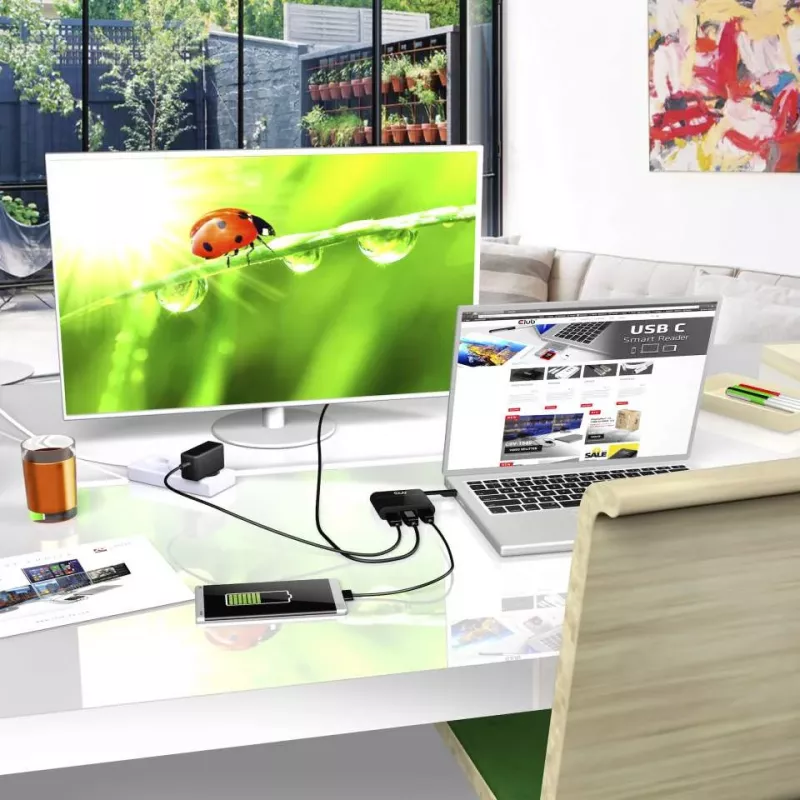
This mini dock combines video, data and power in a single compact adapter, enabling connection of an analog VGA display and USB peripherals through one USB-C host connection. The USB 3.2 Gen 1 Type-A port delivers high-speed data transfer for storage devices and accessories, while the Type-C PD input allows simultaneous charging of the connected laptop with up to 60 W. Its small footprint and 51 g weight make it easy to carry and fit into mobile work setups.

Suitable for

  • Connecting a VGA projector or legacy monitor to a USB-C laptop
  • Adding a USB-A port for flash drives, mice, keyboards or external HDDs
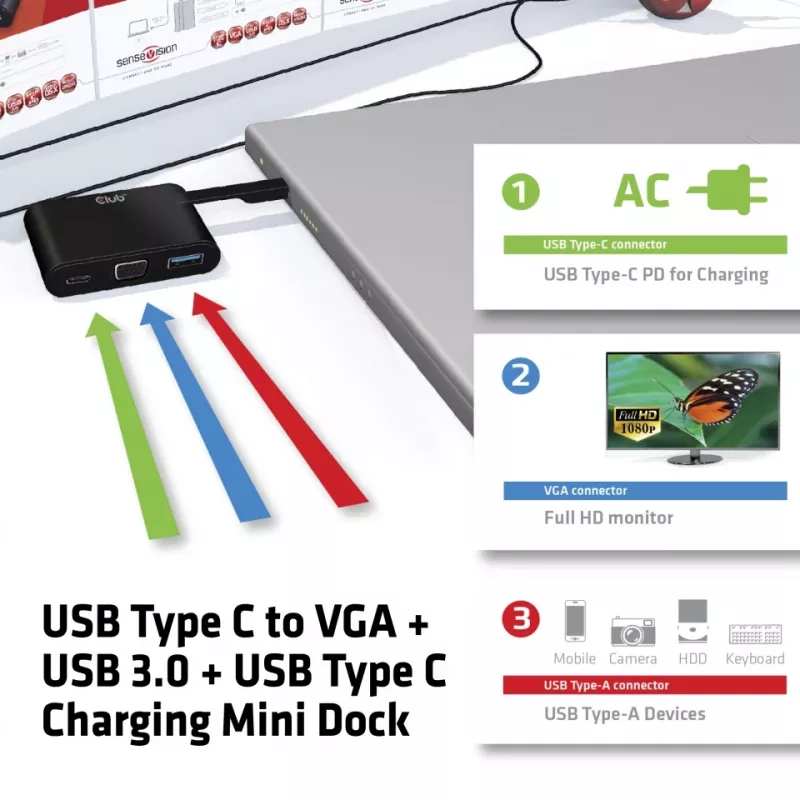
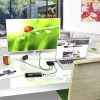
  • Charging a USB-C laptop while using external display and peripherals

Key specifications

  • Model: CLUB3D CSV-1532
  • Host interface: USB Type-C (requires DisplayPort™ Alt Mode)
  • Video output: VGA (D-Sub), up to WQXGA 2560x1600
  • USB ports: 1 × USB 3.2 Gen 1 (Type-A), 1 × USB 2.0 (if present per source data)
  • Power delivery: USB Type-C PD input, up to 60 W
  • Connectivity: Wired
  • Compatibility: Microsoft Windows and Apple macOS (requires DP Alt Mode)
  • Dimensions: 78 × 19 × 60 mm
  • Weight: 0.051 kg
  • Colour: Black

How to use

Connect the mini dock to your laptop’s USB-C port that supports DisplayPort Alternate Mode. Attach a VGA monitor to the D-Sub port and connect USB devices to the USB 3.0 Type-A port. If you need to charge the laptop while using the dock, connect a USB-C PD power adapter to the dock’s Type-C input (supporting up to 60 W). Ensure your operating system supports the connected devices; no additional drivers are usually required for modern Windows and macOS versions when DP Alt Mode is available.

Recommendations

Use a USB-C power adapter rated up to 60 W to ensure adequate charging while driving an external display. For best video quality over VGA, use a good-quality VGA cable and verify the monitor supports the requested resolution. Confirm the laptop’s USB-C port supports DisplayPort Alt Mode before use.
Belangrijkste kenmerken
  • Connecting a VGA projector or legacy monitor to a USB-C laptop
  • Adding a USB-A port for flash drives, mice, keyboards or external HDDs
  • Charging a USB-C laptop while using external display and peripherals
  • Model: CLUB3D CSV-1532
  • Host interface: USB Type-C (requires DisplayPort™ Alt Mode)
  • Video output: VGA (D-Sub), up to WQXGA 2560x1600
  • USB ports: 1 × USB 3.2 Gen 1 (Type-A), 1 × USB 2.0 (if present per source data)
  • Power delivery: USB Type-C PD input, up to 60 W
  • Connectivity: Wired
  • Compatibility: Microsoft Windows and Apple macOS (requires DP Alt Mode)
  • Dimensions: 78 × 19 × 60 mm
  • Weight: 0.051 kg
  • Colour: Black
Specificaties
Aantal HDMI-poorten
0
Aantal ondersteunde beeldschermen
1
Aantal per verpakking
1 pc(s)
Aantal USB 2.0-poorten
1
Aantal USB 3.2 Gen 1 (3.1 Gen 1) Type-A-poorten
1
Aantal USB 3.2 Gen 1 (3.1 Gen 1) Type-C-poorten
1
Aantal VGA (D-Sub)-poorten
1
Breedte
78 mm
Breedte verpakking
135 mm
Conformiteitscertificaten
RoHS
Diepte
19 mm
Diepte verpakking
45 mm
Ethernet LAN
No
Ethernet LAN (RJ-45)-poorten
0
Geharmoniseerd Systeem (HS)-code
8473 3020
Gewicht
51 g
Gewicht papieren/kartonnen verpakking
61 g
Gewicht plastic verpakking
6 g
Hoogte
60 mm
Hoogte verpakking
135 mm
Hostinterface
USB 3.2 Gen 1 (3.1 Gen 1) Type-C
Ingebouwde kaartlezer
No
Koptelefoonuitgangen
0
Land van herkomst
China
Mac-compatibiliteit
Yes
Ondersteunde Windows-besturingssystemen
Windows 10, Windows 10 Education, Windows 10 Education x64, Windows 10 Enterprise, Windows 10 Enterprise x64, Windows 10 Home, Windows 10 Home x64, Windows 10 IOT Core, Windows 10 Pro, Windows 10 Pro x64, Windows 8.1, Windows 8.1 Enterprise, Windows 8.1 Enterprise x64, Windows 8.1 Pro, Windows 8.1 Pro x64, Windows 8.1 x64
Productkleur
Black
Totaalgewicht papieren/kartonnen verpakking
0 g
Totaalgewicht plastic verpakking
0 g
Verbindingstechnologie
Wired
Prijsverloop van de afgelopen 6 maanden
CLUB3D USB Type-C naar VGA + USB 3.0 + USB Type-C opladen mini dock
Actueel
87,43 €
Laagste
65,64 €
Hoogste
87,51 €
Wijziging 24 uur
+1,11 €   +1%
Week
-0,08 €   0%
Maand
+7,81 €   +10%

Populaire producten in deze categorie

Hoi, ik ben de AI-assistent van DistriNode. Ik help je graag met het vinden van producten, het vergelijken van opties, het maken van offerte-PDF's of het openen van supportaanvragen.