
Account Contact
Je winkelwagen
Verzending via DPD & FedEx
Hulp nodig? Vraag het de AI

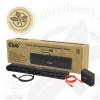
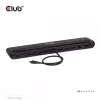
Dockingstation club 3d CSV-2541 USB-C met HDMI- en DisplayPort-uitgangen

Dockingstation club 3d CSV-2541 USB-C met HDMI- en DisplayPort-uitgangen
146,25 €
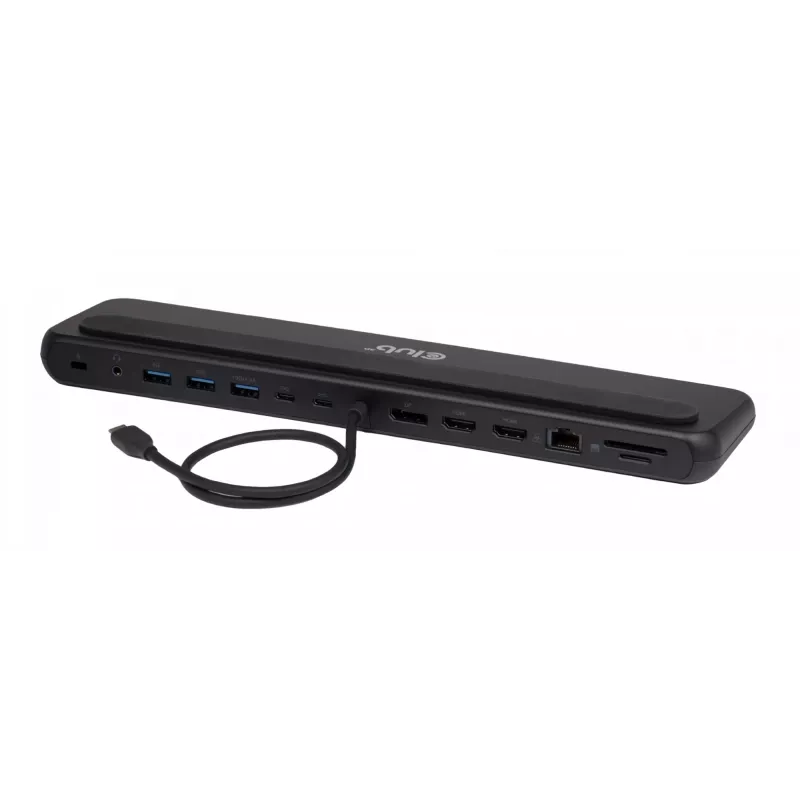
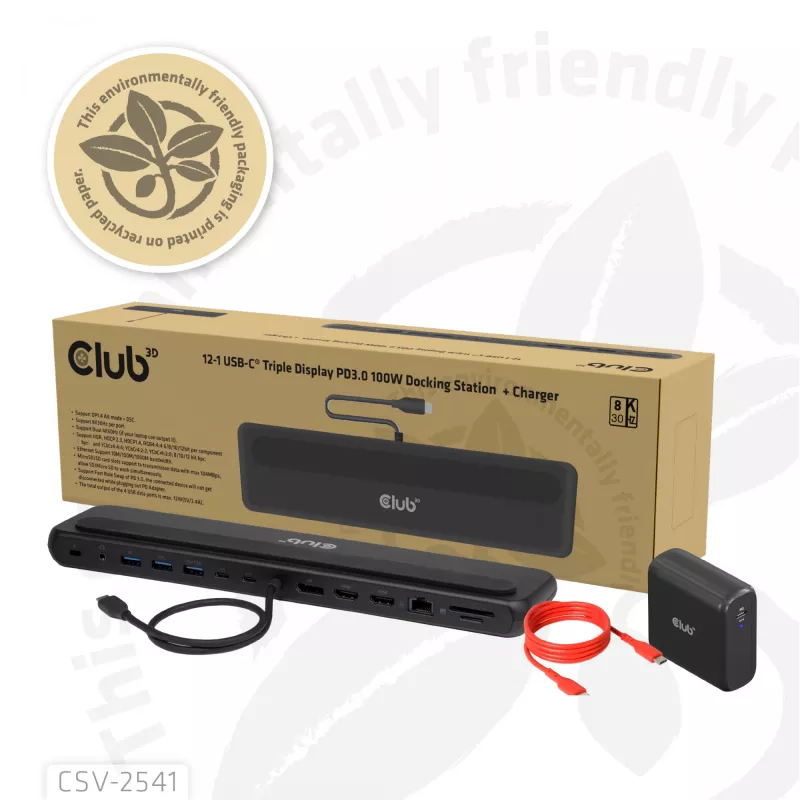
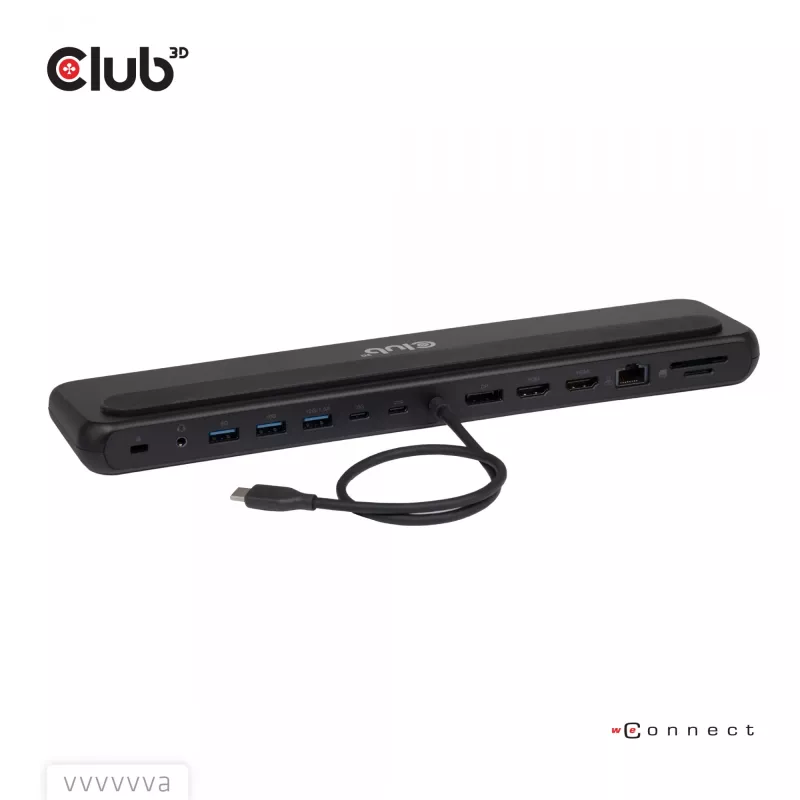
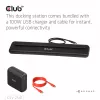
The club 3d CSV-2541 is a USB-C docking station that provides HDMI and DisplayPort video outputs for connecting one or more external displays. It expands the connectivity of a laptop or compatible USB-C device, enabling multi-monitor setups and reducing cable clutter on a desk. The dock supports USB... Lees meer
Voorraad 1 Code 32203 Merk CLUB 3D Model CSV-2541 Garantie 2 jaar

Bezorging & retourneren

Verwachte bezorgdatum dinsdag, oktober 27
Je blijft op de hoogte via ons uitgebreide trackingsysteem
Betaalopties
BetaalkaartVisaMastercardPayPalApple PayGoogle PayBankoverschrijving

The club 3d CSV-2541 is a USB-C docking station that provides HDMI and DisplayPort video outputs for connecting one or more external displays. It expands the connectivity of a laptop or compatible USB-C device, enabling multi-monitor setups and reducing cable clutter on a desk. The dock supports USB Power Delivery to supply power to a connected host device while handling video output and peripheral connections.

Advantages

The docking station offers both HDMI and DisplayPort outputs for flexible display connections and supports USB-C hosts with Power Delivery for single-cable convenience. It simplifies the connection of external monitors and peripherals, helps organize workspace cables, and is compatible with common office and multimedia workflows.

Suitable for

  • Office workstations requiring external monitors
  • Remote work and home office setups
  • Presentations and meeting rooms
  • Multimedia playback and content review

Key specifications

  • Host interface: USB-C
  • Video outputs: HDMI and DisplayPort
  • Power delivery: USB Power Delivery (USB PD) supported
  • Designed for laptop and compatible USB-C devices

How to use

Connect the docking station to a compatible USB-C host port using a USB-C cable, then attach external displays to the HDMI or DisplayPort outputs. If the host supports USB Power Delivery, the dock can provide power to the host while video and peripheral data are transmitted. Configure display settings on the host operating system as needed to enable extended or mirrored screen modes.

Recommendations

Use a USB-C port on the host that supports video output (DisplayPort Alternate Mode) and Power Delivery for full functionality. For best results, use high-quality HDMI or DisplayPort cables and ensure the host’s graphics and USB-C drivers are up to date.
Belangrijkste kenmerken
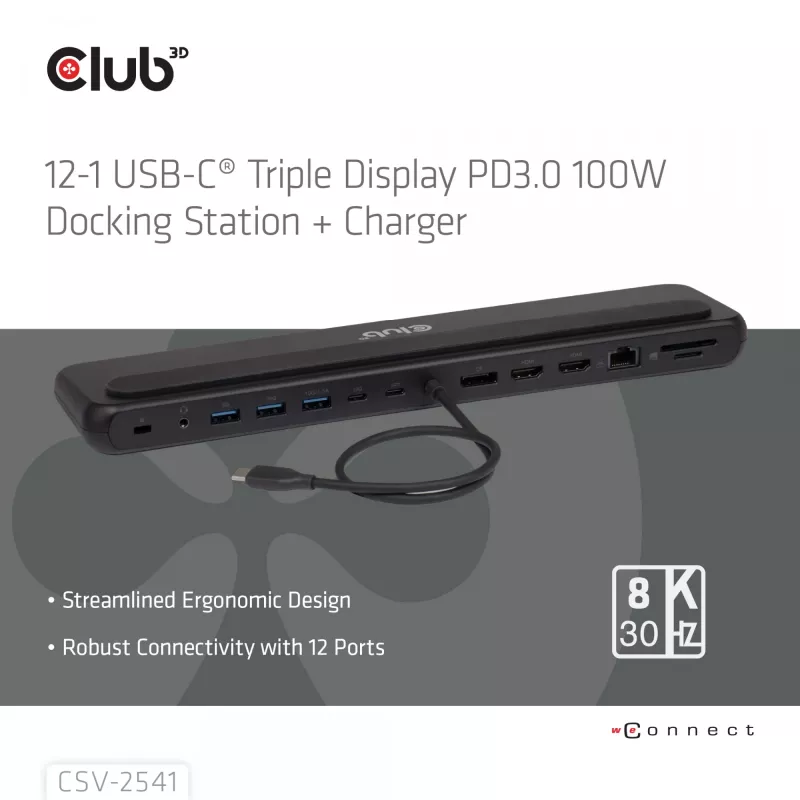
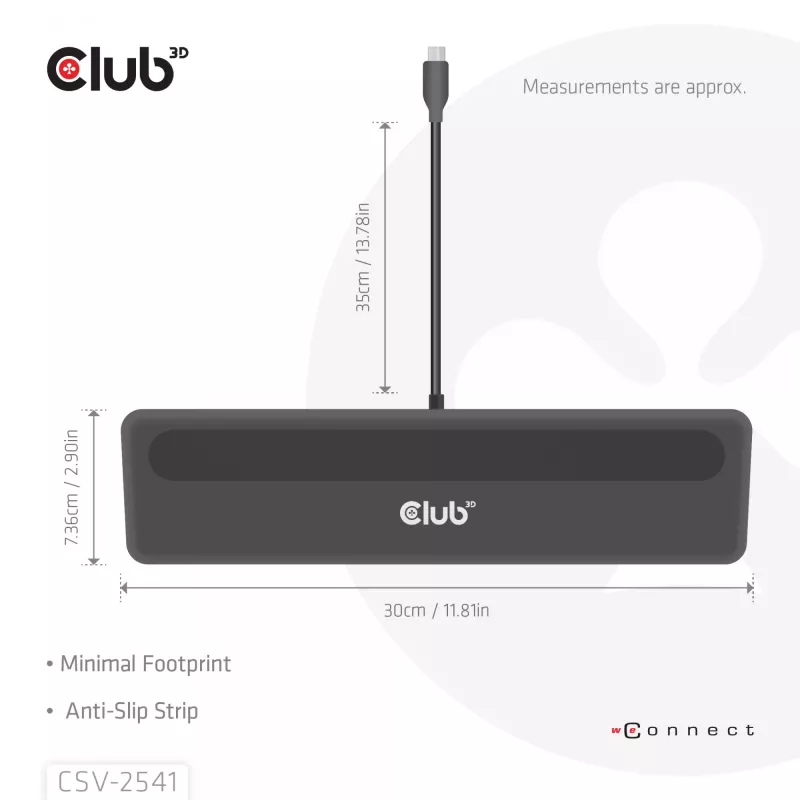
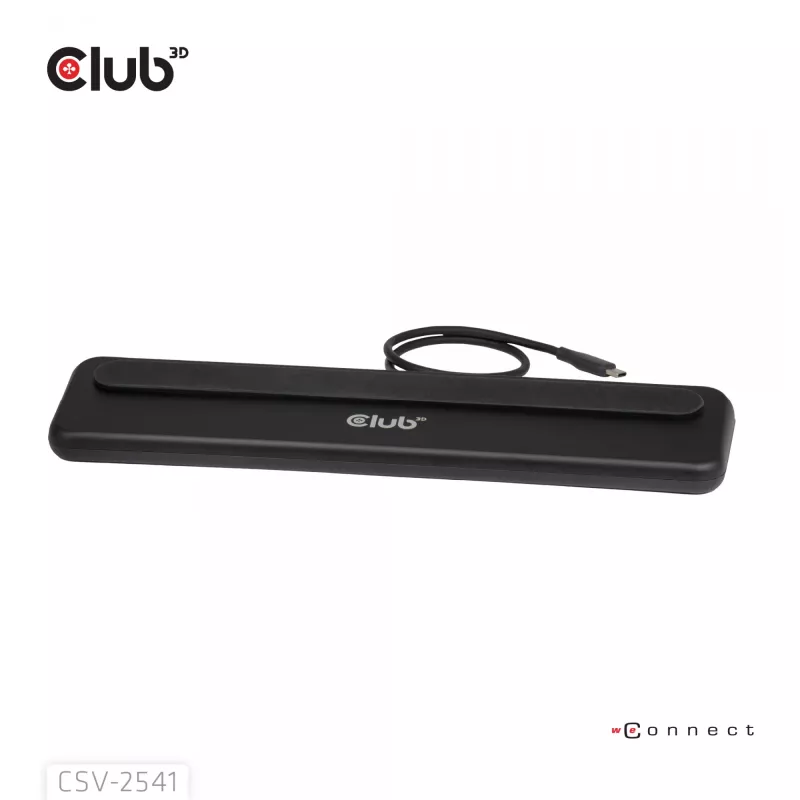
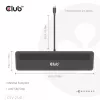
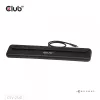
  • • Ergonomic design: Place your laptop on the docking station, plug in USB-C® and enjoy better connectivity, thermal and cable management for your setup.
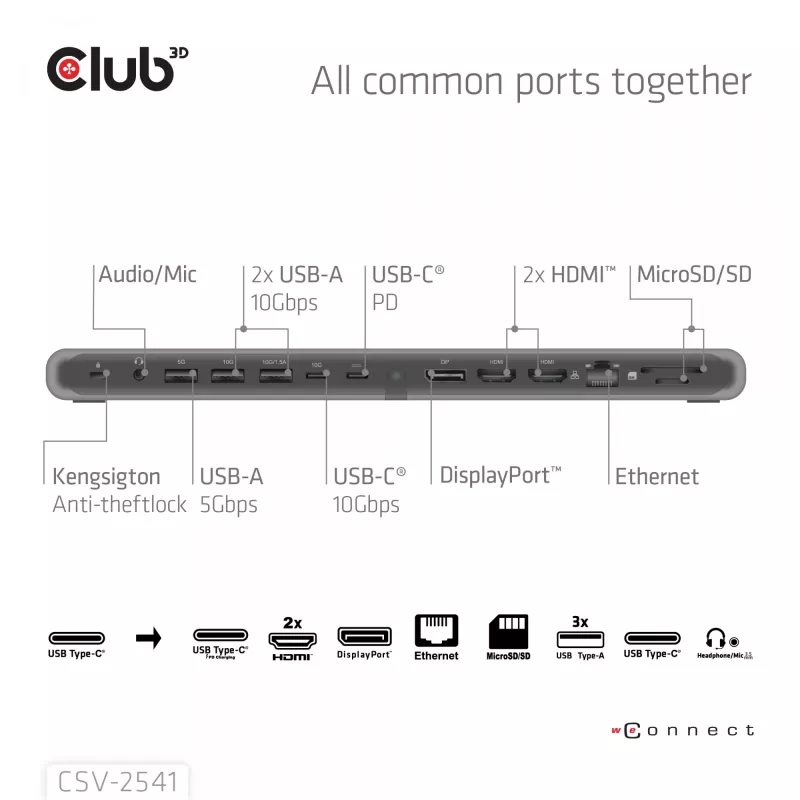
  • • 1 GBASE-T GIGABIT ETHERNET: Features a 1Gbps network controller that delivers speeds of 10/100/1000 Mbps; For laptops / devices without an Ethernet.
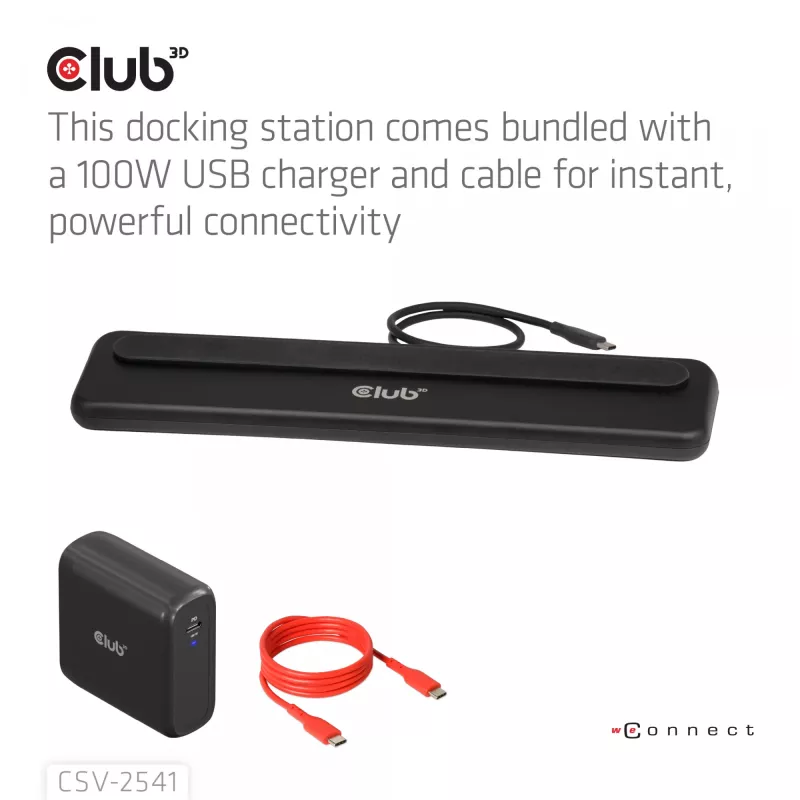
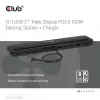
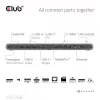
  • • 12 PORTS from one USB Type-C®: Expand the connectivity of a USB Type-C® computer by adding Four USB Ports (3x USB Type-A, 1x Type-C®) a Power Delivery 3.0 USB Type-C® Port Max. 100Watt upstream.
  • • 2 dedicated Card reader slots MicroSD/SD supports SD3.0(UHS-I) with max 104Mbps, card slots work simultaneously.
  • Docking
  • Host interface: USB 3.2 Gen 1 (3.1 Gen 1) Type-C
  • USB Power Delivery (USB PD)
  • Ethernet LAN 10,100,1000 Mbit/s
  • MicroSD (TransFlash), SD
Specificaties
Aantal DisplayPorts
1
Aantal HDMI-poorten
2
Aantal per verpakking
1 pc(s)
Aantal USB 3.2 Gen 1 (3.1 Gen 1) Type-A-poorten
3
Aantal USB 3.2 Gen 1 (3.1 Gen 1) Type-C-poorten
2
Breedte verpakking
368 mm
Compatibele geheugenkaarten
MicroSD (TransFlash), SD
Diepte verpakking
106 mm
Ethernet LAN
Yes
Ethernet LAN (RJ-45)-poorten
1
Ethernet-LAN-snelheden
10,100,1000 Mbit/s
Geharmoniseerd Systeem (HS)-code
8473 3020
Gewicht
438 g
Gewicht papieren/kartonnen verpakking
239 g
Gewicht plastic verpakking
6 g
Gewicht verpakking
950 g
HD-type
8K Ultra HD
HDCP
Yes
HDCP-versie
1.4/2.3
High Dynamic Range (HDR) ondersteund
Yes
Hoogte verpakking
75 mm
Hostinterface
USB 3.2 Gen 1 (3.1 Gen 1) Type-C
Ingebouwde kaartlezer
Yes
Koptelefoonaansluiting
3.5 mm
Koptelefoonuitgangen
1
Maximale digitale resolutie
7680 x 4320 pixels
Maximale verversingssnelheid
60 Hz
Ondersteunde Windows-besturingssystemen
Windows 10, Windows 11
Productkleur
Black
Stroomaansluiting
USB Type-C
Totaalgewicht papieren/kartonnen verpakking
0 g
Totaalgewicht plastic verpakking
0 g
Type stroombron
USB
USB Power Delivery (USB PD)
Yes
USB Power Delivery tot
100 W
USB Power Delivery-revisie
3.0
USB Type-C DisplayPort Alternate Mode
Yes
Verbindingstechnologie
Docking
Prijsverloop van de afgelopen 6 maanden
Dockingstation club 3d CSV-2541 USB-C met HDMI- en DisplayPort-uitgangen
Actueel
146,25 €
Laagste
145,42 €
Hoogste
155,26 €
Wijziging 24 uur
-0,03 €   0%
Week
-1,32 €   -1%
Maand
-0,54 €   0%

Populaire producten in deze categorie

Hoi, ik ben de AI-assistent van DistriNode. Ik help je graag met het vinden van producten, het vergelijken van opties, het maken van offerte-PDF's of het openen van supportaanvragen.