
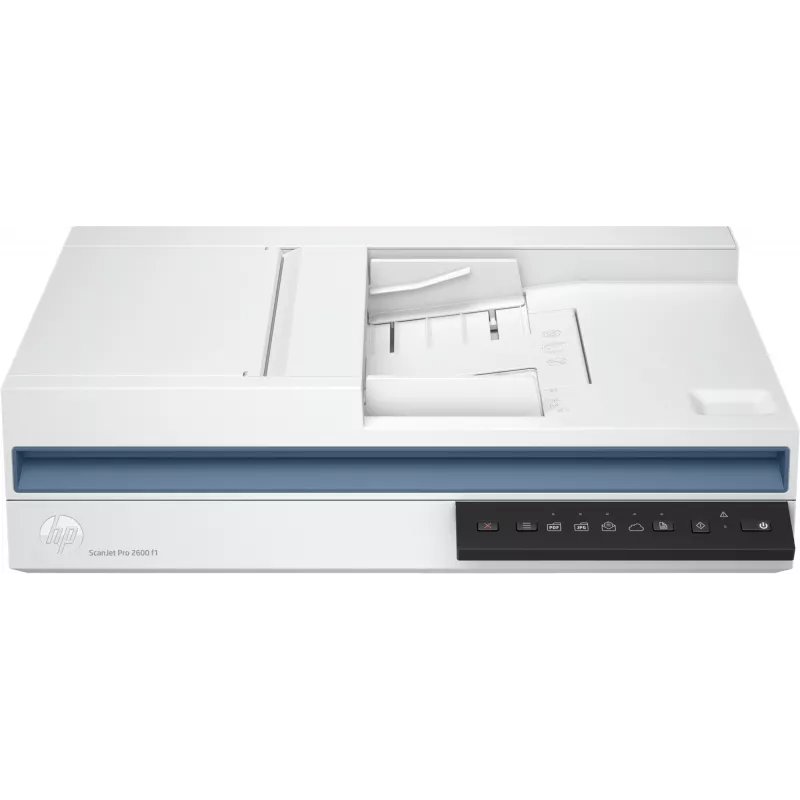
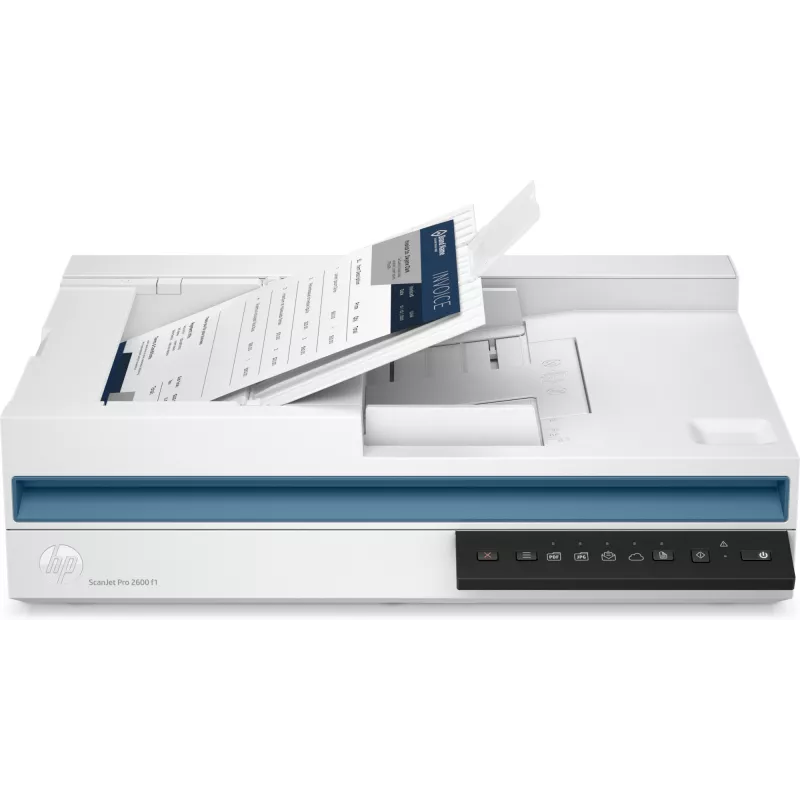
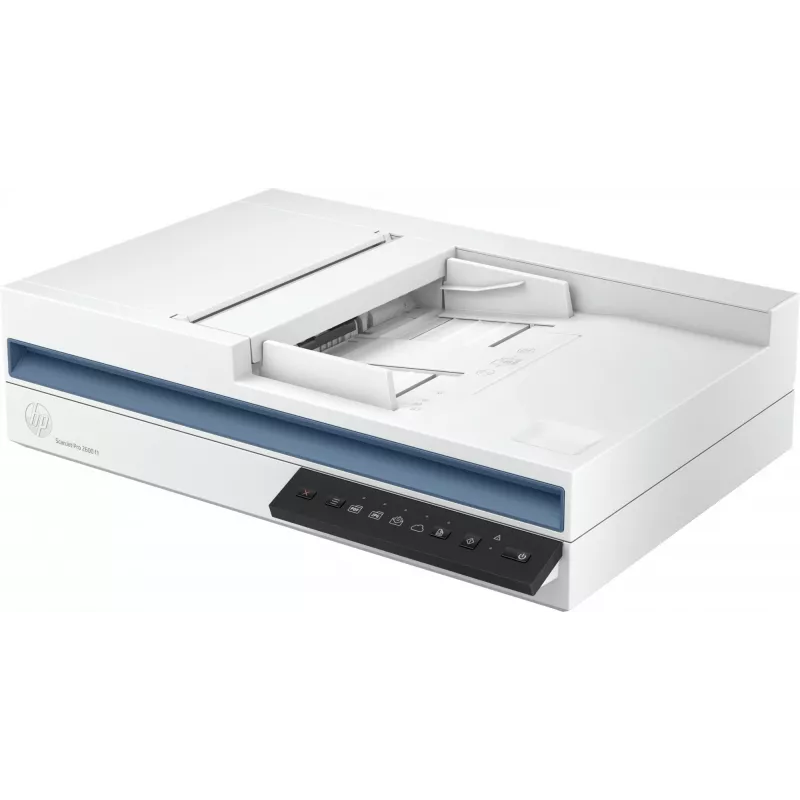
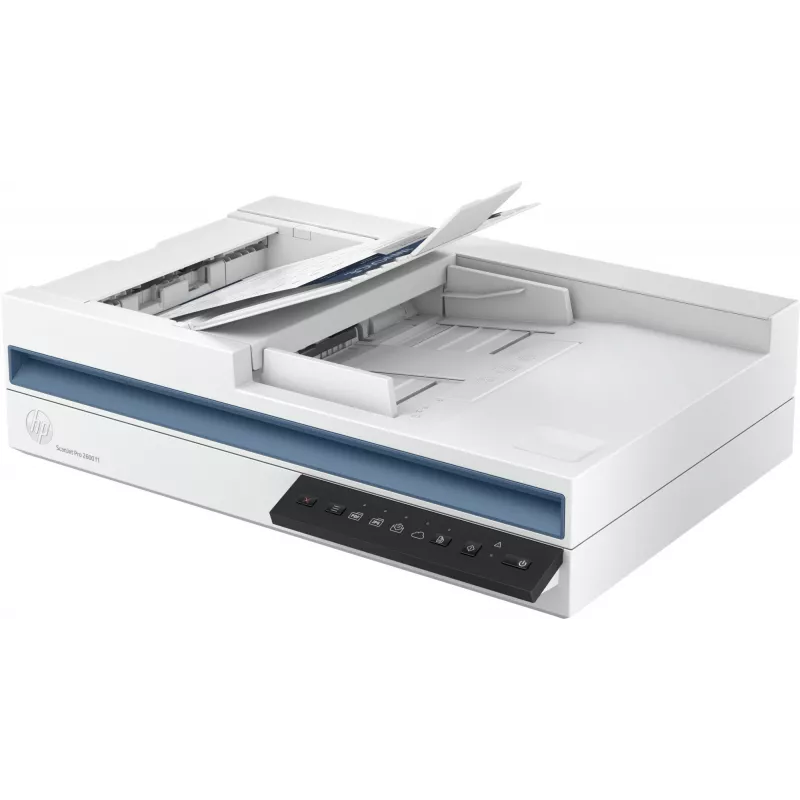
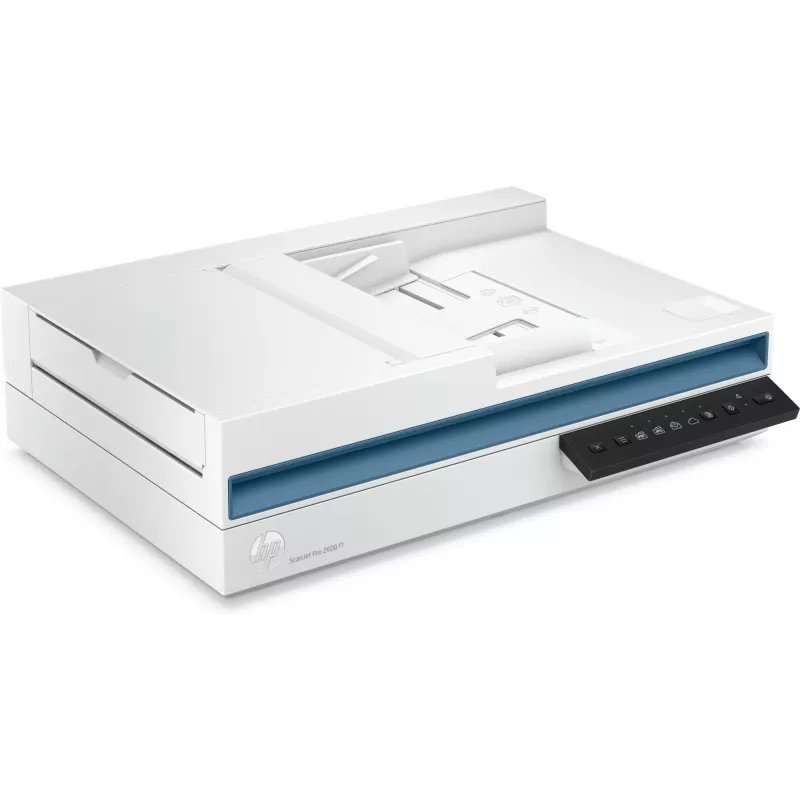
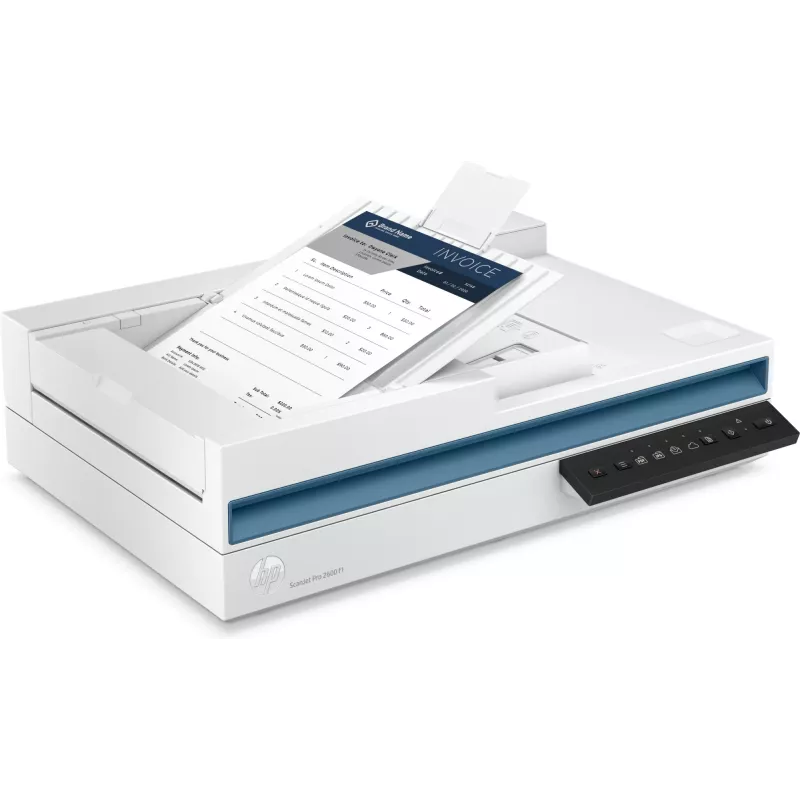
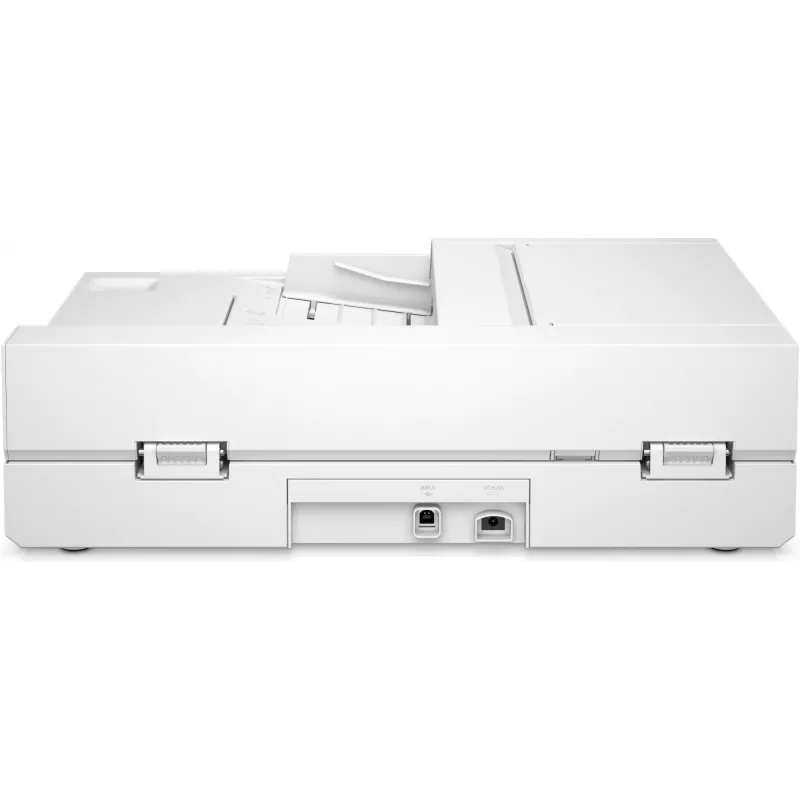
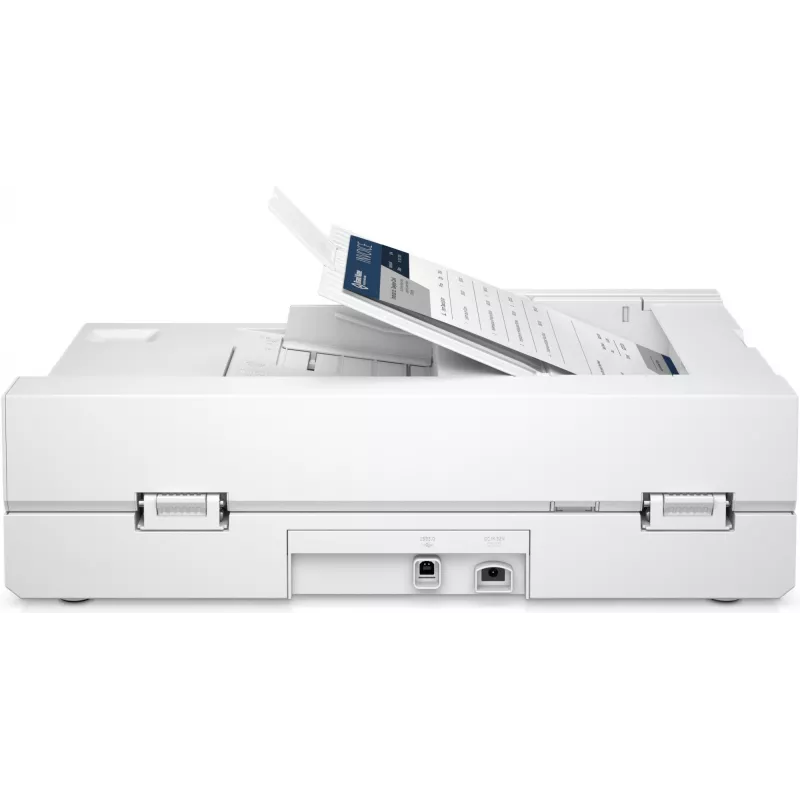

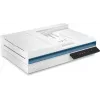
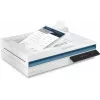
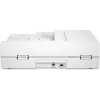
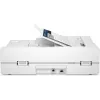
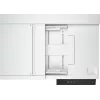
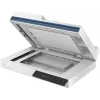


The HP ScanJet Pro 2600 f1 is a compact flatbed and ADF scanner designed for professional environments. It supports A4 scanning, features a CIS sensor with an optical resolution of 600 x 600 DPI (enhanced up to 1200 x 1200 DPI), and a daily duty cycle of up to 1,500 pages. The integrated automatic d... Lees meer
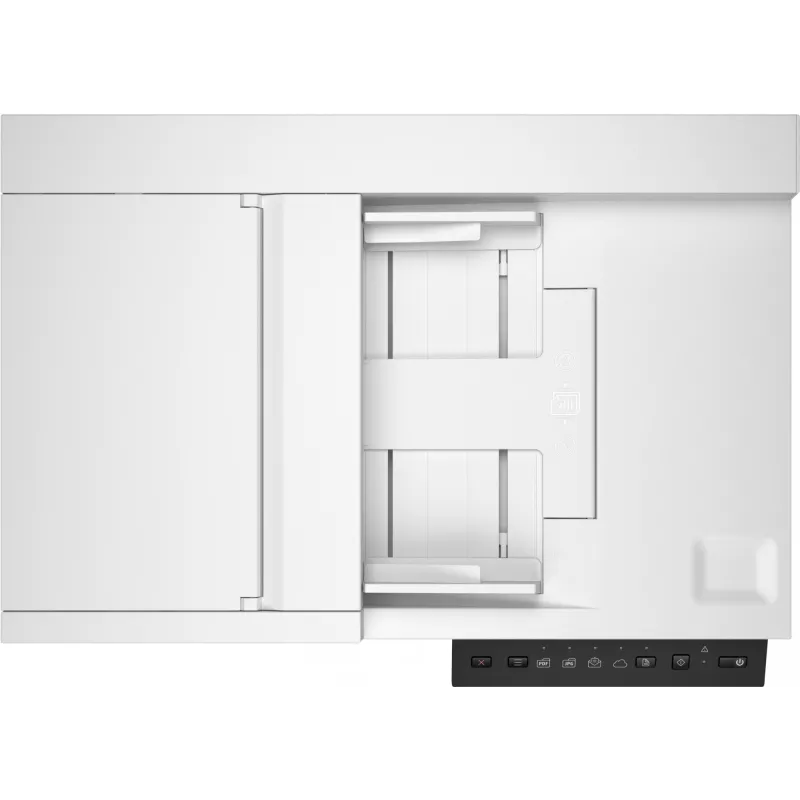
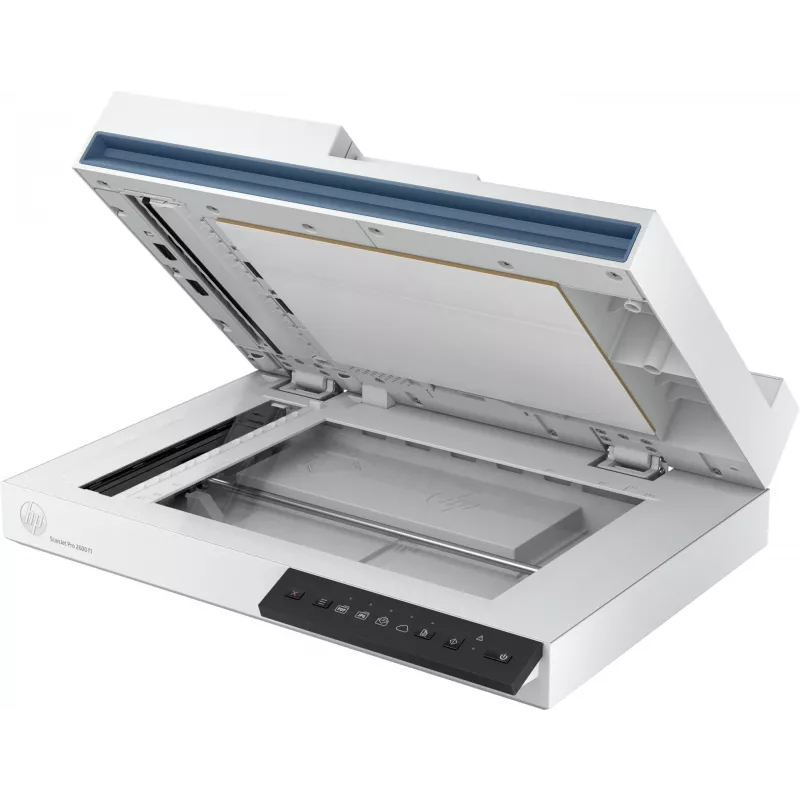
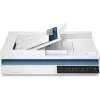
The HP ScanJet Pro 2600 f1 is a compact flatbed and ADF scanner designed for professional environments. It supports A4 scanning, features a CIS sensor with an optical resolution of 600 x 600 DPI (enhanced up to 1200 x 1200 DPI), and a daily duty cycle of up to 1,500 pages. The integrated automatic document feeder holds up to 60 sheets and enables fast two-sided scanning to streamline document capture.
Advantages
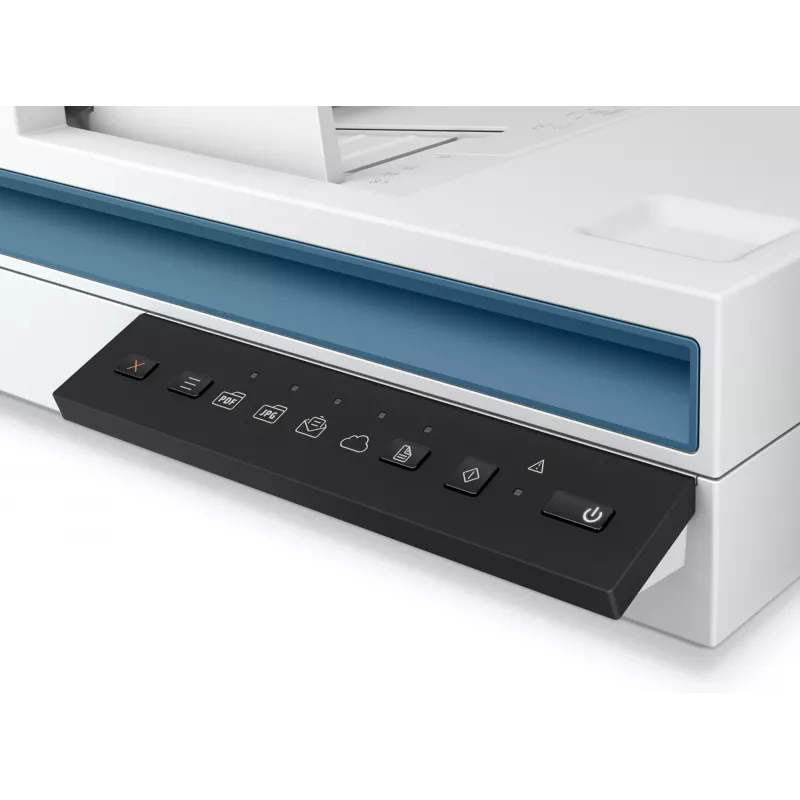
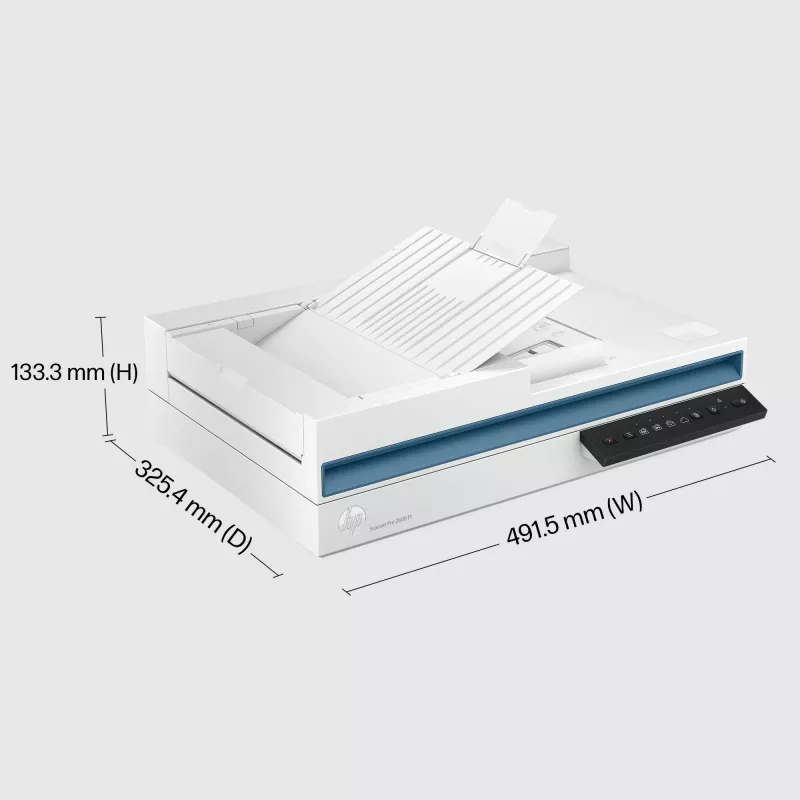
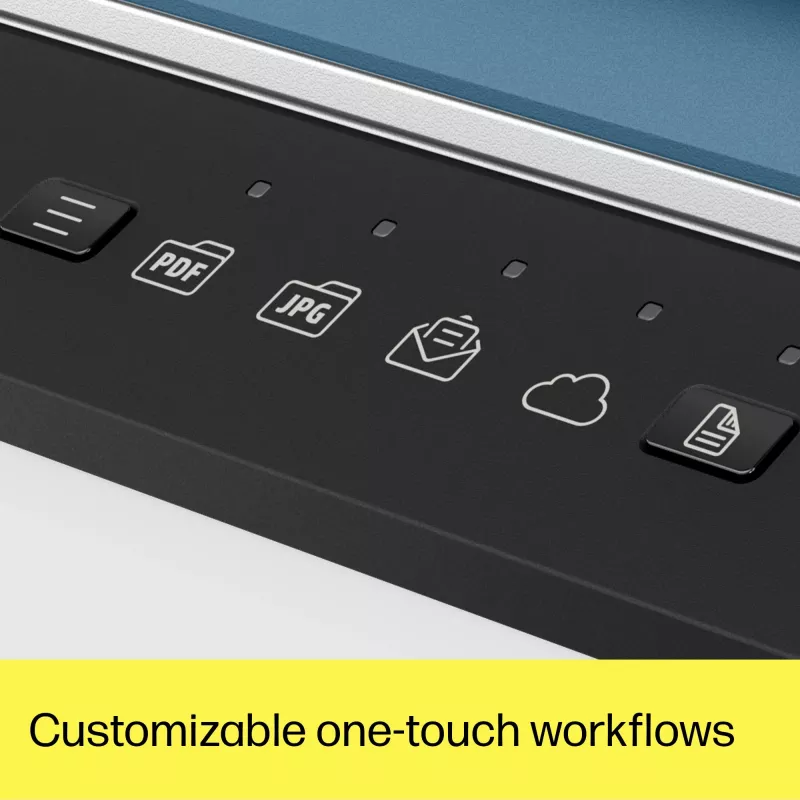
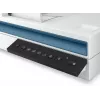
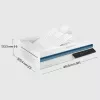
The scanner combines flatbed versatility and ADF efficiency in a single unit, offering duplex scanning, a built-in display for easy control, and a lightweight design at 5.4 kg. With one-click shortcuts and automation features it helps reduce manual steps in repetitive scanning workflows. The device’s optical and enhanced resolutions deliver readable, high-quality digital copies suitable for archiving and processing.
Suitable for
Office departments processing forms, invoices and correspondence
Small businesses needing regular batch scanning
Reception or mailrooms scanning mixed-size documents
Workflows that require two-sided (duplex) scanning
Key specifications
Model: HP ScanJet Pro 2600 f1 (MPN 20G05A#B19)
Scan type: Flatbed and ADF
Maximum scan area (ADF): up to A4
Optical resolution: 600 x 600 DPI; enhanced resolution up to 1200 x 1200 DPI
Daily duty cycle: up to 1,500 pages
ADF capacity: 60 sheets
Duplex (two-sided) scanning: Yes
Sensor type: CIS
Built-in display: Yes
Weight: 5.4 kg
Colour: White
EAN: 195697673863
How to use
Place single sheets or a batch (up to 60 sheets) into the ADF tray for continuous scanning, or open the flatbed for books, fragile documents or items that cannot go through the feeder. Use the built-in display to select one-click shortcuts or predefined workflows, and choose duplex mode for two-sided originals. Connect the scanner to a host computer or network following the manufacturer’s instructions and use the supplied or recommended scanning software to configure scan settings, destination folders and file formats.
Recommendations
For reliable daily operation, run routine cleaning of the glass and ADF rollers according to the user manual, avoid overloading the feeder beyond the 60-sheet capacity, and select optical resolution appropriate to the task (600 x 600 DPI for typical document archiving; enable enhanced resolution only when higher detail is required).
Belangrijkste kenmerken
Office departments processing forms, invoices and correspondence
Small businesses needing regular batch scanning
Reception or mailrooms scanning mixed-size documents
Workflows that require two-sided (duplex) scanning
Model: HP ScanJet Pro 2600 f1 (MPN 20G05A#B19)
Scan type: Flatbed and ADF
Maximum scan area (ADF): up to A4
Optical resolution: 600 x 600 DPI; enhanced resolution up to 1200 x 1200 DPI
We gebruiken cookies om je winkelervaring te verbeteren.
Hoi, ik ben de AI-assistent van DistriNode. Ik help je graag met het vinden van producten, het vergelijken van opties, het maken van offerte-PDF's of het openen van supportaanvragen.
DistriNode ChatProducten, prijzen, offertes & support
De chatgeschiedenis wordt 72 uur bewaard.
Hoi, ik ben de assistent van DistriNode. Hoe kan ik je helpen?