
Account Contact
Je winkelwagen
Verzending via DPD & FedEx
Hulp nodig? Vraag het de AI

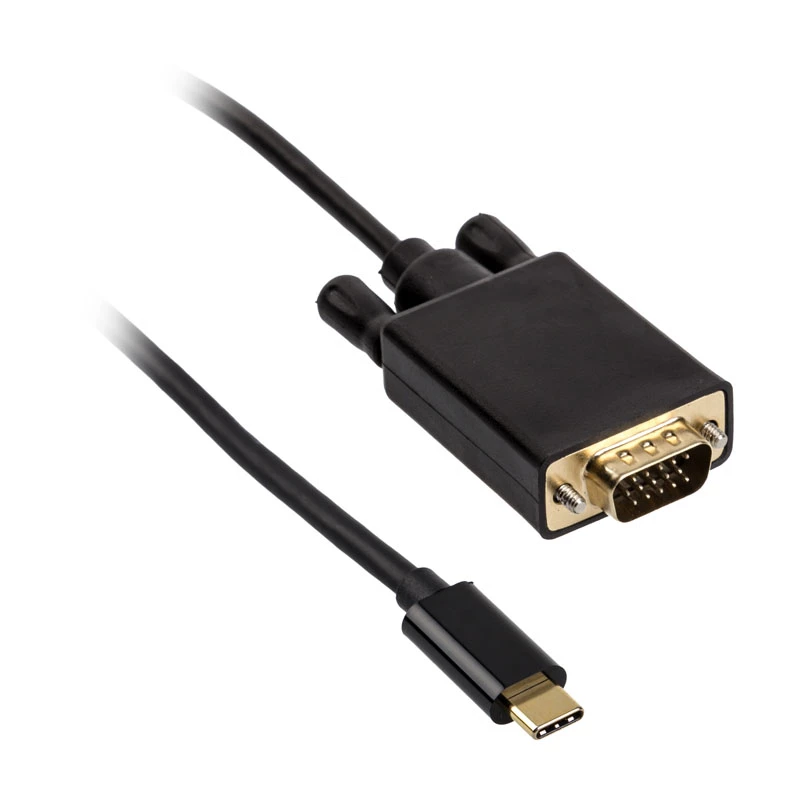
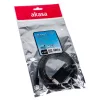
Kabel-adapter USB Type-C VGA Akasa AK-CBCA17-18BK

Kabel-adapter USB Type-C VGA Akasa AK-CBCA17-18BK
19,72 €
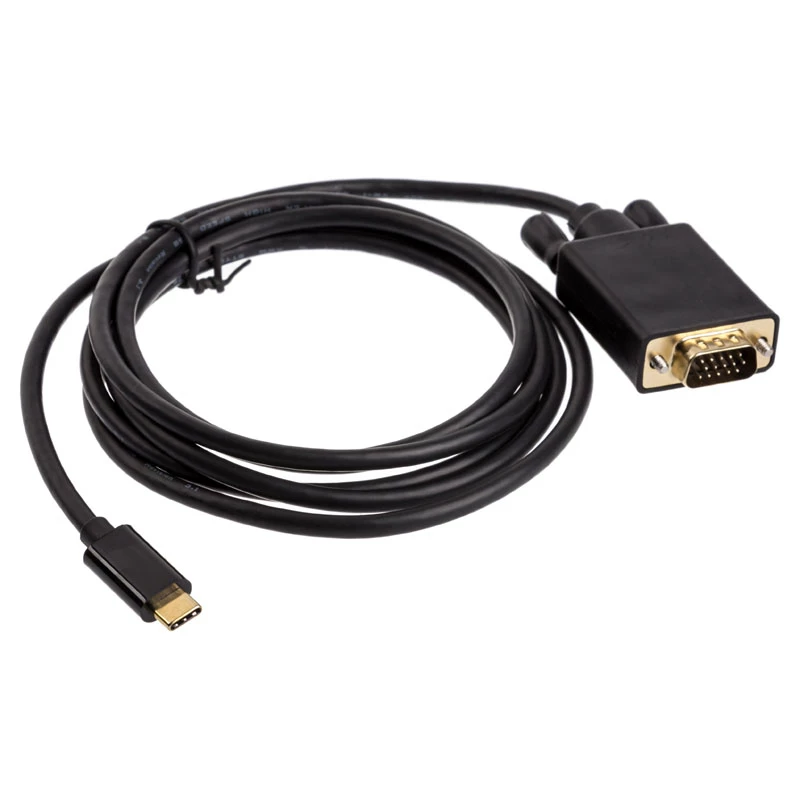
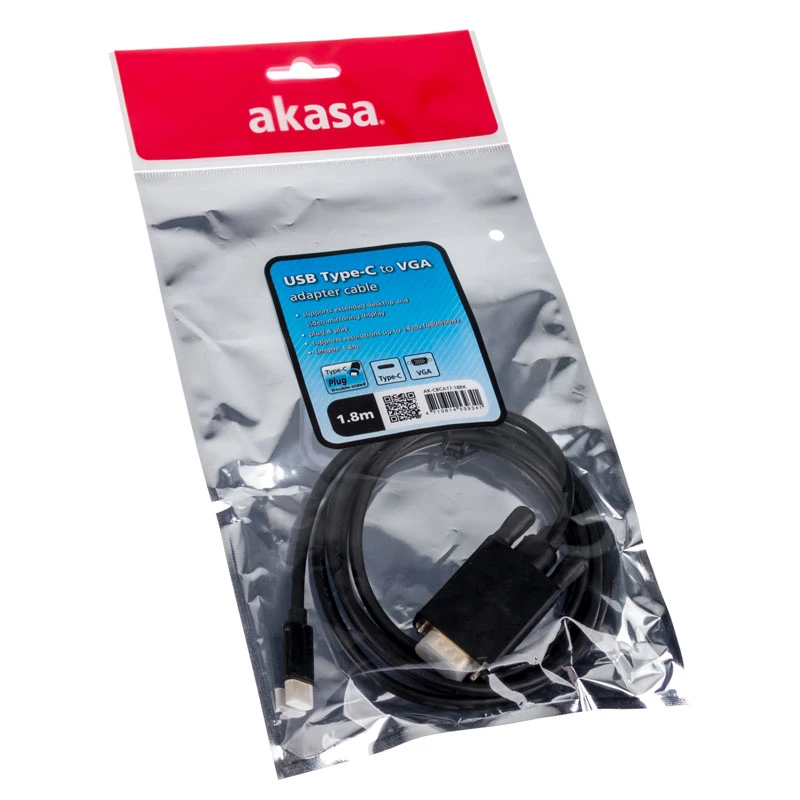
The Akasa AK-CBCA17-18BK is a 1.8 m cable gender changer that converts a USB Type-C output to a VGA input, enabling a direct connection between modern laptops, tablets or smartphones with USB-C ports and displays, projectors or monitors that use VGA. The cable features a black finish and a compact d... Lees meer
Voorraad 2 Code 309975 Merk AKASA Model AK-CBCA17-18BK Garantie 2 jaar

Bezorging & retourneren

Verwachte bezorgdatum donderdag, oktober 15
Je blijft op de hoogte via ons uitgebreide trackingsysteem
Betaalopties
BetaalkaartVisaMastercardPayPalApple PayGoogle PayBankoverschrijving

The Akasa AK-CBCA17-18BK is a 1.8 m cable gender changer that converts a USB Type-C output to a VGA input, enabling a direct connection between modern laptops, tablets or smartphones with USB-C ports and displays, projectors or monitors that use VGA. The cable features a black finish and a compact design intended to provide a simple wired solution for video output when an adapter or legacy display is required.

Advantages

This USB Type-C to VGA gender changer offers plug-and-play functionality without the need for external power or additional software on most compatible devices. The 1.8 m length provides flexibility in device placement and display positioning. The black colour and durable construction are designed for regular use in office, classroom and meeting-room environments.

Suitable for

  • Connecting a USB Type-C laptop to a VGA monitor for extended desktop or mirroring
  • Connecting a tablet or smartphone with USB-C to a VGA projector for presentations
  • Using legacy VGA displays with modern USB-C equipped devices in classrooms and meeting rooms

Key specifications

  • Connector 1: USB Type-C
  • Connector 2: VGA
  • Cable length: 1.8 m
  • Product colour: Black

How to use

Connect the USB Type-C end of the cable to the device with a compatible USB-C video output. Connect the VGA end to the VGA input of the display or projector. Select the appropriate input on the display and configure video output settings on the source device if necessary (display mirroring, extended desktop, resolution). Verify that the source device supports video output over USB-C; if required, enable the alternate mode or display output in the device settings.

Recommendations

For best results, use the cable with devices that explicitly support USB Type-C video output (DisplayPort Alternate Mode or equivalent). Keep the cable routed to avoid sharp bends and avoid excessive tension on connectors. When using with projectors or older monitors, select a compatible resolution in the source device settings to ensure a stable image.

Belangrijkste kenmerken
  • Connecting a USB Type-C laptop to a VGA monitor for extended desktop or mirroring
  • Connecting a tablet or smartphone with USB-C to a VGA projector for presentations
  • Using legacy VGA displays with modern USB-C equipped devices in classrooms and meeting rooms
  • Connector 1: USB Type-C
  • Connector 2: VGA
  • Cable length: 1.8 m
  • Product colour: Black
Specificaties
Aansluiting 1
USB Type-C
Aansluiting 2
VGA
Aantal per verpakking
1 pc(s)
Geslacht aansluiting 1
Male
Geslacht aansluiting 2
Male
Kabellengte
1.8 m
Maximale resolutie
1920 x 1080
Productkleur
Black
Vormfactor aansluiting 1
Straight
Vormfactor aansluiting 2
Straight
Prijsverloop van de afgelopen 6 maanden
Kabel-adapter USB Type-C VGA Akasa AK-CBCA17-18BK
Actueel
19,72 €
Laagste
18,52 €
Hoogste
56,41 €
Wijziging 24 uur
+0,34 €   +2%
Week
+0,47 €   +2%
Maand
-35,69 €   -64%

Populaire producten in deze categorie

Hoi, ik ben de AI-assistent van DistriNode. Ik help je graag met het vinden van producten, het vergelijken van opties, het maken van offerte-PDF's of het openen van supportaanvragen.