
Account Contact
Je winkelwagen
Verzending via DPD & FedEx
Hulp nodig? Vraag het de AI

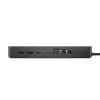
Dockingstation DELL Performance Dock WD19DCS

Dockingstation DELL Performance Dock WD19DCS
376,46 €
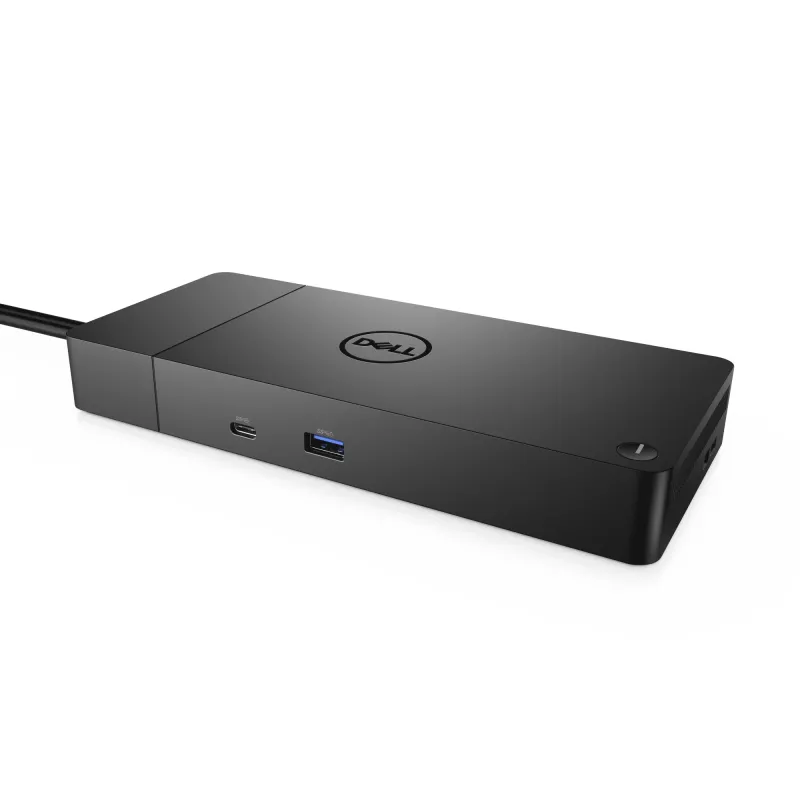
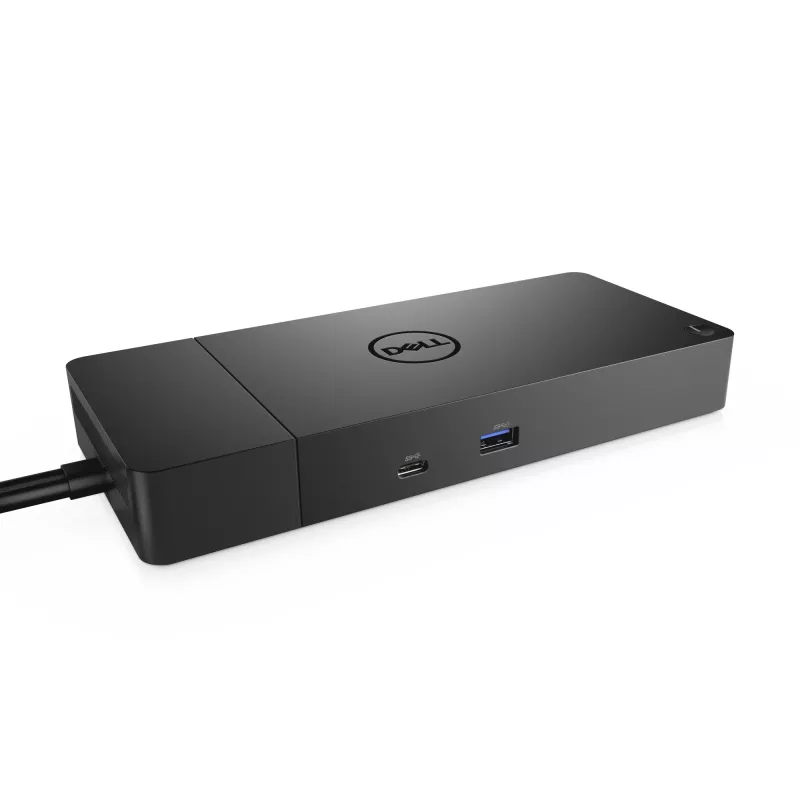
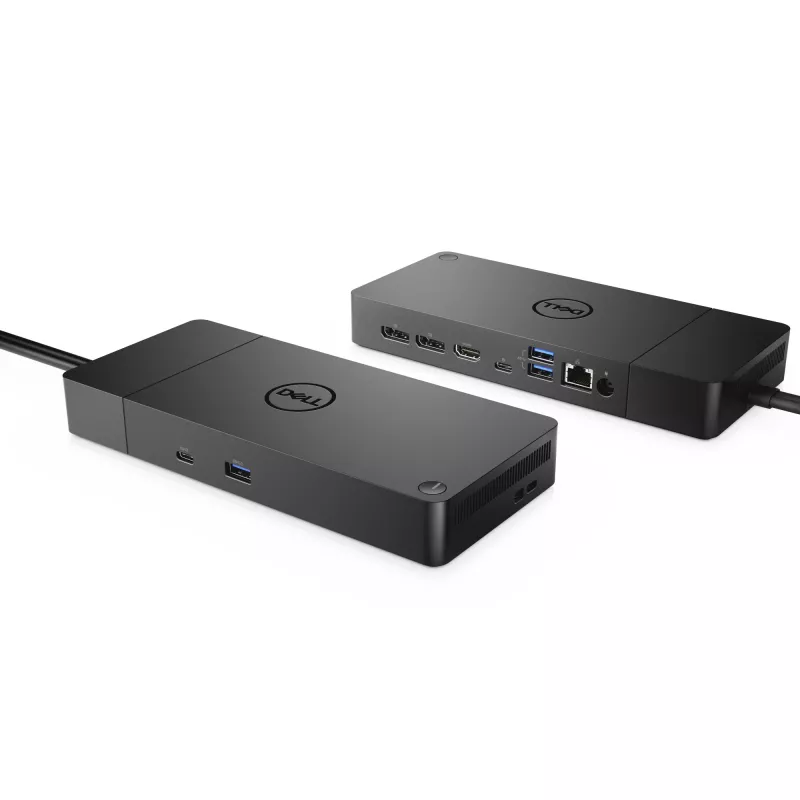
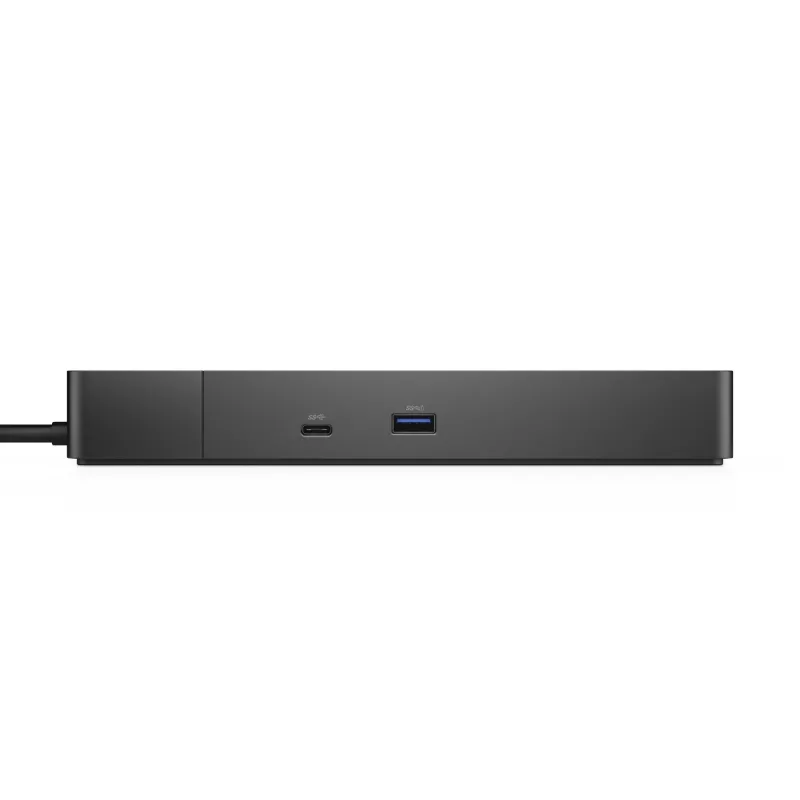
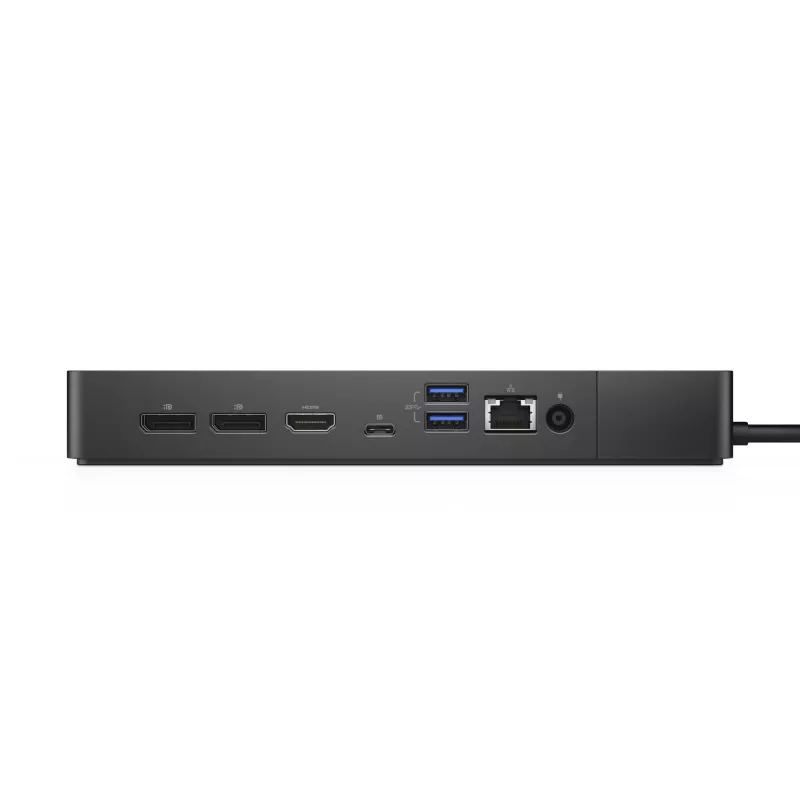
The DELL Performance Dock WD19DCS is a wired docking station designed to expand connectivity for compatible Windows 10 systems. It uses a USB 3.2 Gen 2 Type-C interface for host connection and provides a range of ports including one Ethernet LAN (RJ-45), one HDMI output and three USB 3.2 Gen 1 Type-... Lees meer
Voorraad 137 Code 1475669 Merk DELL Model M4XVJ Garantie 2 jaar

Bezorging & retourneren

Verwachte bezorgdatum dinsdag, oktober 20
Je blijft op de hoogte via ons uitgebreide trackingsysteem
Betaalopties
BetaalkaartVisaMastercardPayPalApple PayGoogle PayBankoverschrijving

The DELL Performance Dock WD19DCS is a wired docking station designed to expand connectivity for compatible Windows 10 systems. It uses a USB 3.2 Gen 2 Type-C interface for host connection and provides a range of ports including one Ethernet LAN (RJ-45), one HDMI output and three USB 3.2 Gen 1 Type-A ports. The dock supports a maximum digital resolution of 5120 x 2880 pixels for high-resolution displays and is powered via DC with an AC input voltage range of 120–230 V at 50–60 Hz. The unit is finished in black and weighs approximately 0.585 kg.

Advantages

The docking station consolidates wired connectivity into a single hub, enabling a stable Gigabit Ethernet connection and multiple USB Type-A ports for peripherals. Support for up to 5120 x 2880 pixel output makes it suitable for high-resolution monitors. Its USB 3.2 Gen 2 Type-C host interface provides higher data throughput compared with earlier USB generations, and the AC input range allows use in different mains environments without additional converters.

Suitable for

  • Connecting a Windows 10 laptop to a wired Gigabit network and external peripherals
  • Driving a high-resolution external monitor up to 5120 x 2880 pixels
  • Expanding USB-A ports for mice, keyboards, storage and other accessories
  • Workstations or hot-desk setups that require stable wired connections and multiple peripherals

Key specifications

  • Host interface: USB 3.2 Gen 2 Type-C
  • Ethernet: 1 x RJ-45, 10/100/1000 Mbit/s
  • Video output: 1 x HDMI, maximum digital resolution 5120 x 2880 pixels
  • USB ports: 3 x USB 3.2 Gen 1 (Type-A)
  • Connectivity technology: Wired
  • Power: DC operation with AC input voltage 120–230 V, 50–60 Hz
  • Color: Black
  • Weight: 0.585 kg

How to use

Connect the dock to a compatible Windows 10 laptop using the USB-C host cable. Plug the AC power adapter into the dock and to a mains outlet within the 120–230 V, 50–60 Hz range. Attach an Ethernet cable to the RJ-45 port for wired network access, connect an external monitor to the HDMI output, and plug peripherals such as keyboard, mouse or external drives into the USB 3.2 Gen 1 Type-A ports. The operating system should detect connected devices; install any required drivers provided by Dell for full functionality if prompted.

Recommendations

For reliable network performance, use a high-quality Cat5e or Cat6 Ethernet cable. When driving very high-resolution displays, verify that both the host laptop and the HDMI display support the target resolution to ensure optimal output. Keep the dock in a well-ventilated area and use the supplied power adapter to maintain stable operation.

Belangrijkste kenmerken
  • Connecting a Windows 10 laptop to a wired Gigabit network and external peripherals
  • Driving a high-resolution external monitor up to 5120 x 2880 pixels
  • Expanding USB-A ports for mice, keyboards, storage and other accessories
  • Workstations or hot-desk setups that require stable wired connections and multiple peripherals
  • Host interface: USB 3.2 Gen 2 Type-C
  • Ethernet: 1 x RJ-45, 10/100/1000 Mbit/s
  • Video output: 1 x HDMI, maximum digital resolution 5120 x 2880 pixels
  • USB ports: 3 x USB 3.2 Gen 1 (Type-A)
  • Connectivity technology: Wired
  • Power: DC operation with AC input voltage 120–230 V, 50–60 Hz
  • Color: Black
  • Weight: 0.585 kg
Specificaties
Aan-/uitschakelaar
Yes
Aantal DisplayPorts
2
Aantal HDMI-poorten
1
Aantal per verpakking
1 pc(s)
Aantal USB 2.0-poorten
0
Aantal USB 3.2 Gen 1 (3.1 Gen 1) Type-A-poorten
3
AC-ingangsfrequentie
50 - 60 Hz
AC-ingangsspanning
120 - 230 V
Bedrijfstemperatuur (T-T)
0 - 35 °C
Breedte
205 mm
Breedte verpakking
300 mm
DC-ingang
Yes
Diepte
90 mm
Diepte verpakking
315 mm
DisplayPort-versie
1.4
Ethernet LAN
Yes
Ethernet LAN (RJ-45)-poorten
1
Ethernet-LAN-snelheden
10,100,1000 Mbit/s
Geharmoniseerd Systeem (HS)-code
84733020
Gewicht
585 g
HDMI-versie
2.0
Hoogte
29 mm
Hoogte verpakking
62 mm
Hostinterface
USB 3.2 Gen 2 (3.1 Gen 2) Type-C
Ingebouwde kaartlezer
No
Koptelefoonuitgangen
0
Led-indicatoren
Yes
Lengte stroomkabel
0.8 m
Maximale digitale resolutie
5120 x 2880 pixels
Microfooningang
No
Ondersteunde Linux-besturingssystemen
Yes
Ondersteunde Windows-besturingssystemen
Windows 10, Windows 10 Education, Windows 10 Education x64, Windows 10 Enterprise, Windows 10 Enterprise x64, Windows 10 Home, Windows 10 Home x64, Windows 10 IOT Core, Windows 10 IoT Enterprise, Windows 10 Pro, Windows 10 Pro x64, Windows 10 x64
Opslagtemperatuur (T-T)
-20 - 60 °C
PowerShare
Yes
Productkleur
Black
Relatieve luchtvochtigheid bij opslag (H-H)
5 - 90%
Relatieve luchtvochtigheid tijdens gebruik (H-H)
10 - 80%
Type stroombron
DC
Verbindingstechnologie
Wired
VESA-bevestiging
Yes
Voeding
210 W
Prijsverloop van de afgelopen 6 maanden
Dockingstation DELL Performance Dock WD19DCS
Actueel
376,46 €
Laagste
370,11 €
Hoogste
541,85 €
Wijziging 24 uur
+3,28 €   +1%
Week
+6,35 €   +2%
Maand
-52,75 €   -12%

Populaire producten in deze categorie

Hoi, ik ben de AI-assistent van DistriNode. Ik help je graag met het vinden van producten, het vergelijken van opties, het maken van offerte-PDF's of het openen van supportaanvragen.