
Account Contact
Je winkelwagen
Verzending via DPD & FedEx
Hulp nodig? Vraag het de AI

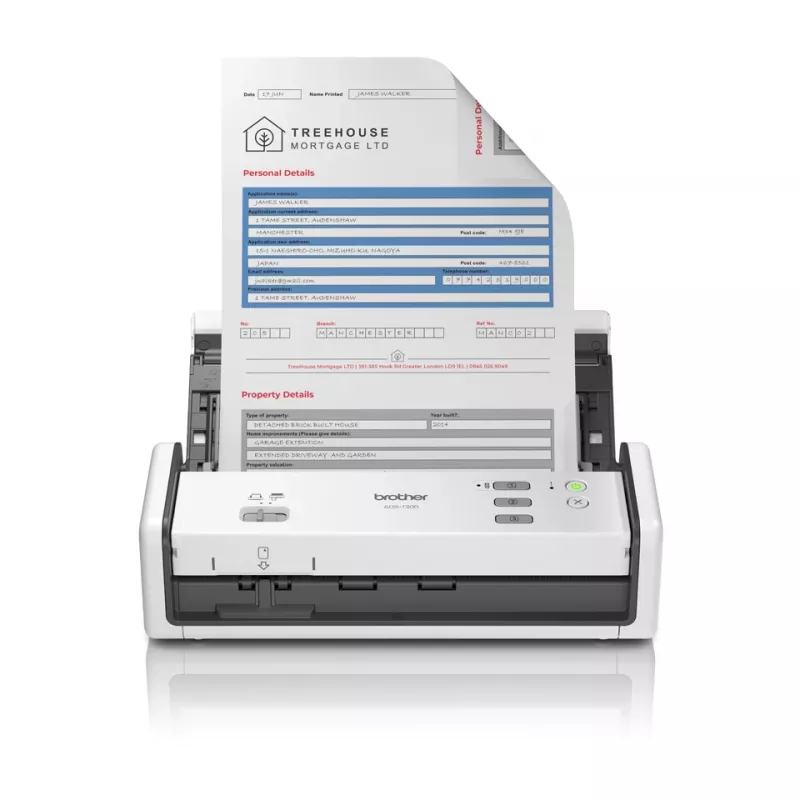
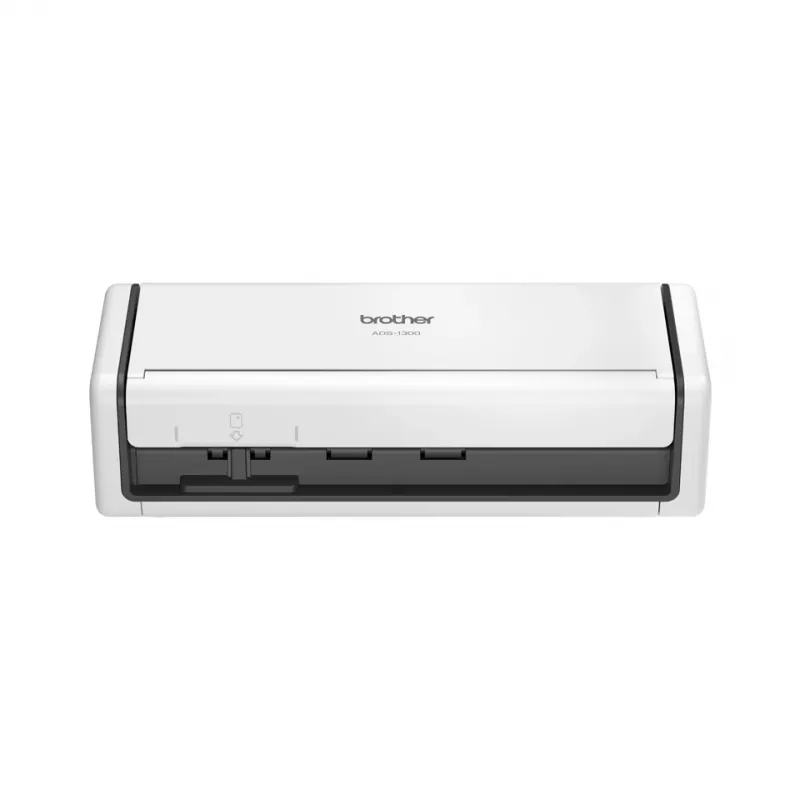
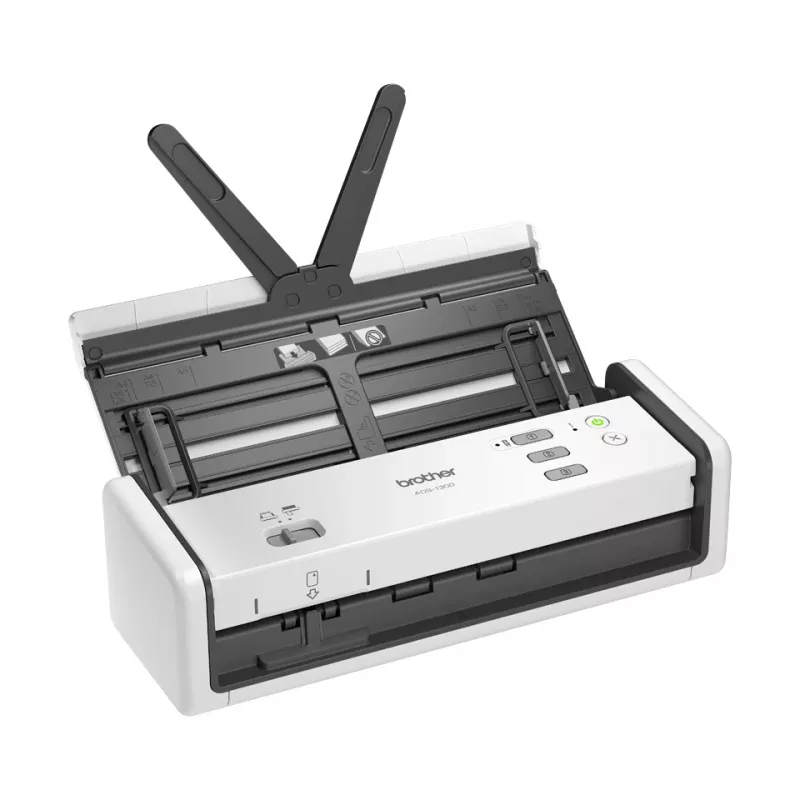
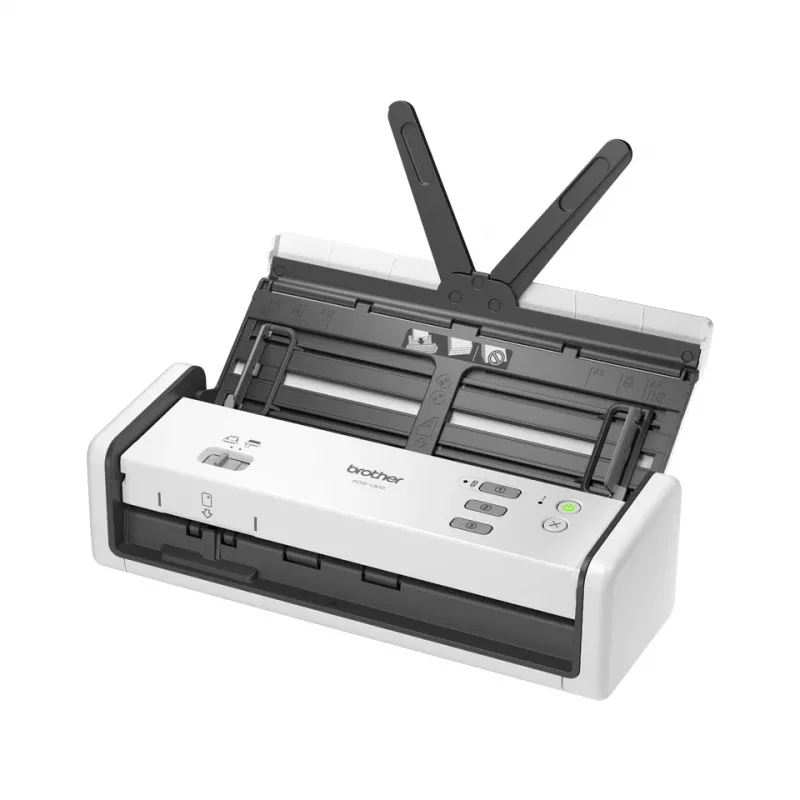
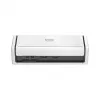
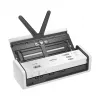
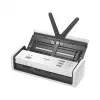
Brother ADS-1300 scanner ADF-scanner 600 x 600 DPI A4 wit

Brother ADS-1300 scanner ADF-scanner 600 x 600 DPI A4 wit
338,40 €
The Brother ADS-1300 is a compact ADF scanner designed for small offices and home workspaces. It supports maximum scan sizes up to 215.9 x 355.6 mm (A4) and delivers an optical scanning resolution of 1200 x 1200 DPI. With duplex scanning capability and a built-in display, the unit handles two-sided ... Lees meer
Voorraad 18 Code 877918 Merk BROTHER Model ADS-1300 Garantie 2 jaar

Bezorging & retourneren

Verwachte bezorgdatum maandag, oktober 26
Je blijft op de hoogte via ons uitgebreide trackingsysteem
Betaalopties
BetaalkaartVisaMastercardPayPalApple PayGoogle PayBankoverschrijving

The Brother ADS-1300 is a compact ADF scanner designed for small offices and home workspaces. It supports maximum scan sizes up to 215.9 x 355.6 mm (A4) and delivers an optical scanning resolution of 1200 x 1200 DPI. With duplex scanning capability and a built-in display, the unit handles two-sided documents efficiently while offering straightforward control. The scanner connects via USB Type-C and accommodates a variety of media types including business cards and thicker paper stocks, making it a versatile choice for routine digitisation tasks.

Advantages

The scanner combines high optical resolution with a small footprint, enabling detailed scans without occupying significant desk space. Duplex scanning and an automatic document feeder increase throughput for multi-page jobs, while the built-in display simplifies operation and quick configuration. USB Type-C connectivity ensures a reliable wired connection to modern laptops and desktops. The lightweight design makes the device easy to relocate if workspace arrangements change.

Suitable for

  • Digitising single- and double-sided A4 documents
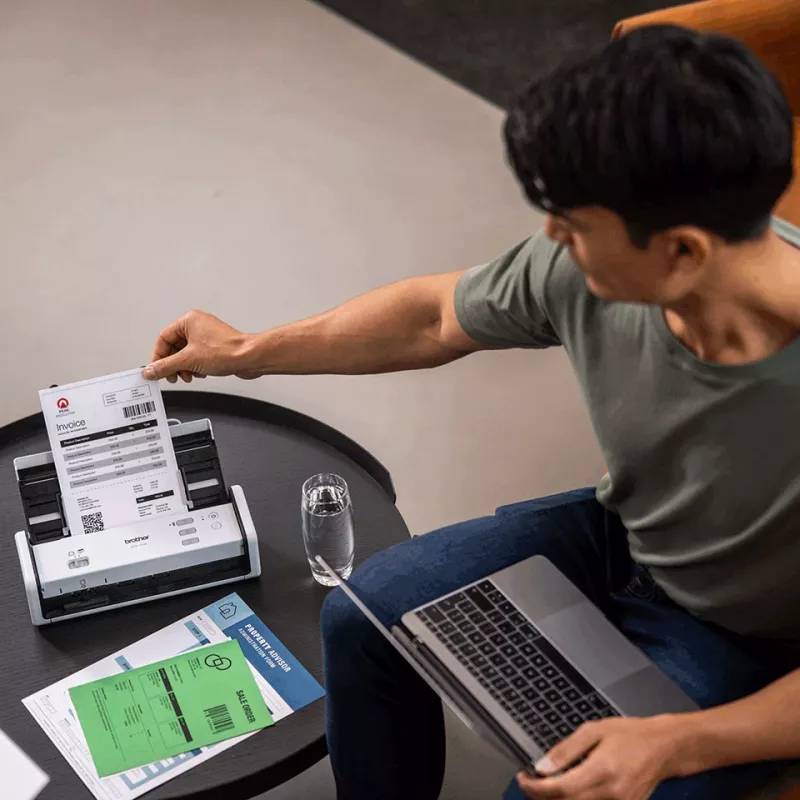
  • Scanning business cards, receipts and mixed media
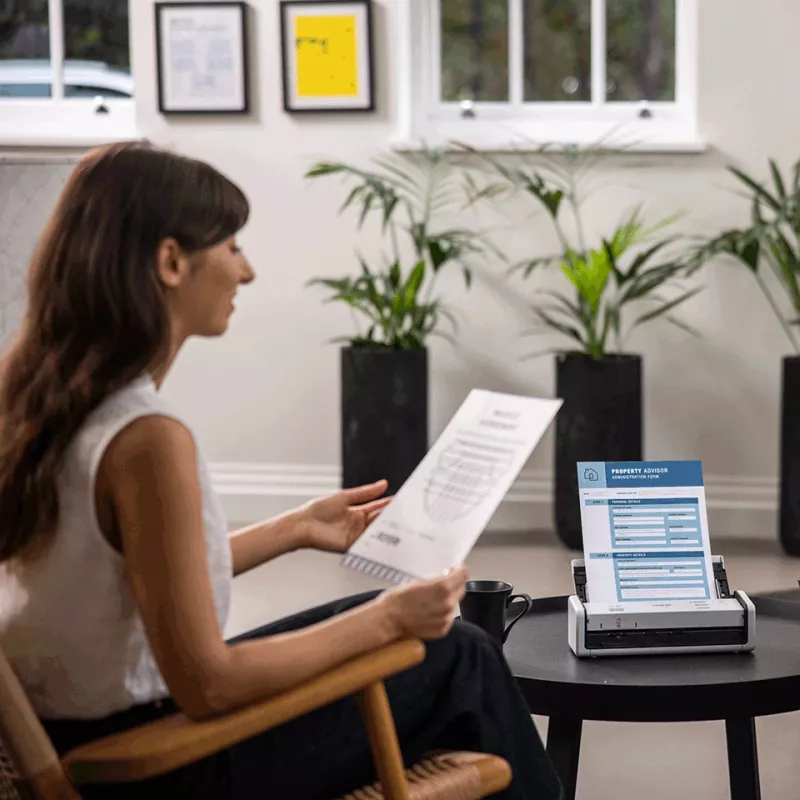
  • Home offices and small business document workflows
  • Archiving and creating searchable digital records

Key specifications

  • Maximum scan size: 215.9 x 355.6 mm (A4)
  • Optical scanning resolution: 1200 x 1200 DPI
  • Duplex scanning: Yes
  • Scan speed (black & white): up to 30 ppm
  • Built-in display for operation and status
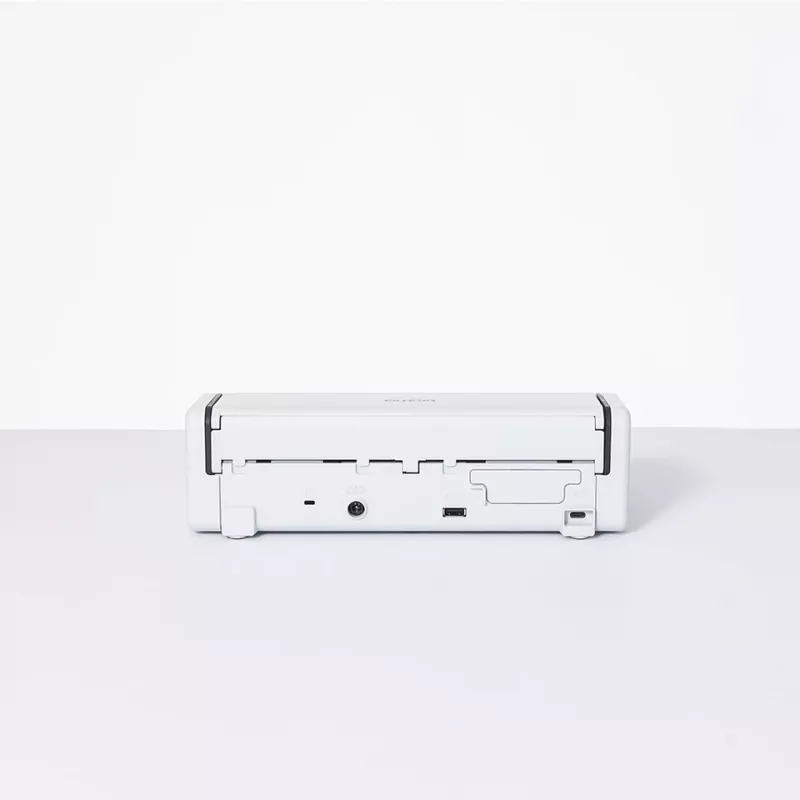
  • Connectivity: USB Type-C
  • Product colour: White
  • Weight: 1.439 kg

How to use

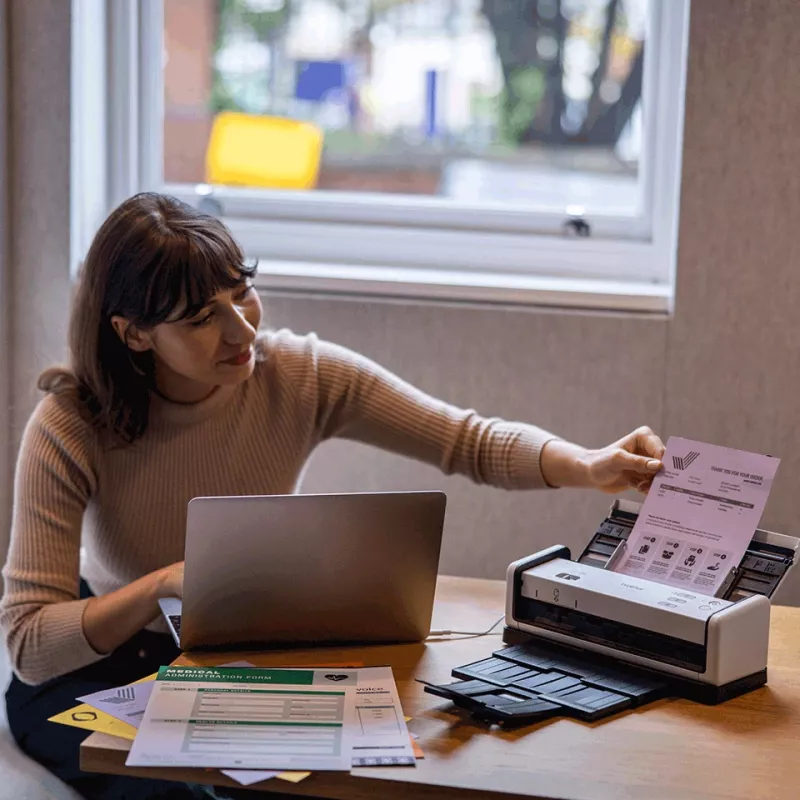
Place the scanner on a flat, stable surface and connect it to a computer using the supplied USB Type-C cable. Power the unit on and use the built-in display to select scan settings or start predefined jobs. Load documents into the automatic document feeder with the print side up (or as indicated in the manual) and align edges to avoid skewing. For duplex jobs, ensure pages are loaded according to the feeder’s duplex guidance. Use the vendor software or compatible scanning applications on the computer to save scanned files in the desired format and destination.

Recommendations

For consistent results, use clean, uncreased documents and avoid feeding stapled or heavily folded pages. When scanning mixed batches, group items by size and thickness to reduce jams and ensure even feeding. Regularly check and clean the scanner glass and feeder rollers according to the maintenance instructions to preserve image quality and reliable operation.

Belangrijkste kenmerken
  • Scan up to 30ppm
  • 60ipm, 2-sided colour scan
  • 20 Sheet Automatic Document Feeder (ADF)
  • Power directly via USB Type-C
  • Control up to 3 scan activity shortcuts direct from the device
  • Dedicated plastic ID card slot
  • Scanner type: ADF scanner 600 x 600 DPI
  • Duplex scanning
  • A4 Scanning media types supported: Business Card, Plastic Card, Thick paper, Plain paper, Recycled paper, Thin paper
  • Maximum scan size: 215.9 x 355.6 mm
  • USB port
  • Power supply type: USB 11 W
Specificaties
ADF-scansnelheid (z/w, A4)
30 ppm
Bedieningstype
Buttons
Bedrijfstemperatuur (T-T)
5 - 35
Breedte
158 mm
Brutogewicht pallet
162400 g
Brutohoogte pallet
127 mm
Diepte
200 mm
Display
LED
Dubbelzijdig scannen
Yes
Gewicht
1.439 kg
Gewicht verpakking
2360 g
Grijstinten
256
Hoogte
369 mm
Ingebouwd display
Yes
Kaartdikte (max.)
1.24 mm
Kabels inbegrepen
USB
Lagen per pallet
5 pc(s)
Land van herkomst
China
Maximaal papierformaat ISO A-serie
A4
Maximaal scanformaat
215.9 x 355.6
Mediagewicht papierlade
51.8 - 128
Omdozen per pallet
20 pc(s)
Omdozen per palletlaag
4 pc(s)
Ondersteunde scanmediatypen
Business Card, Plastic Card, Thick paper, Plain paper, Recycled paper, Thin paper
Optische scanresolutie
1200 x 1200
Pallettype
800 x 1200 mm
Producten per pallet
60 pc(s)
Productkleur
White
Relatieve luchtvochtigheid tijdens gebruik (H-H)
20 - 80
Scandrivers
TWAIN, WIA, SANE, ICA
Scannen naar
PC
Scannertype
ADF scanner
Stroomverbruik (typisch)
11 W
Stroomverbruik (uit)
0.1 W
Type USB-aansluiting
USB Type-C
Type voeding
USB
USB-poort
Yes
USB-versie
2.0
Prijsverloop van de afgelopen 6 maanden
Brother ADS-1300 scanner ADF-scanner 600 x 600 DPI A4 wit
Actueel
338,40 €
Laagste
248,60 €
Hoogste
384,35 €
Wijziging 24 uur
+6,51 €   +2%
Week
+5,99 €   +2%
Maand
+3,47 €   +1%

Populaire producten in deze categorie

Hoi, ik ben de AI-assistent van DistriNode. Ik help je graag met het vinden van producten, het vergelijken van opties, het maken van offerte-PDF's of het openen van supportaanvragen.